The post-production phase often creates bottlenecks for growing studios. Finding reliable photo editing services for photographers is essential to scale production and eliminate backlogs. Whether you need human-powered photo retouching services or automated photo editing services online, delegating post-production allows you to focus on shooting and client acquisition. For high-volume commercial studios requiring maximum security and custom SLAs, enterprise partners like DIGI-TEXX deliver scalable workflows.
The best photo editing services for photographers depend on production volume and workflow requirements. AI platforms like Imagen AI and Neurapix excel at automated bulk color grading. RetouchUp offers reliable flat-rate human portrait retouching. For commercial studios requiring high-volume processing and strict data security, BPO providers like DIGI-TEXX deliver scalable, ISO/IEC 27001-certified image management.
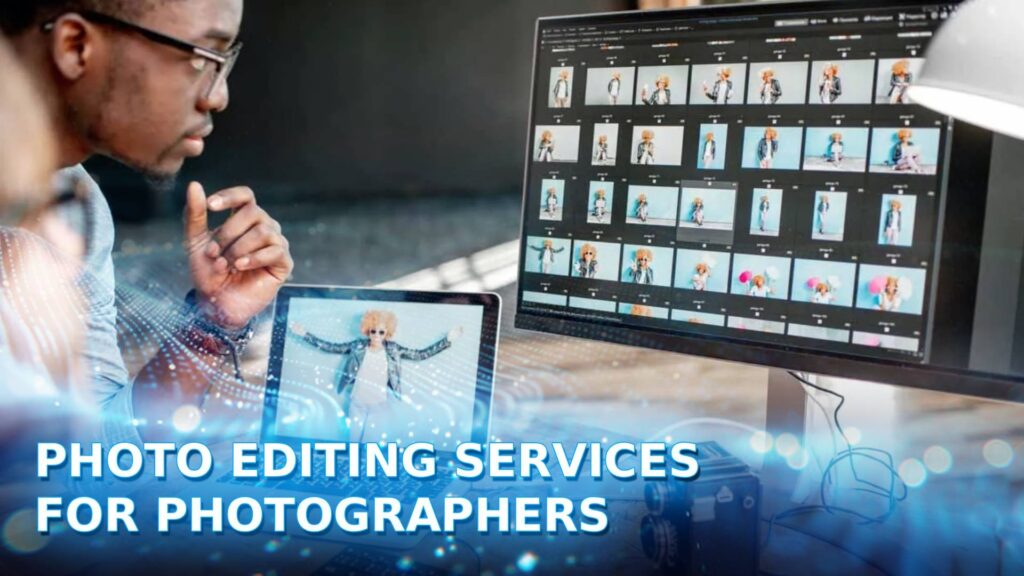
Why Do Photographers Need Professional Editing Services?
Outsourcing post-production allows photographers to eliminate workflow bottlenecks and scale their business operations. Delegating color correction and retouching improves turnaround times, reallocates hours to revenue-generating activities, and ensures aesthetic consistency across large client galleries.
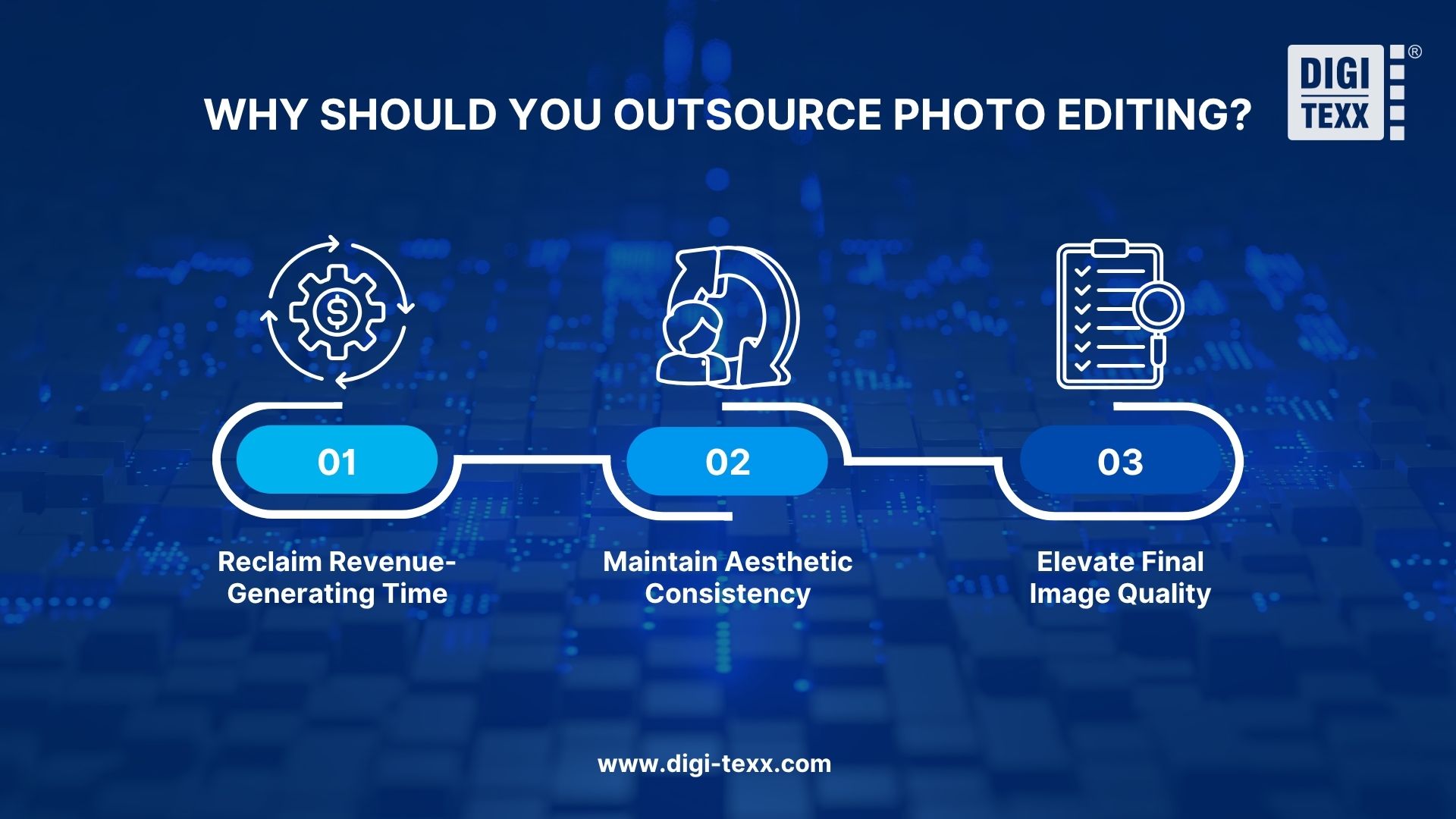
Reclaim Revenue-Generating Time
Editing photos manually requires a substantial time investment that restricts business growth.
- Processing a standard wedding gallery takes 4 to 15 hours manually.
- Delegating edits shifts your focus to client acquisition, marketing, and networking.
- Time savings allow studios to increase booking capacity during peak holiday or wedding seasons.
Maintain Aesthetic Consistency
Delivering a uniform gallery is crucial for brand reputation and client satisfaction.
- Professional services analyze past catalogs to accurately replicate specific color grading.
- AI profiles learn exact adjustments from previously edited files to maintain visual uniformity.
- Adobe Lightroom Smart Previews enable fast file transfers while keeping high-resolution RAWs local.
Elevate Final Image Quality
Basic adjustments are standard, but specialized retouching requires advanced technical skills.
- Complex edits require advanced Adobe Photoshop expertise.
- Specialized techniques like advanced skin retouching isolate texture from color for natural smoothing.
- Expert retouchers deliver high-end results while photographers focus entirely on lighting and composition.
>>> See more:
- How To Make A Clipping Path In Illustrator (Step-By-Step)?
- 25 Popular Photo Editing Styles In Photography For Stunning Images
- Best Product Photo Editing Services For eCommerce: Top Providers Compared
6 Common Types Of Photo Editing Services For Photographers
Photography editing services fall into six primary categories: bulk color correction, high-end portrait retouching, e-commerce clipping paths, real estate blending, film emulation, and photo restoration. Selecting the right category depends on your specific niche and deliverables.
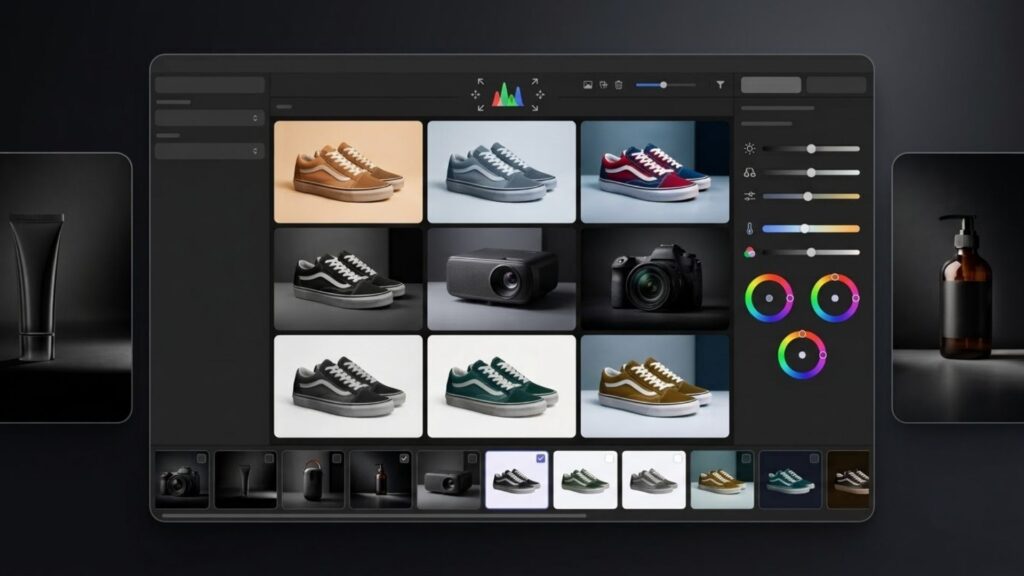
1. Bulk Color Correction & Culling
This service processes the highest volume of files, serving as an essential wedding photo editing service for event photographers.
- Filters out blurry frames, duplicates, or closed eyes.
- Applies global adjustments including white balance, exposure, and contrast.
- Delivers a cohesive baseline look across thousands of images.
2. High-End Portrait Retouching
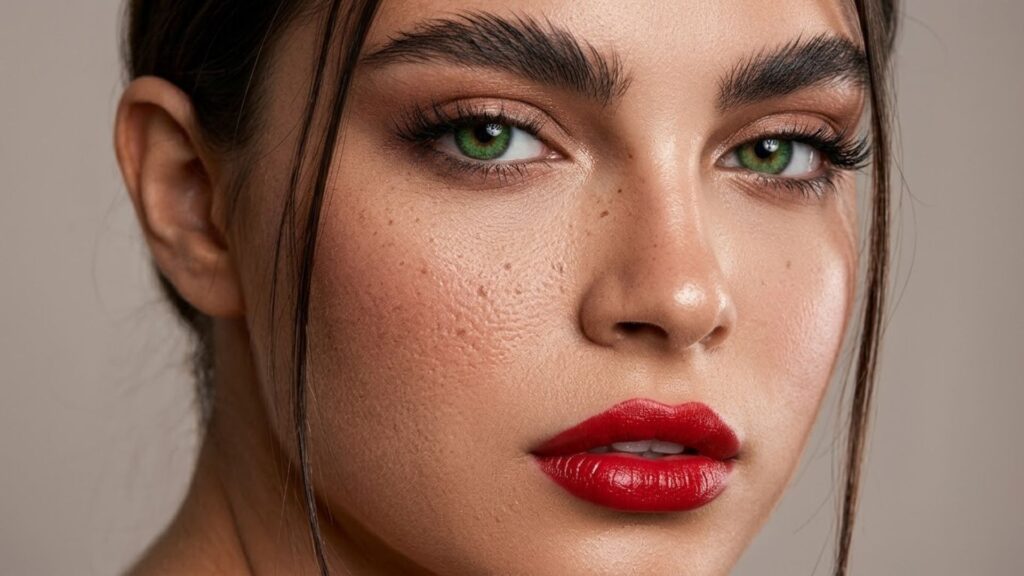
Targeted at portraits photo editing and commercial campaigns, this service focuses on localized, detailed pixel manipulation rather than global lighting adjustments.
- Executes stray hair cleanup, blemish removal, and precise dodging and burning.
- Applies frequency separation for natural skin smoothing.
- Utilized heavily by fashion, beauty, and commercial photographers requiring polished TIFF files.
3. E-Commerce & Commercial Editing
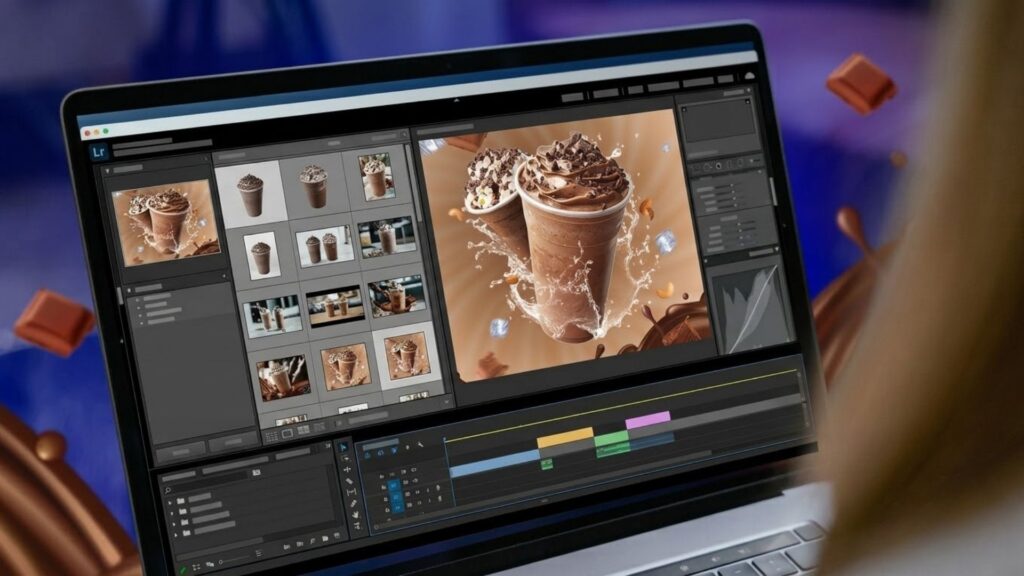
Retail product photography requires strict standardization to meet online marketplace specifications through professional ecommerce product photo retouching services.
- Delivers precise clipping paths and complex background removals.
- Executes ghost mannequin compositing and color variance matching.
- Demands high accuracy and consistency across massive image batches.
4. Real Estate Photo Editing
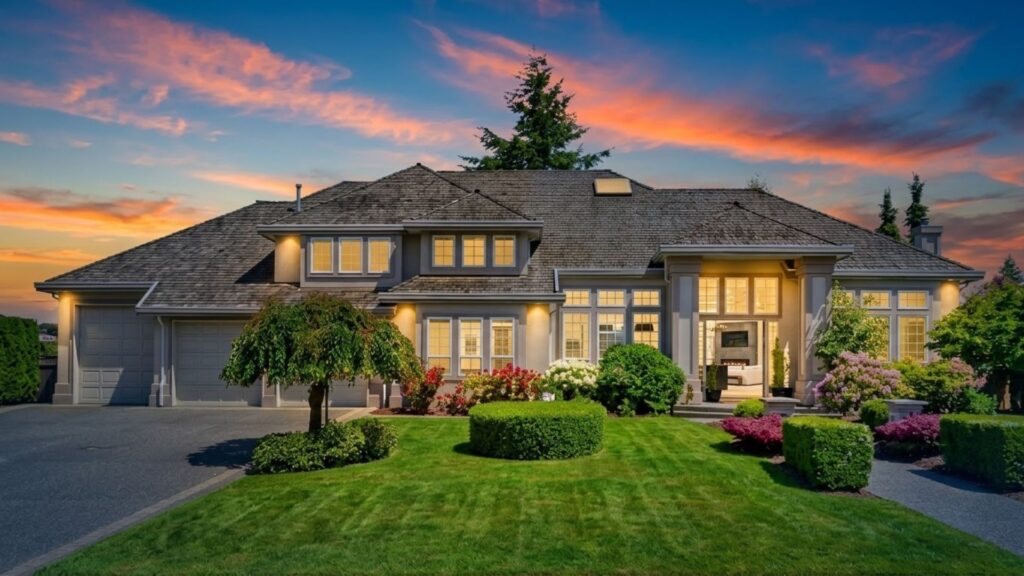
Real estate media requires specialized techniques to make properties appear spacious and well-lit.
- Performs HDR bracket blending, window masking, and sky replacements.
- Corrects severe wide-angle lens distortions.
- Prioritizes fast turnaround times, often aiming for 12 to 24-hour deliveries.
5. Film Emulation
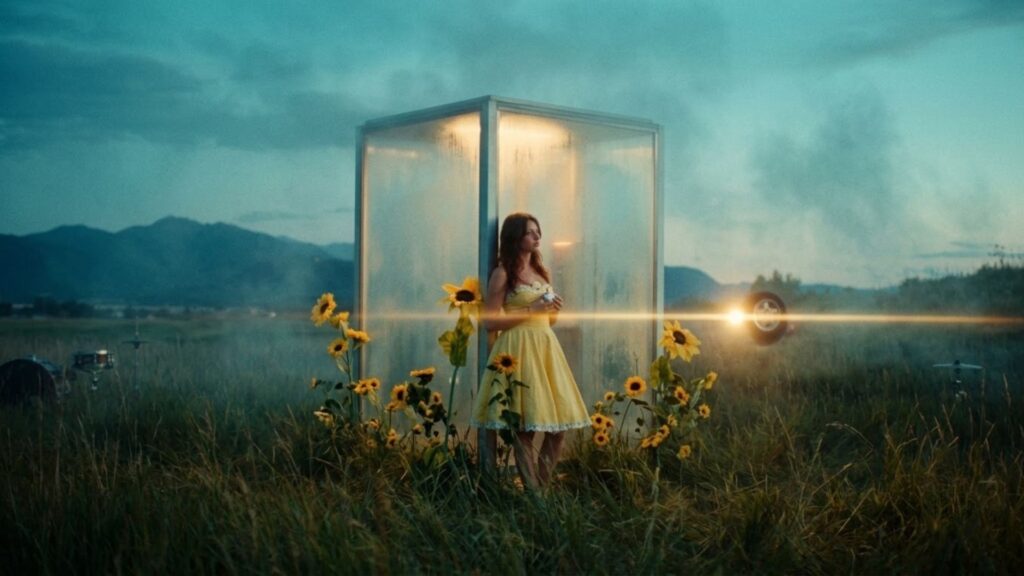
Many contemporary photographers utilize specialized editing to learn how to make photos look like film using digital RAW files.
- Adjusts digital RAW files to mimic specific color science and grain structures.
- Matches highlight roll-off and shadow tones of physical film.
- Emulates popular profiles like Kodak Portra or Fujifilm Pro 400H.
6. Photo Restoration & Manipulation
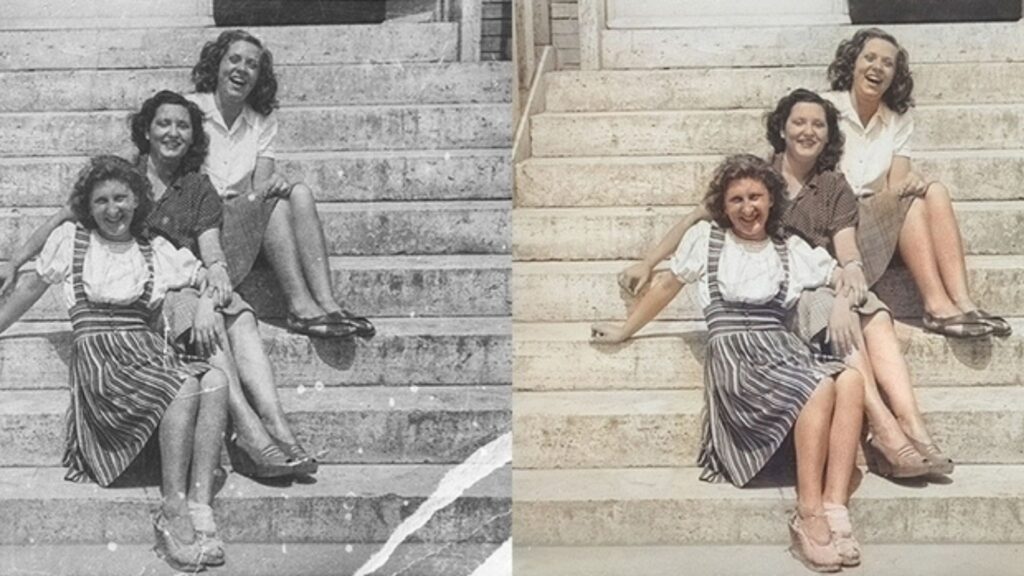
Restoration services focus on repairing damaged physical archives or executing complex composite requests to restore damaged photographs.
- Repairs physical tears, removes scratches, and cleans dust marks.
- Colorizes black-and-white historical photos.
- Executes complex manipulation requests like head swapping in large group portraits.
>>> See more:
- Photo Editing Price Guide 2026: Rates, Costs & Examples
- How to Retouch Photos on iPhone – Best Free Apps for iOS
- Fashion Photo Editing Services: Benefits, Techniques & Expert Tips
Best Professional Photo Editing Services For Photographers
Professional photo editing services utilize expert human retouchers and scalable workflow systems to deliver flawless visual results. These outsourcing partners guarantee strict brand consistency, execute complex subjective requests, and offer high-end commercial data security that DIY software cannot match.
| Agency / Service | Best Used For | Pricing | Key Advantage |
| DIGI-TEXX | Enterprise B2B & e-commerce catalogs | Custom SLA / volume | ISO 27001 secure BPO processing |
| RetouchUp | Headshots & cosmetic fixes | Flat-rate ($0.29–$5.00) | Predictable human portrait retouching |
| Photographer’s Edit | Luxury weddings & fine-art | From $0.22/image | Custom manual style matching |
| FixThePhoto | Multidisciplinary post-production | Per-image or bulk packs | Deep artistic manipulation & restoration |
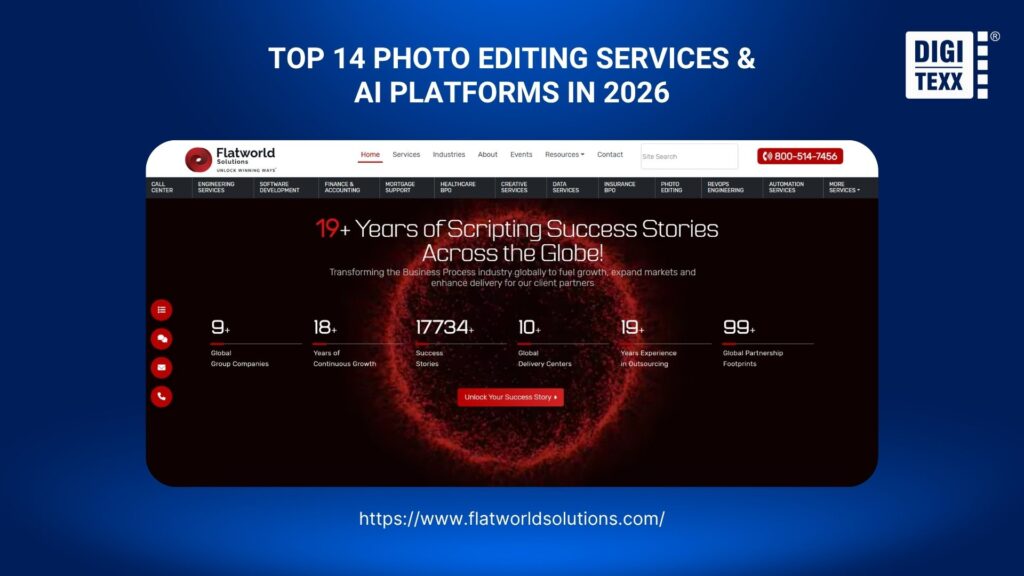
| Flatworld Solutions | E-commerce clipping & formatting | Custom volume quotes | Scalable offshore batch deliveries |
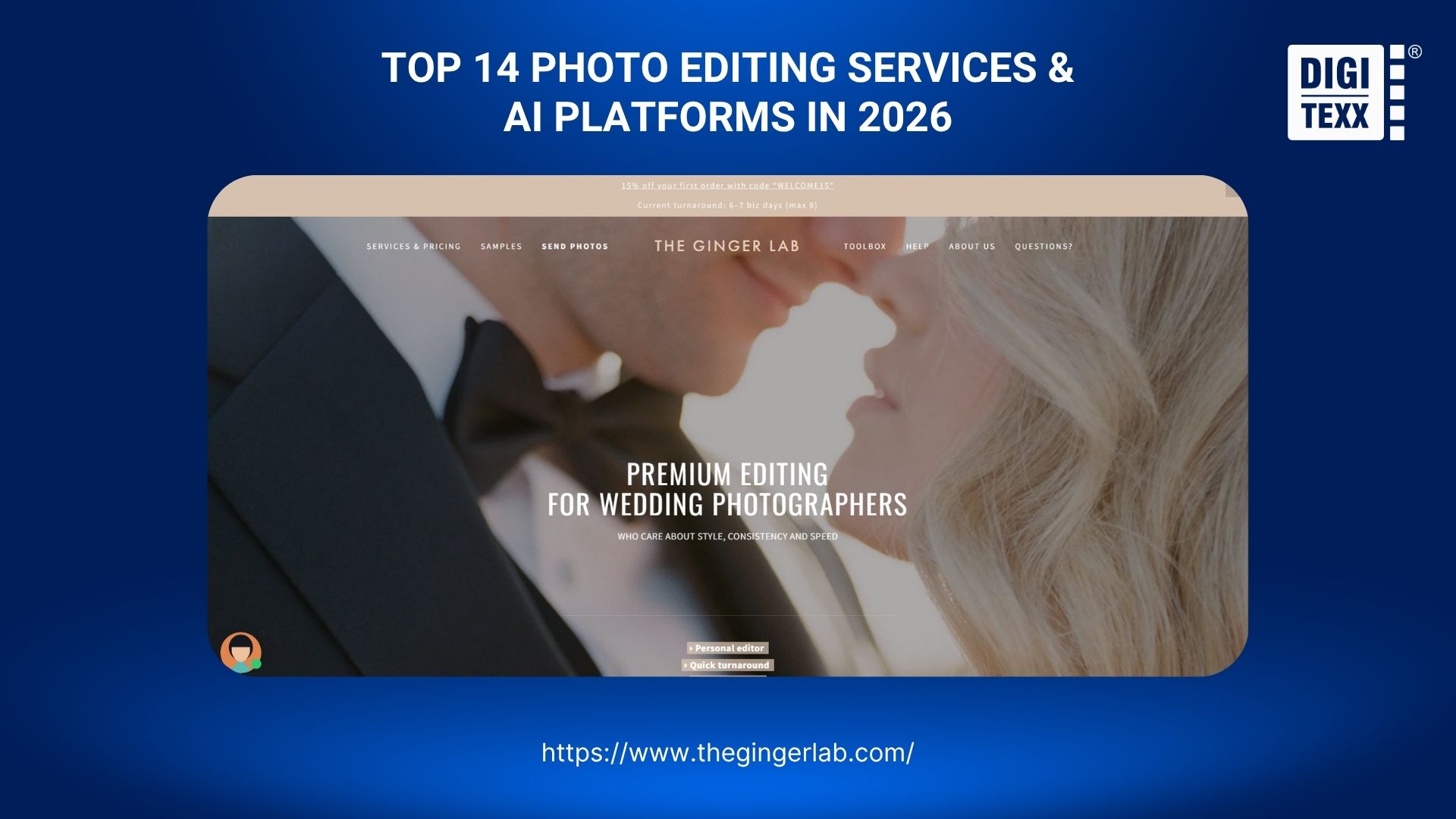
| The Ginger Lab | Fine-art film emulation | Per-image / custom | Boutique digital-to-analog matching |
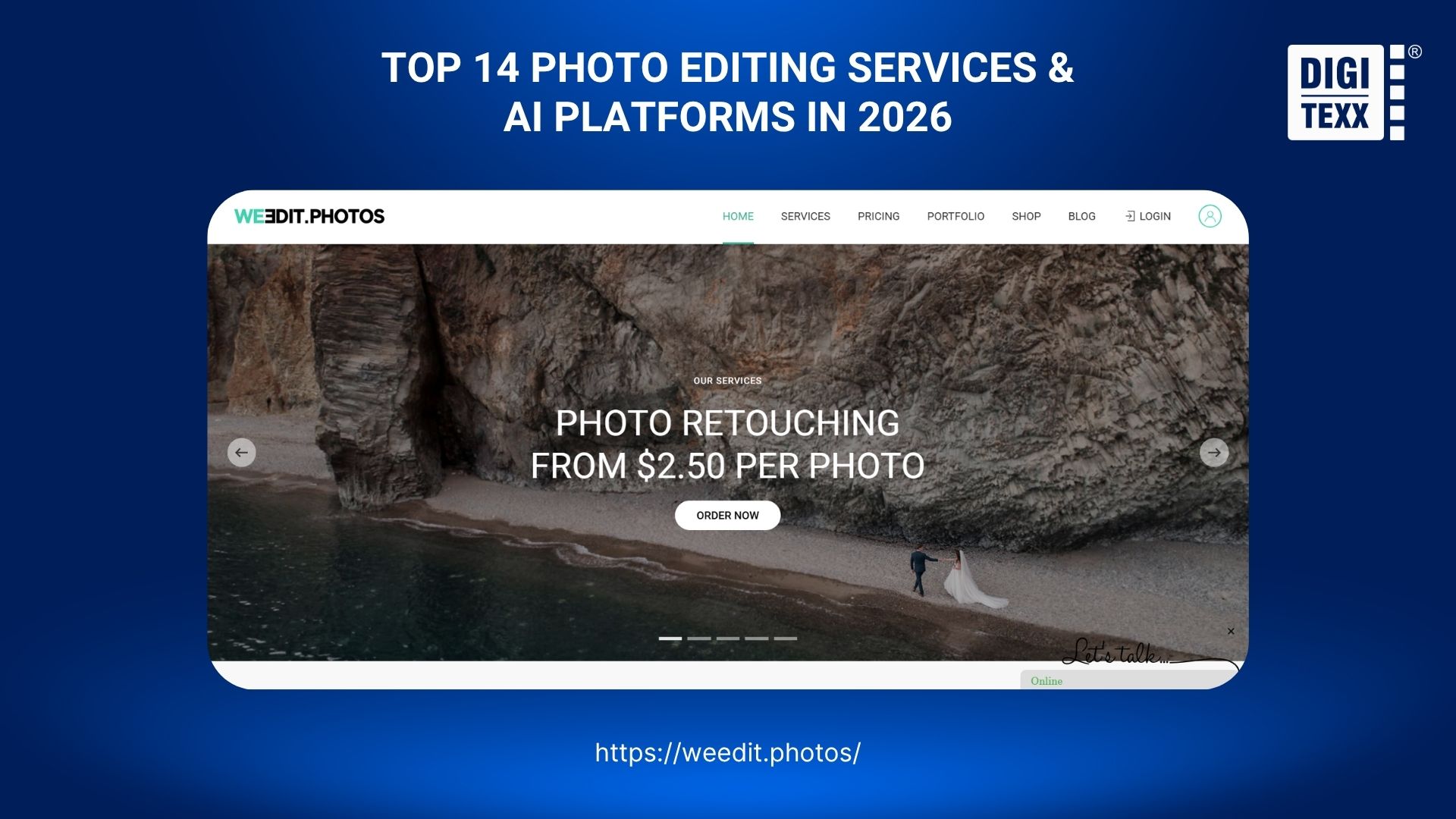
| We Edit Photos | Studio overflow & event batches | $0.20 – $10.00/image | End-to-end human workflow portal |
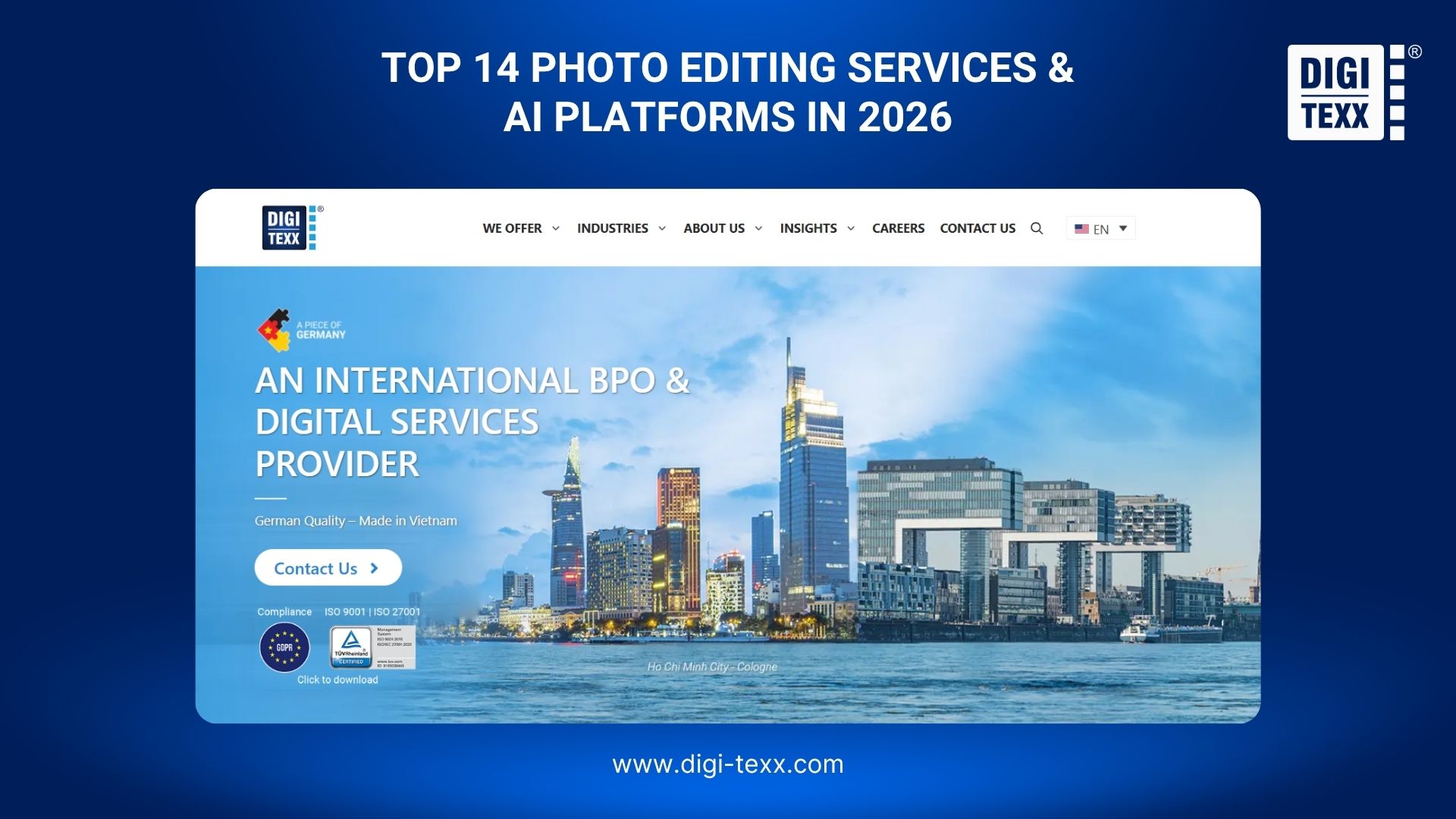
1. DIGI-TEXX
DIGI-TEXX operates as a premier scalable Business Process Outsourcing (BPO) partner. It serves large commercial photography studios, digital agencies, and e-commerce enterprises worldwide.
Core Features & Advantage:
They execute massive enterprise projects requiring specialized skills like high-precision masking, multi-layer asset extraction, and AI model dataset processing. DIGI-TEXX maintains strict ISO/IEC 27001-certified information security management. This guarantees full NDA compliance for global commercial clients.
- Pricing: Custom SLA / volume quotes.
- Best Used For: High-volume enterprise B2B processing and e-commerce catalogs.
- Case Study Capability: Executes specialized enterprise projects, such as image processing for virtual try-on AI model datasets requiring high-precision masking, multi-layer asset extraction, and metadata tagging.
2. RetouchUp
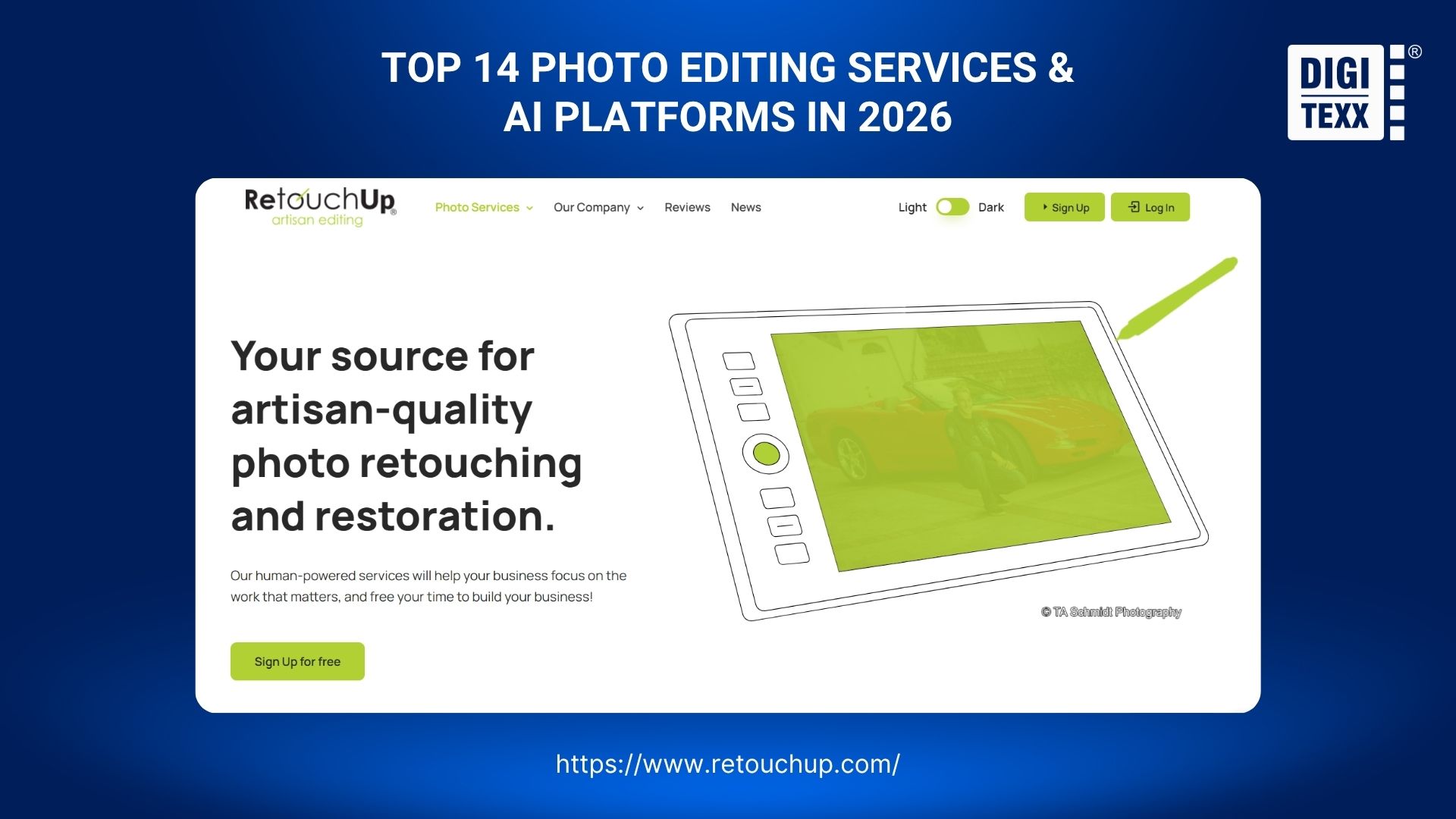
RetouchUp provides reliable, human-powered portrait retouching tailored strictly for professional photography studios. By utilizing experienced graphic artists, they handle nuanced image modifications efficiently.
Core Features & Advantage:
They operate on a highly transparent flat-rate pricing system. Their experienced team easily handles complex object removal, glass glare, and background extensions without surprise “complexity” fees.
- Pricing: $0.29 – $5.00/image.
- Best Used For: Standard headshots, school portraits, and cosmetic fixes.
3. Photographer’s Edit
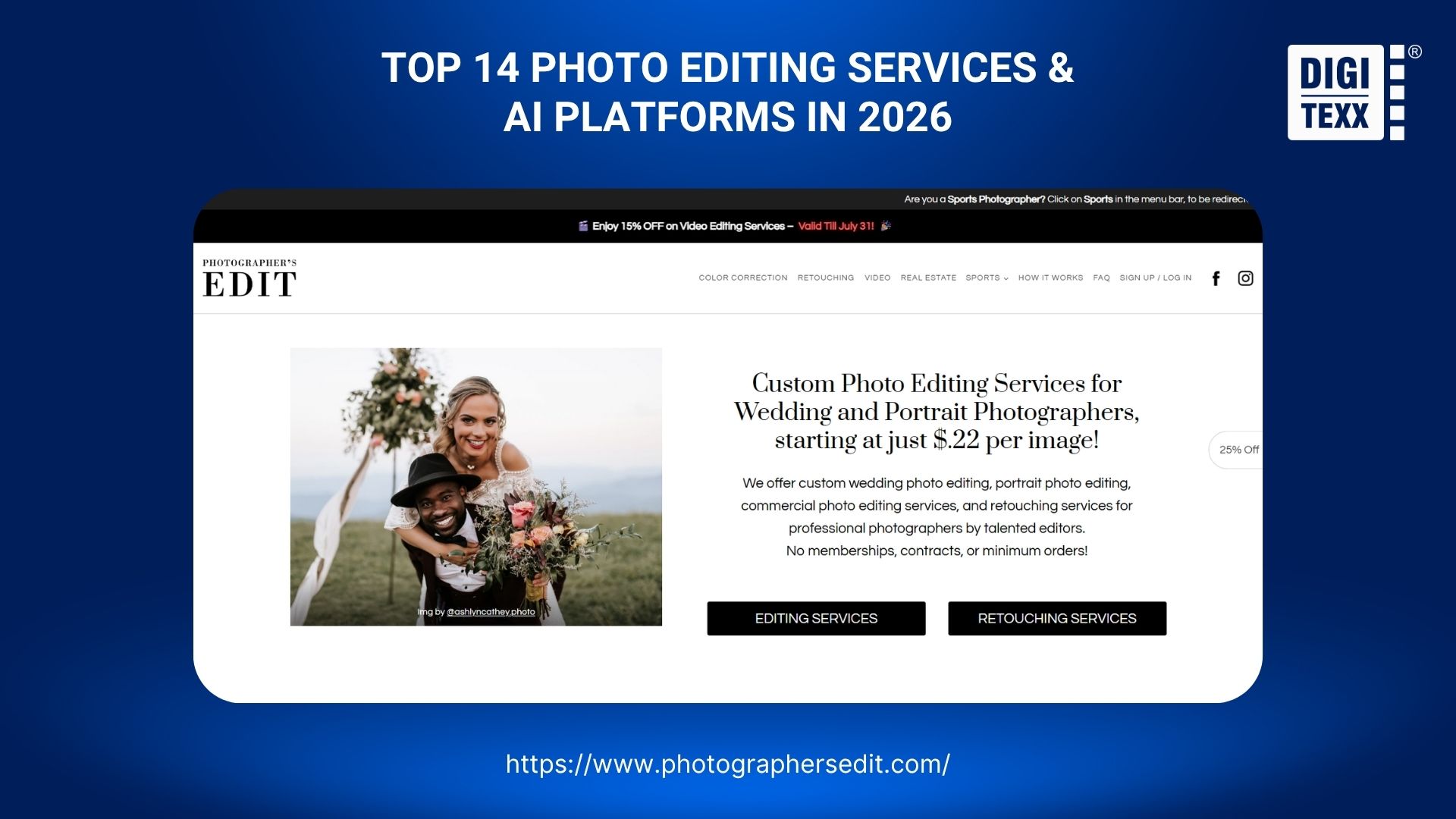
Photographer’s Edit remains a premium staple for luxury wedding and fine-art portrait shooters. They specialize entirely in meticulous, human-powered style matching to maintain brand consistency.
Core Features & Advantage:
They utilize your specific anchor images and past Lightroom catalogs as aesthetic references. They assign dedicated manual editors to replicate your exact color grading nuances using Smart Previews.
- Pricing: From $0.22/image.
- Best Used For: Luxury weddings and fine-art portrait campaigns.
4. FixThePhoto
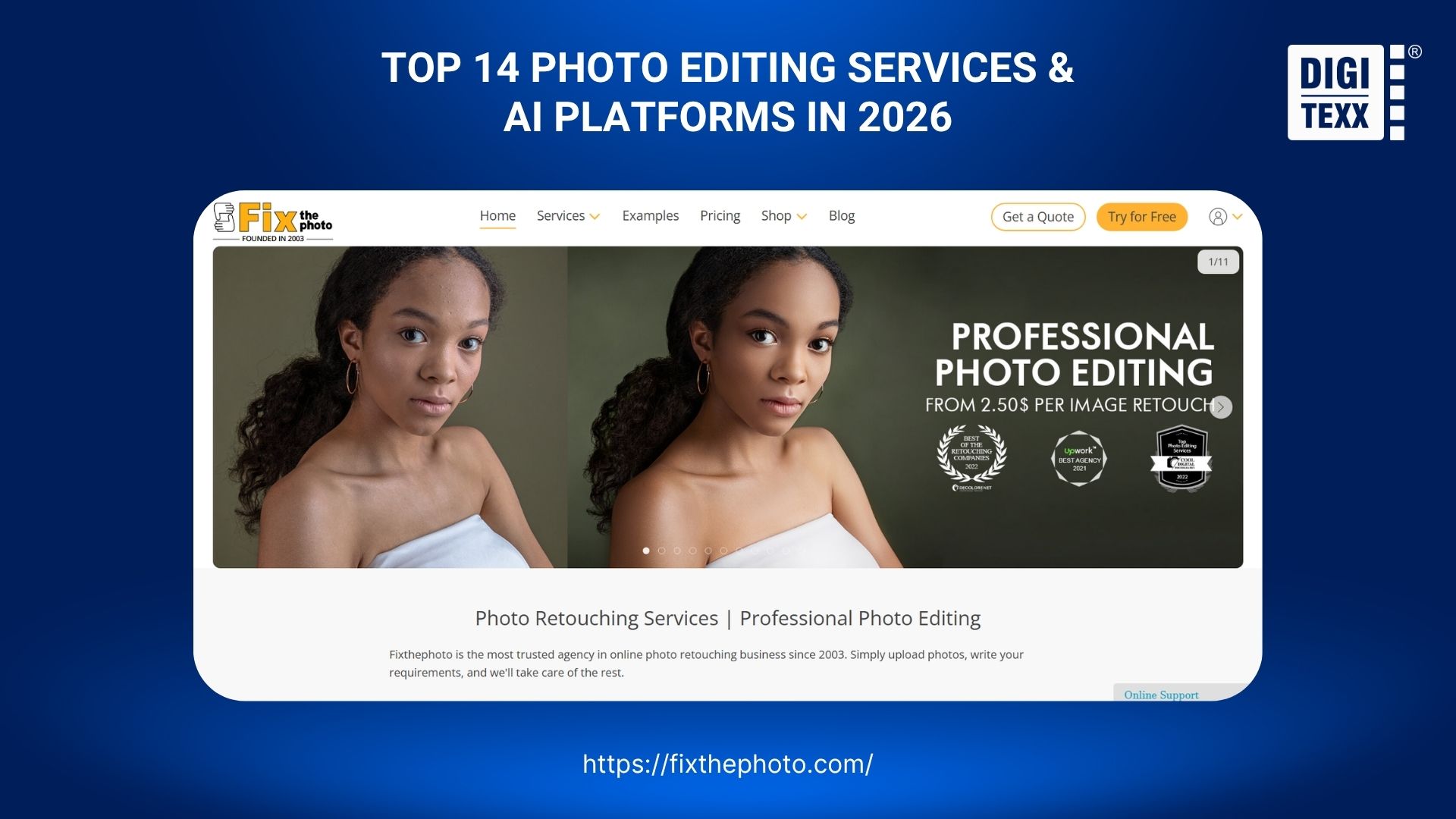
FixThePhoto is one of the most comprehensive online post-production agencies available today. They offer an expansive range of services from basic bulk color correction to highly specialized artistic manipulation.
Core Features & Advantage:
They provide a massive spectrum of solutions including high-end fashion retouching, real estate HDR blending, and complex vintage photo restoration.
- Pricing: Per-image or bulk packs.
- Best Used For: Multidisciplinary studios needing diverse post-production services.
5. Flatworld Solutions
Flatworld Solutions is a global B2B service provider targeting large-scale commercial clients. They brilliantly combine technological automation with offshore human quality assurance.
Core Features & Advantage:
They focus heavily on repetitive commercial tasks like e-commerce clipping paths and bulk product formatting. Flatworld utilizes secure FTP servers for rapid daily batch deliveries.
- Pricing: Custom quotes based on volume.
- Best Used For: E-commerce brands needing scalable clipping and formatting.
6. The Ginger Lab
The Ginger Lab operates strictly within the boutique editing space. They maintain a hyper-focus on hybrid professional shooters who expertly blend digital and analog film formats.
Core Features & Advantage:
They specialize deeply in matching digital RAW files to specific analog film stocks. They execute a high-touch boutique onboarding process involving detailed style consultations.
- Pricing: Per-image or custom quotes.
- Best Used For: Fine-art film emulation and editorial aesthetic matching.
7. We Edit Photos
We Edit Photos serves as a highly reliable, generalist post-production partner. They successfully bridge the gap between automated software solutions and expensive boutique human labs.
Core Features & Advantage:
They manage end-to-end workflows ranging from massive wedding batches to individual portrait retouching. They provide consistent human editing via a highly intuitive client upload portal.
- Pricing: $0.20 – $10.00/image.
- Best Used For: General studio post-production overflow and busy event seasons.
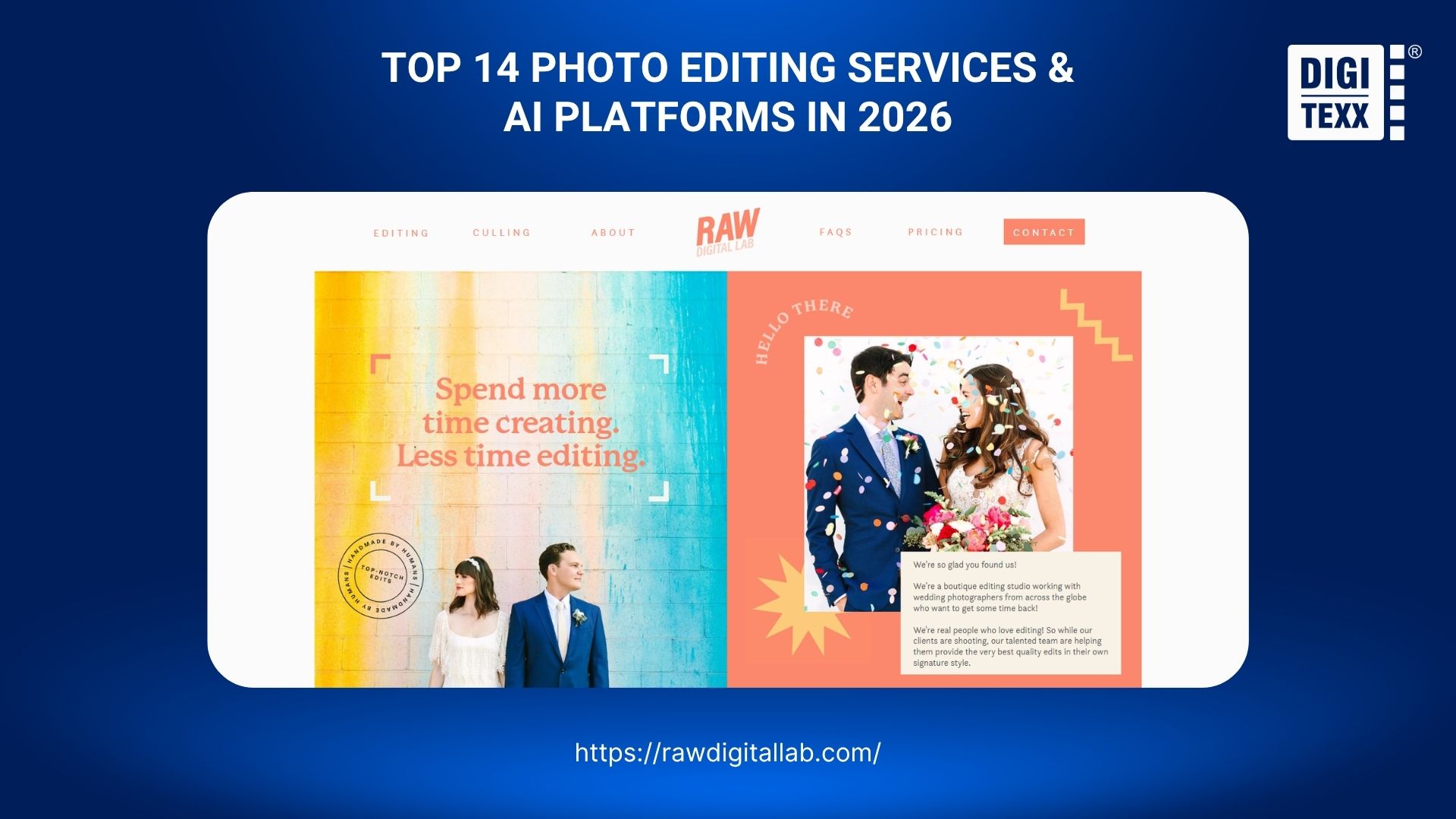
8. Raw Digital Lab
Raw Digital Lab provides high-end, boutique aesthetic customization tailored exclusively for premium photography studios. They focus heavily on preserving strict, long-term brand consistency.
Core Features & Advantage:
They completely prevent aesthetic drift by assigning a single, dedicated editor to your account for life. They execute a highly detailed onboarding process through frequent test edits.
- Pricing: Custom quotes.
- Best Used For: Luxury wedding studios who demand absolute perfection.
Best AI Photo Editing Tools & Platforms For Photographers
AI photo editing tools provide photographers with instant, automated processing for rapid bulk culling and baseline color correction. These software platforms utilize advanced machine learning algorithms to significantly reduce screen time for high-volume shooters.
| Platform / Tool | Best Used For | Pricing | Key Advantage |
| Imagen AI | Bulk color correction | Pay-per-use credits | Custom Lightroom AI profiles |
| Narrative Select | Rapid RAW culling | Subscription | Zero-latency offline focus check |
| Evoto AI | Batch portrait & skin retouching | Credit-based (on export) | Intuitive AI skin sliders |
| Aftershoot | Unified culling & grading | Flat-rate subscription | Offline all-in-one assistant |
| Neurapix | Native Lightroom grading | Pay-per-use or Flat rate | SmartPreset AI integration |
| FilterPixel | Automated burst filtering | Subscription | Flags technical flaws & duplicates |
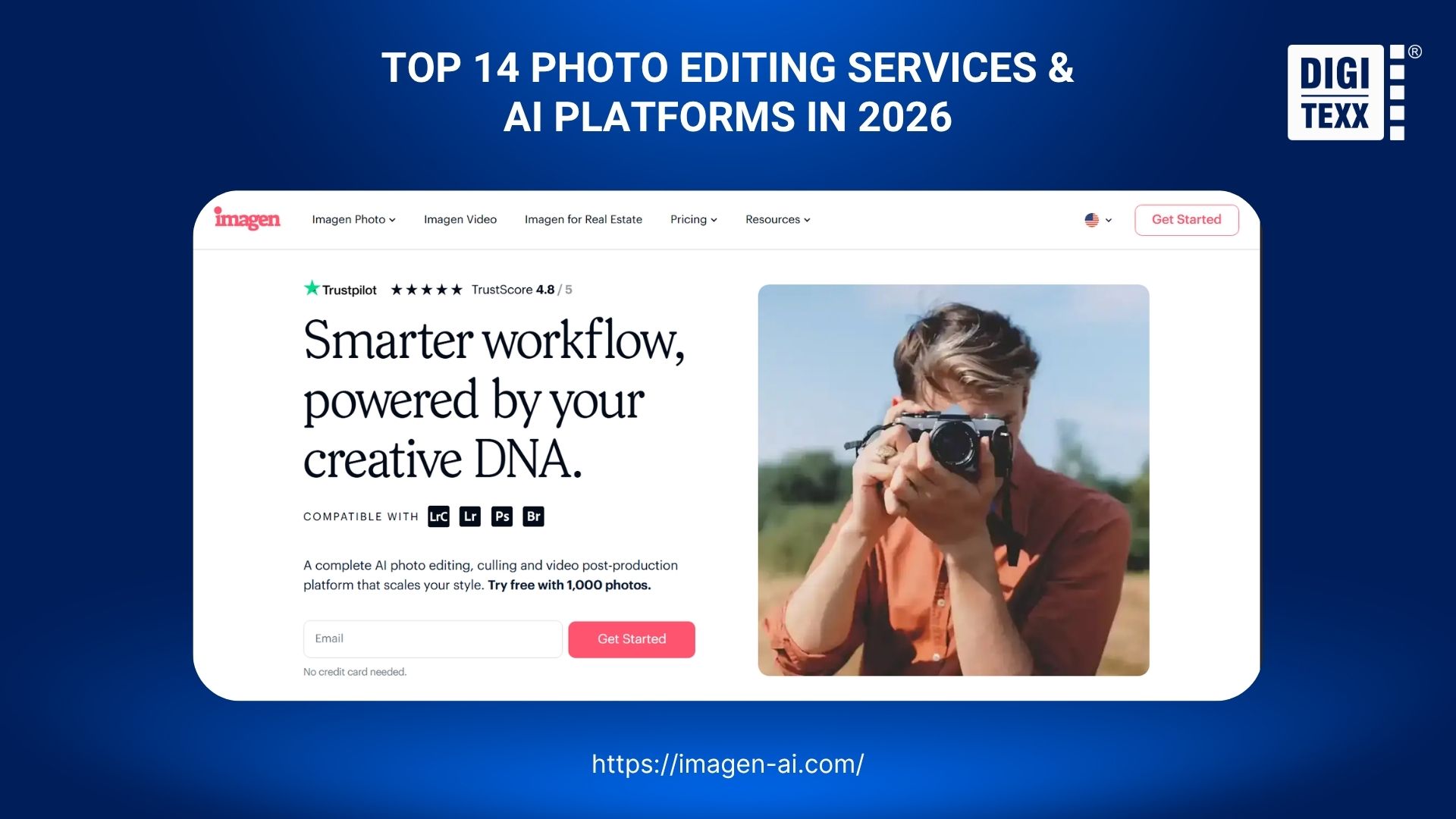
1. Imagen AI
Imagen AI stands out as a leading desktop application tailored specifically for bulk color grading. By analyzing your past work, it dramatically reduces manual processing time for event photographers.
Workflow & Advantage:
The software builds highly personalized AI Creator Profiles by training on roughly 1,500 of your previously edited images. It automatically applies localized adjustments like subject masking directly within Adobe Lightroom Classic.
- Pricing: Pay-per-use AI credits.
- Best Used For: Instant bulk color correction matching your personal style.
2. Narrative Select
Narrative Select is a lightning-fast, AI-powered photo culling software designed strictly to optimize your initial image selection phase. It eliminates the rendering lag associated with standard RAW file imports.
Workflow & Advantage:
The platform utilizes advanced computer vision to instantly identify critical focus issues and closed eyes. It operates 100% offline on your local machine for a zero-latency culling workflow.
- Pricing: Monthly or annual subscription.
- Best Used For: Rapid RAW photo culling and facial expression checking.
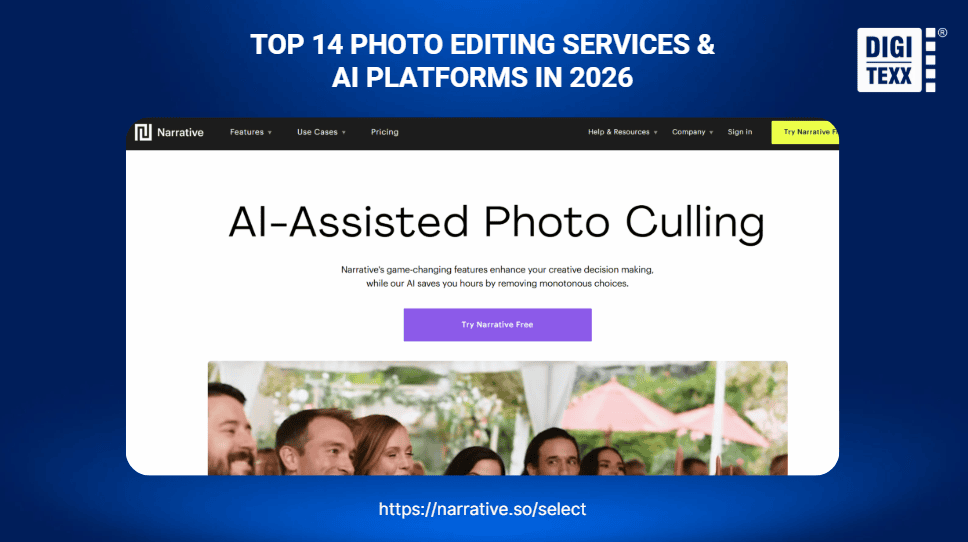
Alt Text: Narrative Select tool professional photo editing services for photographers near me.
Caption: Narrative Select provides instant offline AI photo culling. (Sources: DIGI-TEXX)
3. Evoto AI
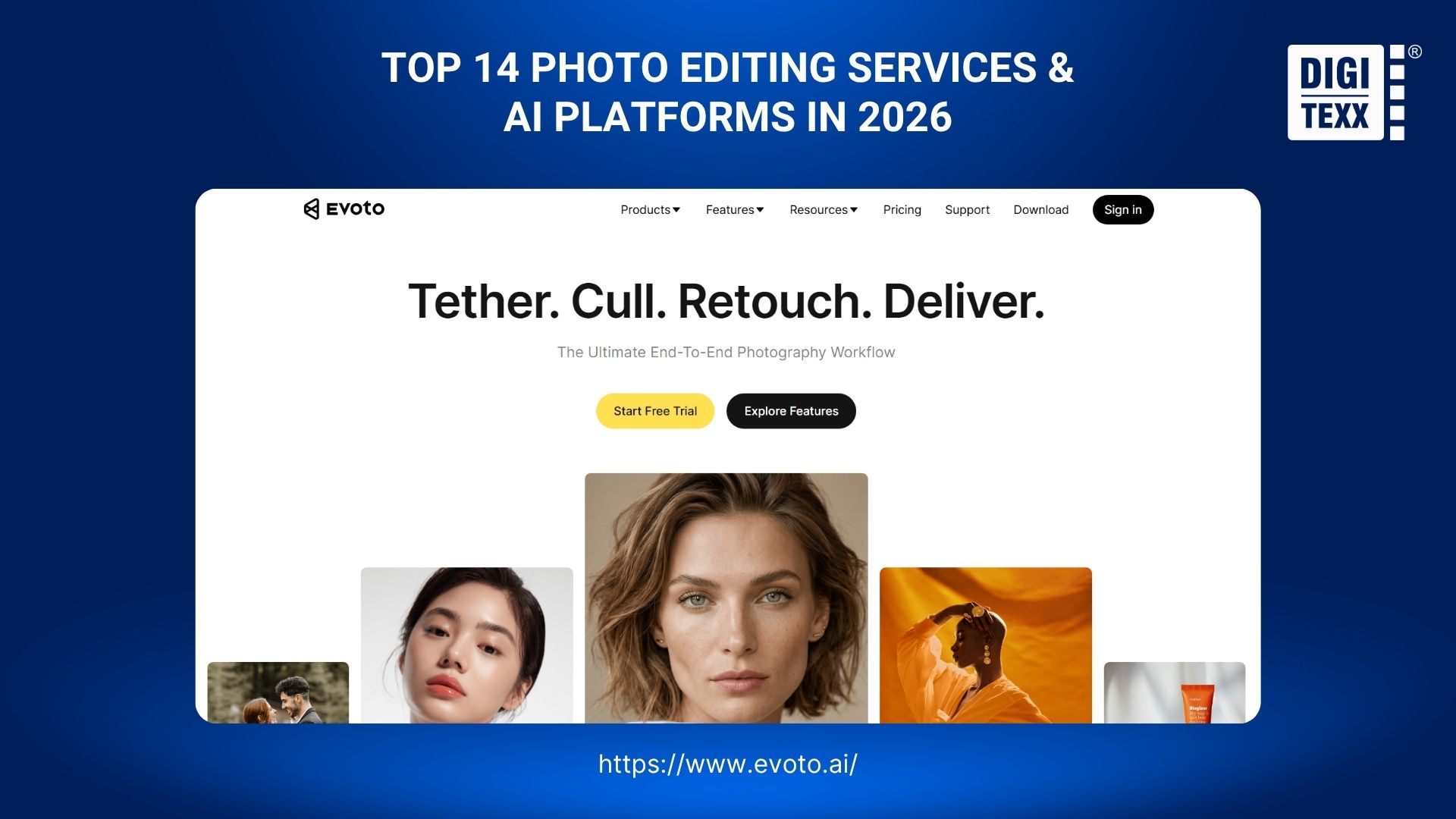
Evoto AI focuses specifically on high-end portrait retouching workflows. It replaces complex Photoshop masking processes with intuitive, AI-driven sliders for instant localized adjustments.
Workflow & Advantage:
Evoto automates advanced skin smoothing, stray hair reduction, and digital makeup application seamlessly. It functions as a standalone desktop software operating on a unique credit-based billing system upon export.
- Pricing: Credit-based pricing (pay on export).
- Best Used For: Batch portrait and automated skin retouching.
4. Aftershoot
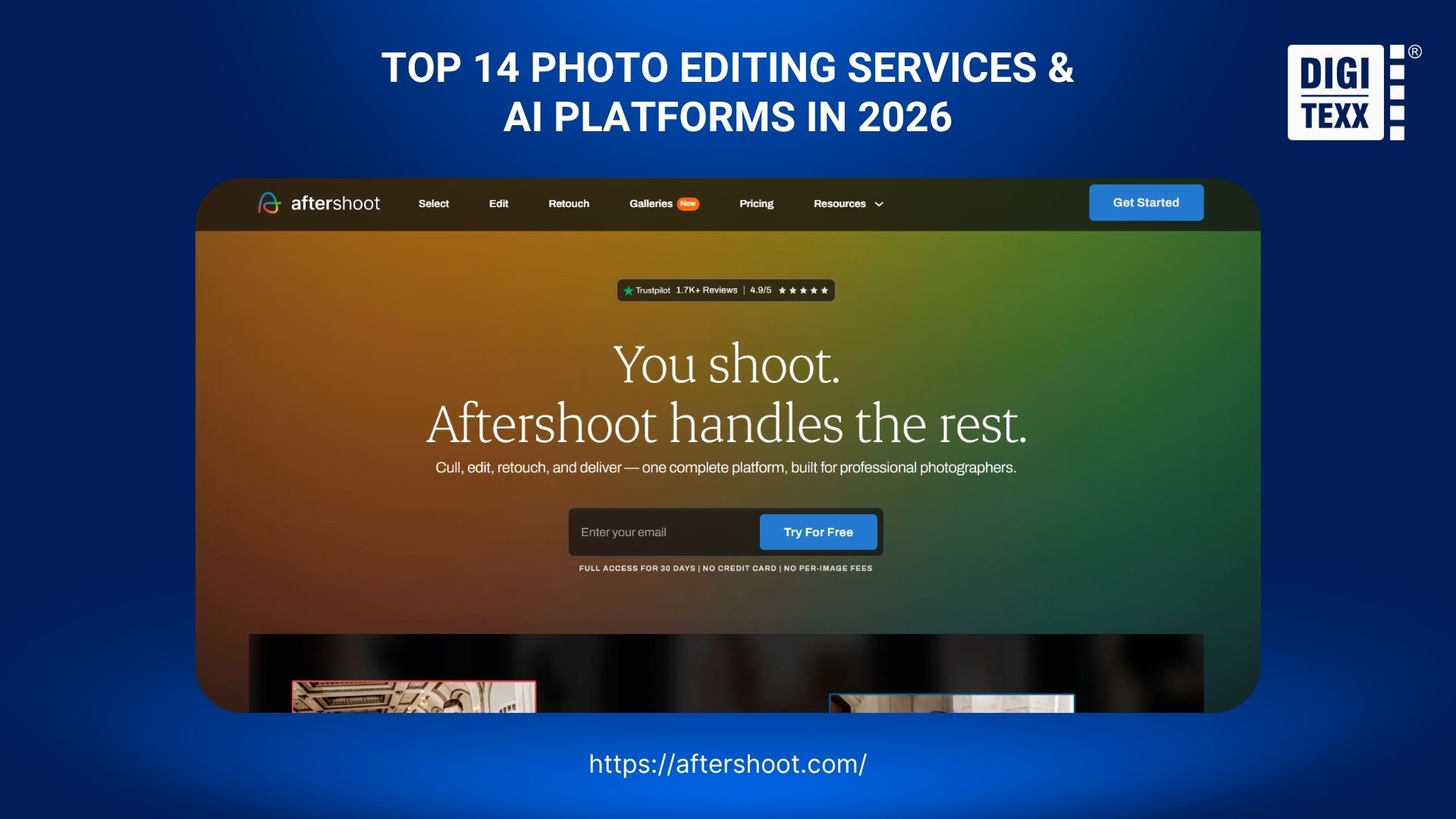
Aftershoot provides a comprehensive, all-in-one desktop solution engineered to function as an automated studio assistant. It brilliantly combines both AI culling and AI color grading in one interface.
Workflow & Advantage:
It features proprietary AI algorithms for both automated sorting and custom profile color correction. The software operates entirely offline, utilizing your local machine’s processing power before exporting to Capture One.
- Pricing: Flat-rate annual subscription.
- Best Used For: Unified AI culling and color grading without pay-per-image fees.
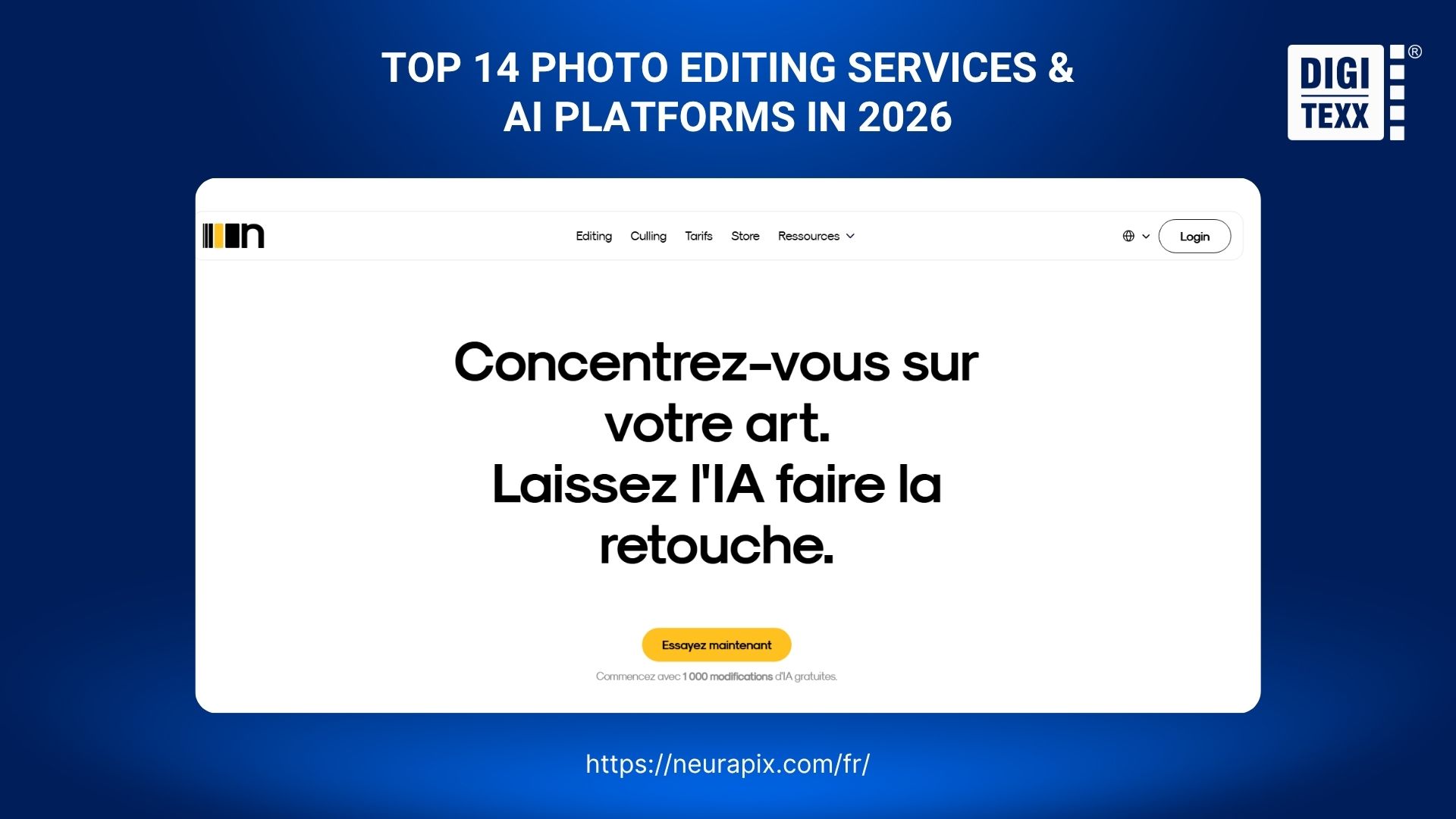
5. Neurapix
Neurapix differentiates itself by integrating its AI color grading engine directly into Adobe Lightroom Classic. This eliminates the friction of bouncing between external software interfaces and your standard catalogs.
Workflow & Advantage:
The plugin learns your unique editing style via a proprietary SmartPreset AI model. Photographers train and apply custom AI profiles to RAW files effortlessly without ever leaving the Lightroom application.
- Pricing: Pay-per-use or flat rate.
- Best Used For: Native AI color grading inside Lightroom.
6. FilterPixel
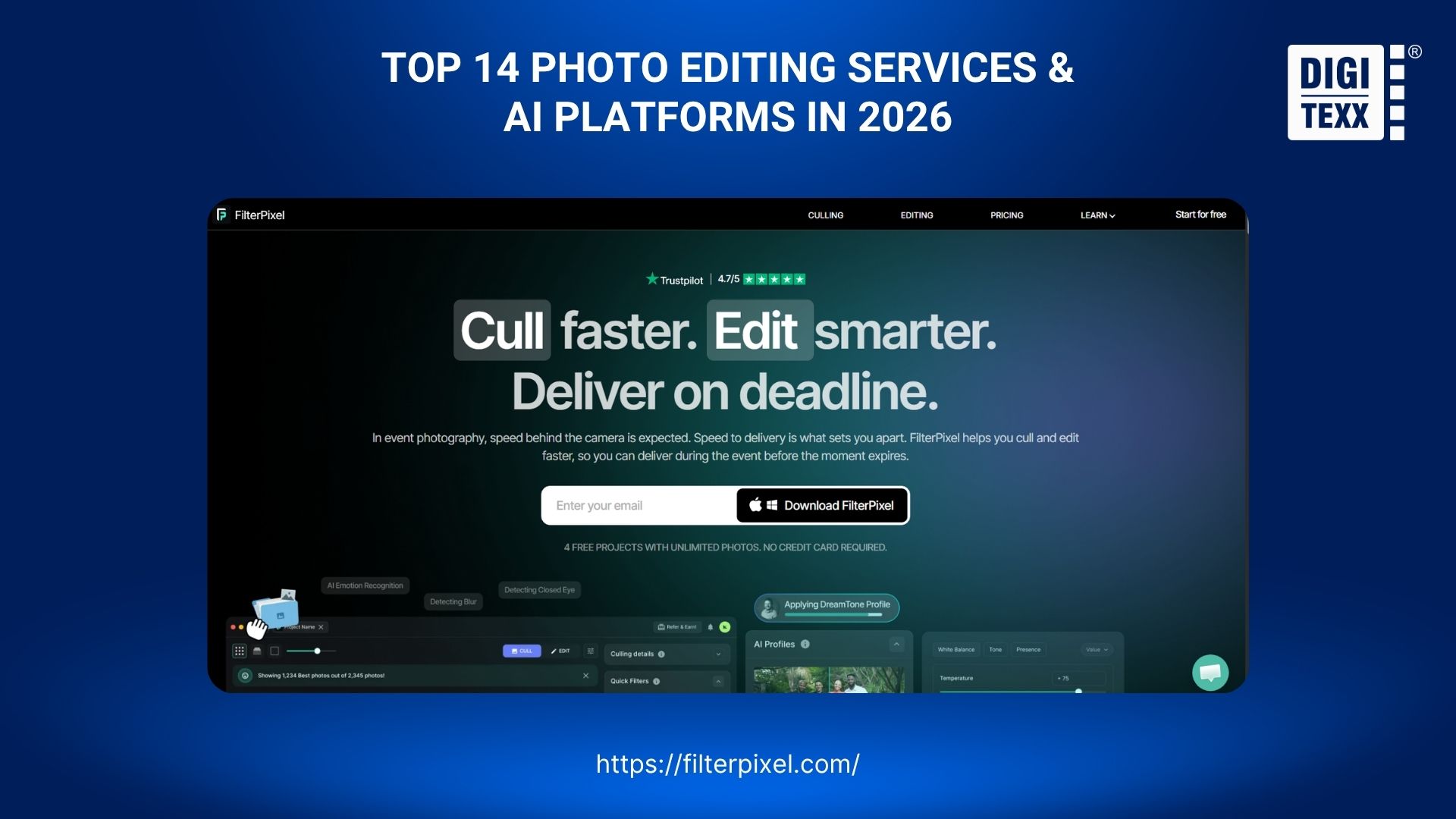
FilterPixel is a dedicated AI culling application built strictly for speed, accuracy, and workflow optimization. It leverages intelligent algorithms to automatically filter out technical flaws before grading begins.
Workflow & Advantage:
FilterPixel automatically flags critical technical flaws like severe motion blur or missed focus. It logically groups duplicate burst shots and categorizes images into accepted or rejected folders for rapid review.
- Pricing: Monthly or annual subscription.
- Best Used For: Automated burst photography filtering and focus culling.
How To Choose The Right Photo Editing Service For Photographers
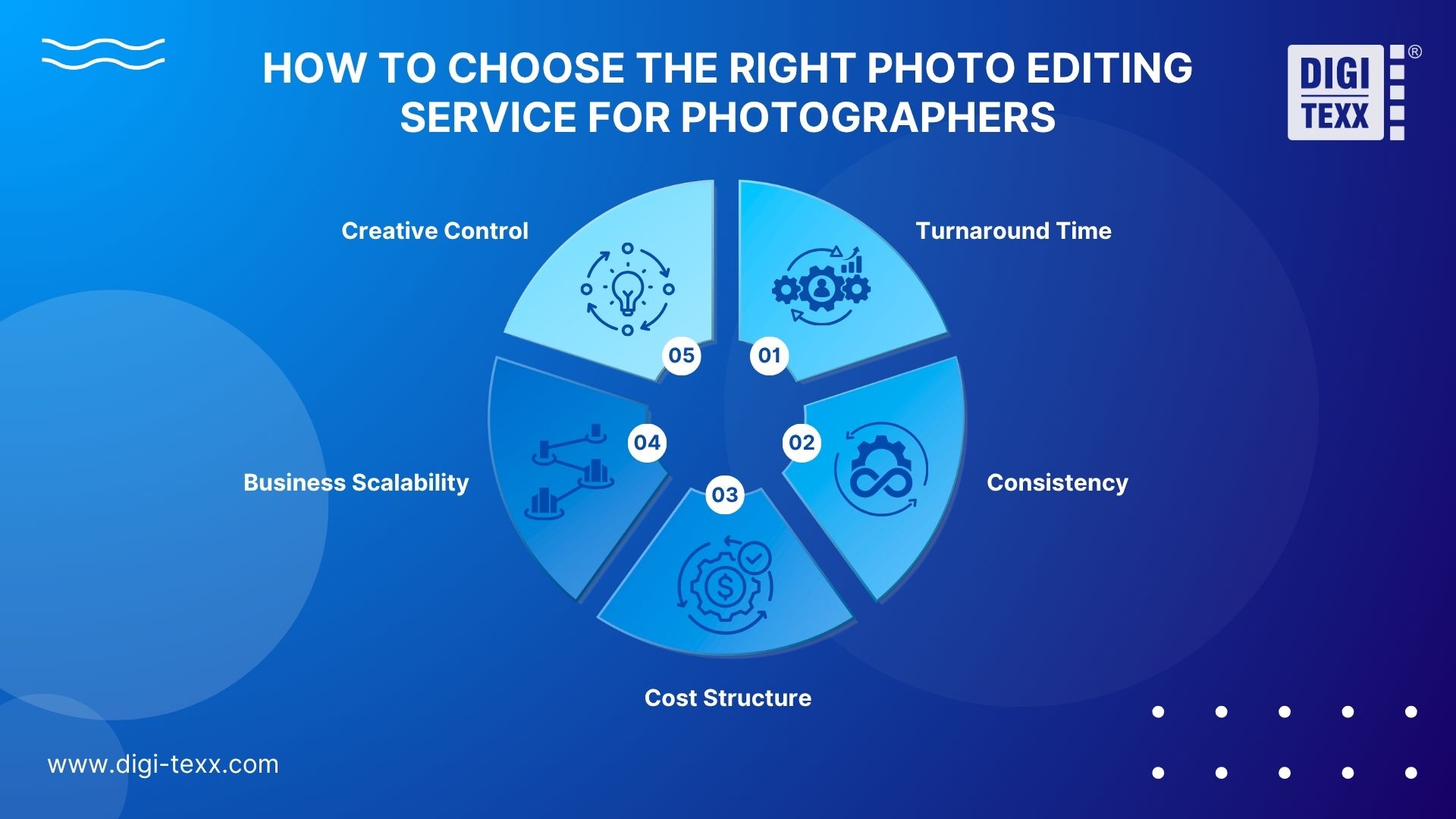
When selecting a post-production partner, photographers must strategically evaluate five core factors: turnaround time, aesthetic consistency, cost structure, business scalability, and the level of creative control retained.
- Turnaround Time: Does the service match your client delivery deadlines? Evaluate if you need 24-hour delivery for commercial work or if a 7-day turnaround is acceptable for weddings.
- Consistency: Do they offer custom profile matching? Always request test batches (many offer professional photo editing free trials for the first 10-20 images) to prove they can replicate your exact style before committing.
- Cost Structure: Analyze your budget. Determine if you are better off paying a flat rate per image (best for occasional high-end retouching), an hourly fee, or utilizing a pay-per-use AI credit system (best for bulk weddings).
- Business Scalability: Can the partner handle 500 images today and 50,000 images during the peak Q4 holiday season? If you are scaling into a large enterprise, boutique labs will bottleneck your growth. You must partner with robust BPO providers like DIGI-TEXX to ensure seamless scalability and data security.
- Creative Control: Determine your comfort level with automation. Do you prefer handing over the entire process to a human team, or do you want to generate quick base edits via AI and manually adjust them afterward?
>>> See more:
- What Is Multiple Clipping Path Service? A Complete Guide
- Top 10 Free Photo Retouch Tools Online In 2026
- 7+ Best Photo Editing Apps For Android And iPhone (2026 Guide)
Comparison: AI Photo Editing Tools vs. Professional Editing Services
Understanding the operational differences between automated software and professional BPO services is crucial for scaling your photography business efficiently.
“In a world where AI can execute edits instantly, human taste and curation become the most valuable assets a creative professional possesses.” – Scott Belsky
| Feature | AI Editing Platforms (Tools) | Professional Outsourcing (Services) |
| Processing Speed | Instant (Seconds per image) | 12–48 Hours (Human verified) |
| Complex Retouching | Limited & Often Inaccurate | Flawless & Highly Customized |
| Aesthetic Consistency | Good (Prone to aesthetic drift) | Perfect (Dedicated human editors) |
| Quality Assurance (QA) | Requires manual review by photographer | Multi-layered professional QA included |
| Data Security | Standard Cloud Encryption | ISO/IEC 27001 Certified (e.g., DIGI-TEXX) |
| Ideal Workload | Solo shooters & tight deadlines | Commercial agencies & enterprise scale |
FAQs About Photo Editing Services For Photographers
How Much Do Photo Editing Services Cost?
Photo editing service costs depend on project complexity and volume. Bulk color correction for events ranges from $0.15 to $0.40 per image. High-end portrait retouching costs between $2.50 and $10.00 per photo. AI-powered automated platforms charge around $0.05 per edit or operate via monthly subscriptions.
What Is The 80/20 Rule In Photography Post-Production?
The 80/20 rule states that 80% of a photography studio’s revenue comes from 20% of core activities, such as shooting, marketing, and client relations. Spending 80% of your time editing RAW files stifles business growth. Outsourcing technical post-production allows photographers to focus entirely on high-value, revenue-generating tasks.
Is It Safe To Send Raw Client Photos To Third-Party Editors?
Yes, sending RAW photos to reputable services is safe. Professional editing companies enforce Non-Disclosure Agreements (NDAs) to protect your intellectual property. For commercial studios requiring enterprise-grade data security, partnering with ISO-certified BPO providers like DIGI-TEXX ensures full regulatory compliance, encrypted file transfers, and confidential data management.
What Is The Difference Between Color Correction And High-End Retouching?
Color correction involves global adjustments across an image, including white balance, exposure, contrast, and color grading. High-end retouching focuses on detailed, localized manipulation using Photoshop. It includes frequency separation for skin smoothing, stray hair cleanup, background object removal, and precise body contouring for fashion and commercial portraits.
How Do Professional Editing Services Match My Unique Photography Style?
Human-powered editing services assign dedicated editors who analyze your reference catalogs, anchor images, and Lightroom presets to replicate your look. AI-powered platforms train personalized AI profiles by learning from thousands of your previously edited catalog images, automatically applying your signature color grading and exposure adjustments across new batches.
Can I Outsource Just The Photo Culling Process?
Yes, you can outsource photo culling independently from color grading. Specialized human editors or AI tools evaluate your RAW image sets, automatically filtering out blurry frames, closed eyes, and bad exposures. They deliver a curated Lightroom catalog of top selects, leaving creative color adjustments entirely under your control.
Drowning in a post-production backlog is a choice, not a requirement. Investing in photo editing services online is a direct investment in your mental health, your brand’s consistency, and your studio’s financial growth.
Whether you prefer the eco-friendly touch of boutique human labs, the rapid turnaround of AI profiles, or the industrial scalability and security of BPO partners like DIGI-TEXX, the right choice will fundamentally change your business operations.
DIGI-TEXX Contact Information:
🌐 Website: https://digi-texx.com/
📞 Hotline: +84 28 3715 5325
✉️ Email: [email protected]
🏢 Address:
- Headquarters: Anna Building, QTSC, Trung My Tay Ward
- Office 1: German House, 33 Le Duan, Saigon Ward
- Office 2: DIGI-TEXX Building, 477-479 An Duong Vuong, Binh Phu Ward
- Office 3: Innovation Solution Center, ISC Hau Giang, 198 19 Thang 8 street, Vi Tan Ward
References
- Palazon, A. (2026, April 14). Study shows 83% of photographers use AI – has the technology already become an integral part of photography? Digital Camera World. https://www.digitalcameraworld.com/tech/artificial-intelligence/study-shows-83-percent-of-photographers-use-ai-has-the-technology-already-become-an-integral-part-of-photography
- TechRadar. (2025, October). The 2025 Aftershoot Photography Workflow Report: How AI is redefining creative work. https://www.techradar.com/pro/a-wake-up-call-shocking-ai-survey-finds-that-clients-of-most-photographers-dont-notice-any-difference-in-ai-edited-work-and-thats-making-these-pros-less-stressed