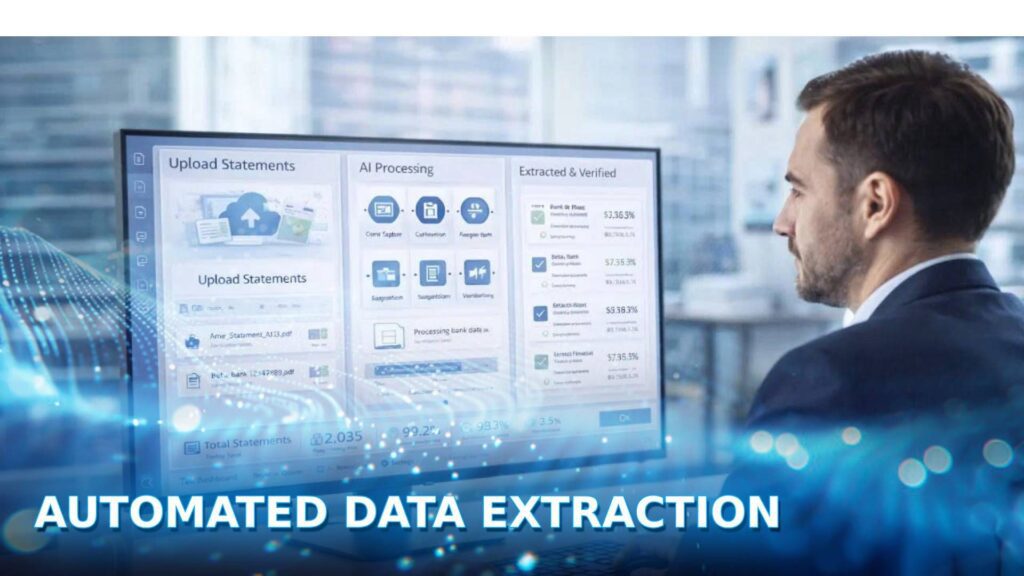
Automated data extraction is becoming an essential capability for organizations that need to process growing volumes of business data accurately and efficiently. By replacing manual data entry with AI driven automation, businesses can extract information from documents, databases, emails, and other sources faster while improving enterprise data management, maintaining data integrity, and supporting scalable back office support services. Combined with effective data cleaning methods, automated extraction also helps create reliable datasets for analytics and business decision making.
In this guide, DIGI-TEXX explains everything you need to know about automated data extraction, including how it works, the different types of data it can process, common extraction methods, core technologies, business applications, and the leading solutions available today. Whether you are evaluating a data extract tool or looking to automate document intensive workflows such as accounts payable outsourcing, this guide will help you choose the right approach for your organization.
What Is Data Extraction?
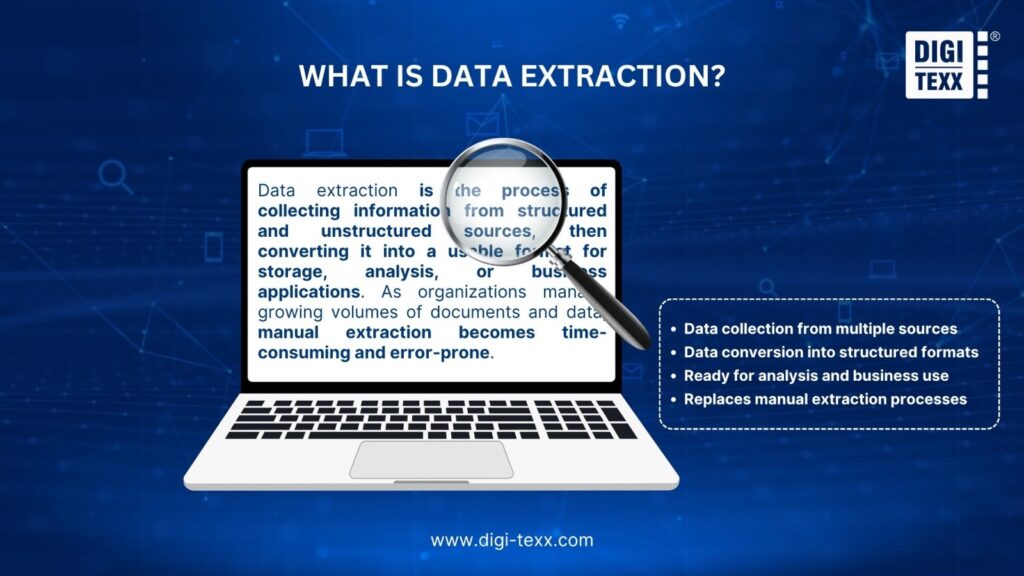
Data extraction is the process of collecting information from structured and unstructured sources, then converting it into a usable format for storage, analysis, or business applications. As organizations manage growing volumes of documents and data, manual extraction becomes time-consuming and error-prone.
As businesses continue to generate increasing volumes of information, data extraction has become a fundamental step in transforming raw data into valuable business insights. Instead of manually searching through documents or transferring information between systems, organizations can efficiently gather the data they need for reporting, analytics, compliance, and day to day operations.
What Is The Meaning Of Automated Data Extraction?
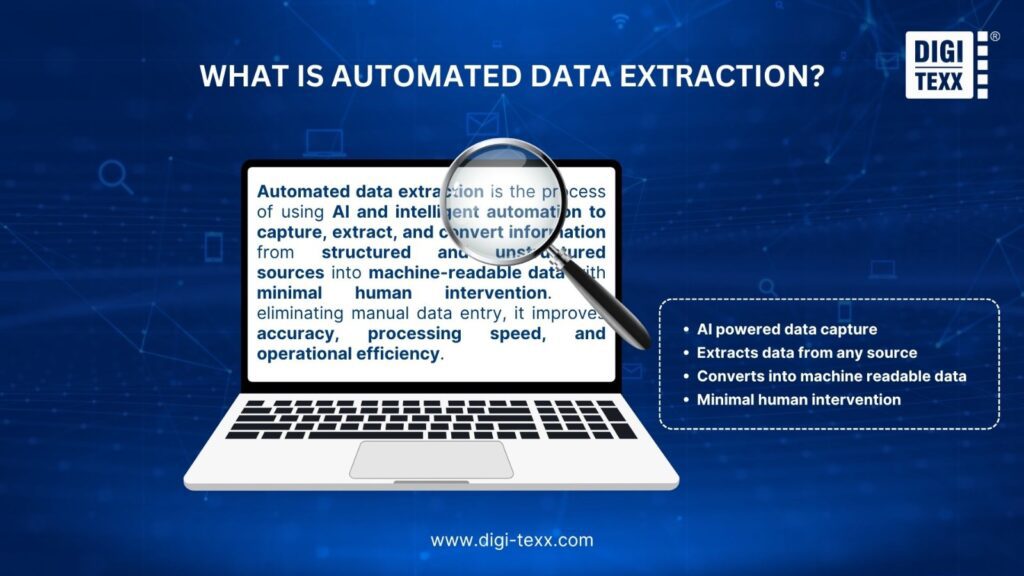
Automated data extraction is the process of using AI and intelligent automation to identify, capture, and convert information from documents, emails, PDFs, databases, and other sources into structured, machine-readable data with minimal human intervention. By replacing manual data entry, organizations can improve accuracy, accelerate processing, and scale data-intensive workflows more efficiently.
The growing importance of automated extraction is closely tied to the rise of enterprise AI. According to McKinsey, AI has the potential to generate up to $4.4 trillion in annual productivity gains across corporate use cases, with much of that value depending on the ability to transform raw, unstructured information into usable data. Automated data extraction provides the foundation that makes these AI driven workflows possible.
“Global data creation has reached massive scale, with over 175 zettabytes of data generated globally and more than 80 percent of enterprise data remaining unstructured.” – IDC
>>> See more:
- 5 Advantages Of Data Annotation Outsourcing Services for AI Projects
- What Is Data Integrity? A Complete Guide for Businesses
- Top 17 Data Labeling Service Providers For AI Projects In 2026
Difference Between Data Extraction And ETL
Although often used together, data extraction and ETL are not the same. Data extraction is the process of collecting data from one or more sources, such as databases, documents, emails, or websites. Its primary goal is to retrieve information without modifying it.
ETL (Extract, Transform, Load) is a broader data integration process that includes data extraction as its first stage. After extracting the data, ETL transforms it by cleaning, validating, standardizing, or enriching it before loading the processed data into a database, data warehouse, or business application for analysis and reporting.
| Data Extraction | ETL |
| Retrieves data from various sources | Extracts, transforms, and loads data into a target system |
| Focuses only on collecting data | Covers the entire data integration workflow |
| Data remains in its original format | Data is cleaned, standardized, and enriched before loading |
| Can be used as a standalone process | Always includes data extraction as the first step |
What Is The Difference Between Data Mining And Data Extraction?
Although they are often mentioned together, data extraction and data mining serve different purposes. Data extraction focuses on collecting data from various sources, such as databases, documents, emails, or websites, and converting it into a usable format. Data mining, on the other hand, analyzes that data to identify patterns, trends, relationships, and actionable insights that support business decision making.
In other words, data extraction gathers the data, while data mining uncovers its value. Data extraction is often the first step in the analytics process, providing the high quality data required for effective data mining.
| Data Extraction | Data Mining |
| Collects data from multiple sources | Analyzes data to discover patterns and insights |
| Focuses on acquiring and organizing data | Focuses on interpreting and modeling data |
| Produces structured, usable datasets | Produces trends, predictions, and business insights |
| Typically precedes analysis | Relies on extracted data to generate value |
>>> See more:
- Understanding the 6 Key Data Quality Dimensions
- Data Quality Framework in Practice: Templates, Tools, and Real Use Cases
- Top 8 Data Quality Issues and Solutions
Types Of Data For Automated Extraction
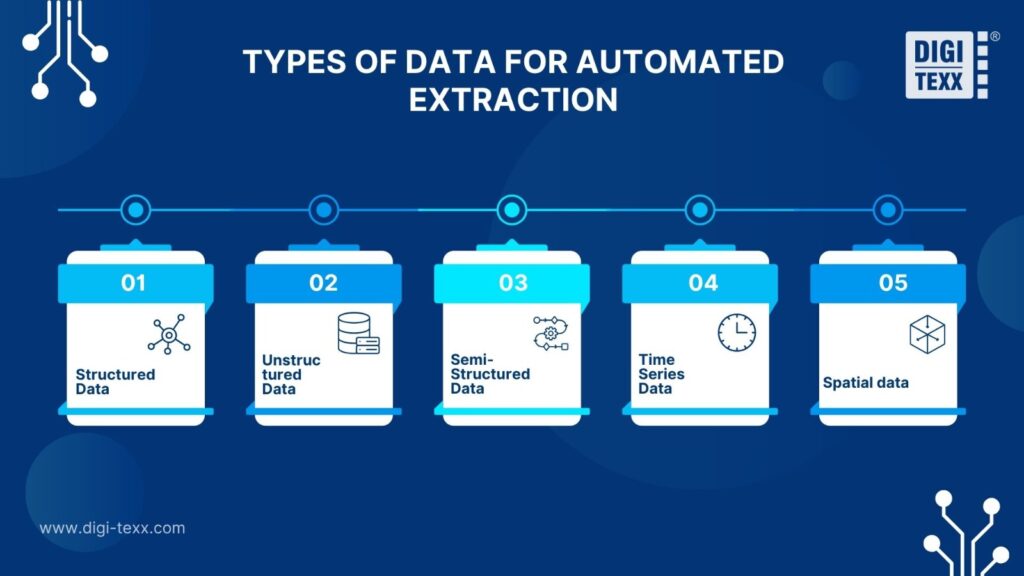
Understandably, the efficiency and complexity of automated data extraction will depend largely on the type of data required to be processed. The main types of data are typically classified as follows:
Structured Data
Structured data is highly organized information stored in a predefined format. Every record follows the same schema, making the data easy to search, filter, analyze, and automate.
Key characteristics
- Organized into rows and columns with a fixed schema
- Consistent data format across all records
- Easily queried using SQL and other database tools
- Ideal for reporting, analytics, and business intelligence
Common sources
- Relational databases
- Microsoft Excel spreadsheets
- Google Sheets
- ERP and CRM systems
Example
A customer database where every record contains standardized fields such as customer ID, name, email address, purchase history, and account status.
Typical use cases
Organizations extract structured data to generate business reports, monitor sales performance, manage inventory, and support customer relationship management.
Unstructured Data
Unstructured data refers to information that does not follow a predefined format or schema. Because its content varies significantly, extracting useful information often requires technologies such as natural language processing, computer vision, or machine learning.
Key characteristics
- No consistent structure or predefined fields
- Includes text, images, audio, video, and other rich media
- Requires AI-based techniques for accurate extraction
- Represents the majority of enterprise data
Common sources
- PDF documents
- Emails
- Contracts
- Social media posts
- Images and videos
- Audio recordings
Example
A collection of customer support emails where businesses extract customer names, complaint categories, product mentions, and sentiment from free form text.
Typical use cases
Organizations analyze unstructured data to understand customer feedback, process legal documents, automate invoice extraction, monitor brand sentiment, and uncover business insights hidden in large volumes of content.
Semi-Structured Data
Semi structured data does not follow a rigid table format, but it still contains labels, tags, or key value pairs that describe and organize the information. This makes it more flexible than structured data while remaining easier to process than completely unstructured content.
Key characteristics
- No fixed database schema
- Organized through tags, metadata, or hierarchical relationships
- Supports flexible data exchange between applications
- Easier to parse than unstructured data
Common sources
- JSON files
- XML documents
- Log files
- API responses
Example
A JSON file returned by an ecommerce API that contains product names, prices, categories, inventory levels, and customer reviews.
Typical use cases
Businesses extract semi structured data to integrate systems, synchronize product catalogs, process application logs, and automate data exchange between platforms.
Time Series Data
Time series data consists of observations recorded over time at regular or irregular intervals. Unlike other data types, the sequence of events is critical because changes over time reveal patterns, trends, and anomalies.
Key characteristics
- Chronologically ordered data points
- Captures trends, seasonality, and fluctuations
- Frequently used for forecasting and anomaly detection
- Continuously generated in many real-time systems
Common sources
- Financial market data
- IoT sensors
- Website analytics
- Weather monitoring systems
- Manufacturing equipment
Example
A manufacturing company collects machine temperature every minute to identify abnormal behavior before equipment failures occur.
Typical use cases
Businesses extract time series data to forecast demand, monitor operational performance, detect fraud, predict equipment maintenance needs, and analyze market trends.
Spatial data
Spatial data describes the geographic location and physical characteristics of objects. It combines location information with related attributes, allowing organizations to analyze where events occur and how different locations are connected.
Key characteristics
- Contains geographic coordinates or location references
- Supports mapping and location based analysis
- Frequently visualized through Geographic Information Systems (GIS)
- Enables route optimization and spatial analytics
Common sources
- GPS devices
- Satellite imagery
- Digital maps
- Geographic Information Systems
- Drone and remote sensing data
Example
A logistics company extracts GPS coordinates from delivery vehicles to calculate the fastest routes, reduce fuel consumption, and improve delivery efficiency.
Typical use cases
Spatial data extraction is widely used in logistics, transportation, urban planning, agriculture, environmental monitoring, emergency response, and location based services.
Data Extraction Methods
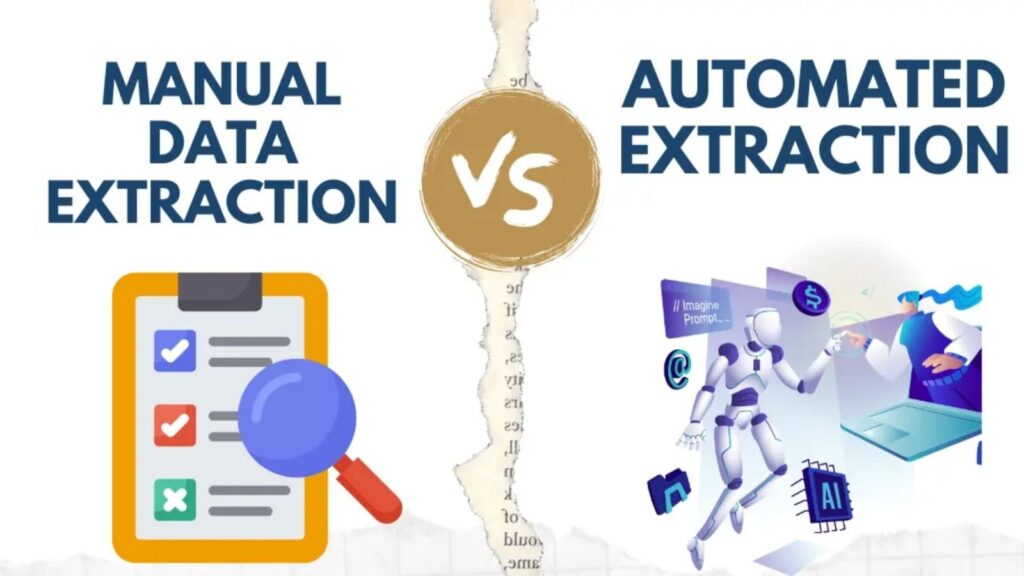
Data extraction is generally performed using two methods: manual data extraction and automated data extraction. While manual extraction may be sufficient for small, one time tasks, automation has become the preferred approach for organizations that need to process large volumes of data quickly and accurately.
Manual data extraction
Manual data extraction involves collecting and transferring information by hand from documents, spreadsheets, websites, or databases into another system. Although this approach requires little upfront investment, it becomes increasingly difficult to manage as data volumes grow.
Advantages
- Simple to perform without specialized software or technical expertise.
- Suitable for small datasets, one off projects, or situations that require human judgment.
- Gives users full control over the extraction process.
Limitations
- Time consuming and labor intensive, especially for repetitive tasks.
- Prone to human errors, duplicate records, and inconsistent data formatting.
- Difficult to scale as business data grows.
- Higher operational costs and greater risk of compliance issues caused by inaccurate data.
Automated data extraction
Automated data extraction uses technologies such as OCR, artificial intelligence (AI), machine learning (ML), and APIs to capture, identify, and process data with minimal human intervention. It enables organizations to extract information from structured, semi structured, and unstructured sources quickly while maintaining high levels of accuracy.
Advantages
- Processes large volumes of data significantly faster than manual methods.
- Improves data accuracy by reducing manual errors and applying standardized extraction rules.
- Easily scales to support growing data volumes and multiple data sources.
- Reduces operational costs by automating repetitive data processing tasks.
- Integrates seamlessly with business systems such as CRM, ERP, databases, and analytics platforms.
Limitations
- Requires initial setup, configuration, or AI model training to achieve optimal performance.
- Advanced platforms may involve higher implementation and subscription costs.
- Extraction accuracy depends on document quality and the capabilities of the selected solution.
Within automated data extraction, information can be retrieved using two primary extraction techniques: logical extraction and physical extraction. While both methods are designed to access stored data, they differ in how they retrieve information and the scenarios in which they are most effective.
| Criteria | Logical extraction | Physical extraction |
| Description | Retrieves data through a database’s logical structure using SQL queries, APIs, or database tools. | Retrieves data directly from storage media such as hard drives, backup files, or disk images. |
| Advantages | Fast, efficient, preserves data integrity, and retrieves only the required information. | Recovers complete datasets, including archived or deleted data, making it ideal for recovery and forensic analysis. |
| Limitations | Cannot access deleted or corrupted data and requires database permissions. | More complex, slower, and typically requires specialized tools. |
| Best for | Reporting, analytics, ETL, database migration, and system integration. | Data recovery, backup restoration, disaster recovery, and digital forensics. |
The Benefits Of Automating Data Extraction For Businesses
Automated data extraction helps businesses collect and process information more efficiently, especially when handling large volumes of data. By replacing repetitive manual tasks with automated workflows, organizations can access reliable data faster, improve operational efficiency, and make more informed business decisions.
- Increased efficiency and speed: Automated data extraction processes large datasets much faster than manual methods, reducing turnaround times and accelerating business workflows.
- Improved accuracy and fewer errors: By minimizing manual intervention, automation reduces data entry mistakes and ensures more consistent, reliable results for analysis and reporting.
- Cost savings and higher return on investment (ROI): Automating repetitive data collection lowers labor costs, improves resource utilization, and enables organizations to scale operations more cost effectively.
The benefits of automating data extraction (Source: DIGI-TEXX)
>>> See more:
- Top 10 Data Security Software Solutions for Enterprises
- Structured vs Unstructured Data: Key Differences & Business Applications
- What Is Enterprise Data Management (EDM) in the Age of AI
List Of Technologies In Automated Data Extraction
Automated data extraction relies on multiple technologies to capture, process, and convert data from various sources into structured, usable information.
- Machine learning (ML): ML models learn from historical data to recognize patterns, adapt to different document layouts, and continuously improve extraction accuracy without requiring extensive rule-based programming.
- Optical character recognition (OCR): OCR converts printed or handwritten text from scanned documents, PDFs, and images into machine readable text, eliminating the need for manual transcription.
- Natural language processing (NLP): NLP enables systems to understand the meaning and context of human language, making it possible to extract key information from documents such as contracts, emails, invoices, and customer feedback.
- Artificial intelligence (AI): AI combines technologies such as OCR, ML, and NLP to automate the entire extraction workflow. It can process complex document formats, handle multiple languages, and adapt to changing data structures with minimal human intervention.
Applications of Automated Data Extraction
The versatility of automated data extraction is applied in many different industries, helping to solve specific challenges related to large-volume data processing, data integration, and data analysis. The need to process many different types of data in the market today has led to data extraction automation becoming extremely necessary in all fields today.
To see how automated data extraction delivers measurable business outcomes, explore our automated data extraction solution to streamline and enhance accuracy in school exam scoring case study, which demonstrates how AI powered document processing helped an educational institution improve scoring accuracy, reduce manual effort, and accelerate exam processing.
Business Intelligence (BI)
In the field of Business Intelligence, automated data extraction plays an important role in providing data to popular data analysis platforms. It supports automatic retrieval of data from various operational systems (such as CRM, ERP, sales platforms, web analytics tools) and external sources.
Ultimately, the systematic data will be used to generate business reports, thereby making faster, more informed decisions, based on real-time data instead of relying on manually collected data.

E-commerce
The e-commerce industry is growing rapidly, businesses that can take advantage of data extraction automation will certainly create a competitive advantage.
For example, it is possible to deploy tools that automatically collect real-time pricing information, product descriptions and inventory status, create competitive positioning strategies when there is enough information about surrounding competitors, as well as analyze sentiment through customer reviews to be able to identify touch points that need improvement in the customer care process.
Finance
The finance industry, which depends heavily on data processing and requires high data accuracy, can be mentioned. For example, automatic invoice processing, automatic data extraction will help extract information fields faster from supplier invoices, thereby minimizing manual entry errors.
It can also reconcile bank and credit card statements by automatically extracting transaction details (date, description, amount) from bank and credit card statements.
It can also aggregate market data by automatically accessing and restructuring financial market data, thereby predicting and assessing market risks.

Healthcare
Healthcare providers often face challenges in managing large volumes of patient information and administrative documents.
With automated data extraction, it is easier to extract patient demographics, medical history, medications, etc. and automatically enter data into the Electronic Health Record (EHR) system.
It also supports the patient registration and admission process by automatically extracting information from patient registration forms to speed up the patient’s medical examination and treatment process.
Marketing
Marketing teams will be able to use automated data extraction to gather market intelligence for campaign planning, execution, and measurement.
For example, customer data aggregation, since customer information can be collected from multiple touchpoints (such as website forms, email interactions, social media profiles), manual data extraction can help structure this data to make accurate recommendations.
Additionally, it can also help marketers track campaign performance, such as automatically collecting metrics (clicks, conversions, engagement rates) from advertising platforms into various analytics tools to measure campaign effectiveness and optimize communication strategies.

Top 5 Best Data Extraction Automation Software
| Tool | Best use case | Pricing | AI capabilities | Integrations | Enterprise readiness | Security & compliance |
| DIGI-XTRACT | Intelligent document processing and business data extraction | Custom pricing | AI based document classification, OCR, NLP, custom extraction models | API, CRM, ERP, databases | Enterprise ready | Enterprise grade security |
| Fivetran | Cloud data integration and ELT | Usage based (MAR) | AI assisted data transformation and pipeline automation | 700+ prebuilt connectors | Enterprise ready | SOC 2, ISO 27001, GDPR, HIPAA |
| Airbyte | Open source ELT and data integration | Free Community Edition, paid Cloud plans | AI ready workflows, CDC, RAG support | 600+ connectors, custom CDKs | Enterprise & self hosted | SOC 2, ISO 27001, GDPR, HIPAA (Cloud) |
| Apify | Web scraping and browser automation | Usage based | AI assisted web scraping and automation | APIs, webhooks, CSV, JSON | Enterprise plans available | Varies by deployment |
| SerpApi | Search engine results extraction | Per API request | AI ready structured SERP data | REST API, JSON | Enterprise plans available | SOC 2, GDPR |
DIGI-XTRACT
DIGI-XTRACT stands out as one of the leading solutions in the data extraction automation category, providing businesses with maximum flexibility and efficiency in managing their data.
This service is an optimal solution for automating data extraction processes, supporting various document types, and can be customized to meet the specific languages and requirements of each client.
DIGI-XTRACT not only ensures high performance but also guarantees quality and API integration, effectively eliminating the need for manual data entry.
With web monitoring services for real-time tracking and automatic reporting, DIGI-XTRACT is the top choice for businesses looking to optimize their data processing workflows.
Fivetran
Fivetran is a fully managed cloud based data integration platform that simplifies automated data extraction from hundreds of business applications, databases, cloud services, and SaaS platforms. Instead of building and maintaining complex data pipelines, organizations can automatically collect, synchronize, and load data into a centralized warehouse for analytics and reporting.
Key advantages
- Supports hundreds of prebuilt connectors, reducing implementation time.
- Uses Change Data Capture (CDC) to synchronize new and updated records automatically.
- Detects schema changes and handles data normalization with minimal manual intervention.
- Includes built in transformations and data models that accelerate reporting and business intelligence.
Best for
Data teams and enterprises looking for a low maintenance, fully managed automated data extraction solution that can scale with growing business needs.
Airbyte
Airbyte is an open source data integration platform that gives organizations greater flexibility when building automated data extraction pipelines. With an extensive connector library and customizable development tools, it allows teams to move data between virtually any source and destination while maintaining full control over their workflows.
Key advantages
- Offers hundreds of ready to use connectors for databases, APIs, cloud platforms, and business applications.
- Allows developers to build custom connectors using the Connector Development Kit (CDK).
- Supports Change Data Capture (CDC) and automatic schema updates.
- Integrates with vector databases to simplify AI and Retrieval Augmented Generation (RAG) workflows.
Best for
Data engineers and technical teams that need a flexible, customizable automated data extraction platform with strong support for modern data engineering and AI projects.
Apify
Apify is a cloud based web scraping and browser automation platform designed to automate data collection from websites. It enables developers and businesses to extract structured information from dynamic web pages without managing large scale scraping infrastructure.
Key advantages
- Automates data extraction from websites using scalable cloud based actors.
- Handles dynamic websites and browser interactions with ease.
- Exports extracted data in formats such as CSV, JSON, and Excel for downstream processing.
- Supports large scale web scraping projects with built in scheduling and automation capabilities.
Best for
Businesses, researchers, and developers that need automated data extraction from websites for market research, price monitoring, lead generation, or competitive intelligence.

SerpApi
SerpApi is a specialized API service that automates the extraction of search engine results from platforms such as Google, Bing, and Baidu. It removes the complexity of building and maintaining custom search scrapers, providing structured search data through simple API requests.
Key advantages
- Delivers real-time search engine results in structured JSON format.
- Eliminates the need to manage anti scraping mechanisms and frequent search engine changes.
- Supports multiple search engines for broader market and SEO analysis.
- Provides reliable data for keyword tracking, competitor research, and search performance monitoring.
Best for
SEO professionals, marketing teams, and researchers that require fast, reliable automated data extraction from search engine results for analytics and competitive insights.

>>> See more:
- How To Retouch Photos on iPhone – Best Free Apps For iOS
- What Is Multiple Clipping Path Service? A Complete Guide
- Best Photo Retouching Services – Enhance Your Photos Today
How Data Extraction Automation Works?
Although the exact workflow varies by solution, most automated data extraction systems follow a similar process to capture, process, and deliver usable data.
Step 1. Import data
Documents or files are uploaded from multiple sources, such as emails, scanned PDFs, images, cloud storage, databases, or APIs.
Step 2. Identify and extract information
The system analyzes the document, identifies relevant fields using technologies such as OCR, AI, and machine learning, then extracts the required data based on predefined rules or intelligent models.
Step 3. Validate and structure the data
Extracted information is verified, standardized, and organized into a structured format to improve accuracy and ensure consistency across datasets.
Step 4. Export and integrate
The processed data is exported in formats such as CSV, Excel, or JSON, or automatically transferred to business applications like CRM, ERP, accounting software, or databases for further use.
Future Trends In Automated Data Extraction
As AI technologies continue to evolve, automated data extraction is becoming more intelligent, accurate, and scalable. Several emerging trends are expected to shape the next generation of data extraction solutions.
- More advanced natural language processing (NLP): Improvements in NLP will enable systems to better understand context, intent, and document structure, leading to more accurate extraction from complex content such as contracts, emails, and reports.
- Greater adoption across IoT ecosystems: The rapid growth of IoT devices will drive demand for automated extraction tools capable of capturing, processing, and analyzing massive volumes of real-time sensor data.
- Smarter and more scalable solutions: Future platforms will offer greater flexibility through AI driven automation, customizable workflows, and industry specific models, allowing businesses to scale data extraction while adapting to unique operational requirements.

FAQs About Automated Data Extraction
Which AI Is Best For Data Extraction?
The best AI for data extraction depends on your data source. Rossum and Nanonets are ideal for unstructured documents, Octoparse and Firecrawl excel at web scraping, while Claude is a strong choice for extracting and analyzing information from various file formats.
What Are Two Types Of Data Extraction?
The two primary types of data extraction are structured and unstructured data extraction. Some workflows also include semi-structured data extraction to process formats such as XML, JSON, and HTML that combine elements of both.
Is Data Extraction Legal?
The answer is yes. Data extraction is generally legal when it involves publicly available information and complies with applicable laws, website terms of use, privacy regulations, and restrictions on unauthorized access.
Automated data extraction enables businesses to process data faster, improve accuracy, and reduce the costs associated with manual data entry. By selecting the right technologies and solutions, organizations can streamline workflows, enhance decision making, and unlock greater value from their data.
If you’re looking to automate document processing with AI powered data extraction, DIGI-TEXX provides scalable solutions tailored to your business needs, helping you transform complex data into accurate, actionable insights.
DIGI-TEXX Contact Information:
🌐 Website: https://digi-texx.com/
📞 Hotline: +84 28 3715 5325
✉️ Email: [email protected]
🏢 Address:
- Headquarters: Anna Building, QTSC, Trung My Tay Ward
- Office 1: German House, 33 Le Duan, Saigon Ward
- Office 2: DIGI-TEXX Building, 477-479 An Duong Vuong, Binh Phu Ward
- Office 3: Innovation Solution Center, ISC Hau Giang, 198 19 Thang 8 street, Vi Tan Ward
=> Read more:
- Transforming Workflows with Intelligent Document Processing Automation
- Extracting Data from PDFs with Power Automate
- How to Extract Data from Websites: A Complete Guide
Reference:
- National Institute of Standards and Technology. (n.d.). NIST Big Data Interoperability Framework. https://www.nist.gov/programs-projects/nist-big-data-interoperability-framework
- World Wide Web Consortium. Data on the Web Best Practices. https://www.w3.org/TR/dwbp/