Best intelligent document processing software can help businesses automate document classification, data extraction, validation, and downstream workflows while reducing manual processing. However, choosing the right solution depends on document types, accuracy requirements, integrations, deployment options, security, and total cost.
In this article, DIGI-TEXX will help you compare leading IDP software, understand the key differences between each option, and see when intelligent document processing services may be a better fit for complex or high-volume document workflows.

>>> See more:
- 10 Types of Data Entry Services for Modern Businesses
- 11+ Top Data Quality Management Tools and Software for Businesses
- What Is Master Data Management (MDM)? Benefits, Process & Use Cases
Best Intelligent Document Processing Software: Quick Comparison
| Software | Key Strength | Deployment | Best For |
| Extend | AI-powered document parsing, extraction, classification, and workflows | Cloud/API | AI applications and developer-led workflows |
| UiPath Document Understanding | Document processing combined with automation and RPA | Cloud and enterprise deployment options | Organizations already using UiPath automation |
| ABBYY Vantage | Low-code/no-code document processing | Enterprise deployment options | Large organizations automating document-heavy processes |
| Google Document AI | Pretrained and customizable document processors | Google Cloud | Businesses building document workflows on Google Cloud |
| Amazon Textract | Text, form, table, and document analysis APIs | AWS cloud | Developers building document extraction into AWS applications |
| Microsoft Azure Document Intelligence | AI-based extraction of text, tables, fields, and document structure | Microsoft Azure | Organizations operating within the Microsoft ecosystem |
| DIGI-Xtract | Document classification, extraction, and quality control | Hosted or on-premises | Businesses requiring managed document processing |
1. Extend
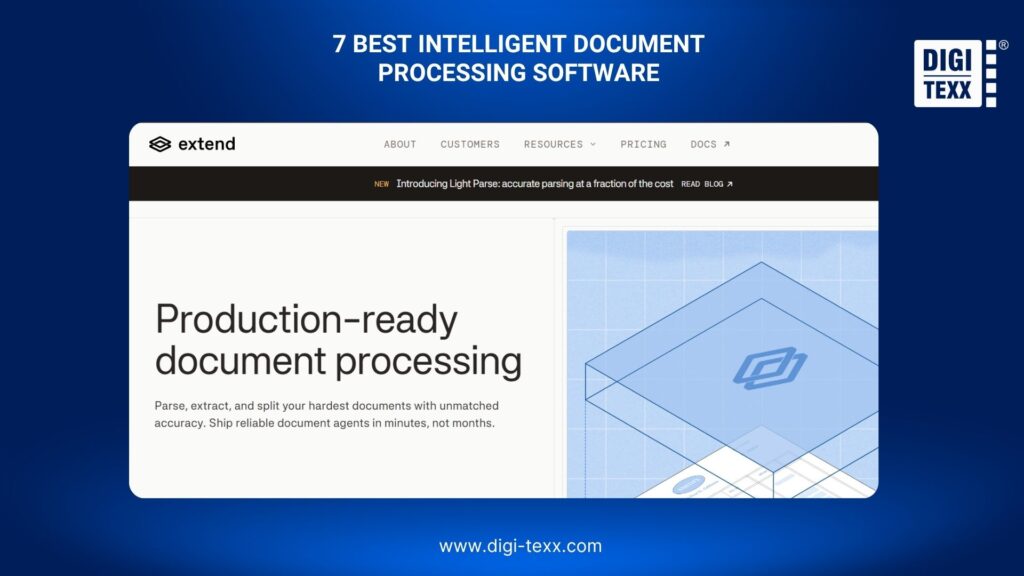
Extend is an AI-powered document processing platform designed to handle complex documents through parsing, extraction, classification, splitting, editing, and workflow capabilities. Its API and SDK approach makes it particularly relevant to teams building document processing directly into their own applications or AI workflows.
Key Features
- Document parsing and structure extraction
- AI-powered field and entity extraction
- Document classification and splitting
- Multi-step document workflows
- API and SDK support
- Support for Python, TypeScript, Java, and Go
- Tools for building document processing into AI applications
Pros And Limitations
Pros
- Developer-friendly API and SDK approach
- Supports multiple document processing tasks in one platform
- Suitable for building customized document workflows
- Designed for high-volume document processing
Limitations
- More developer-oriented than traditional low-code document automation platforms
- Organizations may need technical resources to build and maintain custom workflows
- Pricing can depend on processing requirements and implementation scope
Best For
Extend is suitable for software teams, AI companies, and businesses that want to embed document processing capabilities into applications, data pipelines, or AI agents.
2. UiPath
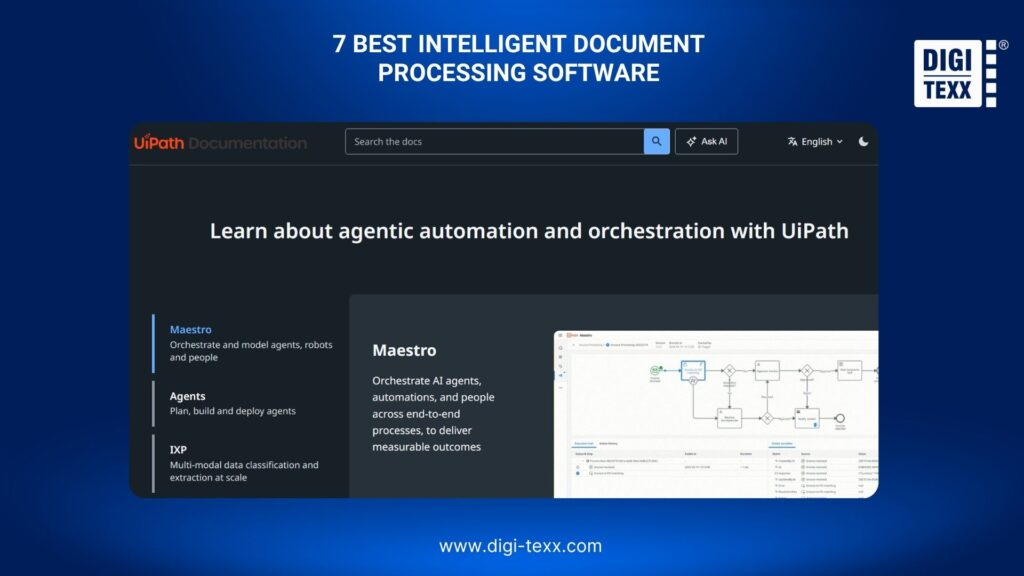
UiPath Document Understanding combines document processing with broader automation capabilities. Its framework supports digitization, classification, extraction, and validation, while extracted data can be connected to automation workflows through UiPath activities or APIs.
Key Features
- OCR and document digitization
- Document classification
- Data extraction
- Pre-trained document models
- Custom model training
- Document validation
- Integration with RPA workflows
- Support for multiple OCR engines and languages
Pros And Limitations
Pros
- Strong integration with RPA and business process automation
- Supports both pre-trained and custom document models
- Covers the document processing lifecycle from digitization through validation
- Suitable for complex enterprise workflows
Limitations
- Can require significant configuration for complex implementations
- The broader UiPath ecosystem may be more than a business needs for simple extraction use cases
- Total costs depend on automation scope, licensing, and deployment requirements
Best For
UiPath is a strong fit for organizations that want to combine intelligent document processing with robotic process automation and end-to-end workflow automation.
>>> See more:
- Top 14 Data Entry Skills To Put On Your Resume In 2026
- List Of 11 Free Data Cleansing Tools 2026 For Accurate Data
- Data Validation & Verification: Key Differences, Examples & Benefits
3. ABBYY Vantage
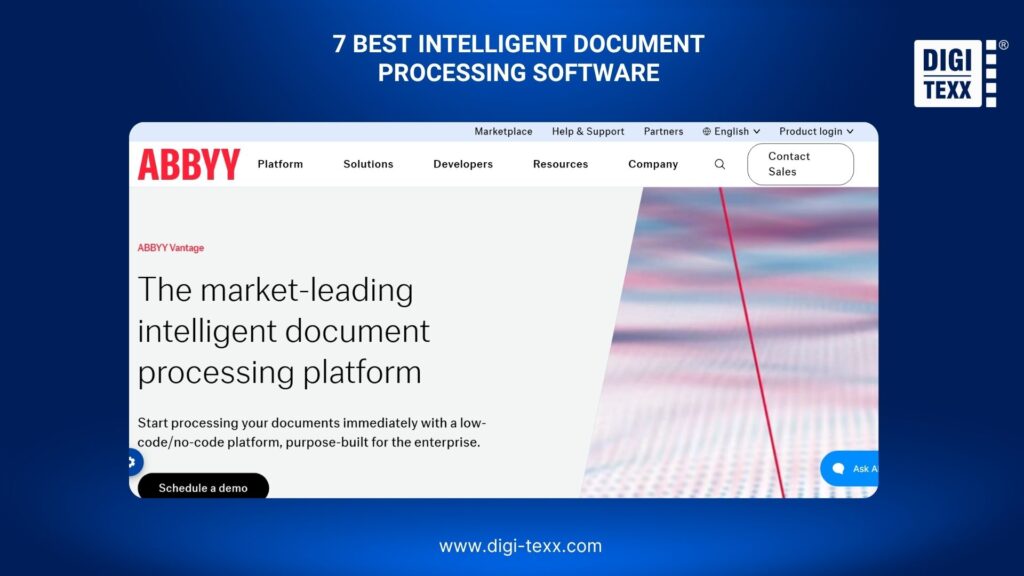
ABBYY Vantage is an enterprise-focused intelligent document processing platform built around low-code/no-code document automation. It supports structured, semi-structured, and unstructured documents and can deliver extracted information to business systems such as ERP, BPM, and RPA platforms.
Key Features
- Low-code/no-code document processing
- Pre-trained AI extraction models
- Document classification
- Data extraction
- Processing of structured, semi-structured, and unstructured documents
- Support for handwriting, barcodes, and checkboxes
- Integration with enterprise business systems
Pros And Limitations
Pros
- Low-code/no-code approach can reduce development requirements
- Designed for enterprise document automation
- Supports a broad range of document types
- Can connect extracted data with downstream business applications
Limitations
- Enterprise-focused capabilities may be more than smaller teams require
- Complex workflows may still require implementation and configuration expertise
- Pricing is generally dependent on business requirements and deployment scope
Best For
ABBYY Vantage is suitable for enterprises that need a scalable document processing platform with low-code configuration and integration into existing business processes.
4. Google Document AI
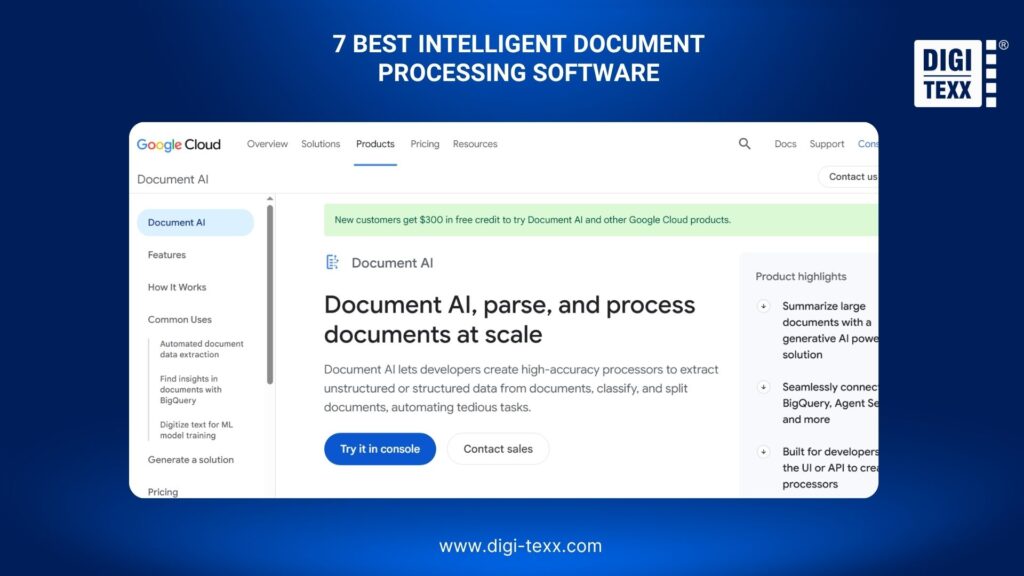
Google Document AI is a cloud-based document processing solution that combines document recognition and data extraction with the Google Cloud ecosystem. It is designed for businesses that need to process documents at scale and connect extracted information with broader data and AI workflows.
Key Features
- OCR and document digitization
- Pretrained document processors
- Custom extraction
- Form and layout parsing
- Document classification and splitting
- Key-value pair and table extraction
- API-based processing
- Integration with Google Cloud services
Google Document AI offers processors for use cases such as invoices, bank statements, identity documents, expenses, and other specialized document types. It also supports custom extraction and classification for business-specific document workflows.
Pros And Limitations
Pros
- Strong integration with Google Cloud
- Provides both pretrained and customizable processors
- Supports OCR, extraction, classification, and document splitting
- Consumption-based pricing can suit variable processing volumes
Limitations
- Works best for organizations already comfortable with Google Cloud services
- Advanced use cases may require cloud and machine learning expertise
- Costs can increase when multiple processors or related Google Cloud services are used
Best For
Google Document AI is well suited to businesses and development teams building scalable document processing applications within Google Cloud.
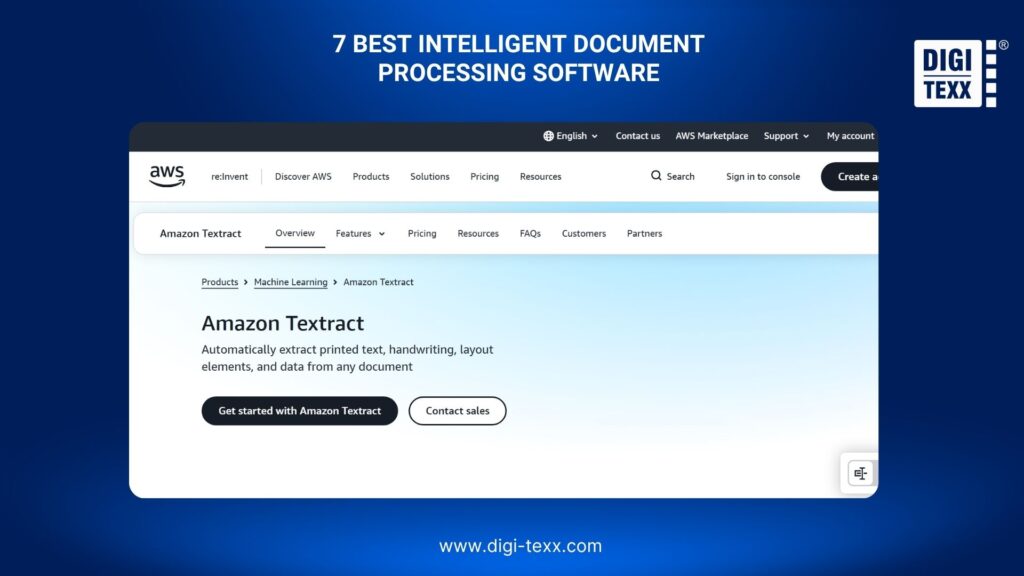
5. Amazon Textract
Amazon Textract provides APIs for detecting and analyzing text and extracting structured information from documents. It can identify text, forms, tables, signatures, selection elements, and query results, while separate capabilities support invoices, receipts, and identity documents.
Key Features
- Text and handwriting detection
- Form and key-value extraction
- Table extraction
- Document layout analysis
- Signature detection
- Query-based document extraction
- Invoice and receipt analysis
- Identity document analysis
- Synchronous and asynchronous processing
Pros And Limitations
Pros
- API-first architecture
- Easy to integrate into AWS applications
- Supports multiple document analysis capabilities
- Suitable for automated document processing at scale
Limitations
- Primarily designed as a cloud service and API rather than a complete business-process platform
- More complex workflows may require additional AWS services
- Developers need to design the surrounding application and workflow logic
Best For
Amazon Textract is suitable for development teams that need document extraction capabilities inside applications, data pipelines, or workflows built on AWS.
6. Microsoft Azure Document Intelligence
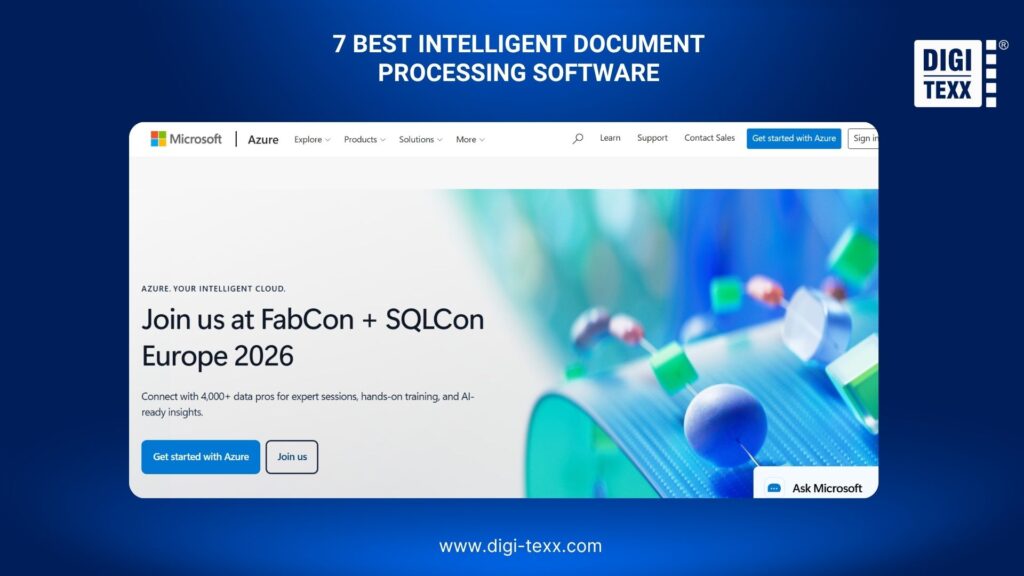
Microsoft’s Azure Document Intelligence, now part of Azure Content Understanding in Foundry Tools, provides AI-based extraction of text, key-value pairs, tables, and document structure. It supports documents such as PDFs, forms, invoices, receipts, and cards through prebuilt and customizable models.
Key Features
- OCR and text extraction
- Key-value pair extraction
- Table and layout analysis
- Prebuilt document models
- Custom document models
- REST API integration
- Support for invoices, receipts, forms, and identity documents
- Integration with Microsoft Azure services
Pros And Limitations
Pros
- Strong integration with Microsoft Azure
- Supports both prebuilt and custom models
- API-based architecture simplifies application integration
- Suitable for structured and templated document processing
Limitations
- Advanced implementations may require Azure expertise
- Broader Azure services may need to be configured around the document workflow
- Pricing depends on document volume, model usage, and related Azure services
Best For
Azure Document Intelligence is a practical option for organizations already using Microsoft Azure that want to integrate document extraction into existing cloud applications and workflows.
>>> See more:
- Data Integrity Definition: Meaning, Types, Examples & Best Practices 2026
- 20 Best Data Governance Tools In 2026
- 5 Best Data Parsing Software in 2026 | Features & Comparison
7. DIGI-Xtract
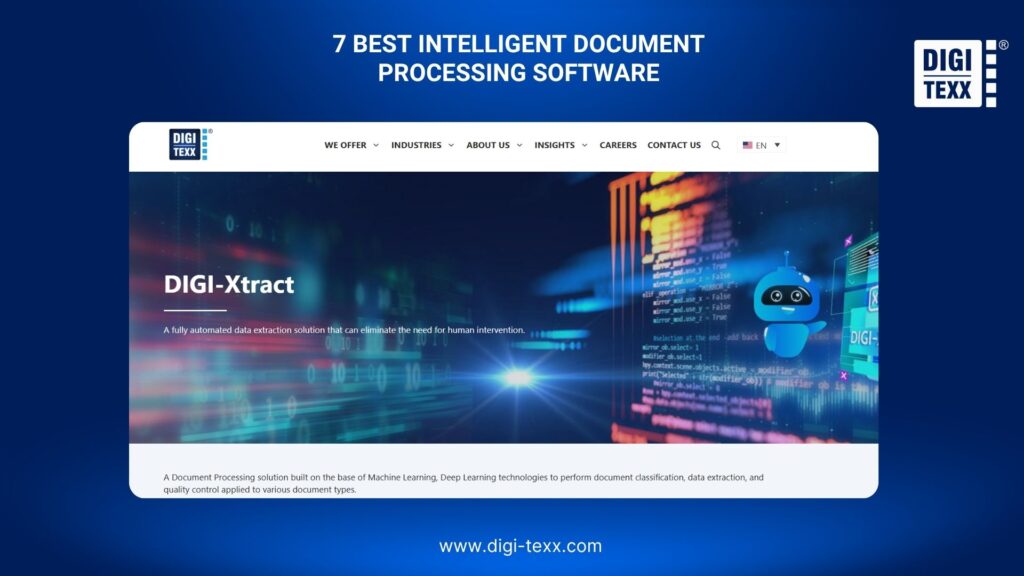
DIGI-Xtract is a document processing solution from DIGI-TEXX that uses Machine Learning and Deep Learning for document classification, data extraction, and quality control. It supports structured, semi-structured, and unstructured documents and can be customized for specific document types, business requirements, and languages.
Key Features
- Machine Learning and Deep Learning-based document processing
- Automated document classification
- Data extraction
- Quality control
- Structured, semi-structured, and unstructured document processing
- Support for invoices, receipts, purchase orders, bank statements, financial statements, medical records, contracts, and handwritten documents
- Customization for specific document types and business requirements
- Deployment at a DIGI-TEXX data center or on client premises
Pros And Limitations
Pros
- Supports a wide range of document types
- Can be customized for specific business workflows
- Offers both hosted and on-premises deployment options
- Combines automated extraction with quality control
- Can support businesses that need document processing as a managed service
Limitations
- Organizations looking for a purely self-service developer API may prefer cloud-native platforms
- Implementation requirements depend on document complexity and workflow scope
- Pricing is typically determined by document volume, document types, customization, and service requirements
Best For
DIGI-Xtract is suitable for businesses that need customized intelligent document processing, particularly when document complexity, multilingual requirements, quality control, or intelligent document processing services are important considerations.
How Do You Choose The Right Intelligent Document Processing Software?
When evaluating the best intelligent document processing software for your business, look beyond the number of AI features or advertised OCR accuracy. The right solution should match your document types, workflow requirements, technology environment, security needs, and processing volume.
Document Types & Extraction Requirements
Start by identifying the documents the software must process. Common examples include invoices, purchase orders, receipts, contracts, bank statements, insurance documents, medical records, application forms, and identity documents.
Consider whether the documents are:
- Structured
- Semi-structured
- Unstructured
- Printed
- Handwritten
- Scanned
- Digitally generated
- Multilingual
A platform that performs well on invoices may not provide the same results on complex contracts or handwritten documents. Match the software’s extraction capabilities to your actual document mix.
OCR & Data Extraction Accuracy
OCR is only the first step in an IDP workflow. The software should also recognize document layouts, identify relevant fields, extract tables, classify documents, and preserve relationships between extracted data.
For high-volume workflows, evaluate accuracy at the field level, not only at the document level. Test difficult documents such as low-quality scans, handwritten forms, multi-page files, and documents with variable layouts before deployment.
AI & Automation Capabilities
Look beyond basic OCR when comparing IDP software. Depending on the workflow, useful capabilities may include:
- Document classification
- Data extraction
- Table recognition
- Key-value extraction
- Layout analysis
- Natural language processing
- Machine learning
- Generative AI
- Human validation
- Workflow automation
The right combination depends on whether the goal is simply digitizing documents or automating an end-to-end process.
Integration & API Support
IDP software should fit into the systems already used by the business. Check for APIs, SDKs, connectors, webhooks, and integration options for platforms such as ERP, CRM, RPA, DMS, databases, and cloud storage.
For developer-led projects, API flexibility may be a primary selection factor. For business teams, low-code workflow configuration may be more important.
Deployment & Scalability
Consider whether the software is available as:
- Cloud-based software
- API-based services
- On-premises deployment
- Private or dedicated environments
- Managed document processing services
Processing volume is equally important. A solution that works well for thousands of documents per month may require a different architecture when processing millions of pages.
Security & Compliance
Documents can contain sensitive financial, customer, employee, medical, or identity information. Evaluate data encryption, access controls, audit logs, data retention, hosting locations, compliance certifications, and deployment controls before selecting a platform.
For regulated industries, security and compliance requirements should be evaluated during vendor selection rather than after implementation.
Pricing & Total Cost of Ownership
IDP pricing can be based on pages, documents, API calls, transactions, users, or platform licenses. Google Document AI, for example, publishes processor-specific consumption pricing, while the overall cost can also depend on related Google Cloud services.
Calculate the total cost based on:
- Monthly document volume
- Average pages per document
- Number of fields extracted
- Custom model requirements
- Integration and implementation
- Human validation
- Infrastructure
- Ongoing model maintenance
A lower processing fee does not necessarily mean a lower total cost if the solution requires significant development or manual review.
>>> See more:
- Financial Data Quality Management: Strategies & Best Practices
- Enterprise Data Management: 6 Core Pillars, Benefits & Tools
- Top 15 Best Big Data Tools For Analytics In 2026
- Top 20 Data Entry Outsourcing Companies to Hire in 2026 [List]
Intelligent Document Processing Software & Traditional OCR
Traditional OCR primarily converts text from scanned documents or images into machine-readable characters. Intelligent document processing goes further by interpreting document content and turning it into structured, usable information.
| Capability | Traditional OCR | Intelligent Document Processing |
| Text recognition | Yes | Yes |
| Document classification | Limited | Yes |
| Key-value extraction | Limited | Yes |
| Table extraction | Limited | Yes |
| Layout understanding | Limited | Yes |
| Unstructured document processing | Limited | Yes |
| Custom models | Limited | Yes |
| Data validation | Usually external | Often supported |
| Workflow automation | Usually external | Can be integrated |
| Human-in-the-loop | Usually external | Can be supported |
For simple text digitization, traditional OCR may be sufficient. For workflows that require classification, extraction, validation, and automated routing, IDP can provide a more complete processing layer.
How Does DIGI-TEXX Support Intelligent Document Processing?
DIGI-TEXX combines intelligent document processing technology with intelligent document processing services to support businesses handling high-volume or complex document workflows. This approach combines AI-powered document processing with quality control and workflow support for organizations that need more than a standalone software platform.
AI-Powered Document Classification & Extraction
DIGI-Xtract uses Machine Learning and Deep Learning to classify documents and extract relevant information from structured, semi-structured, and unstructured content. The solution can be customized for different document types and business requirements.
This approach can support workflows involving invoices, receipts, purchase orders, bank statements, financial documents, medical records, contracts, and handwritten documents.
Document Processing With Human Quality Control
Not every document can be processed reliably through automation alone. Complex layouts, poor-quality scans, handwriting, and unusual document structures can create exceptions that require additional review.
A human-in-the-loop approach can help validate extracted information and handle exceptions before data enters downstream systems. This model is particularly useful for businesses using intelligent document processing services where accuracy and quality control are important parts of the workflow.
Integration With Scanning & Document Management
Intelligent document processing can also work as part of a broader document digitization workflow. DIGI-TEXX’s document solutions can connect document capture, OCR, classification, extraction, quality control, and document management to support end-to-end processing.
This allows businesses to move beyond simply converting paper documents into digital files and instead turn document content into structured information that can support downstream business processes.
FAQs About Best Intelligent Document Processing Software
What Is Intelligent Document Processing?
Intelligent document processing (IDP) uses AI to automatically capture, understand, classify, and extract information from physical and digital documents. Unlike traditional OCR, IDP can interpret document structure and context, making it suitable for processing complex files such as PDFs, invoices, emails, forms, and handwritten documents.
Who Are The Top IDP Vendors?
Top IDP vendors include DIGI-TEXX, ABBYY Vantage, UiPath, Google Cloud, AWS, and Microsoft Azure, offering AI-powered capabilities for document classification, data extraction, and workflow automation across different business and technical requirements.
What Is AWS Intelligent Document Processing And How Does It Work?
AWS Intelligent Document Processing (IDP) uses AWS AI and machine learning services to automatically extract, classify, and process information from documents such as PDFs, invoices, and forms. It typically works by ingesting documents through Amazon S3, extracting text and data with services such as Amazon Textract, classifying and enriching content with AI models, optionally routing low-confidence results for human review, and sending structured data to downstream applications.
Is IDP Considered AI?
Yes. Intelligent Document Processing (IDP) is an application of AI that combines technologies such as OCR, computer vision, machine learning, and natural language processing to understand and process document content. Depending on the solution, generative AI and large language models may also be used to handle more complex or variable document formats.
Choosing the best intelligent document processing software depends on how well the solution matches your documents, workflows, technology environment, scalability, security, and budget. Cloud-native platforms may suit developer-led applications, while enterprise IDP solutions can provide broader automation and integration capabilities.
For businesses handling complex or high-volume documents, intelligent document processing services can provide an alternative to managing the entire technology stack internally. DIGI-TEXX combines AI-powered document classification and extraction with quality control, customization, and document processing support to help businesses turn unstructured document content into usable data and streamline downstream operations.
DIGI-TEXX Contact Information:
🌐 Website: https://digi-texx.com/
📞 Hotline: +84 28 3715 5325
✉️ Email: [email protected]
🏢 Address:
- Headquarters: Anna Building, QTSC, Trung My Tay Ward
- Office 1: German House, 33 Le Duan, Saigon Ward
- Office 2: DIGI-TEXX Building, 477-479 An Duong Vuong, Binh Phu Ward
- Office 3: Innovation Solution Center, ISC Hau Giang, 198 19 Thang 8 street, Vi Tan Ward
Reference:
- Association for Computing Machinery. (2026). Proceedings of the 2026 ACM symposium on document engineering. ACM SIGWEB. ACM Symposium on Document Engineering 2026
- IEEE. (n.d.). Document image analysis. IEEE Technology Navigator. IEEE Document Image Analysis