Document processing helps businesses turn information locked in paper documents, PDFs, scans, emails, and other files into structured data that can be searched, validated, and used in business workflows. From electronic document processing and inbound document processing to automated document processing and large-scale digitization, the right approach can reduce manual work while improving speed, accuracy, and scalability.
In this guide, DIGI-TEXX explains how document processing works, what it is used for in business, the technologies behind it, common use cases, challenges, best practices, and how to choose the right document processing software or document automation solution. The article also covers when document processing automation makes sense and what businesses should consider when evaluating automated document solutions.
>>> See more:
- Automatic Data Processing (ADP): How It Works & Key Benefits
- Data Validation & Verification: Key Differences, Examples & Benefits
- How to Clean Up System Data on Mac: 9 Simple Steps
What Is Document Processing?
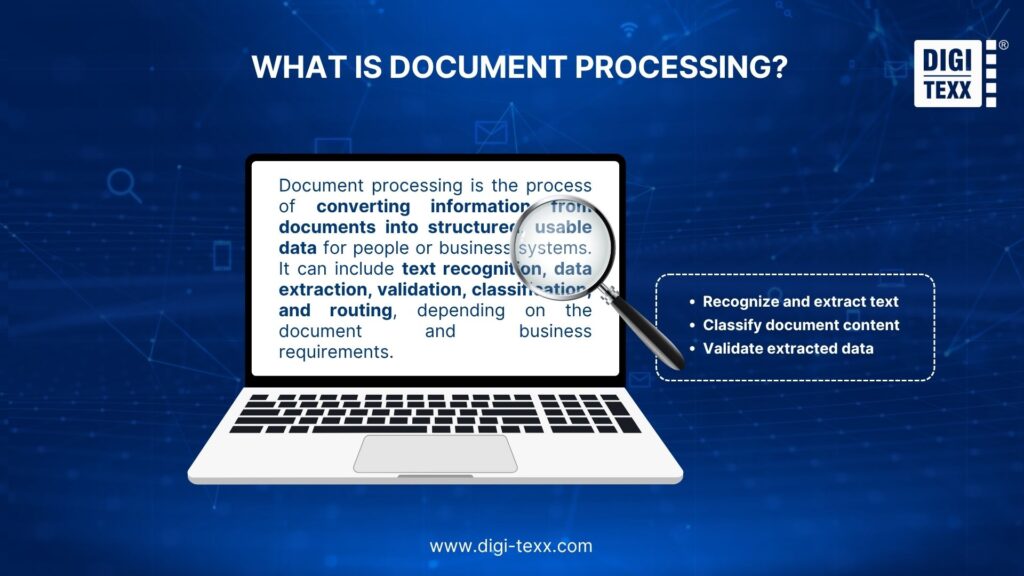
Document processing is the process of converting information from documents into structured, usable data for people or business systems. It can include text recognition, data extraction, validation, classification, and routing, depending on the document and business requirements.
In a manual workflow, an employee may open an invoice, identify key details, enter the information into an ERP system, and check the data for errors. Automated document processing uses software to perform much of this work automatically, reducing repetitive data entry and improving processing speed.
For example, when processing an invoice, the system can capture the document, extract details such as the supplier name, invoice number, tax, and total amount, validate the extracted data, and send the approved information to an accounting system.
The key distinction is that document processing goes beyond simply converting an image into text. Modern document processing software can understand document structure, identify relevant information, and prepare that data for specific business workflows.
How Does Document Processing Work?
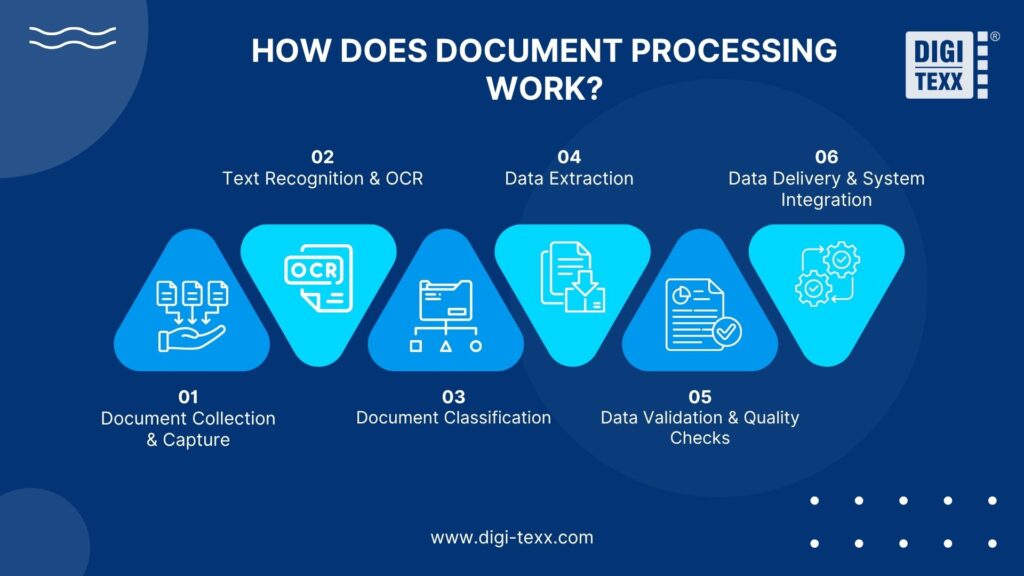
A typical document processing workflow moves from document collection to structured data delivery. The exact steps vary by document type and business requirements, but most workflows follow a similar sequence.
Document Collection And Capture
Documents enter the workflow through email attachments, scanners, shared folders, cloud storage, enterprise applications, portals, or direct digital uploads. For paper records, scanning converts physical documents into digital files. For existing PDFs or electronic documents, processing can begin without scanning.
Text Recognition And OCR
OCR, or Optical Character Recognition, converts printed or handwritten text in images and scanned documents into machine-readable information.
Modern OCR can do more than recognize individual characters. Depending on the technology, it can identify text lines, page structure, tables, forms, and other document elements. Microsoft, for example, describes its document OCR capabilities as supporting printed and handwritten text extraction from documents.
OCR is therefore an important input layer, but it does not by itself represent the complete document processing workflow.
Document Classification
The system determines what type of document it has received. A single workflow may need to distinguish between:
- Invoices
- Purchase orders
- Receipts
- Contracts
- Insurance claims
- Application forms
- Identity documents
Classification helps determine what information should be extracted and where that information should go next.
Data Extraction
Once the document type is known, the system extracts the fields required by the business process.
For an invoice, these might include:
- Supplier name
- Invoice number
- Invoice date
- Purchase order number
- Tax amount
- Currency
- Total amount
- Line items
Modern platforms can extract structured information even when documents use different layouts. Google Document AI, for example, supports key-value pairs, tables, selection marks, generic fields, custom entities, and layout information.
Data Validation And Quality Checks
Extracted data should be checked before it enters a downstream system. Validation can include format checks, required-field checks, business rules, duplicate detection, or comparison against existing records. Low-confidence results can be routed to human reviewers rather than processed automatically. This is particularly important when incorrect information could affect payments, claims, compliance, or customer records.
>>> See more:
- Data Integrity Definition: Meaning, Types, Examples & Best Practices 2026
- 10 Types of Data Entry Services for Modern Businesses
- Enterprise Data Management: 6 Core Pillars, Benefits & Tools
Data Delivery And System Integration
After validation, structured information can be delivered to systems such as:
- ERP platforms
- CRM systems
- Accounting software
- Document management systems
- Procurement platforms
- Claims systems
- Data warehouses
- Workflow applications
This final step turns document processing automation from a text-extraction task into an operational workflow.
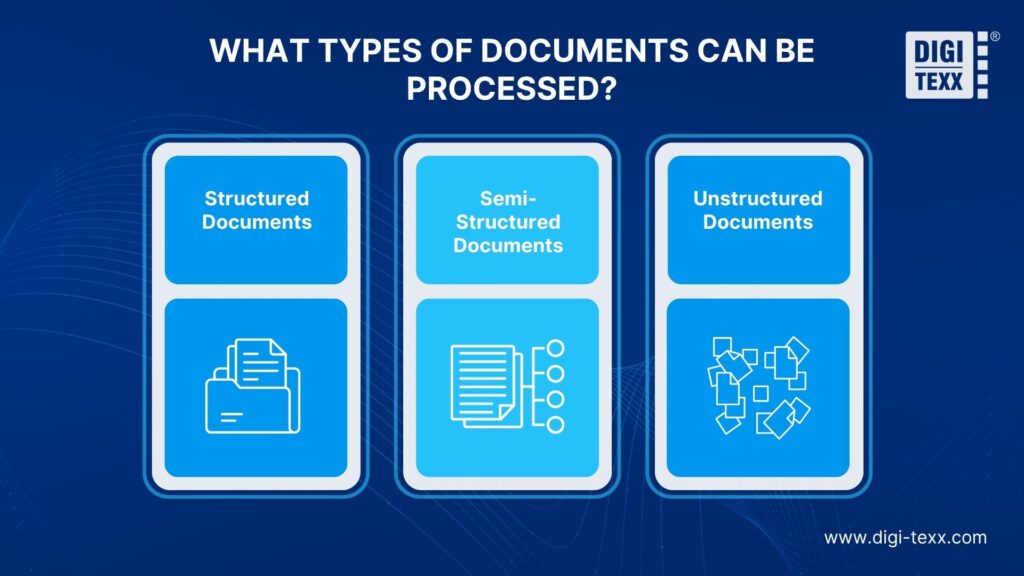
What Types of Documents Can Be Processed?
Document processing can handle documents with different levels of structure, from standardized forms to free-form business correspondence.
Structured Documents
Structured documents follow a predictable format, with predefined fields and consistent layouts.
Examples include:
- Standard application forms
- Government forms
- Structured invoices
- Tax forms
- Identity forms
These documents are generally easier to process because the location and format of important information are relatively consistent.
Semi-Structured Documents
Semi-structured documents contain recognizable information but may vary in layout between suppliers, customers, or document versions.
Common examples include:
- Invoices
- Receipts
- Purchase orders
- Insurance forms
- Financial statements
This is where automated document processing technology becomes particularly useful because the system needs to identify information based on context rather than fixed coordinates alone.
Unstructured Documents
Unstructured documents do not follow a consistent template.
Examples include:
- Contracts
- Emails
- Business correspondence
- Legal documents
- Reports
- Claims documentation
Processing these documents often requires more advanced AI, natural language processing, layout analysis, or document understanding.
What Technologies Are Used in Document Processing?
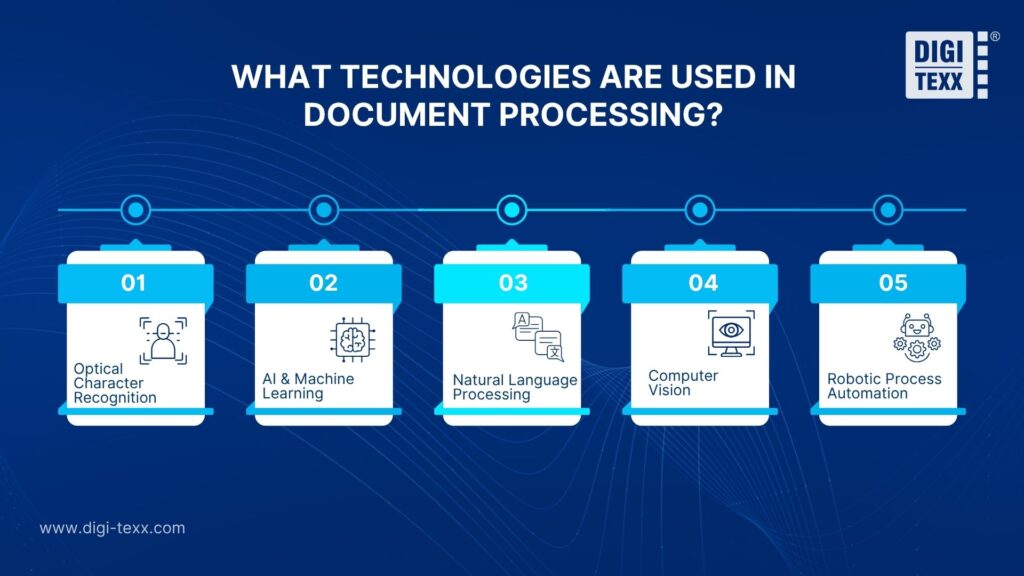
Modern document processing combines several technologies rather than relying on a single recognition engine.
Optical Character Recognition (OCR)
OCR converts text contained in scanned images or PDFs into machine-readable text. It is particularly useful for digitizing paper records and scanned documents. However, OCR primarily answers “What text is on this page?” It does not necessarily determine the business meaning of that text.
Artificial Intelligence And Machine Learning
AI and machine learning help systems recognize document types, identify relevant fields, interpret variations in layout, and improve extraction accuracy. This allows automated document solutions to work with documents that do not follow one fixed template.
Natural Language Processing
NLP helps systems interpret language and relationships between words and phrases. It can be useful when processing contracts, correspondence, claims, and other documents where meaning depends on context.
Computer Vision
Computer vision enables systems to understand visual elements such as document layout, tables, images, signatures, checkboxes, and spatial relationships.
Robotic Process Automation
RPA can connect document processing with repetitive actions in business applications. For example, once information has been extracted and validated, an RPA workflow can enter the data into an application or trigger a predefined business process.
>>> See more:
- What Is Data Quality Management? Importance, Tools, and Best Practices
- 20 Best Data Governance Tools In 2026
- Best Data Security Software 2026: Expert Evaluation Guide
Document Processing & OCR & Intelligent Document Processing
These terms are related, but they are not interchangeable.
| Technology | Main Function | Level of Understanding | Typical Use |
| Document Processing | Captures, processes, extracts, validates, and routes document information | Varies by solution | End-to-end document workflows |
| OCR | Converts images into machine-readable text | Primarily text recognition | Scanned documents and digitization |
| Intelligent Document Processing (IDP) | Uses AI to understand and extract information from complex documents | Higher contextual understanding | Automated extraction and business workflows |
The distinction matters because OCR can make text searchable without necessarily producing the structured information required by an ERP, CRM, or workflow system.
Microsoft similarly describes IDP as using OCR as a foundation while applying document understanding and machine learning to extract structures, relationships, key-value pairs, and other insights.
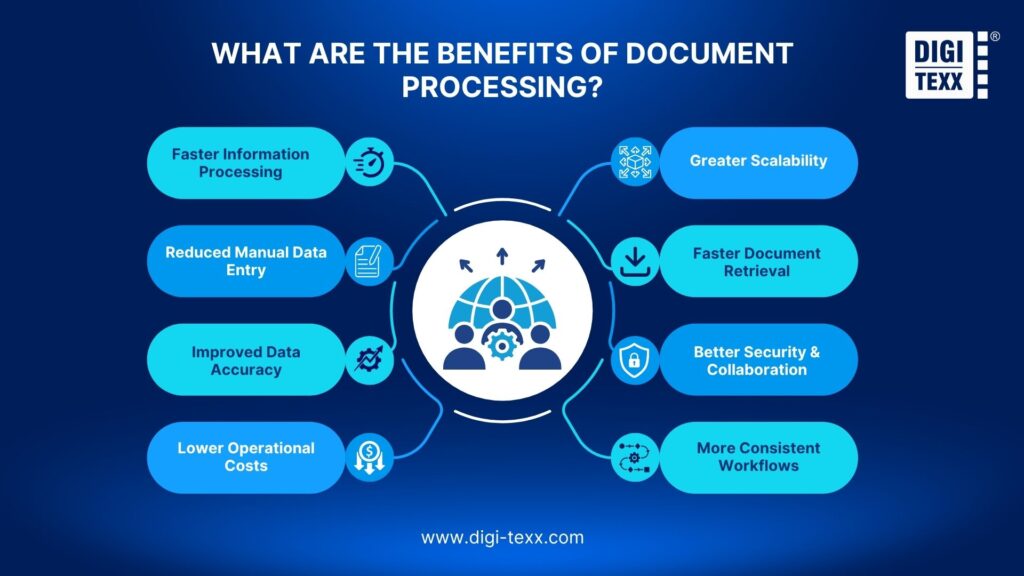
What Are the Benefits Of Document Processing?
The main value of document processing is not simply converting documents into digital text. It is making business information easier to capture, use, validate, and move through operational workflows.
Document processing helps businesses turn information from paper files, PDFs, scans, and other documents into usable business data. When automated, it can reduce repetitive work, improve data quality, and help organizations handle growing document volumes more efficiently.
Faster Information Processing
Automated document processing can handle large volumes of documents faster than manual processing. This is especially valuable for businesses that receive invoices, claims, forms, and other records continuously or in large batches.
Reduced Manual Data Entry
Automating repetitive document handling reduces the amount of information employees need to read and enter manually. This saves time and allows staff to focus on tasks that require human judgment and decision-making.
Improved Data Accuracy
Automated extraction and validation can reduce errors caused by repetitive manual data entry. Businesses can also apply validation rules and send uncertain records for human review to maintain data quality.
Lower Operational Costs
Document processing automation reduces the manual effort required to capture, organize, and verify information. This can lower processing costs, particularly for businesses handling thousands or millions of documents.
Greater Scalability
Automatic document processing allows businesses to increase processing capacity without expanding their teams at the same rate. This is useful for seasonal workloads, business growth, and large-scale digitization projects.
Faster Document Retrieval
Digital document processing makes information easier to search, access, and share after physical or unstructured records are digitized. Employees can find the information they need without manually searching through paper files or scattered folders.
Better Security And Collaboration
Digital workflows make it easier to control who can access, share, and modify business documents. Centralized and permission-based access can also support collaboration while helping protect sensitive information.
More Consistent Workflows
Document processing automation can standardize how similar documents are captured, classified, validated, and routed. This reduces variations in repetitive tasks and makes processing easier to monitor and manage across teams.
Document Processing Use Cases
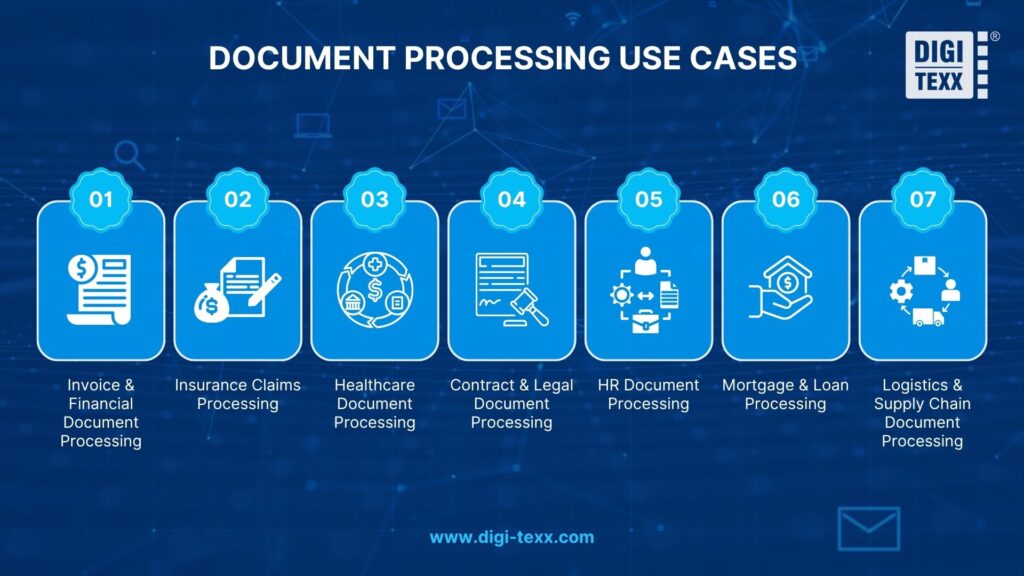
The applications of document processing extend across finance, insurance, healthcare, legal services, HR, lending, logistics, and other document-intensive operations.
Invoice And Financial Document Processing
Invoices can be classified and processed to extract supplier information, invoice numbers, dates, tax amounts, totals, purchase orders, and line items. The resulting data can then be validated and transferred to an ERP or accounting system, reducing repetitive manual entry.
Insurance Claims Processing
Insurance claims may contain forms, invoices, supporting documents, photographs, and correspondence. Document processing can classify these materials, extract relevant information, validate fields, and organize the resulting data for claims workflows.
Healthcare Document Processing
Healthcare organizations process forms, claims, referrals, medical records, invoices, and other documentation. Automated processing can convert information from these documents into structured data while reducing repetitive administrative work. Because healthcare information is sensitive, security, access controls, retention, and applicable regulatory requirements must be considered during implementation.
Contract And Legal Document Processing
Contracts often contain important information across multiple pages and sections.
Processing systems can help identify:
- Contract parties
- Effective dates
- Expiration dates
- Payment terms
- Renewal conditions
- Obligations
- Relevant clauses
AI can accelerate information discovery, but legal interpretation and high-impact decisions may still require qualified human review.
HR Document Processing
HR departments handle applications, employee forms, identification documents, tax documents, benefits paperwork, and other records. Document processing can extract employee information, classify incoming documents, and transfer validated data into HR systems.
Mortgage And Loan Processing
Loan applications can contain forms, income documents, bank statements, identification documents, and supporting records. Automated document processing can classify documents and extract relevant financial or applicant information, helping lenders reduce manual review and accelerate document-heavy workflows.
Logistics And Supply Chain Document Processing
Logistics operations generate large volumes of bills of lading, purchase orders, delivery documents, invoices, customs documents, and shipping records. Processing these documents can help extract shipment information and make it available to transportation, procurement, ERP, and warehouse systems.
>>> See more:
- Top 25 Data Integration Tools of 2026: ETL, ELT & Cloud
- 10 Best AI Process Automation Tools Free In 2026
What Are The Challenges Of Document Processing?
Automation does not eliminate every document-processing problem. The quality of the source documents, complexity of the workflow, and integration requirements can significantly affect results.
Poor-Quality Scanned Documents
Low resolution, skewed pages, faded text, shadows, or damaged documents can reduce recognition and extraction accuracy.
Complex And Inconsistent Document Layouts
Different suppliers or organizations may present the same type of information in completely different layouts. A system designed around one fixed template may struggle when document formats change.
Handwritten And Missing Information
Handwriting, incomplete fields, stamps, signatures, and overlapping text can create difficult extraction cases.
Data Accuracy And Validation
Even advanced automated systems can produce incorrect or incomplete results. Critical workflows therefore need confidence thresholds, validation rules, and exception handling.
Data Security And Privacy
Documents can contain financial, personal, medical, legal, or confidential business information. Processing environments should therefore include appropriate access controls, security measures, retention policies, and governance.
Integration Complexity
Extracted data is only useful if it can reach the systems that need it. Connecting document processing with ERP, CRM, accounting, claims, or workflow platforms can require API development and process redesign.
Managing High Document Volumes
High-volume environments require infrastructure and workflows that can handle changing workloads without creating processing backlogs.
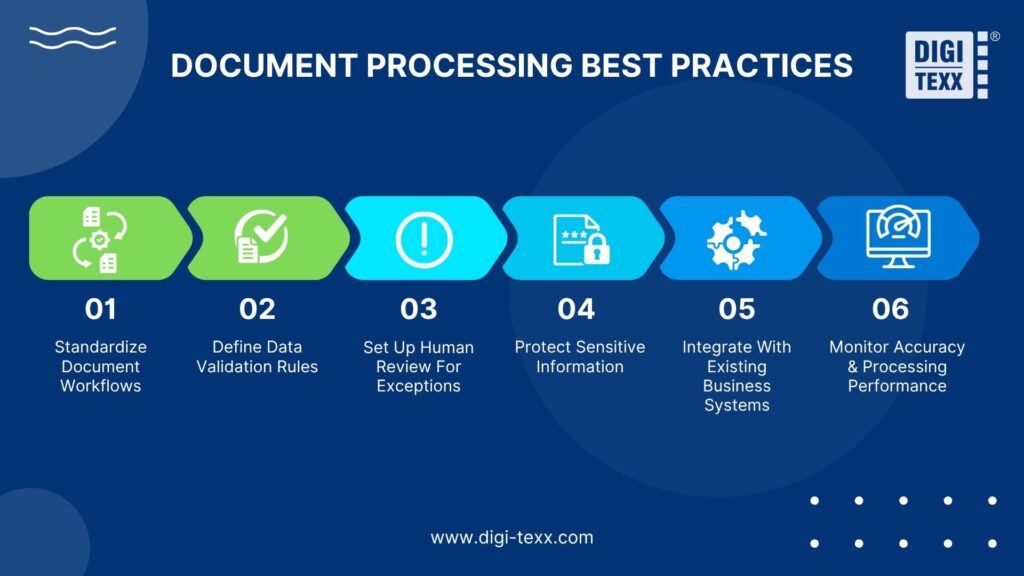
Document Processing Best Practices
Effective document processing requires more than choosing the right technology. Organizations should first understand how documents are categorized, how extracted data will be used, and how the workflow connects with existing business systems.
Standardize Document Workflows
Define document types, processing stages, required fields, validation rules, exception paths, and final destinations before introducing automation. A standardized workflow makes processing more consistent and easier to scale.
Define Data Validation Rules
Establish which fields are mandatory, what information needs verification, and which conditions should trigger an exception. Clear rules help maintain data quality and prevent inaccurate information from entering downstream systems.
Set Up Human Review For Exceptions
Automation does not need to handle every document without human involvement. Low-confidence results, unusual layouts, missing information, or complex documents should be routed to trained reviewers for verification.
Protect Sensitive Information
Apply appropriate security controls throughout the document lifecycle, from capture and processing to storage, transfer, and disposal. Access permissions and other safeguards should reflect the sensitivity of the information being handled.
Integrate With Existing Business Systems
Document processing automation creates greater value when extracted information can move directly into ERP, CRM, accounting, or other business applications. Consider system compatibility and API requirements before implementing the workflow.
Monitor Accuracy And Processing Performance
Track metrics such as extraction accuracy, exception rates, processing time, and document volumes. Regular monitoring helps identify errors, bottlenecks, and workflow improvements before they affect larger operations.
How To Choose The Right Document Processing Solution?
Selecting a document processing solution should start with the business workflow rather than the feature list. Consider how documents are stored, searched, processed, secured, and connected to existing systems before making a decision.
Cloud Or On-Premises Deployment
Determine where the solution should run based on your IT resources, security requirements, and operational model. Cloud-based platforms are hosted and maintained by the provider, while on-premises solutions run on the organization’s own infrastructure and require internal teams to manage maintenance, storage, and backups.
Search And Document Retrieval
Look for flexible search capabilities that allow users to find documents by keywords, file type, date, metadata, or other relevant attributes. Effective indexing can significantly reduce the time employees spend locating business information.
Logical File Organization
The system should provide a clear and consistent way to organize documents. A well-structured filing system makes information easier to access and reduces confusion when multiple teams work with the same records.
Security And Access Control
Choose a solution that provides appropriate controls for sensitive information. User permissions, role-based access, encryption, audit trails, and other security features can help prevent unauthorized access and support data protection requirements.
Ease Of Use
A document processing solution should be intuitive enough for employees to adopt without extensive training. Simple interfaces and streamlined workflows can reduce disruption and improve user adoption across departments.
Integration With Business Systems
Check whether the solution can connect with the applications already used by the organization, such as ERP, CRM, accounting, email, and document management systems. APIs and prebuilt integrations can make it easier to move extracted information into existing workflows.
Scalability And Processing Capacity
Consider both current and future document volumes. The solution should be able to handle increasing workloads, different document types, and additional users without requiring a complete change of system.
Total Cost Of Ownership
Look beyond the subscription or license price. Consider implementation, integration, infrastructure, maintenance, user training, storage, and ongoing operational costs to understand the solution’s actual long-term value.
FAQs About Document Processing
What Do You Mean By Document Processing?
Document processing is the process of converting paper documents and unstructured digital files, such as PDFs, scanned images, and emails, into structured, machine-readable data that can be easily stored, analyzed, and used in business workflows.
What Is The Best Way To Document Processes?
The most effective approach to process documentation is to capture each task as it is performed, break the workflow into clear, actionable steps, and support complex procedures with flowcharts or screenshots. Store the documentation in a centralized, shared location so team members can easily find, follow, and update it when processes change.
Document processing is no longer limited to converting scanned pages into digital text. With automated document processing technology, businesses can capture, classify, extract, validate, and route information across workflows with less manual intervention.
The right approach depends on document types, processing volumes, accuracy requirements, security needs, and existing business systems. For organizations looking to automate large-scale document processing, combining automation with human review and strong validation rules can provide a practical balance between efficiency and accuracy.
For businesses that need support with document processing automation, DIGI-TEXX provides end-to-end services covering document scanning, OCR, data extraction, classification, validation, data entry, and workflow support. This allows organizations to choose an approach that fits their operational requirements without having to manage every stage of document processing internally.
DIGI-TEXX Contact Information:
🌐 Website: https://digi-texx.com/
📞 Hotline: +84 28 3715 5325
✉️ Email: [email protected]
🏢 Address:
- Headquarters: Anna Building, QTSC, Trung My Tay Ward
- Office 1: German House, 33 Le Duan, Saigon Ward
- Office 2: DIGI-TEXX Building, 477-479 An Duong Vuong, Binh Phu Ward
- Office 3: Innovation Solution Center, ISC Hau Giang, 198 19 Thang 8 street, Vi Tan Ward
Reference:
- Library of Congress. (n.d.). Technical information: Optical character recognition (OCR). Chronicling America. https://www.loc.gov/collections/chronicling-america/about-this-collection/technical-information/
- National Archives and Records Administration. (n.d.). Guidelines for digitizing archival materials for electronic access. https://www.archives.gov/preservation/technical/guidelines.html