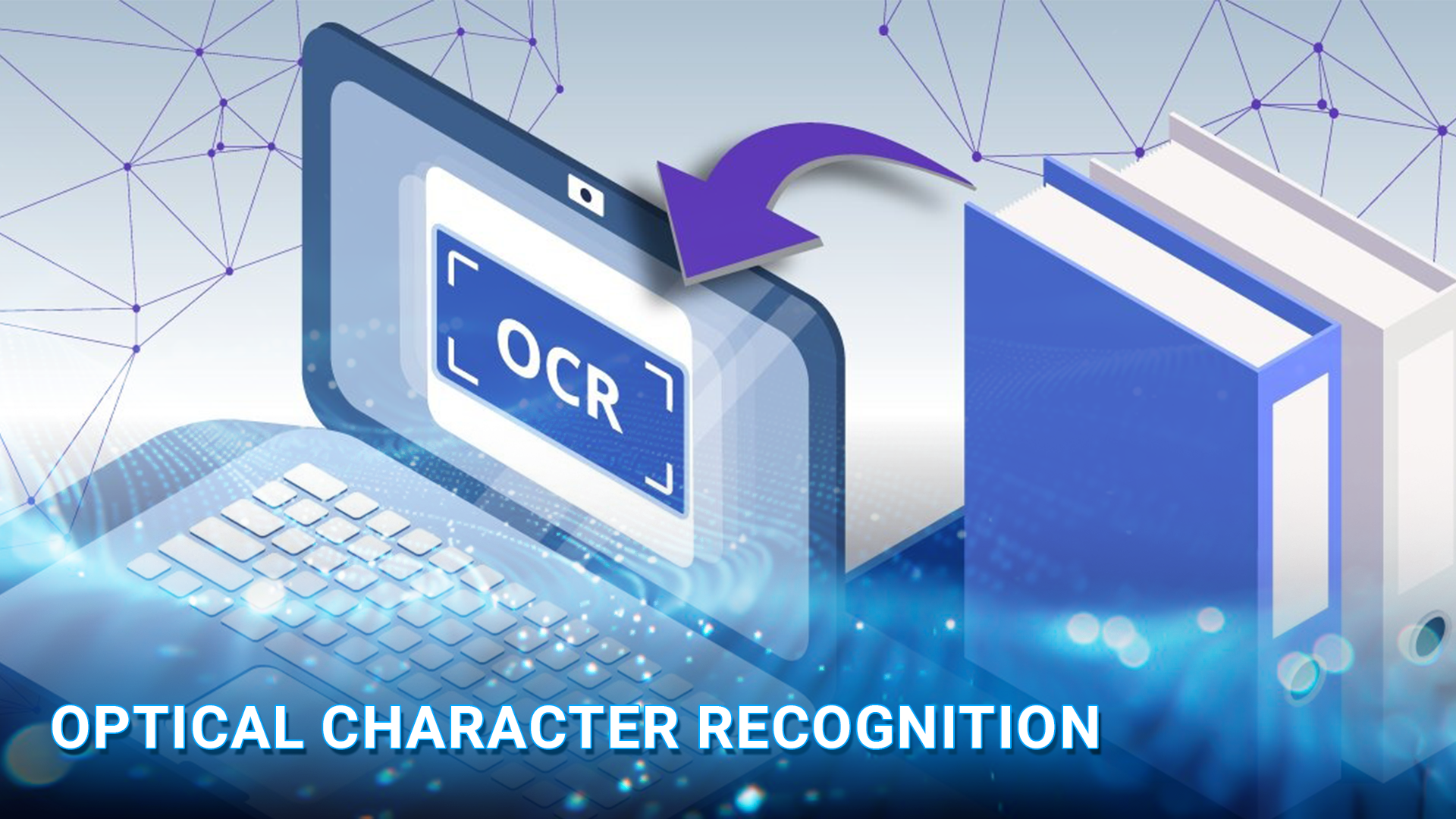
An artificial intelligence photo editing app is changing how users enhance, retouch, restore, and create images without spending hours on manual editing. From Photoshop AI free features and professional tools to an AI photo editor online free, there are now options for almost every editing need. But which tool is the best AI photo editing app, and which platform offers the best AI photo editing software for your workflow?
In this article, DIGI-TEXX will help you compare 10 popular AI-powered tools, including Photoshop, Lightroom, Luminar Neo, Fotor, AIEnhance.io, AI Ease, Pixlr, Claid.AI, Canva, Lensa, and Remini. Whether you need photo editing with AI, a best AI photo editor generator, the best AI for photo editing, or an AI image editor with prompt free features, this guide highlights the key features, platforms, free options, pros, and cons of each tool.
>>> See more:
- How To Make A Clipping Path In Illustrator (Step-By-Step)?
- Top 10 Photo Editing Services Online In 2026: Comparison & Review
- 25 Popular Photo Editing Styles In Photography For Stunning Images
| AI Photo Editing App | Best For | Key AI Features | Platforms | Free Version | Pricing |
| Adobe Photoshop & Lightroom | Professional photo editing | Generative Fill, Generative Expand, Generative Remove, AI Masking | Web, Windows, macOS, iOS, Android | Limited | From $9.99/month |
| Luminar Neo | Creative AI photo editing | Sky AI, Relight AI, GenErase, GenSwap | Windows, macOS | Limited | From $9.95/month |
| Fotor | Free AI photo editing | AI Enhance, Object Removal, Background Removal, AI Expand | Web, Windows, macOS, iOS, Android | Yes, limited | Free / Paid plans |
| AIEnhance.io | All-in-one AI editing | AI Enhancement, Upscaling, Face Restoration, Background Removal | Web | Yes, limited credits | Free / Paid plans |
| AI Ease | Free AI photo editing | AI Enhancer, Object Removal, Background Removal, AI Replacer | Web, iOS, Android | Yes, limited | Free / Paid plans |
| Pixlr | Online AI photo editing | Generative Fill, Generative Expand, AI Remove, Background Removal | Web, Windows, macOS, iOS, Android | Yes, limited | From $2.49/month |
| Claid.AI | Automated image enhancement | Upscaling, Enhancement, Noise Reduction, JPEG Artifact Removal | Web, API | Limited | Custom / API pricing |
| Canva | Social media & marketing | Magic Edit, Magic Eraser, Magic Grab, AI Image Generation | Web, Windows, macOS, iOS, Android | Yes, limited | Free / Paid plans |
| Lensa | AI portrait editing | AI Retouching, AI Enhancer, Magic Eraser, Magic Avatars | iOS, Android | Yes, limited | Free / In-app purchases |
1. Adobe Photoshop & Lightroom: Best For Professional AI Photo Editing
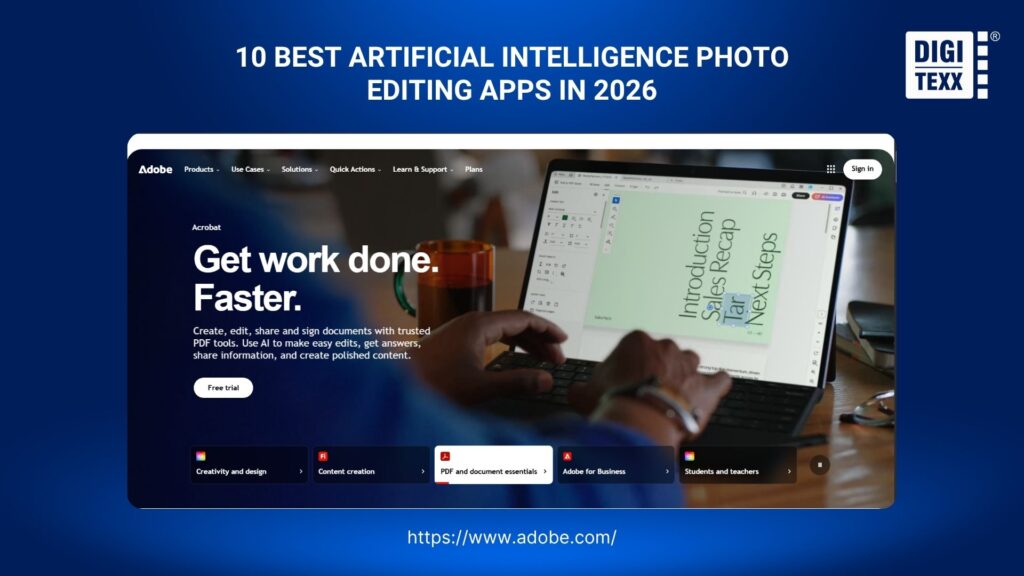
Adobe Photoshop and Lightroom are powerful artificial intelligence photo editing apps that help users enhance, retouch, remove, replace, and generate image content. Among the best AI photo editing software available, Adobe stands out for combining generative AI with professional editing controls, making it a strong choice for photographers, designers, and creative teams.
Key AI features:
- Generative Fill: Adds, removes, or replaces image elements using text prompts.
- Generative Expand: Extends an image beyond its original canvas with AI-generated content.
- Generative Remove: Removes unwanted objects and reconstructs the surrounding area.
- AI Masking: Automatically identifies subjects, skies, and backgrounds for targeted edits.
Best for: Professional photographers, designers, agencies, and creative teams
Platforms: Web / Windows / macOS / iOS / Android
Free version: Limited
Pricing: From $9.99/month
Pros
- Professional-grade AI and manual editing controls
- Powerful generative AI capabilities
- Supports advanced photography workflows
Cons
- Steeper learning curve than simpler AI editors
- Advanced features require a paid plan
>>> See more:
- AI Photo Retouching: 10 Best Tools & How To Use Them In 2026
- 7+ Best Photo Editing Apps For Android And iPhone (2026 Guide)
2. Luminar Neo: Best For Creative AI Photo Editing
Luminar Neo is an artificial intelligence photo editing app designed to automate complex creative edits such as relighting, sky replacement, portrait enhancement, and object removal. It is one of the best AI photo editing software options for photographers who want AI assistance without relying heavily on manual adjustments.
Key AI features:
- Sky AI: Automatically replaces skies and blends them into the scene.
- Relight AI: Adjusts lighting based on the depth and content of an image.
- GenErase: Removes unwanted objects and reconstructs the selected area.
- GenSwap: Replaces selected objects with AI-generated content based on prompts.
Best for: Photographers, content creators, and creative professionals
Platforms: Windows / macOS
Free version: Limited
Pricing: From $9.95/month
Pros
- Simplifies complex photo edits
- Strong creative AI capabilities
- Works with Photoshop and Lightroom workflows
Cons
- Fewer advanced controls than Photoshop
- Primarily designed for desktop users

3. Fotor: Best Free AI Photo Editing App
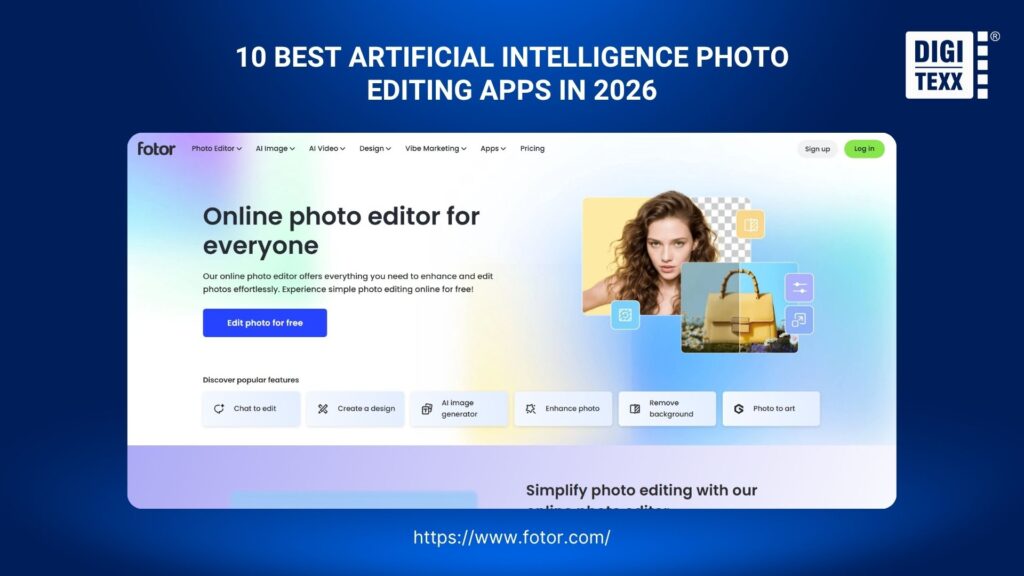
Fotor is an artificial intelligence photo editing app that helps users enhance, retouch, remove, and generate image content online. It stands out as an accessible AI photo editor free option with a broad selection of automated tools, making it suitable for beginners, marketers, and content creators.
Key AI features:
- AI Photo Enhancer: Automatically improves sharpness, clarity, lighting, and details.
- AI Object Remover: Removes unwanted elements from photos.
- AI Background Remover: Automatically detects subjects and removes backgrounds.
- AI Expand: Extends an image beyond its original borders using generated content.
Best for: Beginners, marketers, social media creators, and small businesses
Platforms: Web / Windows / macOS / iOS / Android
Free version: Yes, with limitations
Pricing: Free / Paid plans available
Pros
- Easy to use
- Broad range of AI editing tools
- Suitable for quick online editing
Cons
- Free AI features have usage limitations
- Not designed for advanced professional workflows
>>> See more:
- Top 7 Ecommerce Product Photo Retouching Services Compare
- E-commerce Photo Editing Services: Top Companies & Solutions For Online Stores
- Birthday Editing Online Free: Tools, Frames & Creative Ideas
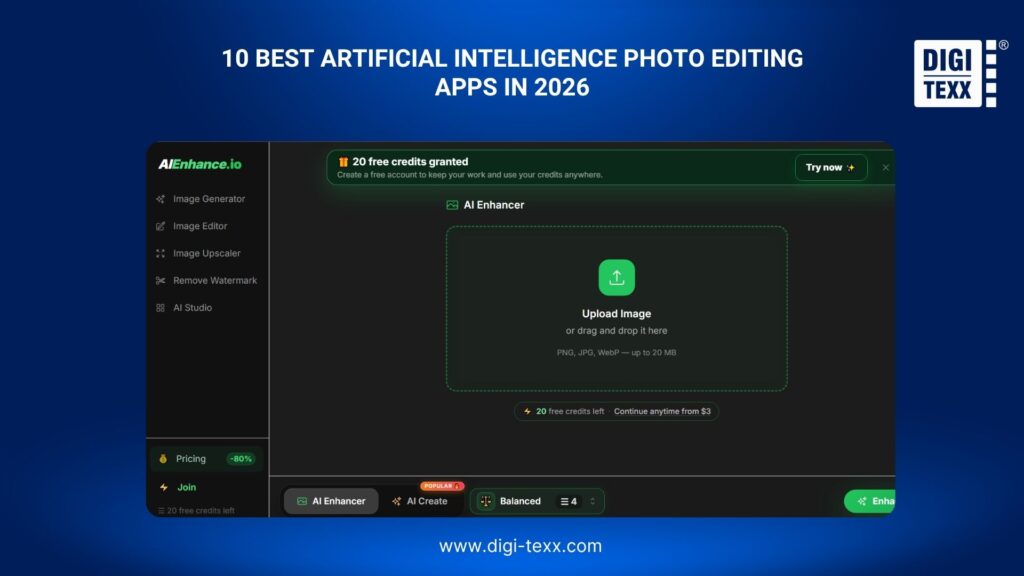
4. AIEnhance.io: Best All-in-One AI Photo Editor
AIEnhance.io is an artificial intelligence photo editing app that combines AI image enhancement, upscaling, restoration, background removal, and generation. It is a practical choice for users looking for a Best AI photo editor generator that can handle multiple image-processing tasks from one interface.
Key AI features:
- AI Image Enhancer: Improves sharpness, clarity, lighting, and image details.
- AI Upscaler: Increases image resolution while reconstructing missing details.
- Face Restoration: Enhances facial details in blurry or low-quality photos.
- AI Image Generator: Creates new visual content from text prompts.
Best for: E-commerce teams, marketers, content creators, and users processing low-quality images
Platforms: Web
Free version: Yes, with limited credits
Pricing: Free / Paid plans available
Pros
- Combines multiple AI image tools
- Simple browser-based workflow
- Useful for image enhancement and restoration
Cons
- Limited manual editing controls
- Advanced usage may require paid credits
5. AI Ease: Best Free AI Photo Editing App
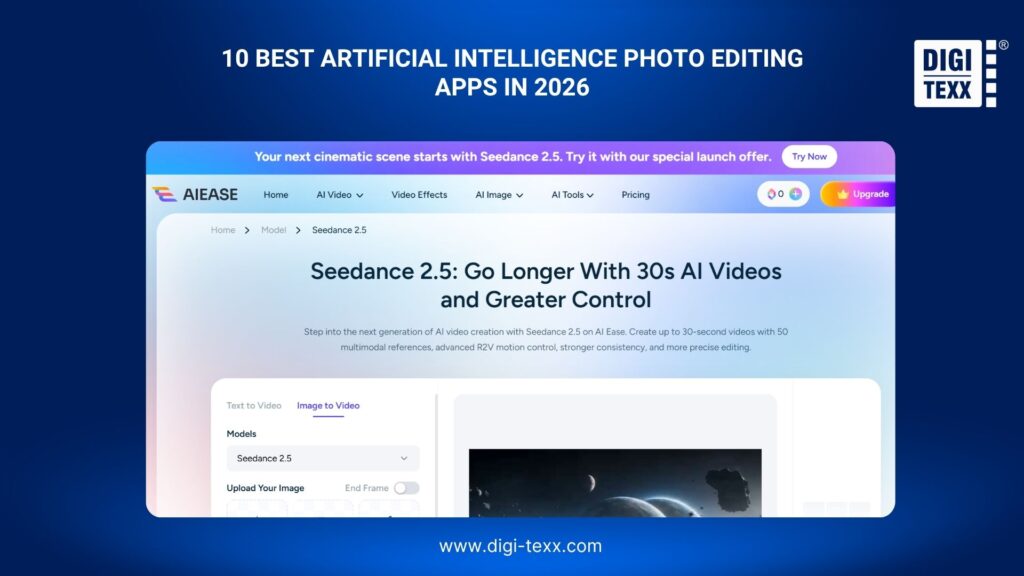
AI Ease is an artificial intelligence photo editing app that provides automated tools for enhancing, retouching, removing, replacing, and generating images. It is particularly useful for users looking for a free AI app for photo editing without the complexity of professional software.
Key AI features:
- AI Photo Enhancer: Improves image clarity, sharpness, and details.
- AI Object Remover: Removes unwanted objects automatically.
- AI Background Remover: Separates subjects from backgrounds.
- AI Replacer: Changes selected image elements based on text instructions.
Best for: Beginners, marketers, social media creators, and small businesses
Platforms: Web / iOS / Android
Free version: Yes, with limitations
Pricing: Free / Paid plans available
Pros
- Multiple AI tools in one platform
- Beginner-friendly interface
- Supports prompt-based editing
Cons
- Free usage is limited
- Less suitable for advanced manual editing
6. Pixlr: Best For Online AI Photo Editing
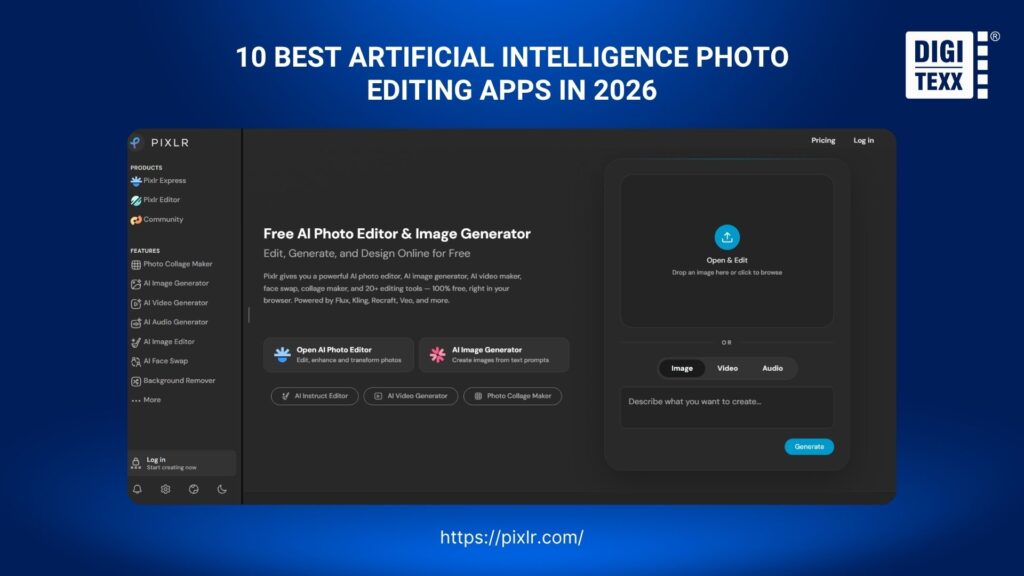
Pixlr is an artificial intelligence photo editing app that combines traditional editing tools with generative AI capabilities. It is a strong option for users searching for an AI photo editor online free, particularly when they want to edit, generate, or transform images directly in a browser.
Key AI features:
- Generative Fill: Adds or replaces image elements using text prompts.
- Generative Expand: Extends an image and generates matching content.
- AI Remove Object: Removes unwanted elements from photos.
- AI Background Removal: Automatically separates subjects from backgrounds.
Best for: Content creators, marketers, students, and small businesses
Platforms: Web / Windows / macOS / iOS / Android
Free version: Yes, with limitations
Pricing: From $2.49/month
Pros
- Browser-based editing
- Combines traditional and AI-powered tools
- Supports prompt-based image editing
Cons
- Some AI features require credits
- Interface can be overwhelming for beginners
7. Claid.AI: Best For Automated AI Image Enhancement
Claid.AI is an artificial intelligence photo editing app focused on automatically improving image quality, resolution, sharpness, and consistency. Rather than targeting creative editing, it is designed for businesses that need scalable photo editing with AI, particularly for product catalogs and large image collections.
Key AI features:
- AI Image Upscaling: Increases image resolution while reconstructing details.
- Image Enhancement: Improves clarity, sharpness, and overall quality.
- Noise Reduction: Reduces noise in low-quality images.
- JPEG Artifact Removal: Reduces compression artifacts.
Best for: E-commerce businesses, marketplaces, publishers, and high-volume image workflows
Platforms: Web / API
Free version: Limited
Pricing: Custom / API pricing
Pros
- Designed for automated image processing
- Strong focus on image quality
- API supports business workflows
Cons
- Not designed for creative photo editing
- Less suitable for casual users

>>> See more:
- 15 Best Document Scanning Software: Features, Pricing & Reviews 2026
- What Is Multiple Clipping Path Service? A Complete Guide
- How To Master Portraits Photo Editing: 10 Best Tools, Tips & Step-By-Step Guide
8. Canva: Best AI Photo Editing App For Social Media
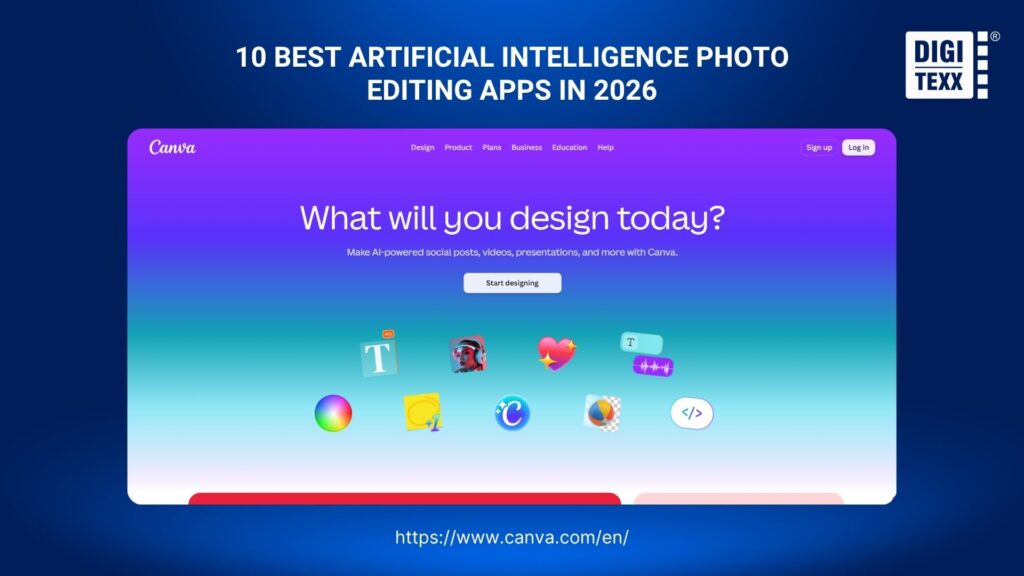
Canva is an artificial intelligence photo editing app that helps users edit images and turn them into social media, marketing, and branded content. It stands out by combining photo editing with AI and graphic design tools, making it a strong choice for marketers and social media teams.
Key AI features:
- Magic Edit: Adds or replaces image elements using text prompts.
- Magic Eraser: Removes unwanted objects from photos.
- Magic Grab: Extracts and repositions image elements.
- AI Image Generation: Creates visual content from text prompts.
Best for: Social media teams, marketers, entrepreneurs, and content creators
Platforms: Web / Windows / macOS / iOS / Android
Free version: Yes, with limitations
Pricing: Free / Paid plans available
Pros
- Combines AI editing with graphic design
- Excellent for social media workflows
- Easy for non-designers to use
Cons
- Advanced AI features require paid access
- Not suitable for professional RAW workflows
Offers a free plan and subscription options, with advanced AI features and additional design capabilities available through paid plans.
9. Lensa: Best AI Photo Editing App For Portraits
Lensa is an artificial intelligence photo editing app for iPhone and Android that focuses on portrait enhancement, retouching, object removal, and AI-generated avatars. Its mobile-first design makes it one of the more convenient options for users looking for the best artificial intelligence photo editing app for Android or iPhone.
Key AI features:
- AI Retouching: Enhances facial features and applies portrait adjustments.
- AI Enhancer: Improves the quality of low-resolution or poorly lit photos.
- Magic Eraser: Removes unwanted objects from images.
- Magic Avatars: Generates stylized avatars from user photos.
Best for: Portrait photographers, creators, and social media users
Platforms: iOS / Android
Free version: Yes, with limitations
Pricing: Free / In-app purchases
Pros
- Strong portrait-focused AI tools
- Simple mobile workflow
- Available for iPhone and Android
Cons
- Limited professional editing controls
- Many advanced features require in-app purchases
Offers a free plan and subscription options, with additional AI editing features and premium tools available through paid plans.

10. Remini: Best AI Photo Editing App For Photo Restoration
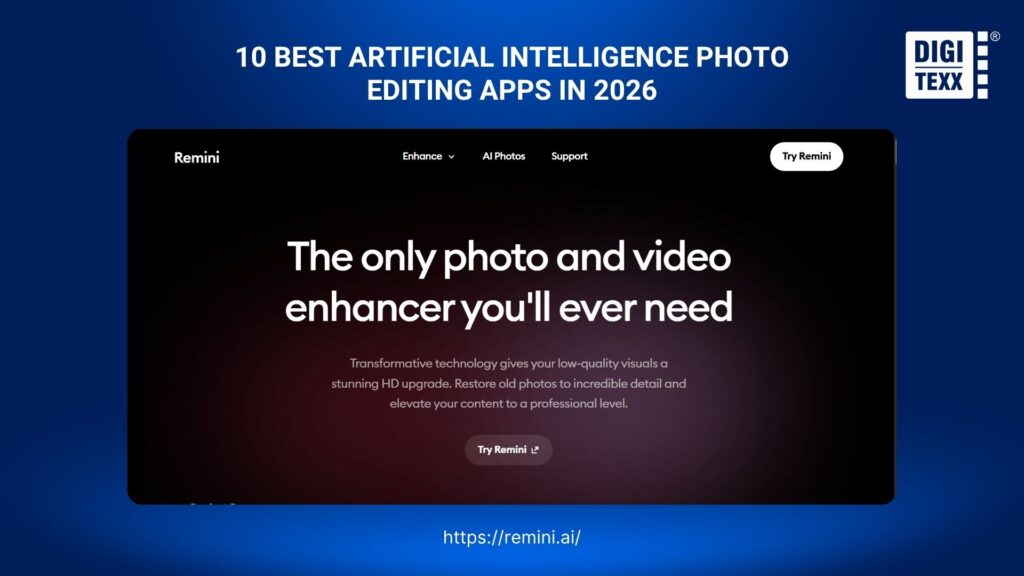
Remini is an artificial intelligence photo editing app designed to enhance, restore, and sharpen low-quality photos with AI. It is particularly useful for users looking for the best AI photo editing app to improve old, blurry, or low-resolution images without complex manual editing.
Key AI features:
- AI Photo Enhancer: Improves sharpness, clarity, and facial details in low-quality photos.
- Photo Restoration: Restores old, damaged, or faded images with AI.
- AI Face Enhancer: Enhances facial details and reduces blur in portraits.
- Image Upscaler: Increases image resolution while improving visible details.
Best for: Portrait enhancement, photo restoration, social media creators, and users improving old or low-quality images
Platforms: Web / iOS / Android
Free version: Yes, with limitations
Pricing: Free / Paid plans available
Pros
- Excellent for restoring blurry and old photos
- Strong AI-powered portrait enhancement
- Simple and beginner-friendly
Cons
- Free features are limited
- Less suitable for advanced manual photo editing
>>> See more:
- Top 10 Photo Editing Services Online In 2026: Comparison & Review
- Best Product Photo Editing Services For eCommerce: Top Providers Compared
- Photo Editing Price Guide 2026: Rates, Costs & Examples
FAQs About Artificial Intelligence Photo Editing Apps
What Is The Best Artificial Intelligence Photo Editing App?
There is no single best option. Adobe Photoshop suits professionals, Lightroom fits photographers, Canva works well for beginners, and Photoroom is ideal for e-commerce.
Are AI Photo Editing Apps Better Than Traditional Editing Software?
Not necessarily. AI editors automate repetitive tasks such as object removal, enhancement, and retouching, while traditional tools offer greater manual control. Combining both approaches often delivers the best results.
What Is The Best Free AI Photo Editing App?
Canva, Pixlr, Fotor, and Picsart offer free plans or limited AI features. However, advanced tools and higher usage limits may require a paid subscription.
Can AI Photo Editors Improve Low-Quality Images?
Yes. AI photo editors can upscale images, reduce noise, sharpen details, and improve colors. However, results depend on the original image quality and the capabilities of the AI technology.
What Is The Best Artificial Intelligence Photo Editing App For Android?
Remini, Picsart, Canva, and Photoroom are among the best artificial intelligence photo editing apps for Android, depending on your needs. Remini is ideal for enhancing and restoring low-quality photos, while Picsart suits creative and social media editing. Canva works well for beginners creating visual content, and Photoroom is a strong choice for editing product photos and e-commerce images.
>>> See more:
- How to Retouch Photos on iPhone – Best Free Apps for iOS
- Fashion Photo Editing Services: Benefits, Techniques & Expert Tips
- 13 Street Style Photo Editing Steps In Lightroom For Professional Results
The best artificial intelligence photo editing app depends on the type of images, editing workflow, and level of control required. Adobe Photoshop and Lightroom are strong choices for professional work, while Luminar Neo is better suited to creative AI editing. Fotor, AI Ease, and Pixlr offer accessible options for users looking for a free AI app for photo editing or an AI photo editor for free. For automated enhancement and restoration, AIEnhance.io, Claid.AI, and Remini provide more specialized capabilities.
For mobile users, Lensa and Remini are practical choices for portrait enhancement and photo restoration on iPhone and Android. Meanwhile, Canva is well suited to social media and marketing content. Whether looking for an artificial intelligence photo editing app for iPhone, the best artificial intelligence photo editing app for Android, or an AI photo editor online free, comparing features and limitations can help identify the right tool for each workflow.
If you’re evaluating the right solution for your business, DIGI-TEXX can help you assess your current workflow and recommend the most suitable approach.
DIGI-TEXX Contact Information:
Website: https://digi-texx.com/
Hotline: +84 28 3715 5325
Email: [email protected]
Address:
- Headquarters: Anna Building, QTSC, Trung My Tay Ward
- Office 1: German House, 33 Le Duan, Saigon Ward
- Office 2: DIGI-TEXX Building, 477-479 An Duong Vuong, Binh Phu Ward
- Office 3: Innovation Solution Center, ISC Hau Giang, 198 19 Thang 8 street, Vi Tan Ward
References
- Adobe. (2026). Generative AI features in Photoshop. Adobe Help Center. https://helpx.adobe.com/photoshop/desktop/generative-ai/generative-ai-features-overview.html
- Photoroom. (2026). AI Photo Editor: Tools & Features. Photoroom. https://www.photoroom.com/tools