Birthday editing is all about capturing real-world joy and turning your special moments into unforgettable stories. Today, let’s join DIGI-TEXX to explore how to quickly design stunning celebration assets using various free online tools, whether you need a quick free photo retouch for portraits or creative frames for social posts.
While these platforms perfectly serve your personal milestones, they also lay the foundation for how high-volume photo editing services online help enterprises scale their digital content workflows efficiently.
>>> See more:
- Best Product Photo Editing Services For eCommerce: Top Providers Compared
- Top 10 Best Free AI Photo Retouching Tools Online In 2026
- Photo Editing Price Guide 2026: Rates, Costs & Examples
The Best Free Online Birthday Photo Editors
Finding the right birthday photo editor can significantly simplify the design process. Whether you want to create a personalized birthday card, add decorative frames, or design social media graphics, the following tools provide templates, effects, and customization features suitable for different skill levels and creative needs.
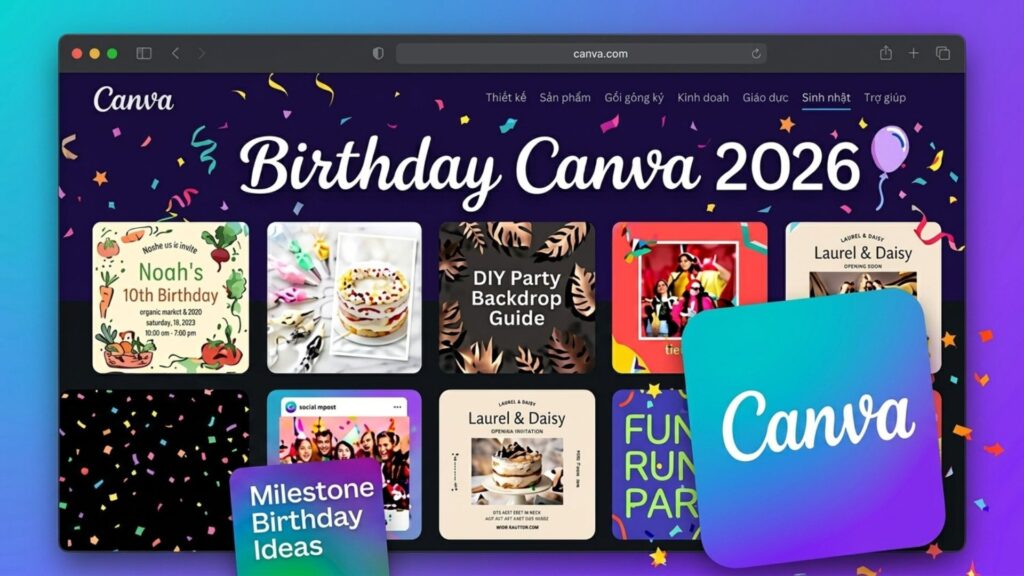
Canva: Multimedia Design Platform
Canva is one of the most popular tools for birthday editing thanks to its beginner-friendly interface and extensive collection of ready-made templates. Users can quickly create birthday cards, invitations, social media posts, and personalized photo designs without professional design experience.
Key Features:
- Thousands of birthday-themed templates for cards, posters, invitations, and social media graphics.
- Built-in birthday stickers, balloons, cakes, candles, and celebration elements.
- AI-powered background removal and image enhancement tools.
- Drag-and-drop editor that simplifies birthday photo customization.
Best For:
Beginners, families, office workers, and anyone looking to create birthday cards, invitations, or social media birthday posts quickly.
Picsart
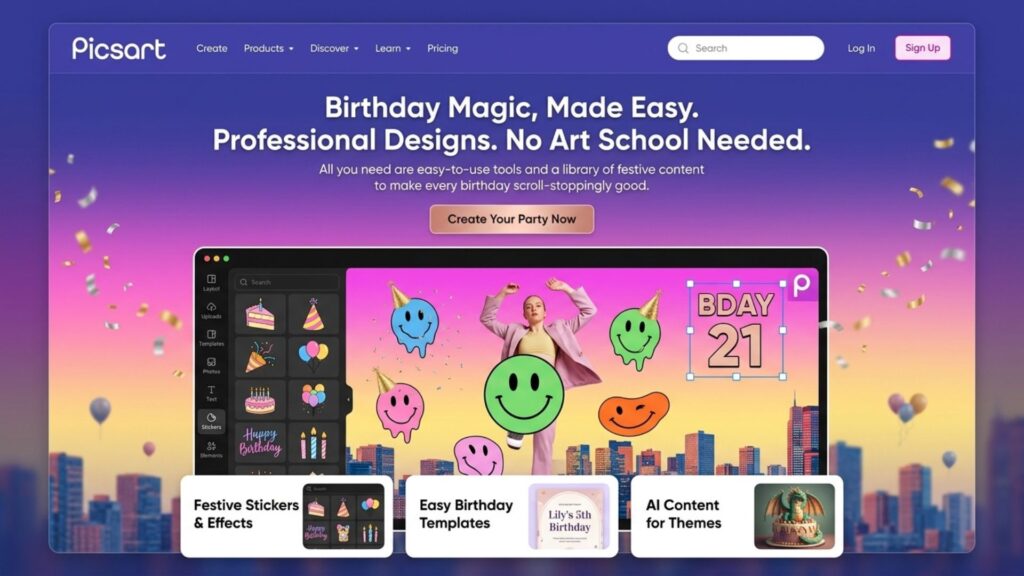
Picsart is a powerful birthday photo editor designed for users who want more creative control over portraits and photo effects. It is especially popular among younger users, creating birthday content for social media.
Key Features:
- Extensive collection of birthday stickers, overlays, and decorative elements.
- Advanced photo effects, including glow, sparkle, blur, and light leak filters.
- Portrait retouching tools for skin smoothing and blemish removal.
- Layer-based editing for combining multiple birthday effects in a single image.
Best For:
Users are creating stylish birthday portraits, Instagram Stories, Facebook posts, or personalized birthday photo edits.
Adobe Express
Adobe Express provides professional-quality birthday editing tools while maintaining a simple workflow suitable for non-designers. The platform offers polished templates ideal for both personal and business celebrations.
Key Features:
- Professionally designed birthday invitation and greeting card templates.
- High-quality typography and layout options.
- Easy customization of birthday photos, text, and decorative elements.
- Optimized exports for both digital sharing and printing.
Best For:
Users who need elegant birthday invitations, premium greeting cards, or professionally designed birthday promotional materials.
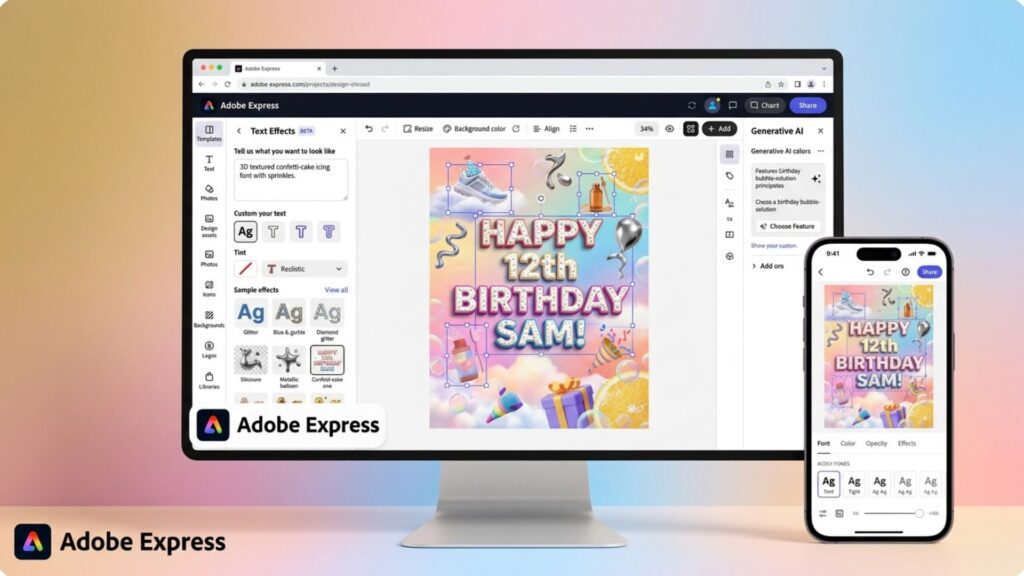
PosterMyWall
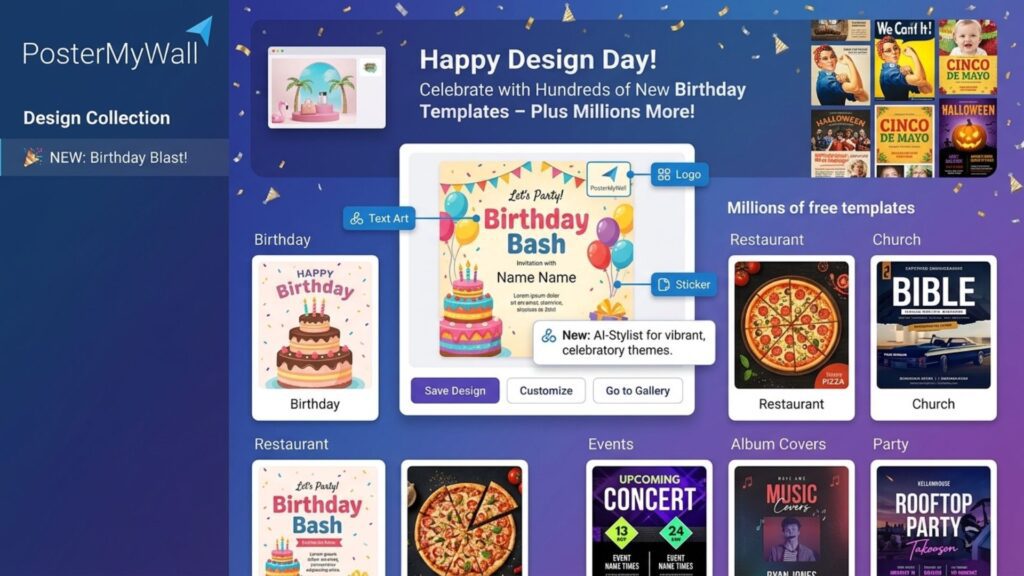
PosterMyWall is a design platform focused on creating event-related promotional materials. It is particularly useful for birthday parties, venue events, and large celebrations.
Key Features:
- Birthday poster and event banner templates.
- Animated birthday graphics and video templates.
- Ready-made designs for party announcements and event promotions.
- Large-format layouts suitable for printing.
Best For:
Party organizers, restaurants, event planners, and users are preparing promotional materials for birthday celebrations.
>>> See more:
- How To Make A Clipping Path In Illustrator (Step-By-Step)?
- Top 7 Ecommerce Product Photo Retouching Services Compared
- 13 Street Style Photo Editing Steps In Lightroom For Professional Results
Greetings Island
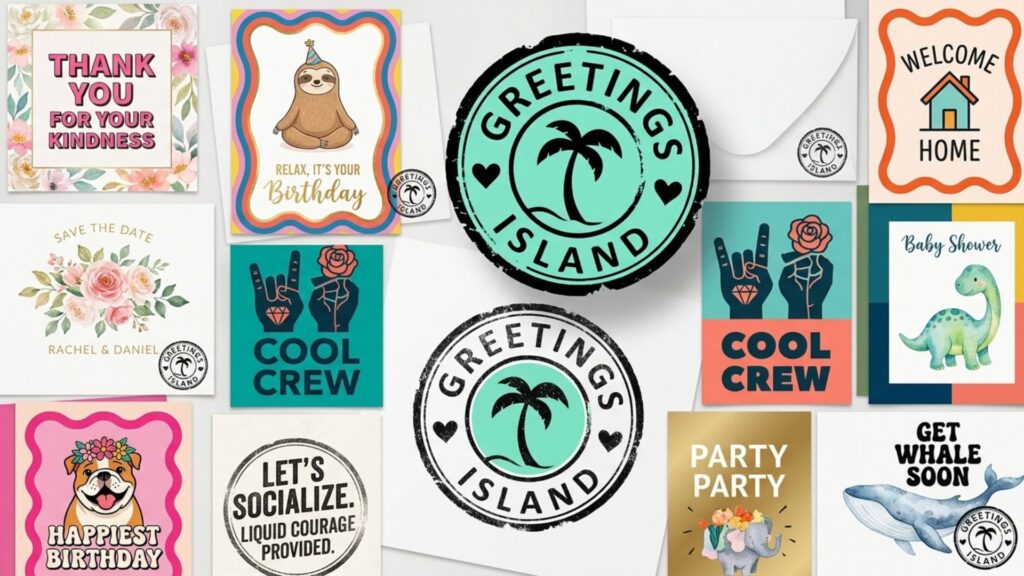
Greetings Island specializes in digital greeting cards and birthday invitations. The platform focuses on simplicity, making it easy for users to create and send personalized birthday messages online.
Key Features:
- Ready-made birthday card templates for different age groups and occasions.
- Customizable text, photos, and birthday messages.
- Digital invitation and RSVP support.
- Easy sharing through email and messaging platforms.
Best For:
Users who want to create personalized birthday cards or invitations without learning advanced design tools.
Comparison Table Of Online Free Birthday Photo Editors
| Tool | Best For | Key Strength | Platform |
| Canva | Birthday cards and invitations | Large template library | Web, Mobile |
| Picsart | Portrait birthday editing | Effects and retouching tools | Mobile, Web |
| Adobe Express | Professional birthday designs | Premium templates and typography | Web, Mobile |
| PosterMyWall | Event promotions | Posters and banners | Web |
| Greetings Island | Birthday cards | Simple card creation | Web |
Top Video Editing Tools
Birthday celebrations are no longer limited to static images. Many users now create birthday slideshows, greeting videos, and social media reels to share special moments with friends and family. The following video editing tools make it easy to transform photos and memories into engaging birthday video content.
“Viewers retain 95% of a message when they watch it in a video, compared to 10% when reading it in text.” — Insivia
CapCut
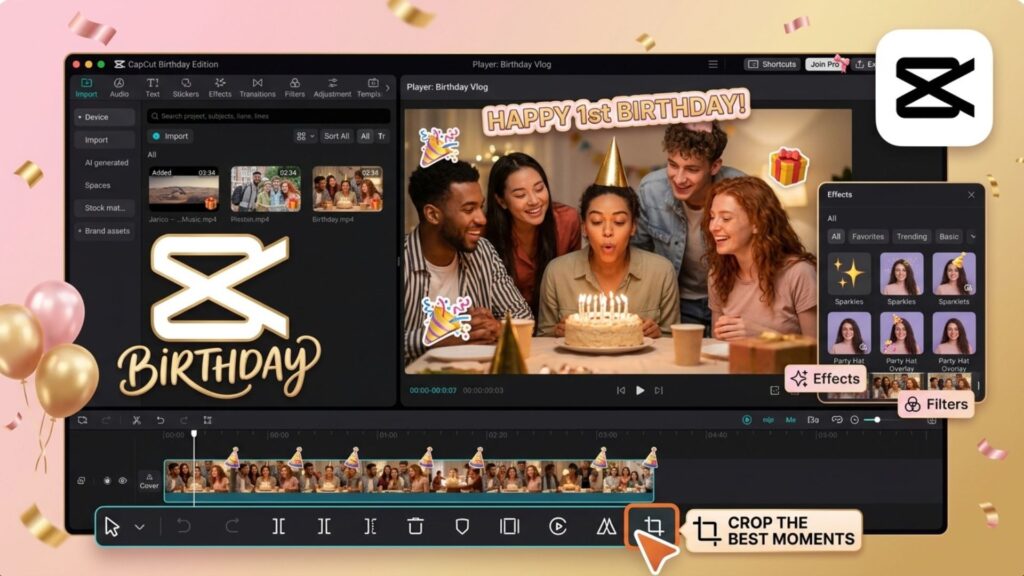
CapCut is one of the most popular birthday video editing tools for creating short-form celebration content. Its extensive template library and automated editing features make it easy to turn photos into engaging birthday videos within minutes.
Key Features:
- Ready-made birthday video templates for TikTok, Instagram Reels, and Shorts.
- Automatic slideshow creation from multiple birthday photos.
- Music synchronization with transitions and visual effects.
- Birthday-themed animations, stickers, text effects, and overlays.
Best For:
Users create birthday greeting videos, social media birthday posts, and short celebration clips for friends or family members.
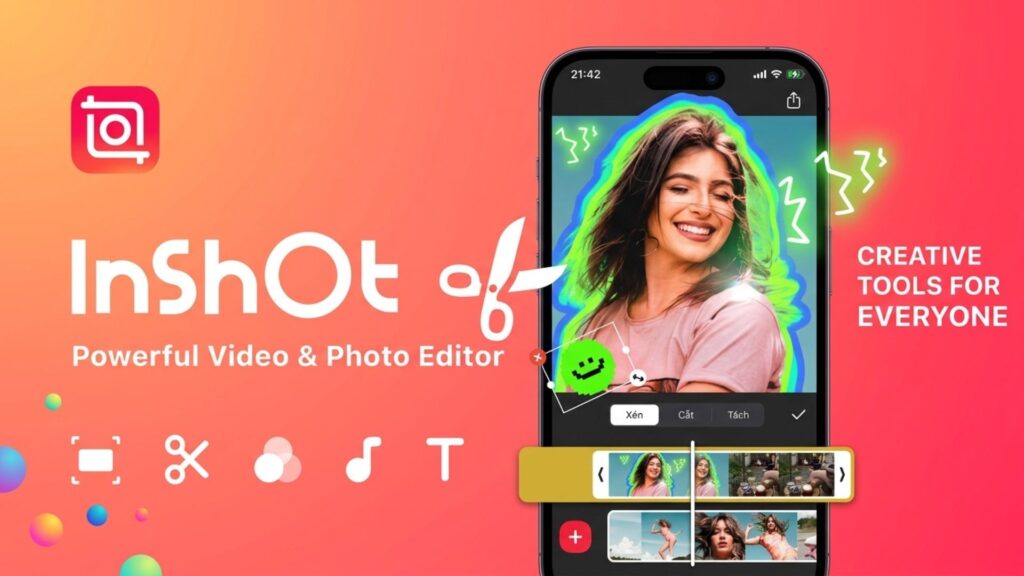
Inshot
InShot is a user-friendly mobile video editor that combines essential editing tools with creative features for birthday content creation. It allows users to quickly produce personalized birthday videos directly from their smartphones.
Key Features:
- Easy photo-to-video slideshow creation.
- Birthday-themed text animations and music integration.
- Picture-in-Picture (PIP) support for combining videos and photos.
- Simple trimming, transitions, and visual effect controls.
Best For:
Mobile users who want to create birthday slideshows, personalized greetings, or reaction-style birthday videos without complicated editing.
FlexClip
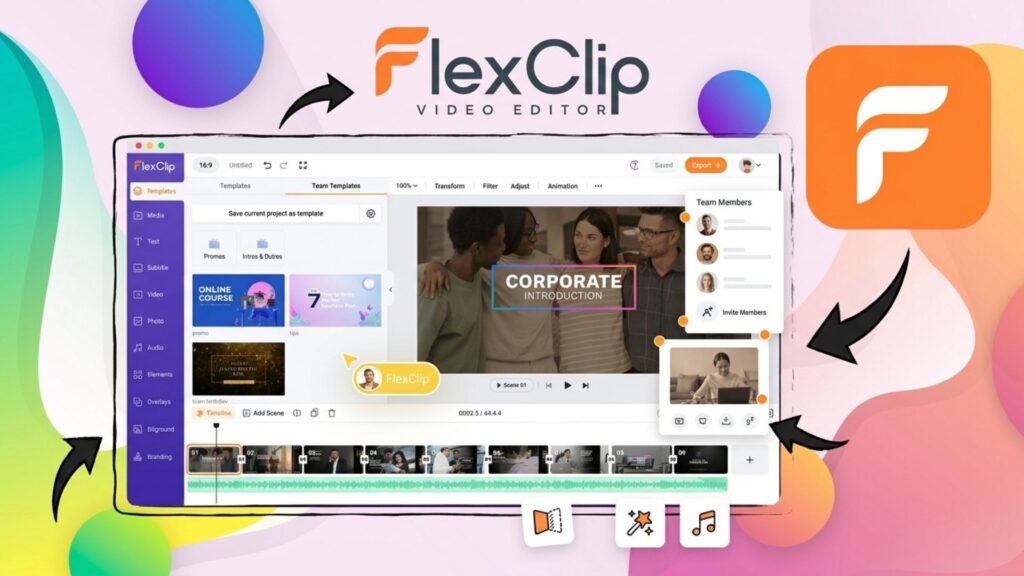
FlexClip is a browser-based video editor designed for fast content creation using ready-made templates and built-in multimedia resources. It simplifies the process of creating professional-looking birthday videos online.
Key Features:
- Pre-designed birthday video templates.
- Built-in stock footage includes candles, balloons, fireworks, and celebration scenes.
- Licensed background music library.
- AI Text-to-Speech for generating birthday voice messages automatically.
Best For:
Users who want to create birthday videos quickly using ready-made assets without recording their own footage.
Vimeo
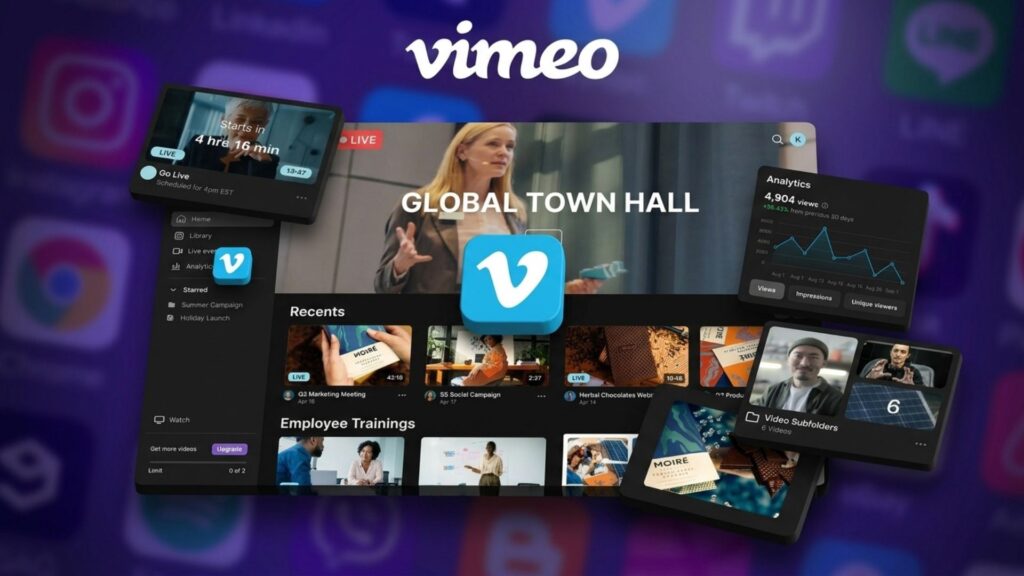
Vimeo Create helps users transform personal photos and video clips into polished birthday presentations. The platform focuses on producing high-quality videos that can be easily shared with family members and friends.
Key Features:
- Automated video creation from birthday photos and clips.
- Professional video styles and animated layouts.
- High-quality video rendering.
- Secure sharing options for private family celebrations.
Best For:
Users are creating longer birthday memory videos, family photo compilations, and personalized birthday presentations.
>>> See more:
- AI Image Processing Tools: Top 10 for Automation In 2026
- 25 Popular Photo Editing Styles In Photography For Stunning Images
- How To Master Portraits Photo Editing: 10 Best Tools, Tips & Step-By-Step Guide
Clipchamp
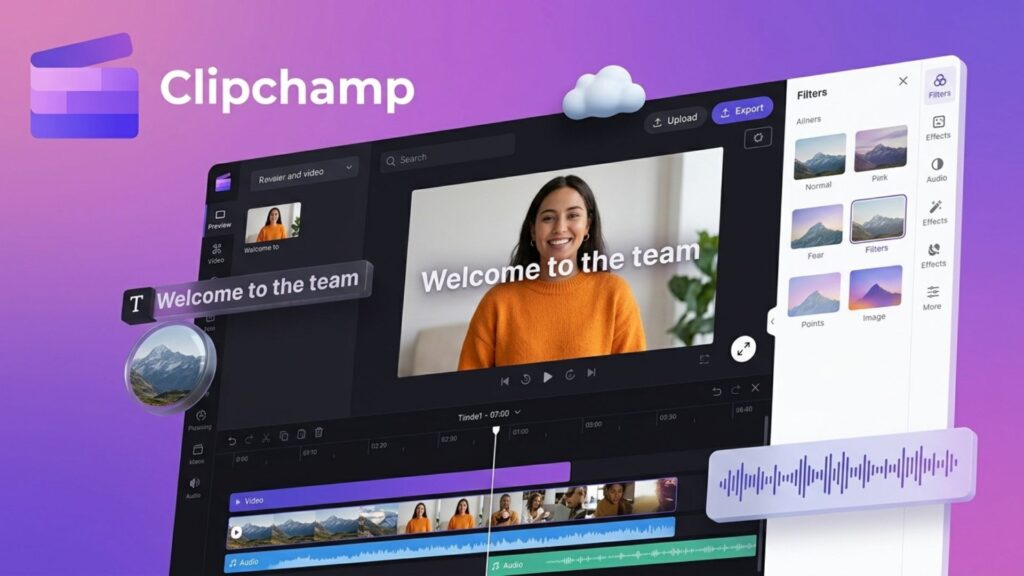
Clipchamp is a beginner-friendly video editor integrated into Windows, offering simple tools for creating birthday videos without installing additional software. Its drag-and-drop workflow makes birthday editing accessible to casual users.
Key Features:
- Birthday slideshow creation using photos and videos.
- Animated text, transitions, and visual effects.
- Built-in stock music and media assets.
- High-quality 1080p video exports.
Best For:
Windows users are looking for a free and straightforward solution to create birthday greeting videos, photo montages, and celebration slideshows.
Birthday Video Editor Comparison
| Tool | Best For | Templates | Music Integration | Ease of Use |
| CapCut | Social media videos | Excellent | Excellent | Easy |
| InShot | Mobile editing | Good | Good | Easy |
| FlexClip | Browser editing | Excellent | Excellent | Easy |
| Vimeo | Family memory videos | Good | Good | Medium |
| Clipchamp | Windows users | Good | Good | Easy |
Popular Birthday Editing Vibes
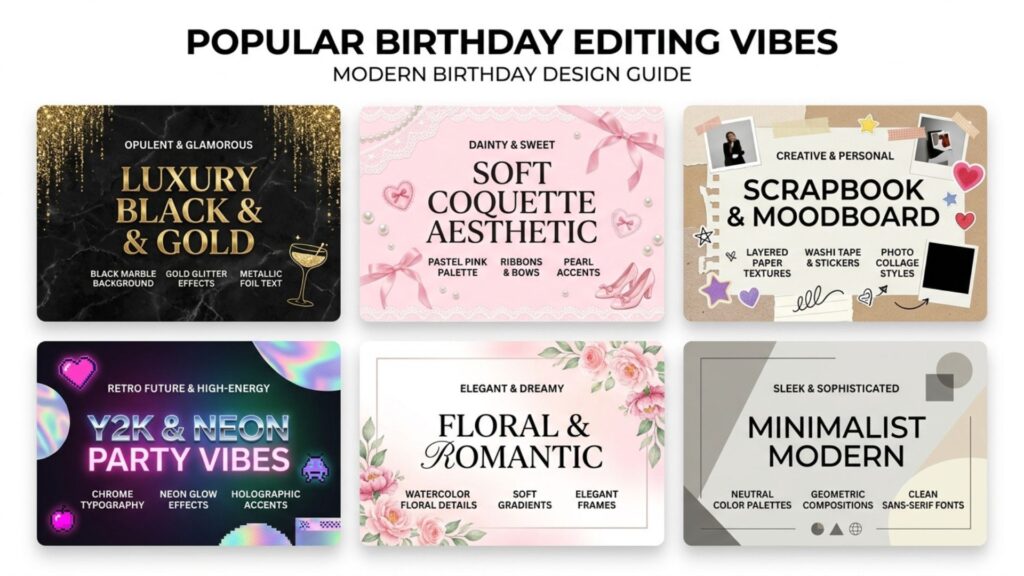
Choosing the right birthday editing vibe helps define the overall look and mood of a design before adding frames, stickers, or special effects. Below are some of the most popular birthday editing styles currently trending across Pinterest, Instagram, Canva, and other design platforms.
- Luxury Black & Gold: A sophisticated style that combines black backgrounds, metallic gold accents, glitter effects, and elegant typography. It is especially popular for 18th, 21st, 30th, and other milestone birthday celebrations.
- Soft Coquette Aesthetic: A feminine birthday editing style inspired by pastel colors, ribbons, pearls, lace details, and soft floral decorations. This trend is widely used by teenagers and young adults for birthday portraits and social media posts.
- Scrapbook & Moodboard: A creative style that combines photo collages, handwritten notes, stickers, paper textures, and layered elements. It is ideal for birthday recaps, friendship edits, and memory-themed designs.
- Y2K & Neon Party Vibes: Inspired by early 2000s aesthetics, this style features bright colors, chrome text, neon lighting, glitter effects, and playful graphics. It is commonly used for energetic birthday edits shared on TikTok and Instagram.
- Floral & Romantic: A timeless style that incorporates flowers, watercolor elements, soft gradients, and elegant typography. It works particularly well for birthday cards, personalized gifts, and family celebrations.
- Minimalist Modern: A clean and contemporary style that focuses on simple layouts, neutral color palettes, and subtle decorative elements. It is a popular choice for adult birthday portraits and modern birthday invitations.
>>> See more:
- How To Make Photos Look Like Film: A Complete Beginner’s Guide
- How to Edit Car Photos | Key Techniques of Car Photo Editing
- 15 Best Document Scanning Software: Features, Pricing & Reviews 2026
Stunning Birthday Frames For Photo Editing
Birthday photo frames play an important role in enhancing the visual appeal of a design. The right frame can highlight the subject, reinforce the celebration theme, and create a more polished final result. Below are some of the most popular birthday frame styles used in photo editing projects, invitations, and social media posts.
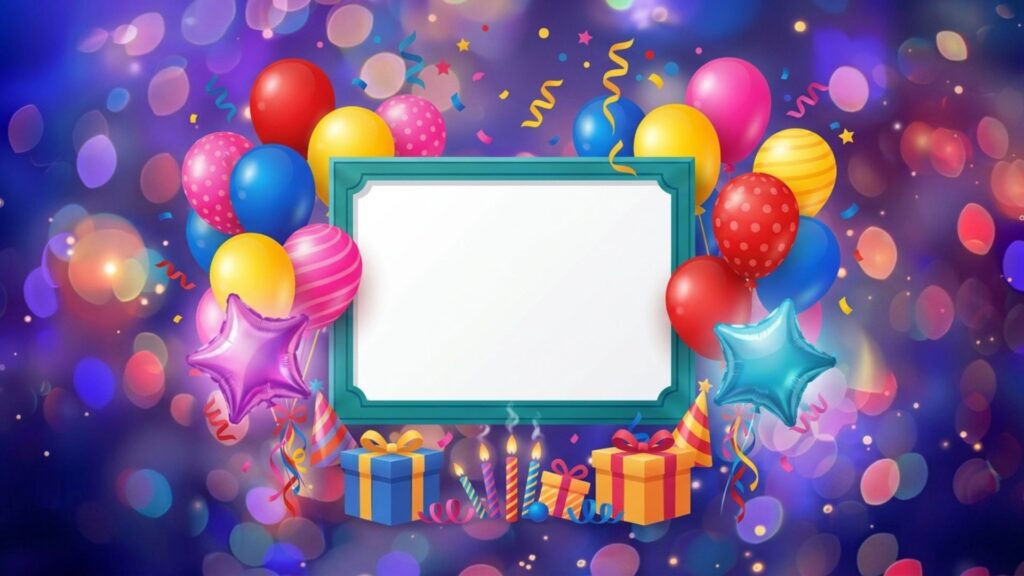
Balloon Birthday Frames
Balloon birthday frames feature colorful balloons, confetti, ribbons, candles, and festive decorations surrounding the photo. They often use bright colors such as red, blue, yellow, and pink to create a cheerful atmosphere.
Best For: Kids’ birthday photos, family celebrations, birthday invitations, and social media birthday posts.
Why It Is Popular:
Balloons are one of the most recognizable birthday symbols, making these frames suitable for almost any birthday celebration.
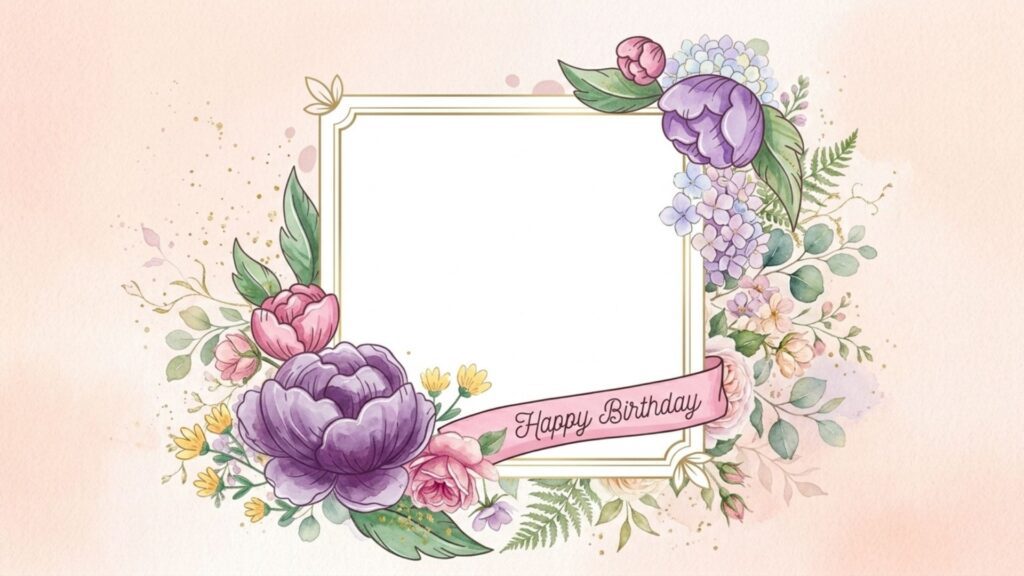
Floral Birthday Frames
Floral frames incorporate roses, peonies, sunflowers, or watercolor flower arrangements around the image. The designs often use soft color palettes and elegant decorative elements.
Best For: Birthday cards for mothers, grandmothers, friends, spouses, and elegant birthday portraits.
Why It Is Popular:
Floral birthday frames create a warm, sophisticated appearance while adding a personal and heartfelt touch to the design.
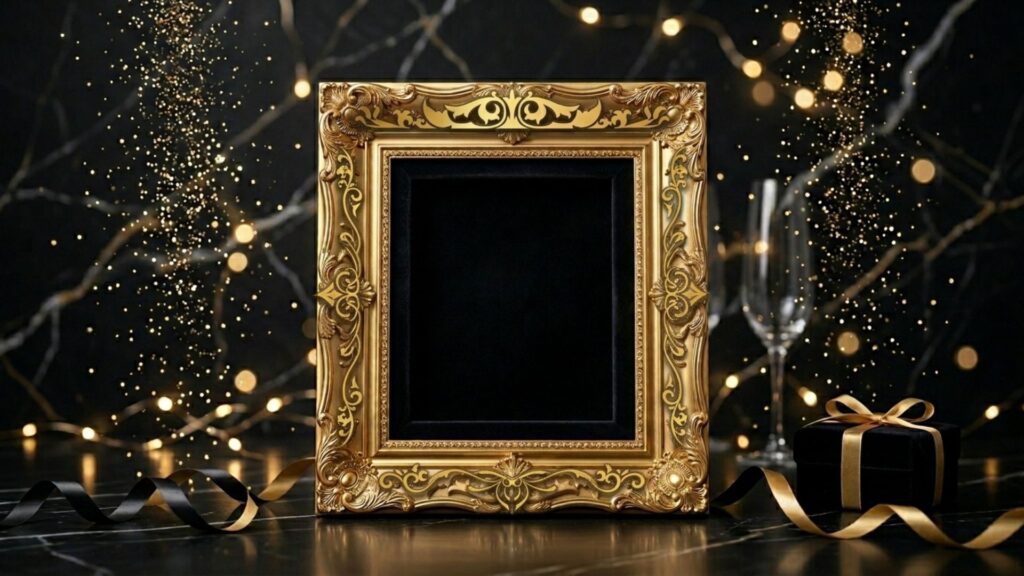
Golden Luxury Frames
These frames feature gold accents, glitter effects, metallic borders, sparkling lights, and premium decorative elements. Black-and-gold combinations are particularly common.
Best For: 18th, 21st, 30th, 40th, and milestone birthday celebrations, as well as formal birthday invitations.
Why It Is Popular:
Golden luxury frames instantly create a premium look and help make birthday photos feel more special and memorable.
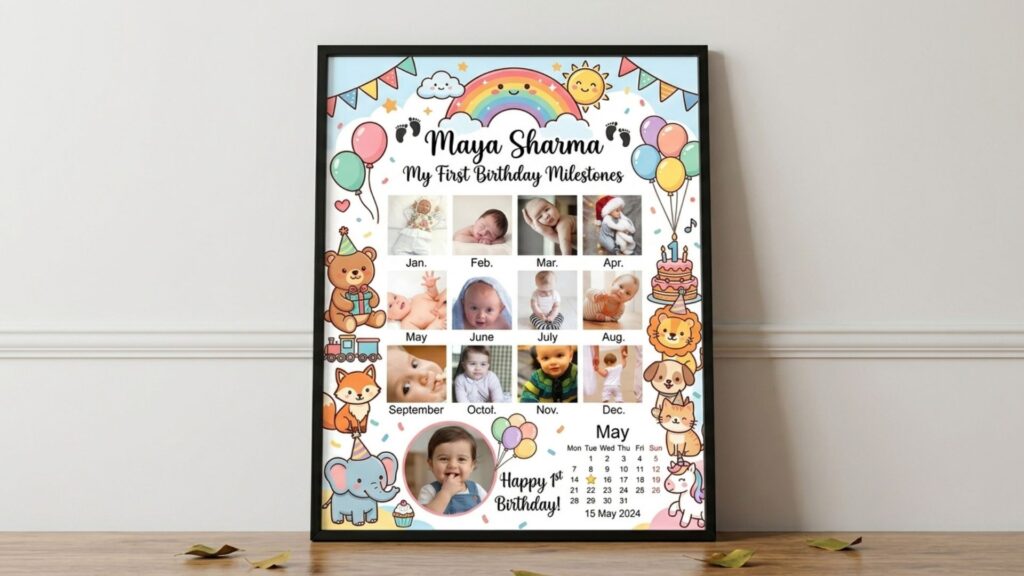
Kids And Babies Frames
Birthday frames for kids and babies often include cartoon illustrations, playful icons, balloons, stars, clouds, and milestone-themed decorations. Many designs provide dedicated spaces for names, ages, and memorable details.
Best For: Baby birthdays, first birthday parties, children’s birthday invitations, and milestone photo boards.
Why It Is Popular:
These frames help capture important childhood memories while creating a fun and age-appropriate visual style.
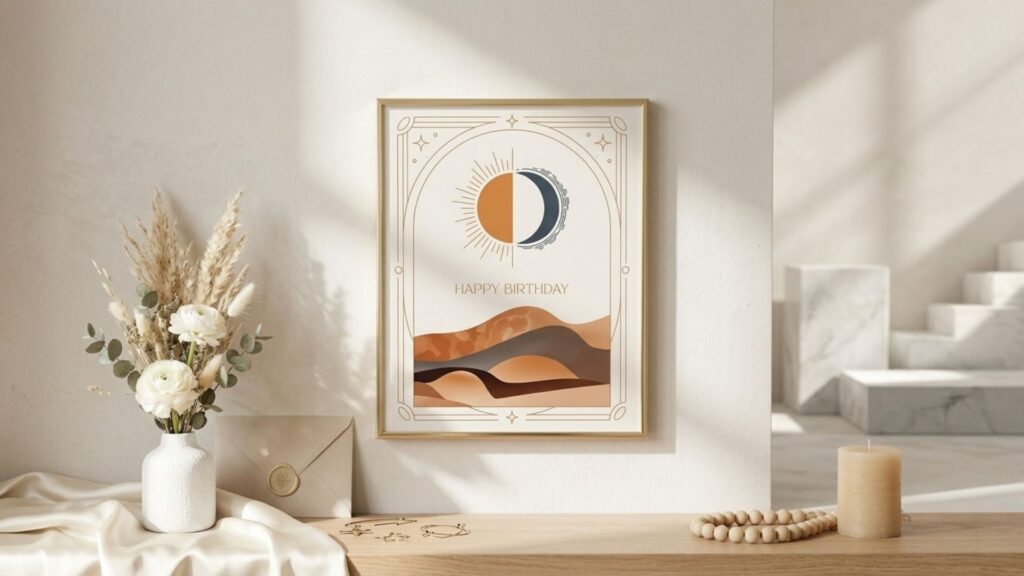
Minimalist And Elegant Frames
Minimalist birthday frames use clean layouts, thin borders, subtle typography, and generous white space. Gold, silver, or neutral-colored accents are commonly used.
Best For: Adult birthday portraits, professional birthday cards, and sophisticated social media birthday posts.
Why It Is Popular:
The simple design keeps attention focused on the subject while maintaining a modern and refined appearance.
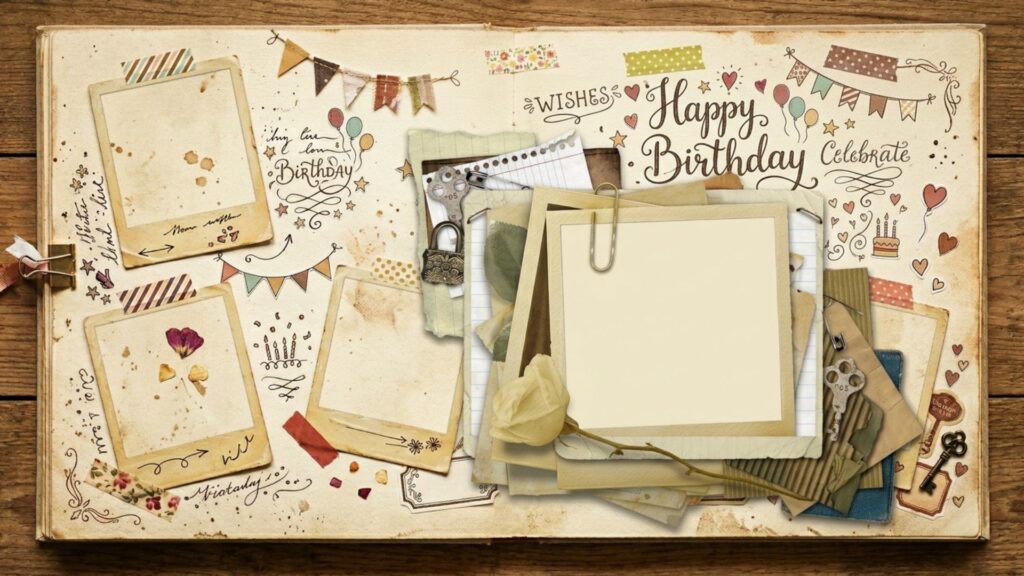
Polaroid And Vintage Frames
This style combines Polaroid-inspired borders, paper textures, scrapbook elements, handwritten fonts, and retro decorative details.
Best For: Birthday memory albums, nostalgic birthday collages, and personalized greeting cards.
Why It Is Popular:
The vintage aesthetic transforms digital photos into keepsake-style memories, creating a strong emotional connection with viewers.
>>> See more:
- Professional Skin Retouching In Photoshop For Natural Results
- What Is A Clipping Path? Learn To Use Professional Image Isolation
- How To Edit Photos In Lightroom To Look Professional?
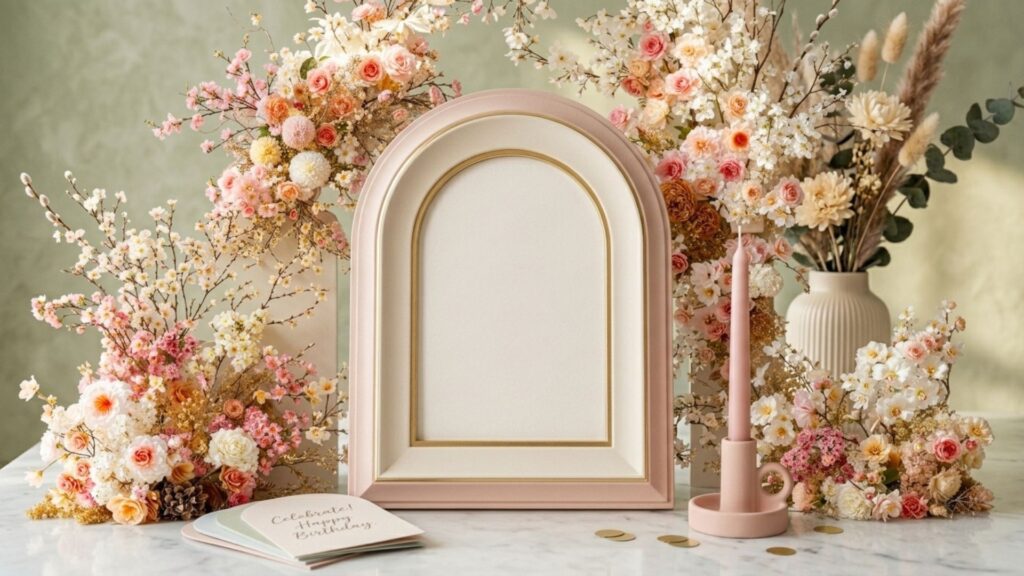
Arch Frames
Arch frames crop photos into a curved window-like shape that blends classic architecture with modern design trends. They are often paired with soft colors and clean layouts.
Best For: Birthday portraits, Instagram posts, digital invitations, and modern birthday card designs.
Why It Is Popular:
Arch frames have become a major Pinterest trend because they create an elegant, contemporary look without overwhelming the photo.
Collage Grid Frames
Collage grid frames arrange multiple photos within a structured layout, allowing several moments from a birthday celebration to appear in a single design.
Best For:
Birthday memory collections, event recaps, family celebrations, and birthday slideshow covers.
Why It Is Popular:
Instead of highlighting a single image, collage frames tell a complete birthday story by showcasing multiple memories and moments together.
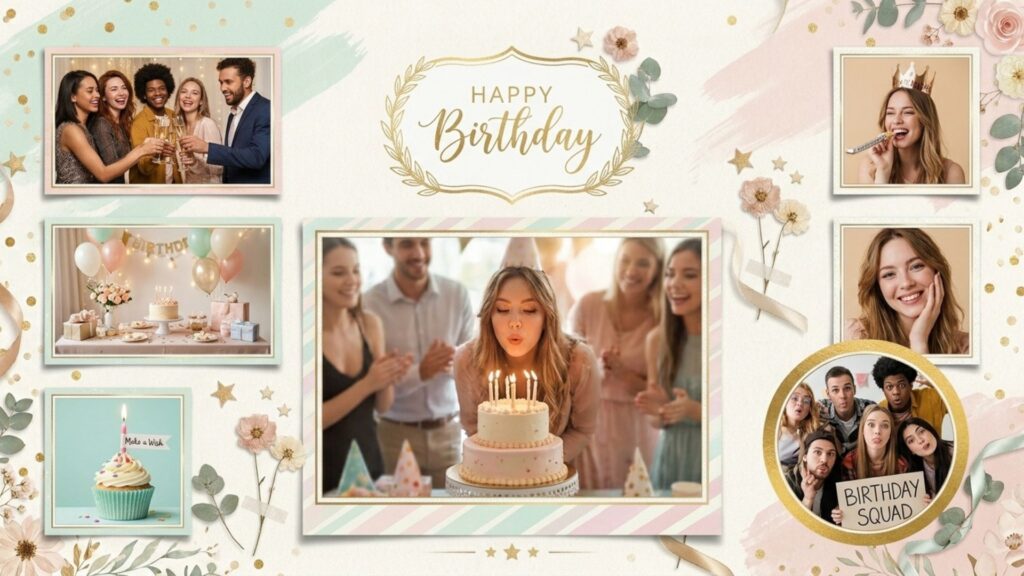
Birthday Editing Ideas
If you are unsure where to begin, exploring different birthday editing ideas can provide valuable inspiration. These concepts combine popular design trends, decorative elements, and creative layouts to help you create unique birthday photos that stand out both online and offline.
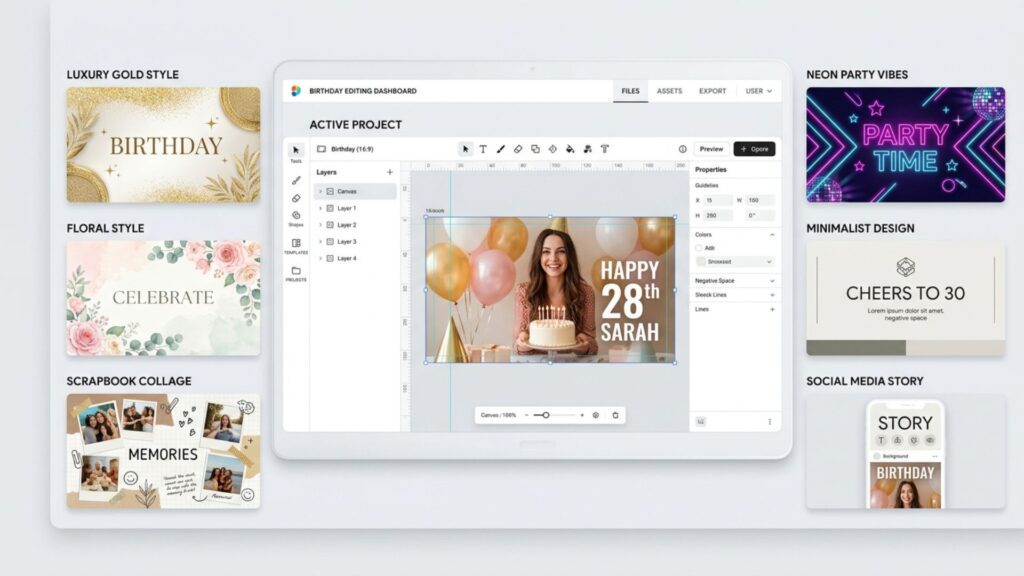
- Golden Celebration Portrait: A luxurious birthday editing concept that combines black-and-gold colors, sparkling lights, metallic typography, and elegant decorative elements. This timeless style is especially popular for 18th, 21st, 30th, and other milestone birthday celebrations.
- Floral Birthday Dream: Soft floral decorations, pastel color palettes, and delicate typography work together to create a romantic and elegant birthday design. This concept is commonly used for birthday cards, personalized gifts, and social media birthday portraits.
- Birthday Memory Collage: Inspired by scrapbook and moodboard trends, this idea combines multiple photos, handwritten notes, stickers, and paper textures to showcase memorable birthday moments within a single design.
- Neon Party Night: Bright neon colors, glowing text, confetti, and energetic visual effects transform an ordinary photo into a vibrant party-themed birthday edit. This style is particularly popular among teenagers and social media users.
- Minimalist Birthday Portrait: A clean and modern concept that focuses on the subject using neutral backgrounds, subtle borders, and simple typography. The result is a sophisticated birthday design that feels timeless and professional.
- Social Media Birthday Story: Designed specifically for Instagram Stories, TikTok posts, and other mobile platforms, this concept combines portrait-focused layouts, bold typography, stickers, and interactive elements to maximize visual engagement.
>>> See more:
- How Online Photo Restoration Services Revive Your Precious Memories
- Best Jewelry Photo Editing Service Provider For E-Commerce Businesses
- 7+ Best Photo Editing Apps For Android And iPhone (2026 Guide)
Recommended Birthday Editing Planning Guide
| Goal | Style Recommendation |
| Elegant Birthday Card | Golden Celebration Portrait + Luxury Black & Gold + Golden Luxury Frame + Canva |
| Romantic Birthday Portrait | Floral Birthday Dream + Floral & Romantic + Floral Birthday Frame + Picsart |
| Kids Birthday Design | Soft Coquette Aesthetic + Kids & Babies Frame + Canva |
| Birthday Memory Album | Birthday Memory Collage + Scrapbook & Moodboard + Polaroid & Vintage Frame + Canva |
| Social Media Birthday Post | Social Media Birthday Story + Y2K & Neon Party Vibes + Arch Frame + Picsart |
| Professional Invitation | Minimalist Birthday Portrait + Minimalist Modern + Minimalist & Elegant Frame + Adobe Express |
How To Create A Happy Birthday Photo Frame With Name And Photo Edit?
Creating a personalized birthday photo frame is one of the most popular birthday editing projects. By combining a photo, decorative frame, custom name, and birthday message, you can design a meaningful keepsake or greeting card in just a few simple steps. Follow the guide below to create your own customized birthday photo design.
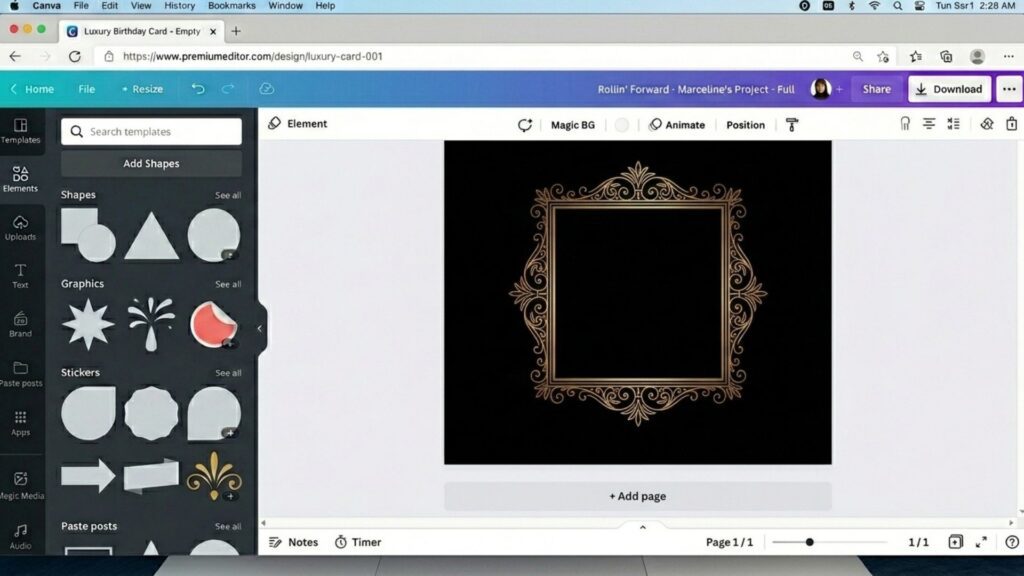
Step 1: Choose A Birthday Editing Tool And Frame
Start by selecting a birthday photo editor that matches your needs. Platforms such as Canva, Picsart, Adobe Express, and Greetings Island offer ready-made birthday templates that can save significant design time.
Next, choose a birthday frame that matches your preferred style. For example:
- Balloon Birthday Frames for children’s celebrations.
- Floral Birthday Frames for elegant and romantic designs.
- Golden Luxury Frames for milestone birthdays.
- Polaroid Frames for scrapbook-inspired birthday memories.
- Minimalist Frames for modern and sophisticated birthday portraits.
Choosing the right frame at the beginning helps establish the overall visual direction of your birthday edit.
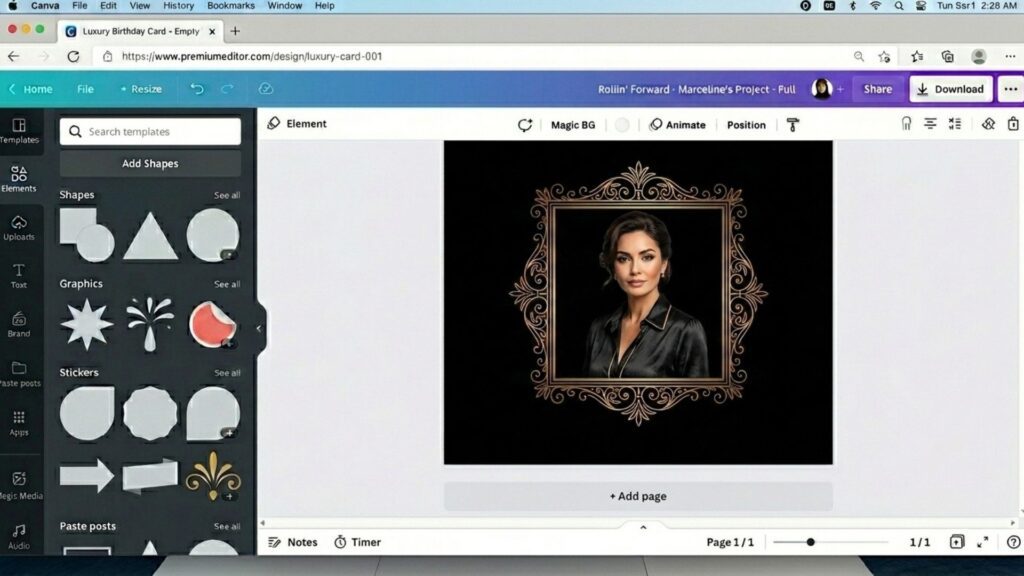
Step 2: Upload Your Photo And Remove The Background
Upload the portrait photo you want to use and position it within the selected frame. If the background is distracting, use the built-in background remover available in many birthday photo editors.
A transparent background allows the subject to blend naturally with the birthday design and creates a cleaner, more professional appearance.
For the best results:
- Use a high-resolution portrait photo.
- Choose images with good lighting.
- Ensure the subject’s face remains clearly visible after cropping.
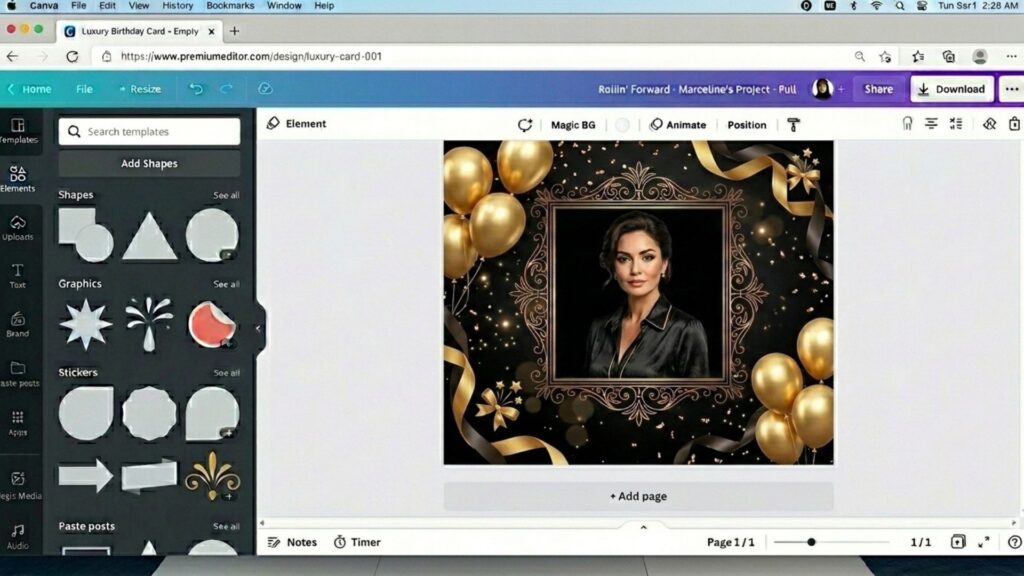
Step 3: Add Birthday Decorations And Personalize The Design
Once the photo is in place, enhance the design with birthday-themed elements that reinforce the celebration.
Popular decorations include:
- Birthday cakes and candles.
- Balloons and confetti.
- Gift boxes and ribbons.
- Sparkle effects and bokeh lights.
- Birthday stickers and party icons.
Try to maintain a consistent style throughout the design. For example, a Luxury Black & Gold theme should use elegant decorations, while a Kids Party theme can incorporate colorful balloons and playful graphics.
Interestingly, the technology behind modern editing tools has evolved dramatically. When you seamlessly apply a virtual birthday crown or stylish party glasses to your portrait, these apps often leverage image processing for virtual try-on AI models to map facial features accurately and ensure the decorations look incredibly realistic.
Avoid overcrowding the frame with too many elements, as excessive decoration can distract attention from the main photo.
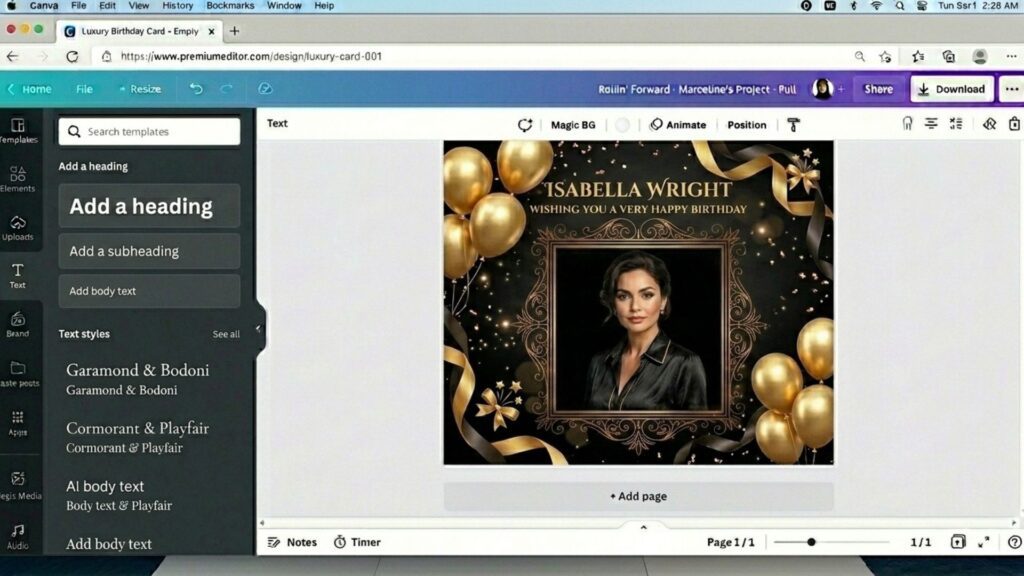
Step 4: Insert The Recipient’s Name And Birthday Wishes
Adding a name is one of the most important personalization steps in birthday editing. Place the recipient’s name in a prominent position using a font style that complements the chosen theme.
You can also include a short birthday message, such as:
- Happy Birthday, Sarah!
- Wishing You a Wonderful Birthday.
- Celebrating Another Amazing Year.
- Best Wishes on Your Special Day.
Use larger typography for the name and smaller text for supporting messages to create a clear visual hierarchy.
Step 5: Preview And Export The Final Birthday Photo
Before downloading the design, carefully review all elements to ensure the composition looks balanced and visually appealing.
Check the following:
- The photo is properly aligned within the frame.
- Text remains readable on both desktop and mobile screens.
- Decorative elements do not cover important facial details.
- Colors and fonts remain consistent throughout the design.
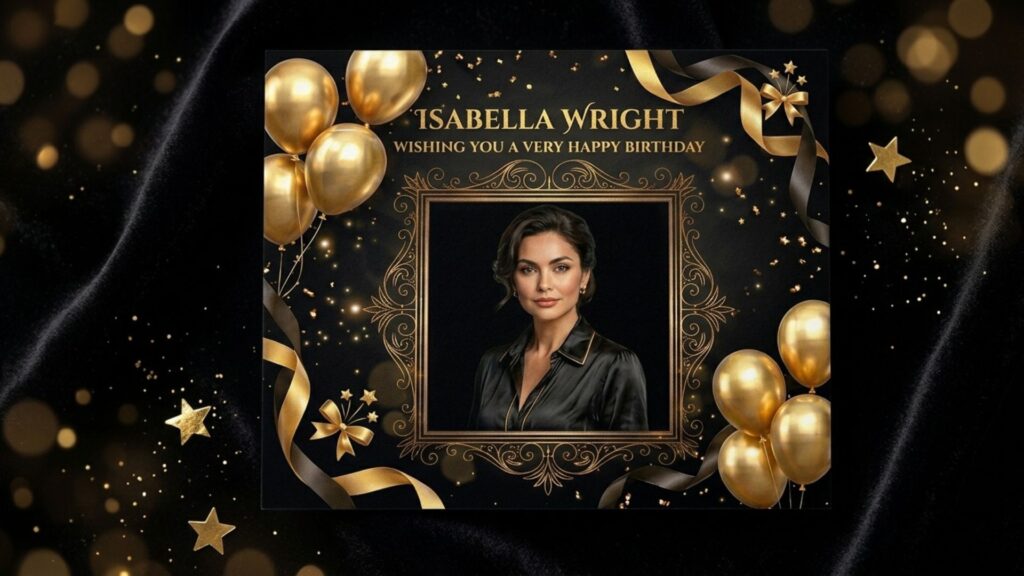
Finally, export the project in a high-quality format such as PNG or JPG for social media sharing, or PDF if you plan to print the birthday card or invitation.
Your personalized happy birthday photo frame with name and photo edit is now ready to share with friends, family members, or loved ones.
>>> See more:
- Professional E-commerce Data Entry Services by DIGI-TEXX
- Top 11 Free AI Business Document Analysis Tools 2026
- 15 Best Document Scanning Software: Features, Pricing & Reviews 2026
Ultimately, the heart of successful birthday editing isn’t just about using the most advanced tools; it’s about telling a meaningful story and sharing real-world joy with your loved ones. Whether you are designing a simple floral greeting card or a dynamic video montage, the platforms and ideas shared above make it easier than ever to bring your creative vision to life.
While these free tools are perfect for personal milestones, managing large-scale digital content and professional image processing requires expert support. If your business needs to scale its digital workflows, optimize document management, or deliver user-centric data solutions, let DIGI-TEXX be your trusted partner.
FAQs About Birthday Editing
How To Do Birthday Editing?
Choose a photo/video editing app (like Canva or CapCut), select a birthday-themed template, add text, stickers, and apply festive filters before saving.
What Is The Best Birthday Editing App?
Canva and Picsart are best for photo designs, while CapCut and InShot are the top choices for birthday video edits.
How Do I Edit My Birthday Pictures?
Crop your photo to the desired size, adjust the brightness, add “Happy Birthday” text, and insert elements like balloons, cake stickers, or confetti.
How To Make Those Funny Birthday Edits?
Use face-swap features, add trending memes, insert goofy stickers, or use funny transition templates on TikTok/CapCut.
What Is The Best Birthday Editing App?
It depends on your specific needs. Canva is best for quick, template-based cards and invitations, Picsart excels in creative portrait editing and effects, while CapCut is the top choice for creating trendy social media birthday videos.
How To Make A Birthday Edit On Canva?
To make a birthday edit on Canva:
- Search for “birthday template” on the dashboard.
- Select a design and upload your photo.
- Customize the text, colors, and add decorative elements (like frames or balloons).
- Export the file or share it directly to social media.
Can Ai Make A Birthday Video?
Yes. Modern editing platforms like FlexClip and CapCut feature AI-powered tools that can automatically generate slideshows from your photos, sync transitions to music, and utilize AI Text-to-Speech for automated birthday voiceovers.
How To Make A Birthday Animation?
You can easily create birthday animations using platforms like Canva or CapCut. Simply select an animated template, add your media, apply motion effects to elements like text or stickers (e.g., falling confetti), and export the final design as an MP4 or GIF.
DIGI-TEXX Contact Information:
🌐 Website: https://digi-texx.com/
📞 Hotline: +84 28 3715 5325
✉️ Email: [email protected]
🏢 Address:
- Headquarters: Anna Building, QTSC, Trung My Tay Ward
- Office 1: German House, 33 Le Duan, Saigon Ward
- Office 2: DIGI-TEXX Building, 477-479 An Duong Vuong, Binh Phu Ward
- Office 3: Innovation Solution Center, ISC Hau Giang, 198 19 Thang 8 street, Vi Tan Ward
Reference:
- Adobe. (n.d.). Adobe Express: Free online photo & video editor. https://www.adobe.com/express/
- Picsart. (n.d.). Creative photo editing, video editing, and design tools. https://picsart.com