Free AI tools for business automation 2026 are making it easier for businesses to automate repetitive tasks, connect everyday apps, and streamline workflows without a large software budget. From visual platforms such as Make and Zapier to open-source options such as n8n and Activepieces, businesses now have access to powerful AI tools free or with generous free tiers.
In this guide, DIGI-TEXX reviews 10 of the best options, comparing their free plans, ease of use, key features, and limitations to help businesses choose the right free AI tools online for their workflows.
>>> See more:
- How To Make A Clipping Path In Illustrator (Step-By-Step)?
- Fashion Photo Editing Services: Benefits, Techniques & Expert Tips
- How To Master Portraits Photo Editing: 10 Best Tools, Tips & Step-By-Step Guide
10 Best Free AI Tools For Business Automation 2026
| Tool | Best For | Free Plan | Ease of Use | Key Features | Main Limitation |
| Make | Multi-step business workflows | 1,000 credits/month | Easy | Visual builder, AI, filters, routers | Credits can run out quickly |
| Zapier | Beginners & app integrations | 100 tasks/month | Very easy | App integrations, AI, no-code automation | Limited free tasks |
| n8n | Advanced automation | Free self-hosted option | Moderate | AI workflows, APIs, custom logic | Requires technical setup |
| Activepieces | Open-source automation | Free options available | Easy | AI, visual workflows, open source | Fewer integrations than Zapier |
| Pipedream | API-based automation | Free tier available | Moderate | APIs, code, webhooks | More technical |
| Windmill | Code-based workflows | Free self-hosted option | Moderate | Scripts, workflows, internal tools | Steeper learning curve |
| Dify | AI agents & knowledge workflows | Free/self-hosted options | Easy | AI agents, knowledge bases, workflows | Focused mainly on AI workflows |
| Taskade | AI task & project automation | Free plan available | Very easy | AI agents, tasks, project management | Limited free AI usage |
| Relay.app | AI workflows with human review | Free plan available | Easy | AI steps, approvals, app integrations | Less suited to fully automated workflows |
| IFTTT | Simple business automations | 2 Applets | Very easy | Simple triggers, app connections | Limited for complex workflows |
1. Make – Best For Visual AI Workflow Automation
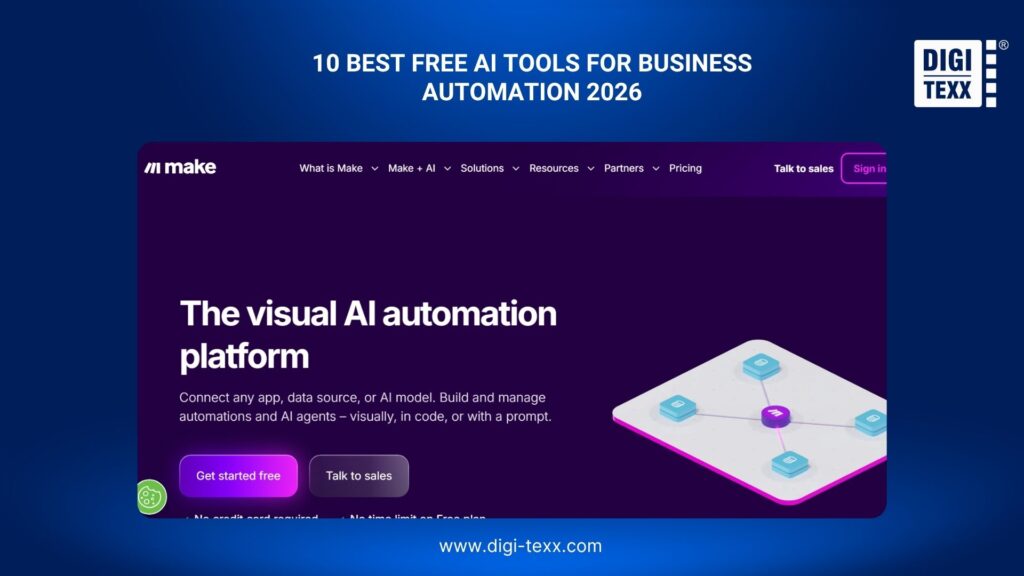
Make is a visual automation platform that helps businesses connect their everyday apps and build multi-step workflows without extensive coding. Its drag-and-drop interface supports conditional logic, data transformation, webhooks, and AI-powered steps.
It works particularly well for businesses that need more flexibility than a basic trigger-and-action automation. For example, a sales workflow can analyze an incoming inquiry with AI, assign a lead score, update a CRM, and notify the appropriate salesperson.
Best for: Small businesses that need flexible, multi-step visual workflows.
Free plan: Make offers a free plan with 1,000 credits per month. The free tier has limitations on execution frequency and some advanced features.
Example automation: Automate lead qualification and follow-ups
- Capture a new lead: A prospect submits a contact form on the company’s website.
- Collect the submission: Make receives the form data, including the prospect’s name, email address, company, and message.
- Analyze the inquiry: An AI step summarizes the inquiry and identifies the prospect’s needs, industry, and purchase intent.
- Score the lead: The workflow assigns a score based on predefined criteria such as company size, budget, or urgency.
- Update the CRM: Make creates or updates the lead record with the qualification results.
- Route the lead: A router sends high-priority leads to the sales team while lower-priority inquiries follow another path.
- Draft a follow-up: AI creates a personalized email based on the prospect’s original message.
- Notify the salesperson: Make sends the sales representative a notification with the lead details and suggested response.
- Record the activity: The workflow saves the interaction in the CRM for future follow-up.
Why it stands out: Its visual builder makes complex workflows easier to understand and modify, especially when a process includes multiple branches.
Potential limitation: High-volume workflows can consume free credits quickly.
>>> See more:
- 25 Popular Photo Editing Styles In Photography For Stunning Images
- Top 10 Photo Editing Services Online In 2026: Comparison & Review
- Birthday Editing Online Free: Tools, Frames & Creative Ideas
2. Zapier – Best For Beginners And App Integrations
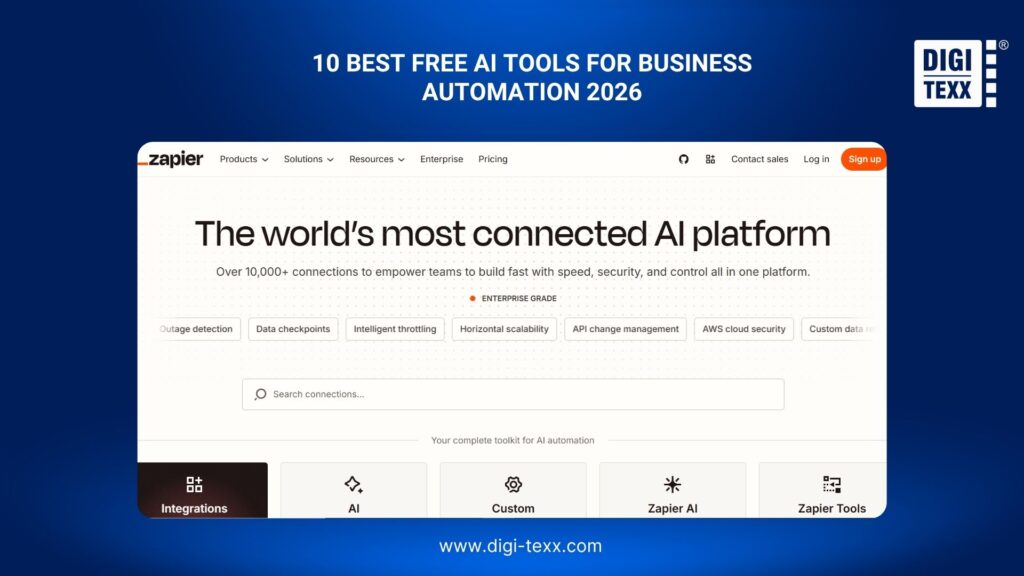
Zapier is one of the most accessible automation platforms for businesses that want to connect their existing software without writing code. Its interface is built around triggers and actions, while AI features can be added to workflows for tasks such as summarization, classification, and content generation.
The platform is particularly useful for small businesses that already rely on tools such as Gmail, Slack, Google Sheets, HubSpot, or other business applications.
Best for: Beginners and small businesses that need straightforward app integrations.
Free plan: The Free plan includes 100 tasks per month, with limitations on the number and complexity of workflows.
Example automation: Automate customer inquiries
- Receive an inquiry: A customer submits a question through a website form.
- Create a record: Zapier adds the customer’s information to a spreadsheet or CRM.
- Analyze the message: An AI step identifies the topic and urgency of the inquiry.
- Categorize the request: The workflow assigns a category such as sales, billing, technical support, or general questions.
- Notify the right team: Zapier sends a notification to the appropriate employee or Slack channel.
- Generate a response: AI drafts a reply based on the customer’s question.
- Review the draft: A team member checks the response before sending it.
- Update the record: The CRM or spreadsheet is updated to show that the inquiry has been processed.
Why it stands out: Zapier’s extensive app ecosystem makes it easy to connect tools a business already uses.
Potential limitation: The free task allowance can be quickly exhausted by businesses running frequent automations.
3. n8n – Best For Self-Hosted AI Automation
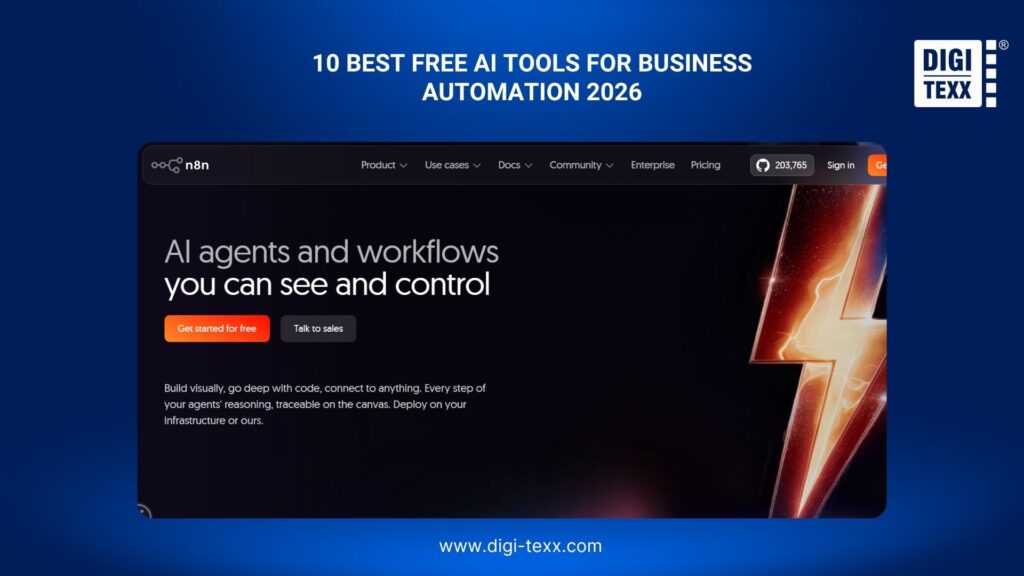
n8n combines visual workflow automation with the flexibility of code. Businesses can connect APIs, databases, applications, AI models, webhooks, and custom scripts within a single workflow.
Its self-hosted option is particularly attractive to technical teams that want greater control over business data and infrastructure. It can also support more sophisticated AI workflows, including AI agents and retrieval-based applications.
Best for: Technical teams that need customizable, self-hosted AI automation.
Free plan: The self-hosted Community Edition is available at no cost. Cloud hosting and some advanced capabilities are available through paid plans.
Example automation: Automate document processing
- Receive a document: An invoice or business document is uploaded to a designated folder.
- Detect the file: n8n monitors the folder and starts the workflow when a new document appears.
- Extract information: An OCR or AI service extracts details such as the vendor, invoice number, date, and total amount.
- Validate the data: The workflow checks whether required fields are present and whether the extracted information follows predefined rules.
- Classify the document: AI determines the document type and routes it to the appropriate process.
- Store the information: The extracted data is added to a database or accounting system.
- Flag exceptions: Documents with missing or inconsistent information are sent for manual review.
- Notify the team: n8n sends a notification when processing is complete or when human intervention is required.
Why it stands out: n8n provides a strong balance between a visual interface and developer-level customization.
Potential limitation: Self-hosting requires technical knowledge for installation, maintenance, security, and updates.
4. Activepieces – Best Open-Source AI Automation Tool
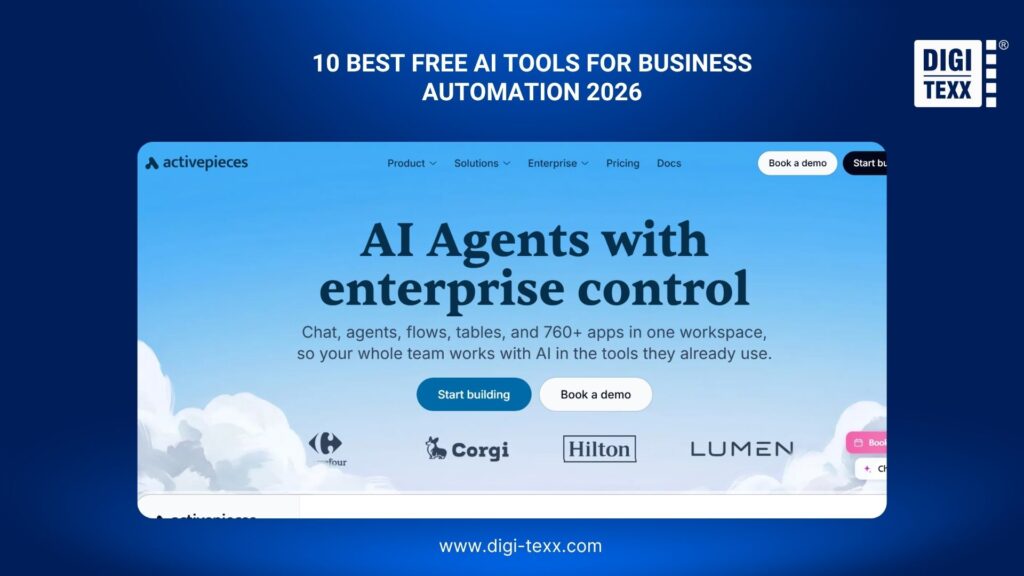
Activepieces is an open-source workflow automation platform designed to help teams connect applications and automate repetitive business processes. Its visual interface makes workflows accessible to non-developers, while its open-source foundation gives technical users greater control over deployment and customization.
AI can be incorporated into workflows for activities such as text generation, classification, summarization, and information processing.
Best for: Small businesses looking for an open-source alternative to proprietary automation platforms.
Free plan: Activepieces provides free options, including self-hosting. Cloud availability and usage limits depend on the current plan.
Example automation: Route customer support requests
- Receive a support email: A customer sends a message to the company’s support inbox.
- Trigger the workflow: Activepieces detects the new message.
- Extract the content: The workflow retrieves the customer’s message and relevant account information.
- Classify the request: AI determines whether the issue concerns billing, technical support, account access, or another category.
- Assess urgency: The AI assigns a priority based on the customer’s message and predefined rules.
- Create a support task: A ticket or task is automatically created for the appropriate team.
- Draft a response: AI generates a suggested reply using the customer’s question and relevant instructions.
- Notify an employee: The assigned team member receives the ticket and AI-generated response.
- Record the action: The workflow stores the classification and status for future reporting.
Why it stands out: Open-source deployment can give businesses more control over their automation environment and data.
Potential limitation: Businesses choosing self-hosting need to handle infrastructure and maintenance themselves.
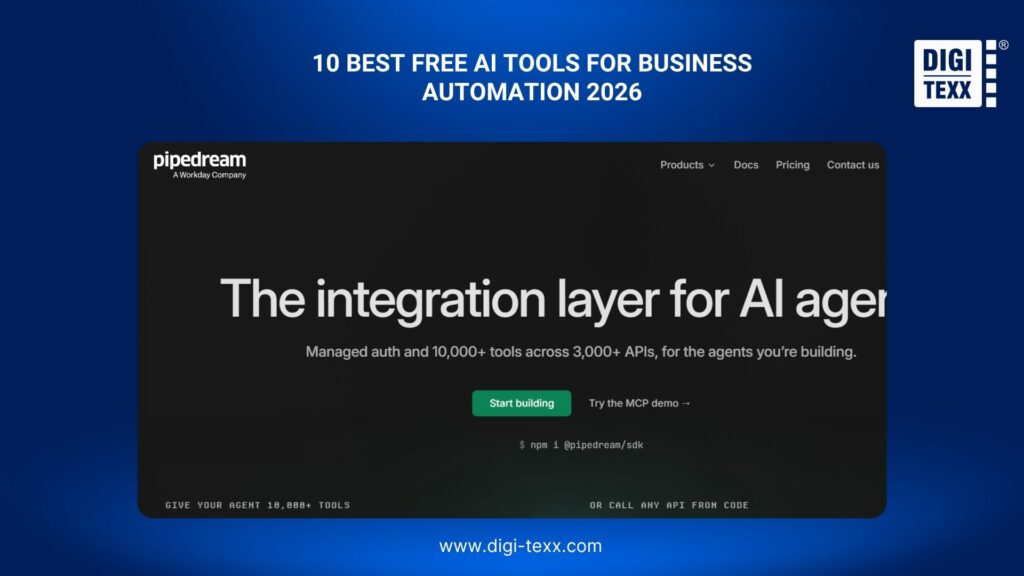
5. Pipedream – Best For Developer-Friendly Automation
Pipedream is designed for businesses and developers that need to connect APIs, SaaS applications, databases, and custom code. Unlike purely no-code platforms, it allows developers to use JavaScript, Python, and other programming approaches when prebuilt integrations are not enough.
This makes it particularly useful for automations that involve custom business logic or multiple APIs.
Best for: Developers and technical teams building API-driven workflows.
Free plan: Pipedream offers a free tier with usage limits based on workflow compute and other resources.
Example automation: Automate lead enrichment
- Capture a new lead: A prospect submits a form on the company website.
- Trigger the workflow: Pipedream receives the form submission through an API or webhook.
- Retrieve company information: The workflow sends the company domain to an enrichment service.
- Process the results: Custom code cleans and structures the returned data.
- Analyze the lead with AI: An AI model summarizes the company information and estimates whether the prospect matches the target customer profile.
- Assign a qualification score: The workflow calculates a score using the AI output and predefined business rules.
- Update the CRM: The enriched lead is added to or updated in the CRM.
- Alert sales: High-value prospects trigger a notification for the sales team.
Why it stands out: Pipedream provides a practical middle ground between automation software and custom development.
Potential limitation: Its developer-oriented interface can feel less intuitive to users with no technical background.
6. Windmill – Best For Code-Based Business Workflows
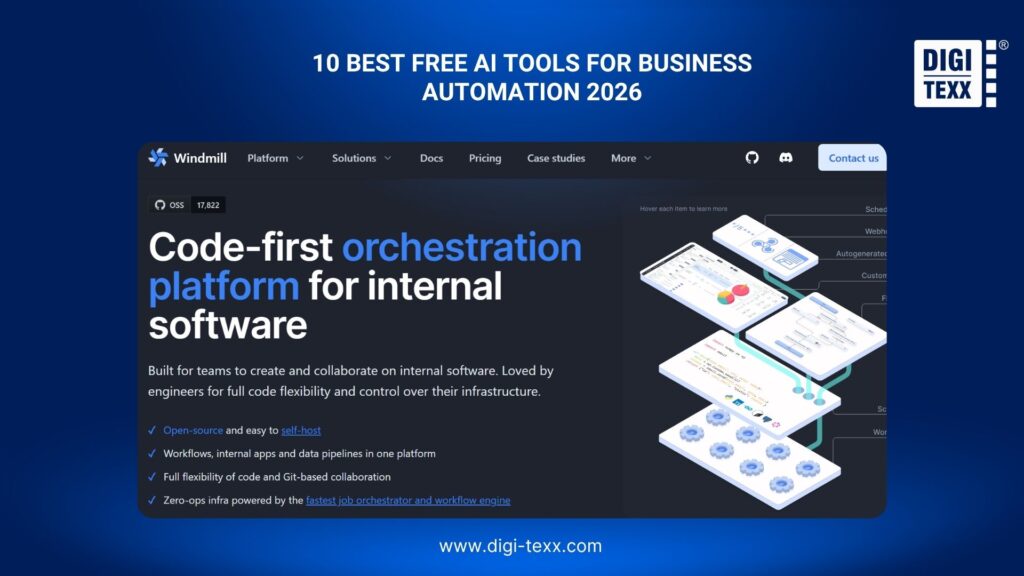
Windmill combines scripts, workflows, internal tools, and automation in one platform. Teams can use Python, TypeScript, SQL, and other technologies to build business processes while still managing them through a visual workflow environment.
It is especially useful when a business process contains logic that would be difficult to implement using only drag-and-drop automation.
Best for: Technical and operations teams that need code-level control over business workflows.
Free plan: Windmill offers a free and open-source self-hosted option with unlimited executions.
Example automation: Generate automated business reports
- Schedule the workflow: Windmill starts the process at a predefined time each week.
- Collect business data: The workflow retrieves sales, customer, and operational data from connected databases or APIs.
- Clean the data: A Python or TypeScript script removes duplicates and standardizes the dataset.
- Calculate metrics: The workflow calculates KPIs such as revenue, conversion rate, order volume, or response time.
- Analyze the results: An AI step identifies significant changes and summarizes the most important findings.
- Generate the report: The workflow creates a structured weekly report.
- Distribute the report: The finished report is sent to managers through email or a team communication platform.
- Store the output: A copy is saved for future reporting and comparison.
Why it stands out: Windmill gives technical teams the flexibility of code without abandoning workflow orchestration.
Potential limitation: It has a steeper learning curve than beginner-focused automation platforms.
>>> See more:
- 15 Best Document Scanning Software: Features, Pricing & Reviews 2026
- AI Photo Retouching: 10 Best Tools & How To Use Them In 2026
- What Is Multiple Clipping Path Service? A Complete Guide
7. Dify – Best For AI Agents And Knowledge Workflows
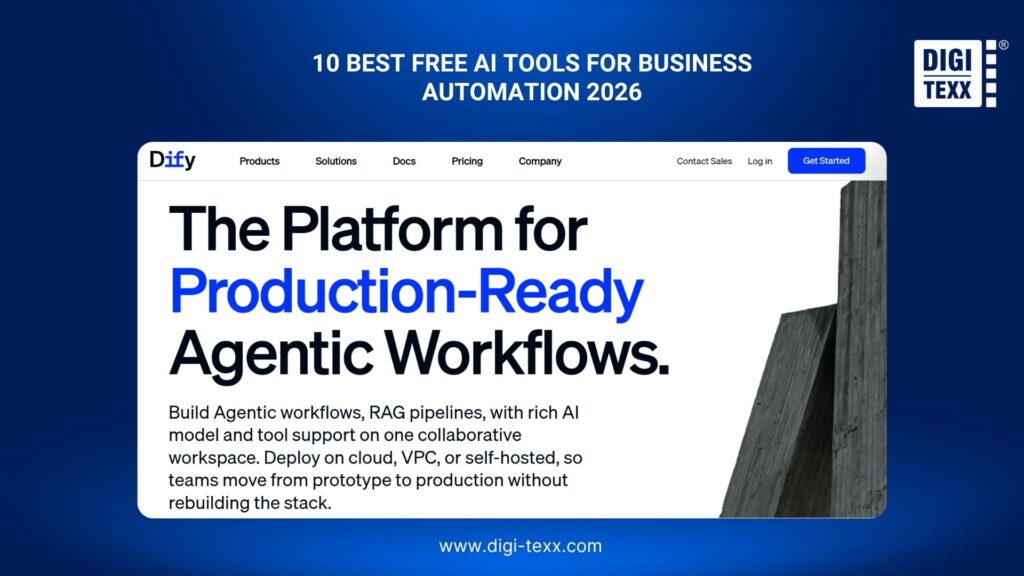
Dify focuses on building AI applications, agents, and knowledge-based workflows rather than simply connecting business apps. It can connect AI models with company documents and structured workflows to create assistants that work with business-specific information.
This makes it particularly useful for internal knowledge management, document-based assistants, and AI-powered customer or employee support.
Best for: Businesses building AI agents and knowledge-based automation.
Free option: Dify offers free/self-hosted options, while hosted plans and AI model usage have their own limits and costs.
Example automation: Build an internal AI knowledge assistant
- Collect company documents: Upload policies, product documentation, FAQs, and internal guides.
- Create a knowledge base: Dify processes the documents so relevant information can be retrieved later.
- Connect an AI model: The workflow uses a supported language model to interpret employee questions.
- Receive a question: An employee asks about a company policy or process.
- Retrieve relevant information: Dify searches the company’s knowledge base for relevant content.
- Generate an answer: The AI creates a response using the retrieved company information.
- Provide supporting sources: Relevant knowledge-base content can be surfaced alongside the response.
- Escalate complex requests: Questions that require human intervention can be routed to the appropriate employee.
Why it stands out: Dify is designed around AI applications and knowledge workflows rather than traditional app-to-app automation alone.
Potential limitation: AI model usage may create additional costs depending on the model and deployment method.
8. Taskade – Best For AI-Powered Task Automation
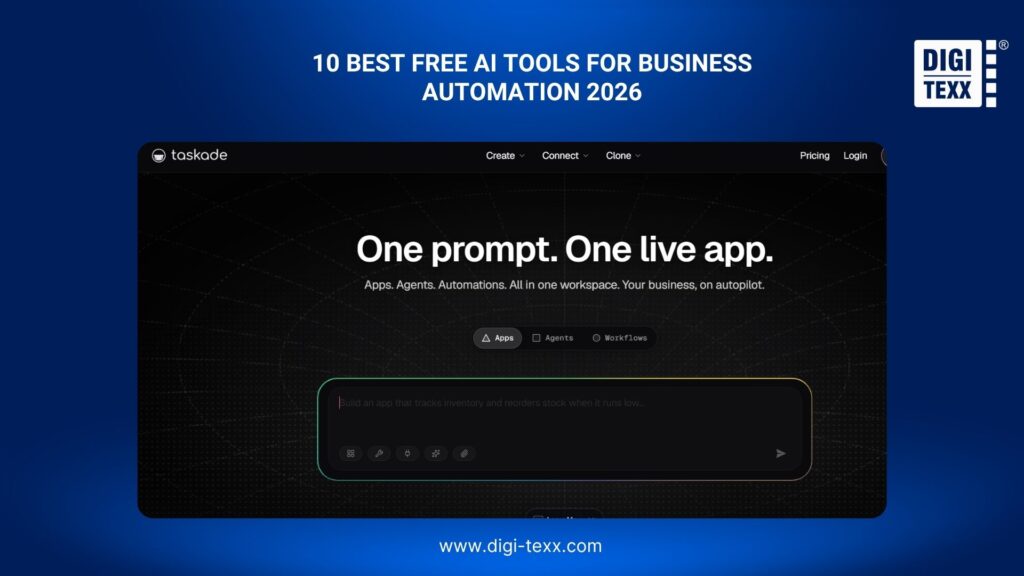
Taskade combines project management, task management, AI agents, and automation. Instead of connecting many separate business applications, teams can use AI to turn ideas, notes, or project briefs into structured tasks and workflows.
This approach is useful for teams that want to automate parts of project planning and execution.
Best for: Teams that want AI-powered automation within their project management environment.
Free plan: Taskade has a free plan with limited AI and automation usage.
Example automation: Turn a project brief into an action plan
- Create a project brief: A manager enters the project’s objectives, deadlines, and requirements.
- Analyze the brief: AI identifies the major deliverables and dependencies.
- Generate tasks: Taskade creates a structured task list from the project requirements.
- Organize the work: Tasks are grouped by project phase or department.
- Assign responsibilities: AI can help suggest task assignments based on the team’s available information.
- Set deadlines: The workflow creates proposed deadlines based on the project timeline.
- Track progress: Team members update task statuses as work progresses.
- Summarize the project: AI generates progress summaries for managers.
Why it stands out: Taskade combines planning, collaboration, and AI automation instead of treating workflow automation as a separate tool.
Potential limitation: The free plan is better suited to lightweight projects than large-scale business operations.
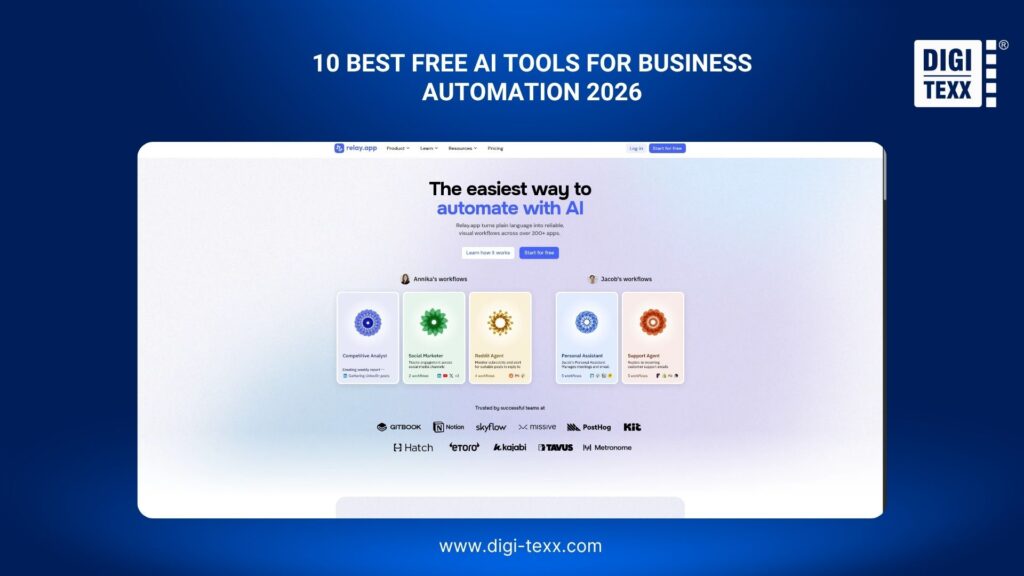
9. Relay.app – Best For Human-in-the-Loop Automation
Relay.app focuses on combining AI automation with human decision-making. Instead of forcing businesses to fully automate every step, it allows workflows to pause when an employee needs to review or approve an AI-generated result.
This approach is useful for customer communication, lead qualification, content approval, and other processes where accuracy matters.
Best for: Businesses that want AI automation with human oversight.
Free plan: Relay.app offers a free plan with usage limitations.
Example automation: Review AI-generated customer responses
- Receive a customer inquiry: A new message arrives through email or another customer communication channel.
- Extract the request: Relay.app collects the customer’s message and relevant information.
- Classify the inquiry: AI determines the topic, urgency, and appropriate response type.
- Generate a draft: AI writes a personalized response using the available customer information.
- Request human approval: The workflow pauses and sends the draft to an employee for review.
- Edit if necessary: The employee can modify the response before approving it.
- Send the response: Once approved, the workflow sends the message to the customer.
- Record the interaction: The completed action is logged for future reference.
Why it stands out: Human approval can reduce the risk of AI making an inappropriate or inaccurate business decision.
Potential limitation: Workflows that require frequent human intervention may deliver less time savings than fully automated processes.
>>> See more:
- Top 7 Ecommerce Product Photo Retouching Services Compare
- Photo Editing Price Guide 2026: Rates, Costs & Examples
- 7+ Best Photo Editing Apps For Android And iPhone (2026 Guide)
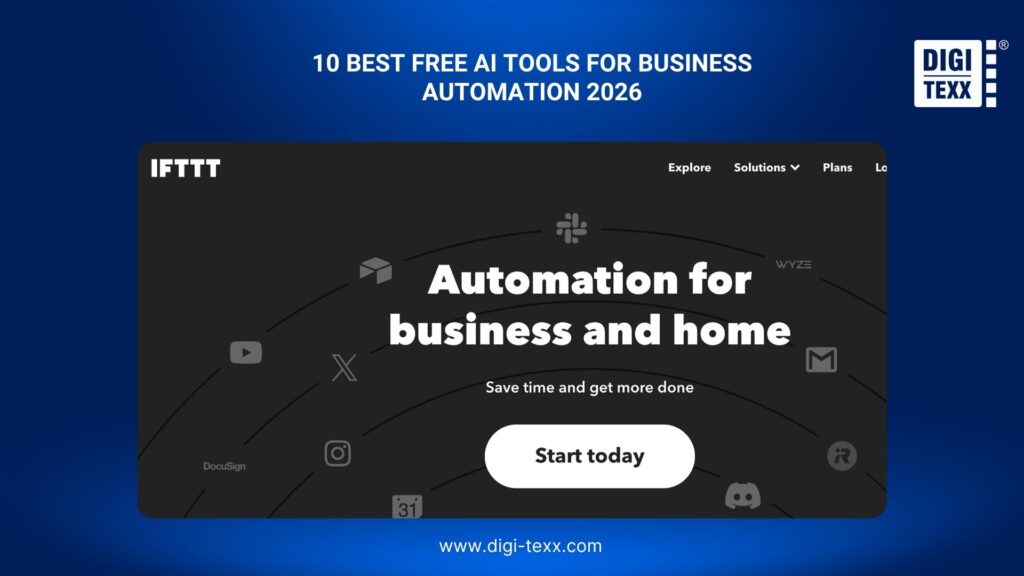
10. IFTTT – Best For Simple Business Automations
IFTTT is built around simple conditional automations that connect different services. While it is less suitable for complex AI workflows than platforms such as Make or n8n, it can handle straightforward repetitive tasks with very little setup.
For small businesses, IFTTT can be useful for notifications, simple information sharing, and lightweight administrative tasks.
Best for: Simple business automations that require minimal setup.
Free plan: The free plan currently includes two Applets, with unlimited runs and basic functionality.
Example automation: Automate business notifications
- Choose a trigger: A business selects an event that should start the automation.
- Connect the service: IFTTT connects to the relevant application or online service.
- Define the condition: The user specifies when the Applet should run.
- Set the action: IFTTT performs the selected action when the condition occurs.
- Deliver the notification: The business receives an alert through the chosen service.
- Continue monitoring: IFTTT waits for the next qualifying event and repeats the process automatically.
Why it stands out: IFTTT is extremely simple to configure and can automate basic repetitive actions without technical knowledge.
Potential limitation: Its free plan and simpler workflow structure make it less appropriate for complex multi-step business automation.
What Can Free AI Tools Automate For Businesses In 2026?
Free AI tools for business automation can handle many repetitive processes that normally require employees to copy information, review messages, update spreadsheets, or move data between applications. Instead of following only fixed rules, AI can also interpret text, classify information, summarize content, and generate responses.
For small businesses, the most practical automation opportunities include:
- Lead management: Capture new leads, qualify prospects, update CRM records, and trigger follow-up emails.
- Customer communication: Categorize incoming messages, summarize conversations, draft responses, and route requests to the right team.
- Document processing: Extract information from invoices, forms, contracts, and other business documents.
- Data management: Move, clean, organize, and update information across spreadsheets, databases, and business applications.
- Marketing workflows: Generate content drafts, repurpose existing content, schedule tasks, and organize campaign data.
- Internal operations: Create tasks, send notifications, prepare reports, and coordinate recurring administrative processes.
Why Use Free AI Tools For Business Automation In 2026?
The main advantage of using free AI tools for business automation is the ability to reduce repetitive work without adding another major software expense. For small businesses with limited budgets, a free plan can provide enough capacity to test whether an automation delivers measurable value before moving to a paid solution.
AI automation can help businesses:
- Save time: Automate repetitive data entry, email processing, and administrative tasks.
- Reduce manual errors: Standardize repetitive processes and minimize copy-and-paste mistakes.
- Respond faster: Automatically classify inquiries and prepare follow-up messages.
- Improve productivity: Give employees more time for sales, customer relationships, and strategic work.
- Connect business applications: Keep information synchronized across CRM, email, spreadsheets, project management, and communication tools.
- Test AI with less risk: Free plans provide an opportunity to evaluate AI automation before committing to a paid subscription.
Free AI tools online are particularly useful for small teams because many require little or no coding. A business can start with one repetitive process, measure the results, and gradually expand automation as the workflow proves reliable.
However, free does not always mean unlimited. Most platforms impose restrictions on tasks, credits, workflow runs, AI usage, integrations, or execution frequency. For this reason, choosing a tool based only on its free price can lead to problems when usage increases.
>>> See more:
- How to Retouch Photos on iPhone – Best Free Apps for iOS
- 13 Street Style Photo Editing Steps In Lightroom For Professional Results
- E-commerce Photo Editing Services: Top Companies & Solutions For Online Stores
How To Choose The Best Free AI Automation Tool For Your Business?
Choosing the right tool starts with the workflow rather than the software. Identify the repetitive process that consumes the most time, then check whether the platform can automate each step reliably.
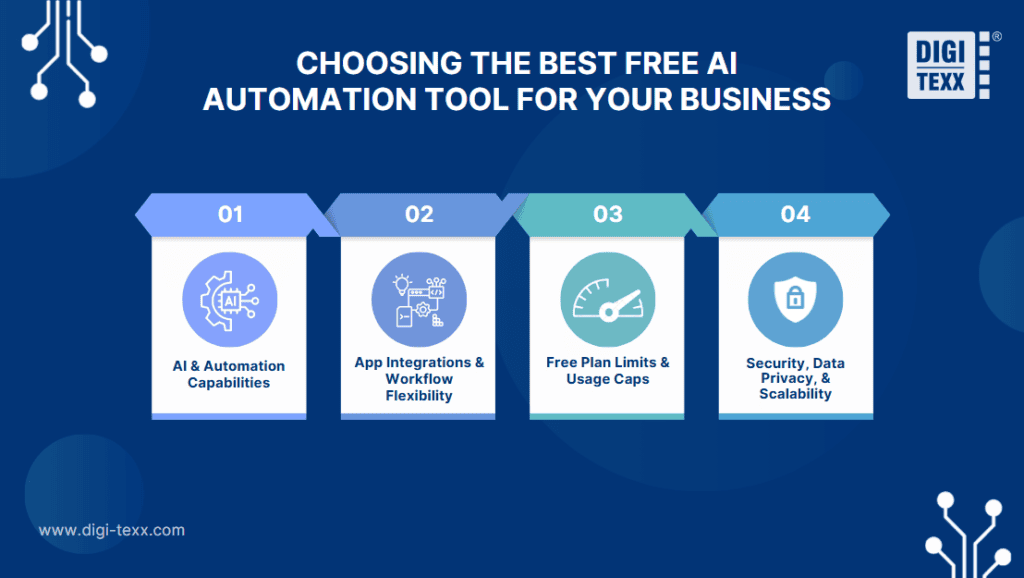
A good evaluation should consider AI capabilities, supported applications, free-plan restrictions, security, and future scalability.
AI And Automation Capabilities
First, check what the AI can actually do within a workflow. Basic automation may only move information from one application to another, while AI-powered automation can interpret information and make decisions based on it.
Look for features such as:
- Text classification and categorization
- Data extraction from emails and documents
- Summarization
- AI-generated responses and content
- Information enrichment
- AI agents or decision-making steps
- Conditional logic and workflow branching
For example, an automation that receives customer emails should be able to identify the request type, determine its priority, and send the message to the appropriate workflow. The more complex the process, the more important flexible AI and workflow logic become.
App Integrations And Workflow Flexibility
An automation tool is only useful if it can work with the applications a business already uses. Before signing up, check whether the platform supports the company’s CRM, email provider, spreadsheets, messaging apps, project management software, databases, and other essential systems.
Also consider how much control the workflow provides. Some tools are designed for simple two-step automations, while others support multiple actions, filters, conditions, branches, webhooks, APIs, and custom code.
For a small business, a free AI tools list may look impressive because of the number of supported applications. However, integration depth matters more than the total number. A tool that connects directly to the three or four applications used every day can be more valuable than one claiming thousands of integrations.
Free Plan Limits And Usage Caps
The word “free” can mean very different things across AI automation platforms. Some provide a permanent free plan, while others offer limited credits, tasks, workflow executions, users, or AI usage.
Before choosing a tool, check:
- Monthly task or execution limits
- AI credits or model usage
- Number of active workflows
- Number of users
- Available integrations
- Workflow frequency
- Multi-step workflow restrictions
- Data storage limits
- Access to premium AI models
This is especially important when comparing powerful AI tools free of charge. A tool may offer advanced AI features but still be unsuitable for a business if the free allowance is too small for the intended workflow.
A simple way to evaluate the free plan is to estimate how many times the automation will run each month and compare that number with the platform’s actual allowance.
Security, Data Privacy, And Scalability
Business automation often involves customer information, financial documents, internal communications, or other sensitive data. Security should therefore be evaluated even when using a free plan.
Check whether the platform provides:
- Role-based access controls
- Secure credential and API-key management
- Encryption
- Audit logs
- Data retention controls
- Clear privacy policies
- Relevant security certifications
Scalability matters as well. A workflow that works for 50 tasks per month may become expensive or difficult to manage at 5,000 tasks per month.
The best free AI tools for business automation should therefore provide a realistic upgrade path. Businesses should be able to increase usage, add users, or build more advanced workflows without completely replacing the automation platform.
What Business Tasks Can You Automate With Free AI Tools?
The most valuable automation opportunities are usually repetitive processes with clear inputs and predictable outcomes. AI becomes especially useful when those inputs contain unstructured information such as emails, customer messages, documents, or natural-language requests.
Lead Generation And Follow-Ups
AI automation can streamline the process from lead capture to sales follow-up.
A typical workflow can collect a new lead from a website form, add the information to a CRM, analyze the inquiry, assign a qualification score, and notify the appropriate salesperson. AI can also summarize the prospect’s requirements and prepare a personalized follow-up message.
This helps sales teams spend less time on data entry and more time speaking with qualified prospects.
Customer Support And Email Management
Customer support teams can automate repetitive inbox and ticket-management tasks without removing humans from the process.
AI can read incoming messages, identify the topic, determine urgency, summarize the issue, and route the request to the appropriate employee. It can also draft a response for human review.
For high-volume inboxes, this approach reduces manual triage and helps ensure important requests are handled quickly.
Data Entry And Document Processing
Data entry is one of the strongest use cases for AI automation because many business processes involve moving the same information between systems.
A workflow can extract information from invoices, forms, receipts, or contracts, validate the results, and transfer structured data into a spreadsheet, database, CRM, or accounting system.
AI is particularly useful when documents do not follow exactly the same format. Instead of relying entirely on fixed fields, AI can identify relevant information from different layouts and document types.
Marketing And Content Workflows
Marketing teams can use AI automation to speed up repetitive content and campaign tasks.
For example, a workflow can collect customer feedback, summarize responses, identify common topics, generate content ideas, and add approved ideas to a content calendar. AI can also repurpose existing content into email drafts, social media posts, or short summaries.
These workflows work best when AI handles the first draft or organization while a human reviews the final output.
Internal Operations And Team Tasks
AI automation can also reduce repetitive administrative work inside a business.
Common examples include creating tasks from emails, sending deadline reminders, generating meeting summaries, preparing recurring reports, updating project records, and notifying employees about important events.
For example, an internal workflow can turn a meeting transcript into a summary, identify action items, assign tasks to team members, and create follow-up reminders. This reduces the amount of manual coordination required after routine meetings.
Overall, free AI tools for business automation are most valuable when they are applied to specific, repeatable workflows rather than used simply because AI is available. Start with one process that consumes significant time, measure the improvement, and expand automation once the workflow is reliable.
>>> See more:
- Best Product Photo Editing Services For eCommerce: Top Providers Compared
- Top 10 Photo Editing Services Online In 2026: Comparison & Review
FAQs About Free AI Tools For Business Automation 2026
What Is The Best Free AI To Use In 2026?
The best free AI depends on the task. For business automation, Make, Zapier, and n8n are among the strongest options. Make is suitable for visual multi-step workflows, Zapier is easier for beginners and app integrations, while n8n is better for technical teams that need self-hosted automation and greater control.
Is There Any Free AI Automation Tool?
Yes. Several free AI automation tools are available in 2026, including Make, Zapier, n8n, Activepieces, Pipedream, and IFTTT. Most free plans limit tasks, credits, workflow runs, or advanced features, while n8n also offers a free self-hosted option.
What Is The Best Free AI To Use For Business?
Make is one of the best free AI tools for business automation because it combines a visual workflow builder with multi-step automation and flexible logic. Zapier is a strong choice for beginners who need simple app-to-app automation, while n8n is better for businesses with technical teams that want self-hosted workflows.
Free AI tools for business automation can help businesses reduce repetitive work, improve productivity, and streamline everyday workflows without a significant upfront investment. However, the right solution depends on the processes being automated, integration requirements, data security, and the level of customization a business needs.
For businesses handling large volumes of documents, data, or repetitive operational processes, DIGI-TEXX can provide a more scalable approach by combining AI-powered technologies with professional business process outsourcing services. Its solutions can support areas such as document processing, data management, OCR, and workflow automation, helping businesses move beyond basic free tools when automation requirements become more complex.
Whether starting with a free AI tools list or moving toward a dedicated automation solution, the best approach is to identify high-volume repetitive tasks first, test automation on a small scale, and expand as measurable efficiency gains are achieved.
DIGI-TEXX Contact Information:
🌐 Website: https://digi-texx.com/
📞 Hotline: +84 28 3715 5325
✉️ Email: [email protected]
🏢 Address:
- Headquarters: Anna Building, QTSC, Trung My Tay Ward
- Office 1: German House, 33 Le Duan, Saigon Ward
- Office 2: DIGI-TEXX Building, 477-479 An Duong Vuong, Binh Phu Ward
- Office 3: Innovation Solution Center, ISC Hau Giang, 198 19 Thang 8 street, Vi Tan Ward