AI document processing is changing how businesses capture, extract, validate, and manage information from large volumes of digital and scanned documents. Instead of relying on OCR alone, AI can understand document structure, identify relevant fields, and connect extracted data with downstream business workflows.
In this article, DIGI-TEXX explains how AI document processing works, its key capabilities and use cases, leading tools in 2026, and when businesses should consider using an AI document processing service.

What Is AI Document Processing?
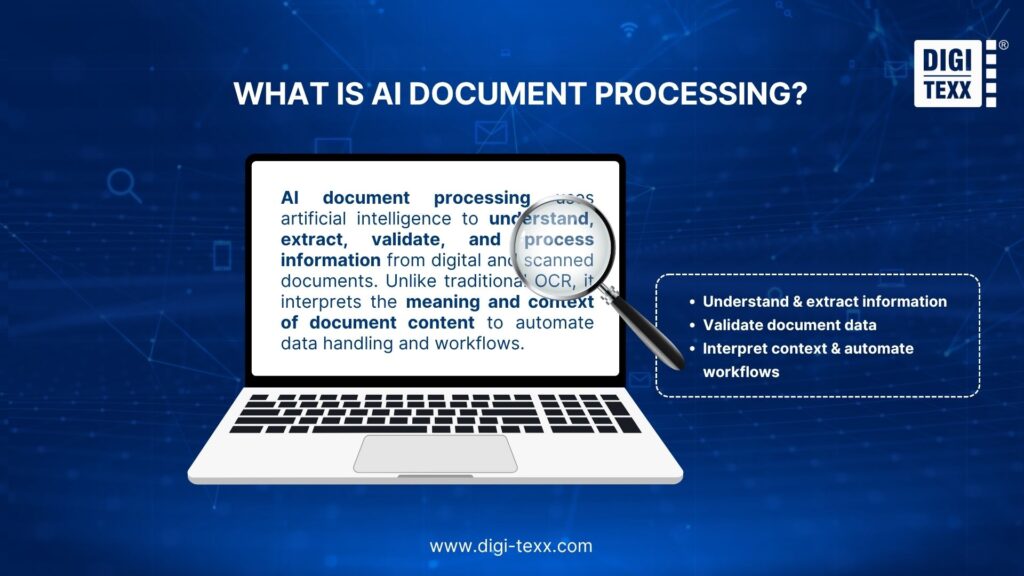
AI document processing uses artificial intelligence to capture, understand, extract, validate, and route information from digital and scanned documents.
Unlike traditional OCR, which primarily converts text from images into machine-readable characters, AI document processing interprets the meaning and context of that information. For example, it can identify a file as an invoice, distinguish the invoice number from the total amount, and transfer the extracted fields directly into an ERP or accounting system.
This makes AI document processing useful for handling structured, semi-structured, and unstructured documents such as invoices, contracts, insurance claims, forms, and business correspondence. Modern platforms such as Google Document AI and Azure AI Document Intelligence combine OCR with document classification, layout analysis, data extraction, and custom models to automate these workflows.
>>> See more:
- What Is Master Data Management (MDM)? Benefits, Process & Use Cases
- Data Validation & Verification: Key Differences, Examples & Benefits
- 10 Types of Data Entry Services for Modern Businesses
AI Document Processing vs. Traditional OCR
OCR remains an important component of AI document processing, but the two technologies should not be treated as interchangeable.
| Capability | Traditional OCR | AI Document Processing |
| Text recognition | Yes | Yes |
| Document classification | Limited | Yes |
| Key-value extraction | Basic or rule-based | AI-powered |
| Table understanding | Limited | Yes |
| Context understanding | Limited | Yes |
| Unstructured documents | Limited | Better suited |
| Custom extraction | Usually rule/template based | AI/ML-based |
| Validation | Rules or manual review | Confidence scores + rules + human review |
| Workflow automation | Requires additional systems | Can be integrated into workflows |
| Output | Raw or semi-structured text | Structured, process-ready data |
What Types of Documents Can AI Process?
AI document processing can be applied to a wide range of business documents, including:
- Invoices and receipts
- Purchase orders
- Bank statements
- Insurance claims
- Contracts
- Tax forms
- Loan applications
- Healthcare forms
- Customer applications
- Identity documents
- Shipping documents
- Employee records
- Product catalogs
- Scanned archives
- Handwritten forms
The level of automation depends on document quality, language, layout complexity, extraction requirements, and the capabilities of the selected model.
How Does AI Document Processing Work?
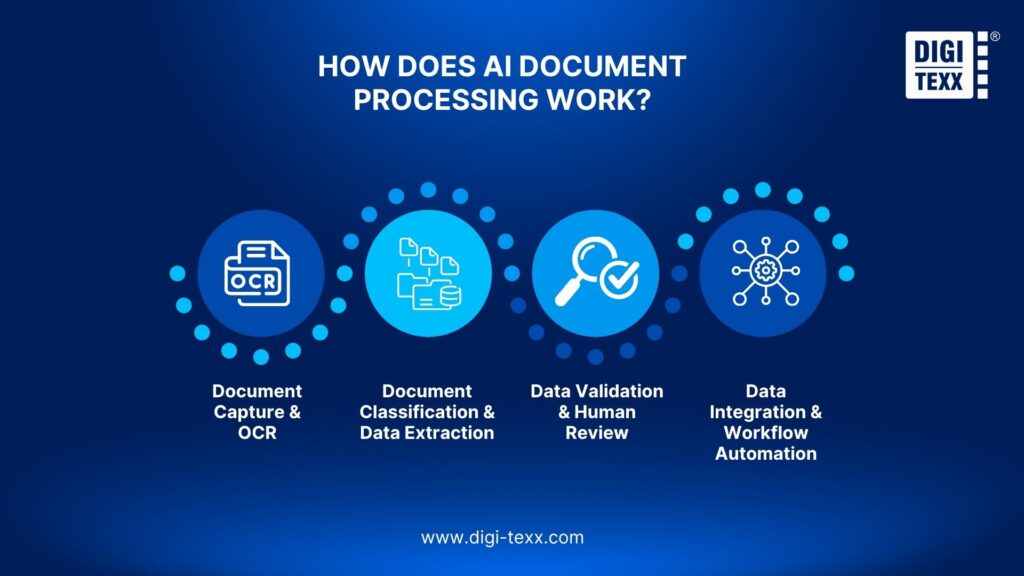
An AI document processing workflow typically consists of several connected stages rather than a single AI model.
Document Capture And OCR
The process begins by collecting documents from sources such as email attachments, scanners, shared folders, enterprise applications, or digital uploads.
If the document is an image or scanned file, OCR converts visual characters into machine-readable text. Modern platforms may also detect handwriting, checkboxes, tables, page structure, and other visual elements.
OCR therefore acts as the input layer, while AI-based document understanding determines what the extracted content means.
For example, Amazon Textract represents extracted document information through elements such as pages, lines, words, key-value pairs, tables, selection elements, queries, and layout information.
Document Classification And Data Extraction
Once the content has been captured, the system determines what type of document it is and identifies the information that matters.
A document classification model might distinguish between:
- Invoice
- Purchase order
- Receipt
- Insurance claim
- Contract
- Application form
The extraction model then identifies relevant fields within each document.
For an invoice, this could include:
- Supplier name
- Invoice number
- Invoice date
- Purchase order number
- Tax amount
- Currency
- Total amount
- Line items
This approach allows the same workflow to process documents with different layouts without requiring a separate fixed template for every variation.
Google Document AI, for example, supports key-value pairs, tables, selection marks, generic fields, custom entities, and layout parsing.
Data Validation And Human Review
AI extraction does not eliminate the need for quality control.
Documents may contain poor scans, handwriting, unusual layouts, missing fields, stamps, overlapping text, or information that the model cannot interpret with sufficient confidence.
A production workflow can therefore combine:
- AI extraction
- Confidence assessment
- Business validation rules
- Human review of exceptions
- Final approval
This human-in-the-loop approach is particularly useful for financial, insurance, healthcare, and legal documents where an incorrect value can affect downstream decisions.
The goal is not necessarily to make every document fully automated. A better objective is to automate predictable cases while directing uncertain cases to human reviewers.
Data Integration And Workflow Automation
After validation, extracted information can be delivered to business applications such as:
- ERP systems
- CRM platforms
- Accounting software
- Document management systems
- Claims platforms
- Procurement systems
- Data warehouses
- Workflow automation platforms.
This is where AI document processing creates operational value. Instead of simply producing searchable text, the system can turn documents into structured information that triggers the next business action.
>>> See more:
- Automatic Data Processing (ADP): How It Works & Key Benefits
- Enterprise Data Management: 6 Core Pillars, Benefits & Tools
- Best Data Security Software 2026: Expert Evaluation Guide
What Can AI Document Processing Do?
The practical value of AI document processing comes from what happens after text recognition.
Extract Data From Structured And Unstructured Documents
Structured documents have predictable fields and layouts. Semi-structured documents contain recognizable information but may vary considerably in placement. Unstructured documents may not follow a consistent format at all.
AI-based systems can be configured to extract relevant information from all three categories.
Azure Document Intelligence, for example, supports extraction from structured, semi-structured, and unstructured documents and provides both prebuilt and custom models.
Understand Tables, Fields, And Document Context
Business information is rarely presented as plain text.
An invoice may contain multiple line items. A bank statement may contain transaction tables. An application form may include checkboxes and fields whose meaning depends on nearby labels.
AI document processing can preserve these relationships instead of flattening everything into a text string.
Amazon Textract can identify table cells, merged cells, headers, titles, footers, and other table elements, while its form analysis identifies key-value relationships.
Automate Repetitive Document Workflows
AI document processing can automate repetitive steps after information is extracted and validated. For example, an invoice can be classified, key fields extracted, matched against a purchase order, checked for exceptions, and then sent to the ERP system for approval.
By reducing manual data entry and handoffs, businesses can process documents more consistently, shorten turnaround times, and reduce human errors.
Process High-Volume Documents At Scale
AI document processing becomes particularly valuable when document volumes are too large for manual processing to remain efficient.
Cloud-based platforms can process large document workloads through APIs and automated workflows. Amazon Textract, for example, is designed to analyze and extract information from documents at scale.
The actual scalability of an implementation still depends on infrastructure, API limits, document complexity, processing latency, and the organization’s workflow design.
Best AI Document Processing Tools In 2026
Businesses that want to build and operate their own AI document processing workflow can choose from a growing range of platforms. The right option depends on the existing technology stack, document types, development resources, deployment requirements, and automation goals.
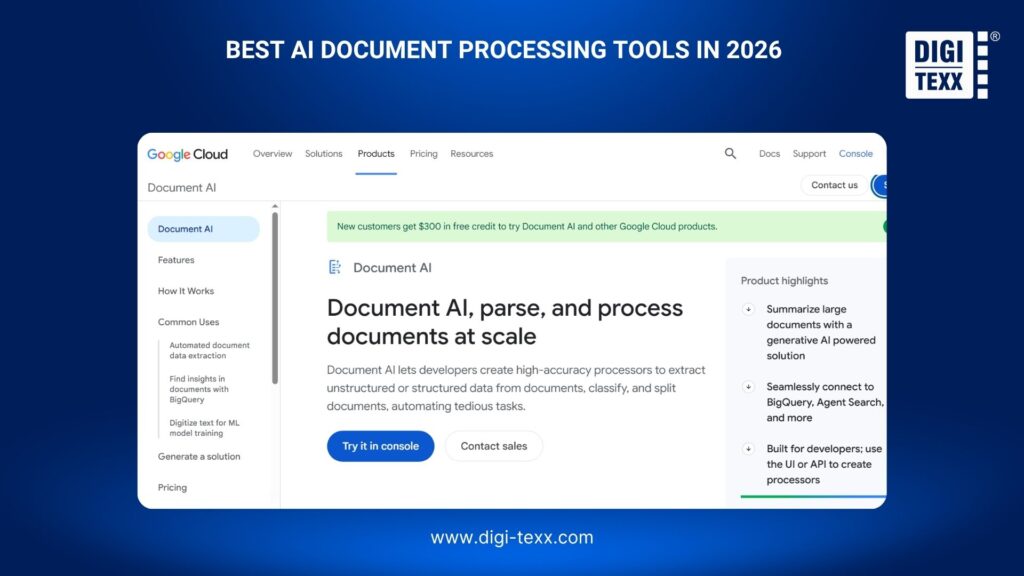
Google Document AI
Google Document AI is a cloud-based document processing platform within Google Cloud. It provides capabilities for OCR, form parsing, layout analysis, custom extraction, and specialized document processors.
Best for: Enterprises already using Google Cloud or teams that need customizable document extraction.
Key capabilities:
- OCR
- Form parsing
- Layout analysis
- Custom extraction
- Document classification
- Specialized processors
- API integration
Google’s current pricing varies by processor. For example, Enterprise Document OCR is listed at $1.50 per 1,000 pages for the applicable usage tier, while custom extraction is priced separately.
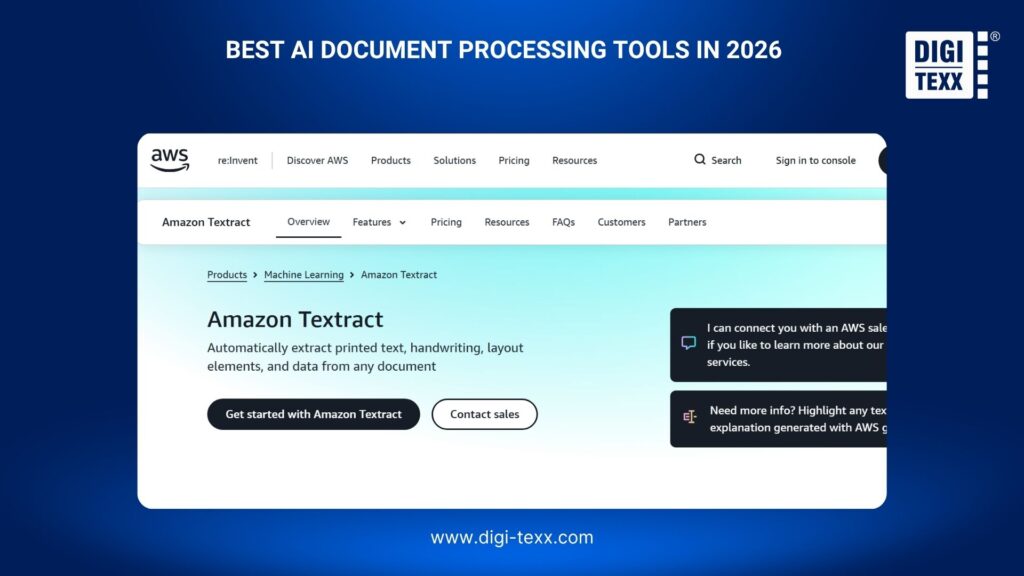
Amazon Textract
Amazon Textract is an AWS machine learning service for extracting text and structured information from documents.
Best for: Organizations operating primarily within AWS.
Key capabilities:
- Text extraction
- Forms and key-value pairs
- Table extraction
- Queries
- Layout analysis
- Signature detection
- Scalable document analysis
Textract’s query functionality is particularly useful when an application needs specific information from documents rather than every piece of detected text.
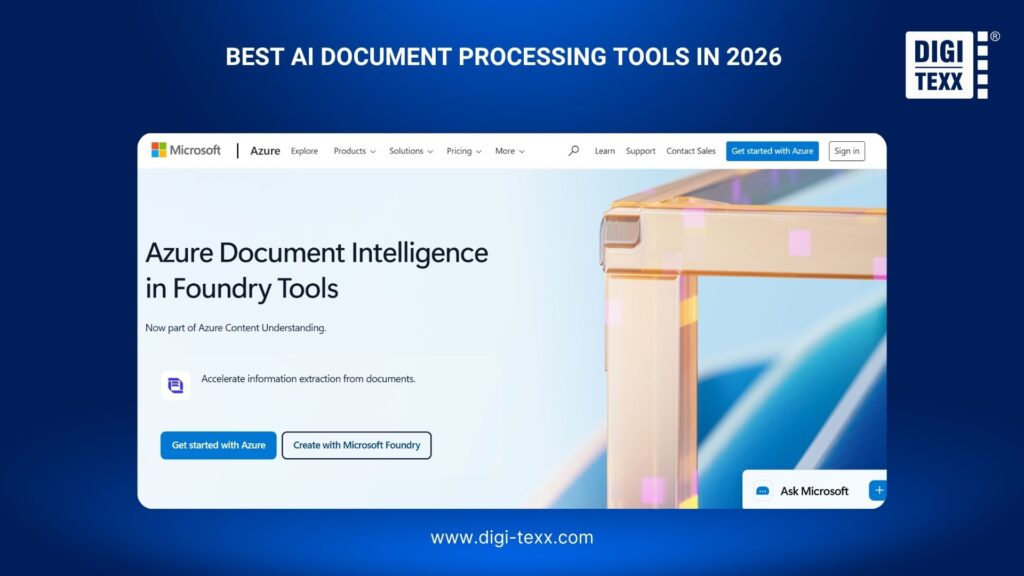
Azure AI Document Intelligence
Azure AI Document Intelligence is Microsoft’s cloud service for building intelligent document processing applications.
Best for: Organizations using Microsoft Azure and enterprise applications in the Microsoft ecosystem.
Key capabilities:
- OCR
- Layout analysis
- Prebuilt models
- Invoice and receipt processing
- Identity document processing
- Custom models
- Structured and unstructured document extraction
Microsoft currently recommends Azure Document Intelligence 2024-11-30 v4.0 for new development, according to its documentation.
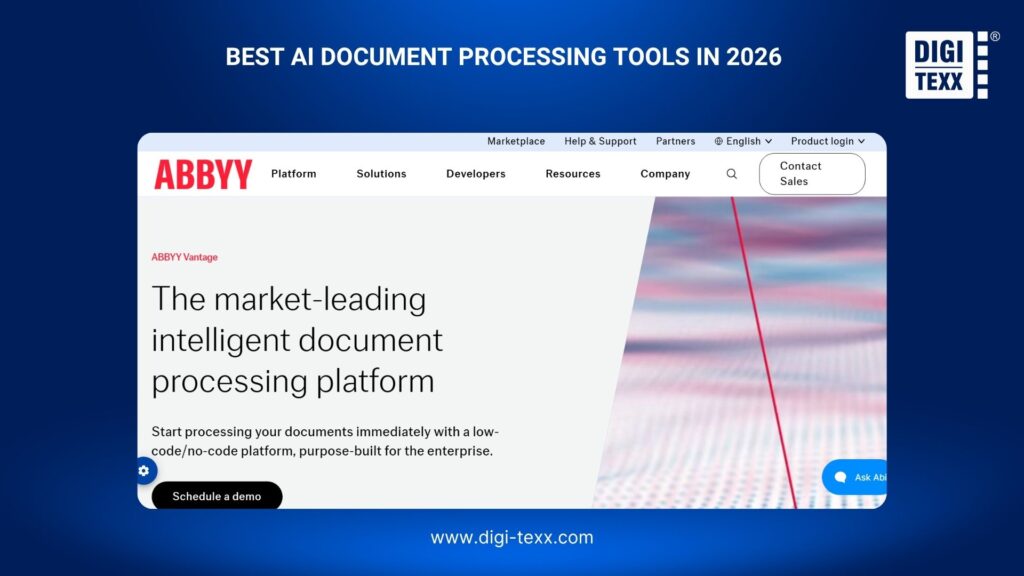
ABBYY Vantage
ABBYY Vantage is an enterprise-focused intelligent document processing platform designed to capture, classify, extract, validate, and deliver information from business documents.
Best for: Enterprises looking for a low-code/no-code IDP platform and broader document automation capabilities.
Key capabilities:
- OCR/ICR
- Document classification
- Data extraction
- Validation
- Pretrained document skills
- API integration
- Process analytics
ABBYY describes Vantage as a platform for structured, semi-structured, and unstructured documents and provides pre-trained skills as well as tools for creating custom document skills.
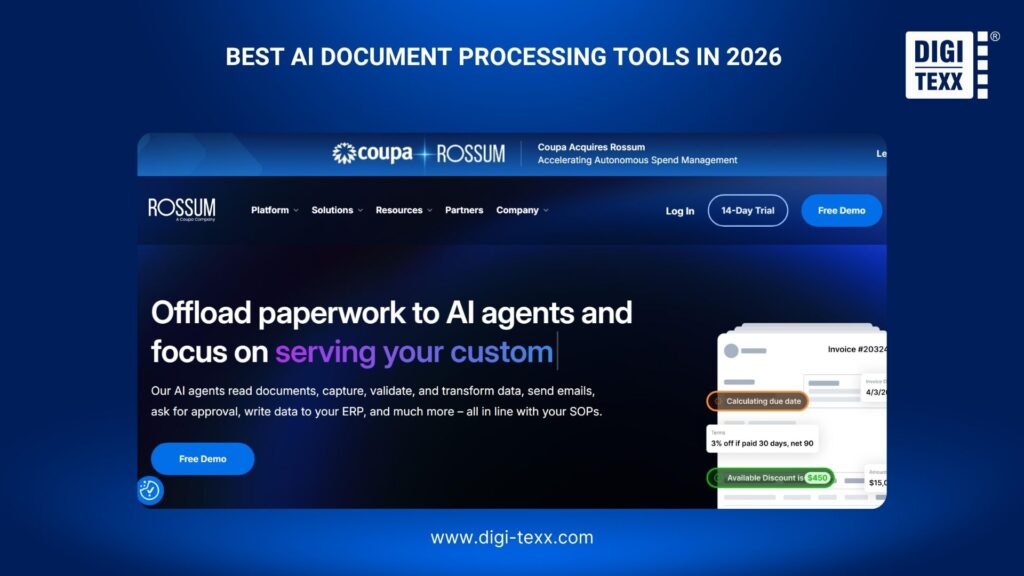
Rossum
Rossum specializes in intelligent document automation, with a strong focus on transaction-heavy documents such as invoices and purchase-related records.
Best for: Finance and accounts payable teams that need to automate document-intensive workflows.
Key considerations:
- Document capture and classification
- AI-powered data extraction
- Data validation
- Workflow automation
- ERP and business system integration
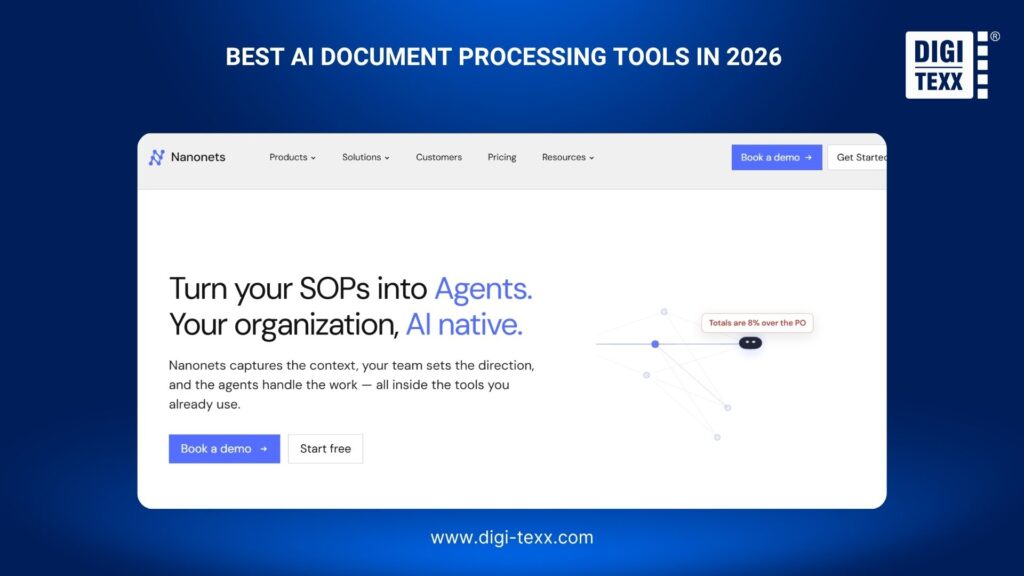
Nanonets
Nanonets provides AI-powered document processing for extracting structured data from business documents and integrating the results into automated workflows.
Best for: Businesses seeking an accessible solution for document extraction and workflow automation.
Key considerations:
- Document OCR and processing
- Structured data extraction
- Automated workflows
- Data validation
- Business system integration
UiPath
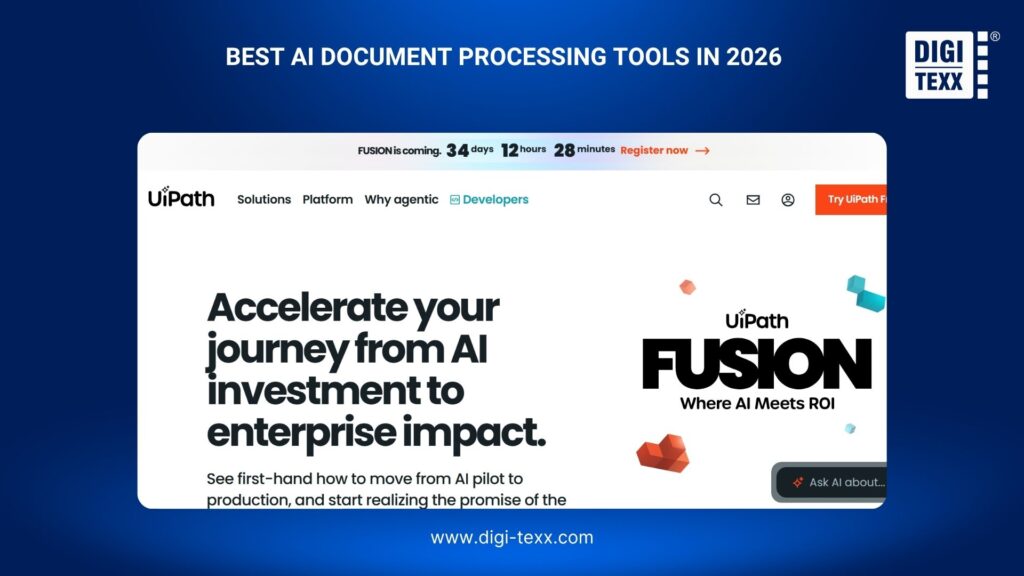
UiPath combines document processing with robotic process automation (RPA), allowing businesses to incorporate document understanding into broader automated workflows.
Best for: Organizations already using RPA or looking to connect document processing with end-to-end business process automation.
Key considerations:
- Document Understanding
- OCR and data extraction
- Document classification
- RPA integration
- Enterprise workflow automation
UiPath also supports multilingual document processing, with its extended OCR engine supporting more than 200 languages.
>>> See more:
- What Is Data Quality Management? Importance, Tools, and Best Practices
- How to Clean Up System Data on Mac: 9 Simple Steps
- 20 Best Data Governance Tools In 2026
Mindee
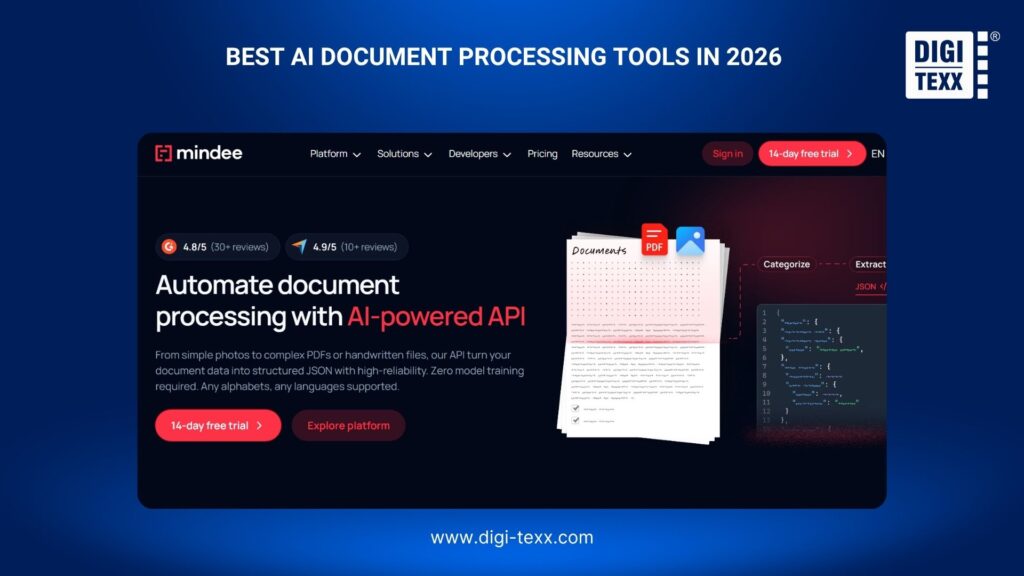
Mindee provides API-based document extraction designed primarily for developers who want to embed document processing capabilities directly into applications.
Best for: Development teams that need flexible document extraction APIs rather than a full enterprise document automation platform.
Key considerations:
- API-based document extraction
- OCR
- Structured data extraction
- Developer-focused integration
- Custom document processing workflows.
| Tool | Best For | Key Capabilities | Model |
| Google Document AI | Enterprise document processing | OCR, classification, extraction, layout | Cloud API |
| Amazon Textract | AWS workflows | Text, forms, tables, queries | Cloud API |
| Azure AI Document Intelligence | Microsoft ecosystem | OCR, layout, extraction, custom models | Cloud service |
| ABBYY Vantage | Enterprise IDP | Classification, extraction, validation, automation | Enterprise platform |
| Rossum | Invoice and transaction processing | Extraction, validation, workflow automation | Cloud platform |
| Nanonets | Workflow automation | OCR, extraction, automation | Cloud platform |
| UiPath | RPA + document processing | OCR, document understanding, RPA | Automation platform |
| Mindee | Developer workflows | API-based document extraction | API |
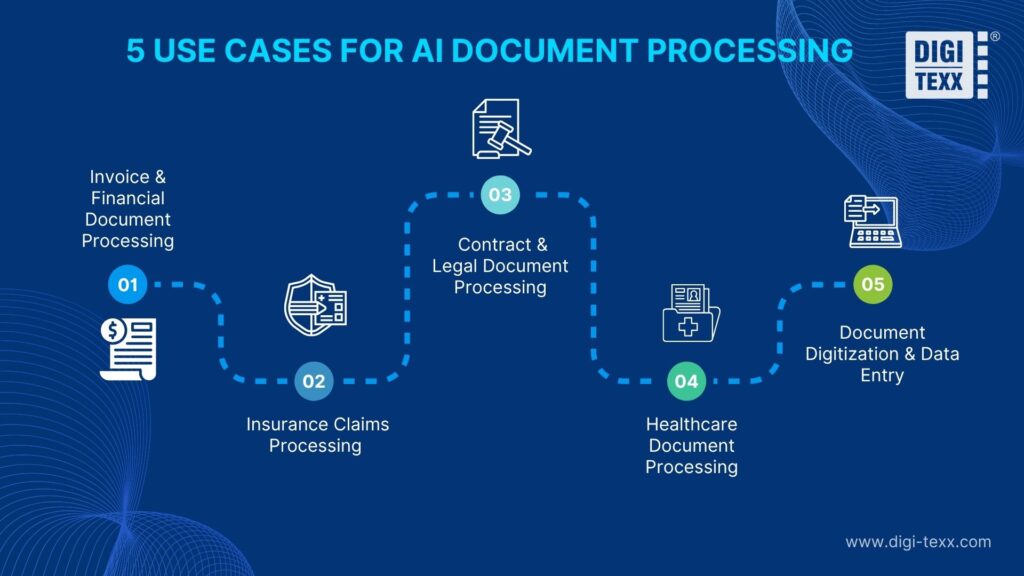
AI Document Processing Use Cases
The technology can be applied across industries because documents remain a major source of operational information.
Invoice And Financial Document Processing
Invoices are one of the most common document automation use cases. AI can identify supplier information, invoice numbers, dates, tax amounts, totals, purchase orders, and line items before passing validated information to an accounting or ERP system. This can reduce manual keying and make exception handling more targeted.
Insurance Claims Processing
Insurance claims can contain forms, supporting documents, invoices, photographs, and other evidence. AI document processing can classify claim documents, extract relevant fields, validate information, and create digital records. For insurers, the value is not simply faster OCR. It is the ability to move information through a claims workflow with less manual intervention.
Contract And Legal Document Processing
Contracts contain important information that may be distributed across multiple sections and pages.
AI can help identify:
- Contract parties
- Effective dates
- Expiration dates
- Renewal clauses
- Payment terms
- Obligations
- Key clauses
Human review remains important for legal interpretation, but AI can reduce the time required to locate and organize relevant information.
Healthcare Document Processing
Healthcare organizations process forms, claims, patient records, referrals, invoices, and other documentation.
AI document processing can help convert these documents into structured information while reducing manual data entry. Because healthcare data is sensitive, implementation must also address privacy, security, access control, retention, and regulatory requirements.
Document Digitization And Data Entry
Organizations with large paper archives often need to scan and convert historical records before they can be searched or integrated into digital systems.
AI can support this process by combining scanning, OCR, classification, extraction, validation, and indexing.
This is particularly useful for organizations digitizing:
- Historical archives
- Customer records
- Financial documents
- Legal files
- Insurance documents
- Forms
- Administrative records.
How To Choose Between AI Document Processing Tools And Services?
Choosing between software and an outsourced service depends largely on the organization’s internal capabilities and the complexity of the workflow.
When To Use An AI Document Processing Tool?
An AI document processing tool is generally a stronger option when the business:
- Has an internal IT or development team
- Has relatively predictable document volumes
- Wants direct control over workflows
- Can manage API or system integration
- Has internal resources for exception handling
- Needs to maintain the technology in-house
- Wants to build a reusable document automation system
For example, a company with an established Azure environment and an internal development team may choose Azure AI Document Intelligence and build its own processing workflow around it.
When To Use AI Document Processing Services?
An AI document processing service may be more appropriate when the business:
- Processes large or fluctuating document volumes
- Does not want to build an internal processing team
- Receives complex or inconsistent documents
- Requires human validation
- Needs scanning and digitization
- Has significant manual data entry requirements
- Wants to outsource the complete workflow
- Needs operational support alongside technology
The distinction is important because purchasing an AI tool does not automatically create an operational document processing capability. Someone still needs to configure models, manage integrations, monitor accuracy, review exceptions, maintain workflows, and handle changing document formats.
Tool vs. Service: Which Is Right For Your Business?
| Factor | AI Document Processing Tool | AI Document Processing Service |
| Implementation | Business manages | Provider manages |
| Technology | Business selects | Provider supplies |
| Human review | Usually internal | Can be included |
| Scalability | Depends on internal setup | Provider-managed |
| IT resources | Higher | Lower |
| Workflow control | High | Shared with provider |
| Document scanning | Usually separate | Can be included |
| Best for | In-house automation | In-house automation |
Why Choose DIGI-TEXX for AI Document Processing Services?
DIGI-TEXX combines AI-powered document processing with trained professionals to handle document workflows that require accuracy, scalability, and human judgment. Instead of providing only a software tool, the service can support the operational work involved in capturing, extracting, validating, and managing business information.
DIGI-TEXX uses OCR and machine learning for document classification, data extraction, invoice processing, data entry, scanning, and digital archiving. Human specialists can review exceptions such as poor-quality scans, handwriting, complex layouts, or incomplete information where automated processing may require additional validation.
The outsourced model also helps businesses manage fluctuating document volumes without continuously expanding their internal processing teams. This can be particularly useful for large-scale digitization projects, seasonal workloads, invoice processing, insurance claims, and document backlogs.
By covering multiple stages of document processing, DIGI-TEXX can help organizations convert physical and unstructured documents into validated, structured, and business-ready information for downstream systems and workflows.

>>> See more:
- 10 Best AI Process Automation Tools Free In 2026
- Top 25 Data Integration Tools of 2026: ETL, ELT & Cloud
- Data Integrity Definition: Meaning, Types, Examples & Best Practices 2026
FAQs About AI Document Processing
How Can I Use AI To Process Documentation?
AI can streamline documentation workflows by extracting and organizing information from documents, converting unstructured notes or video transcripts into standardized procedures, and summarizing lengthy content into concise, usable insights.
How Much Does Document AI Cost?
The cost of Google Cloud Document AI depends on the type of processor used and the volume of documents processed. Its pay-as-you-go pricing model typically charges based on the number of pages or documents processed. Basic text extraction can start at around $1.50 per 1,000 pages, while more advanced custom field extraction can cost up to $30 per 1,000 pages.
Can I Use ChatGPT To Review A Document?
Yes. ChatGPT can help review documents by allowing users to upload files such as PDFs, Word documents, and text files directly into a conversation. Depending on the instructions provided, it can summarize key points, identify grammar issues, analyze information, and assess content against specific requirements.
AI document processing goes beyond converting scanned content into machine-readable text. By combining OCR, AI-based classification, data extraction, validation, and workflow automation, businesses can turn documents into structured information that is ready for operational use. The right approach, however, depends on document complexity, processing volume, internal IT resources, and the level of human review required.
For organizations with the technical resources to build and manage their own workflows, AI document processing tools can provide flexibility and control. Businesses dealing with high volumes, complex documents, digitization projects, or ongoing manual processing may benefit more from an outsourced service. DIGI-TEXX can support these workflows with AI-powered document processing, human validation, scanning, data entry, and document digitization services.
DIGI-TEXX Contact Information:
🌐 Website: https://digi-texx.com/
📞 Hotline: +84 28 3715 5325
✉️ Email: [email protected]
🏢 Address:
- Headquarters: Anna Building, QTSC, Trung My Tay Ward
- Office 1: German House, 33 Le Duan, Saigon Ward
- Office 2: DIGI-TEXX Building, 477-479 An Duong Vuong, Binh Phu Ward
- Office 3: Innovation Solution Center, ISC Hau Giang, 198 19 Thang 8 street, Vi Tan Ward
Reference:
- National Archives and Records Administration. (n.d.). Scanned images of textual records. https://www.archives.gov/records-mgmt/initiatives/scanned-textual.html
- Autio, C., Schwartz, R., Dunietz, J., Jain, S., Stanley, M., Tabassi, E., Hall, P., & Roberts, K. (2024). Artificial intelligence risk management framework: Generative artificial intelligence profile (NIST AI 600-1). National Institute of Standards and Technology. https://doi.org/10.6028/NIST.AI.600-1