AI-powered photo editing software is changing how photographers, marketers, e-commerce teams, and businesses create and process visual content. From AI retouching and background removal to prompt-based editing and batch processing, the right tool can reduce repetitive work while maintaining consistent image quality.
This guide from DIGI-TEXX reviews 12 options to help you compare the AI-powered photo editing software for free, identify the best AI-powered photo editing software for different use cases, and find a best AI photo editor free or free AI app for photo editing that fits your workflow.
| Software | Best for | Platform | Free option | Starting price* |
| Adobe Photoshop | Professional AI photo editing | Desktop, Web, Mobile | Trial | $22.99/month |
| Fotor | All-in-one AI editing | Web, Desktop, Mobile | Yes | Free plan |
| Canva | AI editing + graphic design | Web, Desktop, Mobile | Yes | Free plan |
| Pixlr | Online AI photo editing | Web, Desktop, Mobile | Yes | $2.49/month |
| Claid AI | Product photography | Web, API | Free credits | Custom/paid plans |
| Evoto AI | Portrait retouching | Desktop, Web, iPad | Free tools/trial credits | From $80/year |
| Aftershoot | AI culling and batch editing | Windows, macOS | 30-day trial | $10/month |
| Picsart | Creative and social media editing | Web, Desktop, Mobile | Yes | Free plan |
| Phot.AI | E-commerce image editing | Web | Yes | Free plan |
| AIEnhance.io | Image enhancement | Web | Yes | Free credits |
| Magic Hour AI | Prompt-based creative editing | Web, API | Yes | Free tier |
| Fiverr | Outsourced photo editing | Online marketplace | No | Service-dependent |
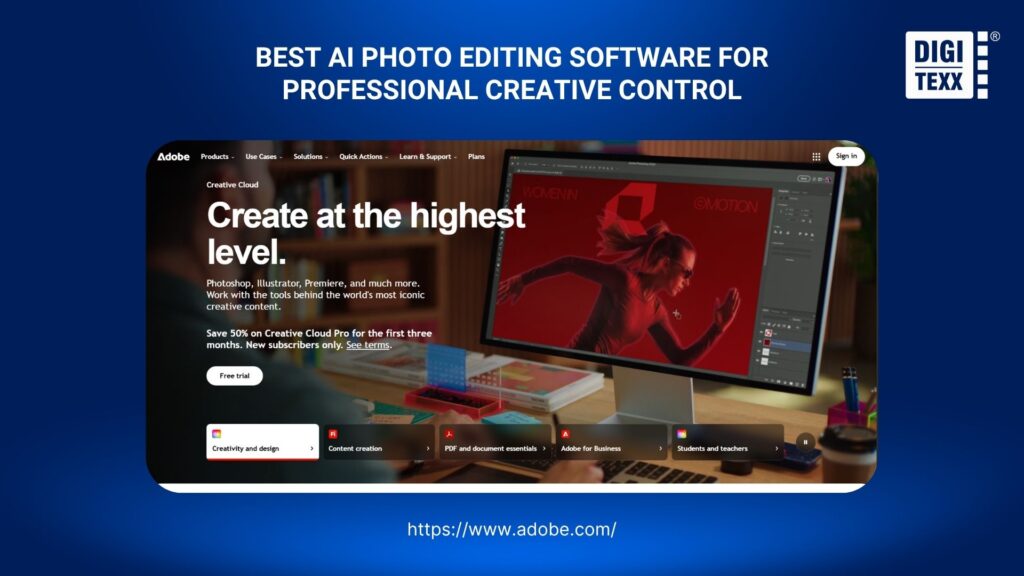
1. Adobe Photoshop – Best For Professional AI Photo Editing
Adobe Photoshop remains one of the strongest choices for professionals who need both traditional editing control and AI-assisted workflows.
Its AI capabilities are integrated into the broader Photoshop workflow rather than functioning as a separate one-click editor. Users can use tools such as Generative Fill to add, remove, or modify elements with text prompts while retaining Photoshop’s layers, selections, masks, and detailed adjustment tools.
Adobe also allows users to begin editing through its browser-based Firefly experience and move into the full Photoshop environment when more precise control is required.
Pros and features
- Generative Fill for prompt-based image editing
- Generative Expand for extending an image beyond its original canvas
- Object removal and replacement
- Background editing and generation
- Advanced masking and layer-based editing
- RAW photo workflow through Adobe’s photography ecosystem
- Desktop, web, and mobile access
- Integration with Lightroom and other Adobe Creative Cloud applications
One advantage is the combination of AI automation and manual precision. AI can handle repetitive edits, while professional editors can still refine individual pixels, masks, colors, and layers when the generated result is not sufficient.
Best for
Photoshop is best suited to:
- Professional photographers
- Graphic designers
- Advertising and creative teams
- Photo retouchers
- Agencies handling complex image manipulation
- Businesses that require detailed control over final assets
It is less suitable when the goal is simply to upload a photo and get an automatic result with almost no editing experience.
Pricing
The standalone Photoshop plan is currently listed at US$22.99/month when billed annually, while the Photography plan that includes Photoshop and Lightroom is listed at US$19.99/month in the US. Adobe also offers a 7-day free trial.
>>> See more:
- AI Image Processing Tools: Top 10 for Automation In 2026
- Top 10 Best Free AI Photo Retouching Tools Online In 2026
- How To Make A Clipping Path In Illustrator (Step-By-Step)?
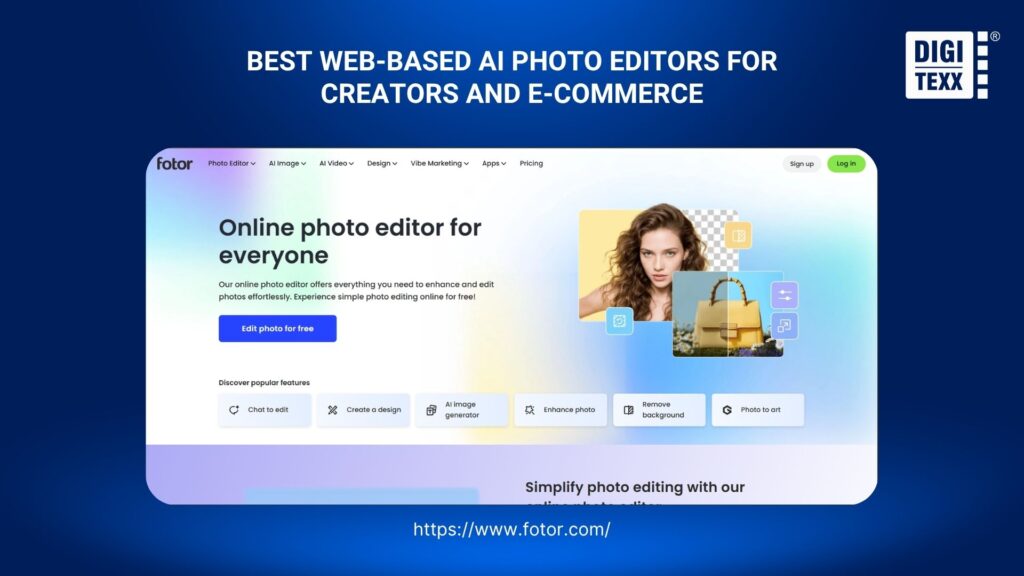
2. Fotor – Best All-In-One AI Photo Editor
Fotor is designed for users who want AI-powered editing without the learning curve associated with professional desktop software.
Its AI photo editor combines enhancement, retouching, background removal, object removal, image restoration, upscaling, and creative effects in one interface. Fotor currently promotes more than 30 AI photo editing tools, including AI enhancement, background removal, object removal, and AI-based restoration.
Pros and features
- AI photo enhancement
- Background removal and replacement
- Object removal
- Portrait retouching
- Image upscaling
- Photo restoration
- AI style transfer
- Batch editing
- AI image generation
- Web, desktop, and mobile access
Fotor is particularly useful when the same team handles different types of visual content. A marketer, for example, can enhance a product photo, remove its background, create a social media graphic, and resize the final image without moving between several applications.
Best for
Fotor is a strong fit for:
- Small businesses
- Marketers
- Social media teams
- E-commerce sellers
- Beginners
- Users looking for an AI photo editor online free
Pricing
Fotor provides a free plan with limited AI credits and basic editing tools. Paid Pro plans add more AI capabilities, editing tools, templates, storage, and watermark-free exports.
3. Canva – Best For AI Photo Editing And Graphic Design
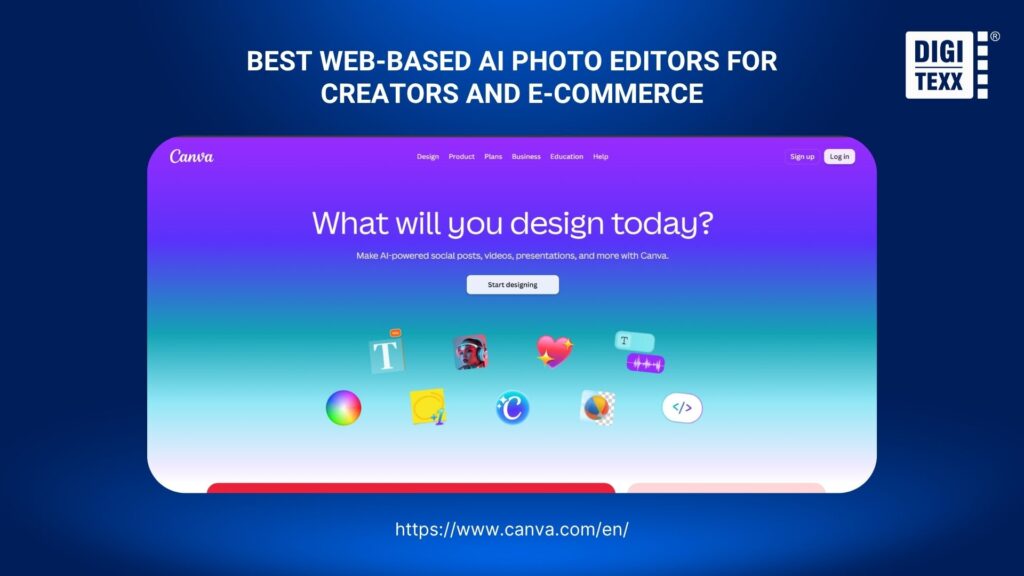
Canva takes a different approach from traditional photo editing software. Instead of focusing exclusively on image manipulation, it combines AI photo editing with templates, layouts, typography, brand assets, and content creation.
Its AI-powered Photo Editor includes tools such as Magic Edit, Magic Eraser, AI Image Expander, background editing, and automatic adjustments. Users can also edit an image with a text prompt rather than manually selecting every element.
Pros and features
- Prompt-based AI image editing
- Magic Edit for adding or replacing elements
- Magic Eraser for removing unwanted objects
- AI Image Expander
- Background generation and replacement
- Automatic color and lighting adjustments
- Templates and design assets
- Social media publishing workflows
- Collaboration and brand management features
This makes Canva particularly useful when photo editing is only one part of a larger content workflow.
For example, a marketing team can remove an object from a product image, place the image into a branded social media template, add copy, resize it for multiple channels, and publish the final asset from the same environment.
Best for
Canva works particularly well for:
- Marketing teams
- Social media managers
- Small businesses
- Content creators
- Brand teams
- Non-designers
Pricing
Canva offers a free plan. However, several advanced AI photo editing capabilities, including features such as Magic Edit and Magic Eraser, are available through paid plans.
>>> See more:
- Best Product Photo Editing Services For eCommerce: Top Providers Compared
- Photo Editing Price Guide 2026: Rates, Costs & Examples
4. Pixlr – Best For Online AI Photo Editing
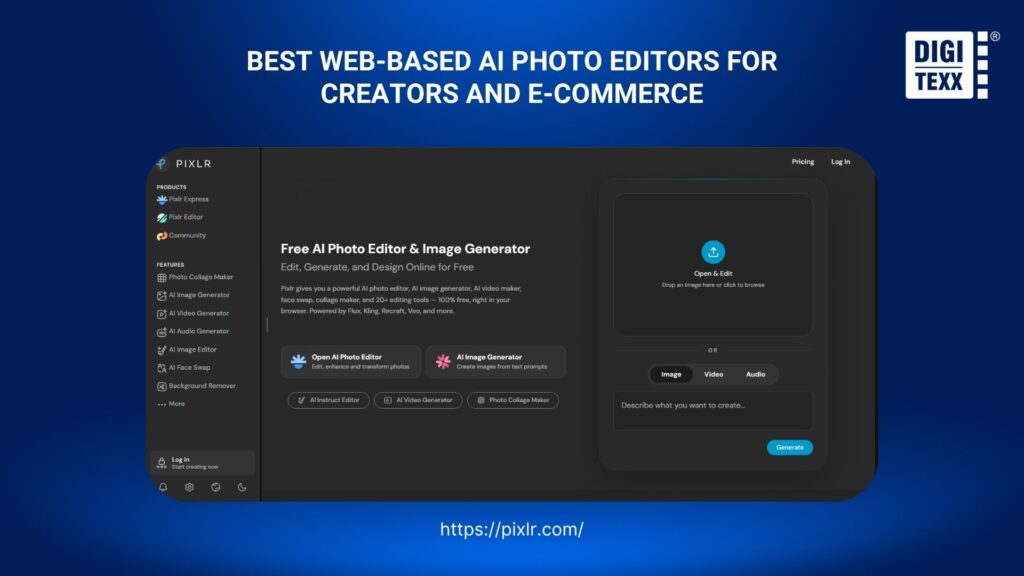
Pixlr focuses heavily on browser-based editing, making it a practical option for users who do not want to install a professional desktop application.
Its current platform combines AI photo editing, image generation, design tools, video capabilities, and other creative features. Pixlr’s pricing structure uses AI credits, with plans ranging from a basic Plus tier to higher-volume options.
Pros and features
- Browser-based photo editing
- AI image generation
- AI-powered editing
- Background removal
- Object removal
- Generative tools
- Templates and design features
- Desktop and mobile availability
- AI credit system for advanced functions
Pixlr is useful for users who want more editing flexibility than a template-based design platform but do not need the complete professional ecosystem of Photoshop.
Best for
- Freelancers
- Content creators
- Small marketing teams
- Students
- Casual users
- Businesses that prefer browser-based tools
Pricing
Pixlr currently offers:
- Plus: from $2.49/month
- Premium: from $9.99/month
- Ultra: from $24.99/month
Annual billing reduces the effective monthly price. Plans include different amounts of AI credits and access to additional creative features.
>>> See more:
- Professional Skin Retouching In Photoshop For Natural Results
- Wedding Photo Editing Service | Elevating Your Wedding Photos
5. Claid AI – Best For Product Photography
For e-commerce teams, the editing problem is often different from traditional photography. The goal is not necessarily artistic retouching; it is producing consistent product images at scale.
Claid AI is built around this use case. Its platform supports AI enhancement, background removal, AI Photoshoot, AI Fashion, AI editing, image expansion, and AI shadows. It also provides API capabilities for businesses that want to integrate image processing into their own workflows.
Pros and features
- AI image enhancement
- Background removal
- AI-generated product scenes
- AI Photoshoot
- AI Fashion
- AI shadows
- Image outpainting
- Batch processing
- API integration
- E-commerce-focused workflows
The API is particularly relevant for businesses processing large numbers of product images. Instead of asking employees to manually edit each image, organizations can integrate image processing into an existing content or e-commerce pipeline.
Best for
Claid AI is a strong fit for:
- E-commerce businesses
- Online marketplaces
- Retail brands
- Product catalog teams
- Fashion businesses
- Businesses processing product images at scale
Pricing
Claid uses a credit-based model. Its web platform provides free credits for testing, while paid plans increase the available processing volume. Business and API usage can be customized for larger workflows.

6. Evoto AI – Best For AI Portrait Retouching
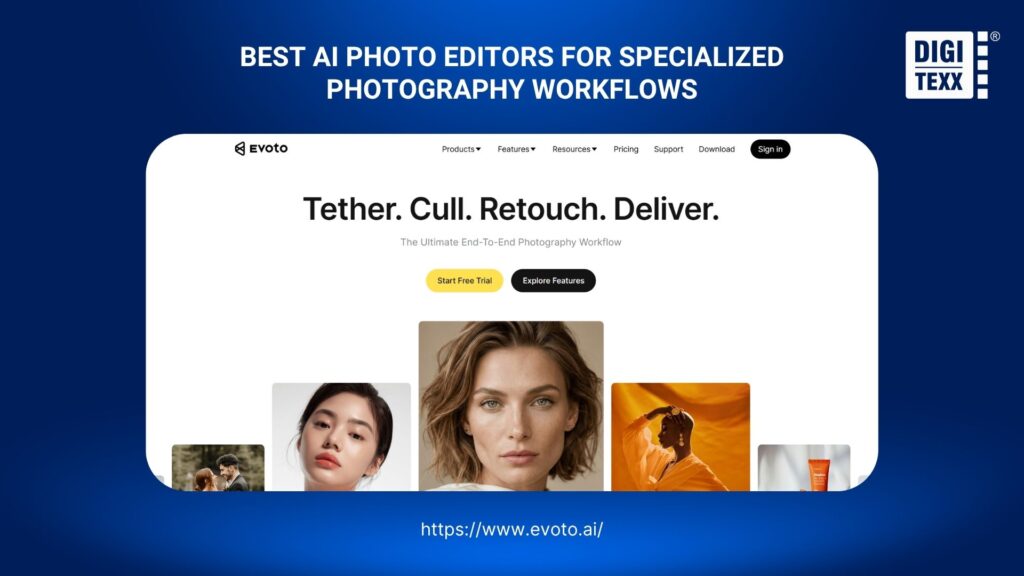
Evoto AI focuses heavily on professional photography workflows, particularly portrait retouching, color correction, background editing, and batch processing.
Its feature set includes AI portrait retouching, AI color matching, background removal, body editing, presets, and batch editing. Evoto supports desktop and iPad workflows, while many cloud-based features process images on remote servers.
Pros and features
- AI portrait retouching
- Skin and facial adjustments
- AI color matching
- Background removal
- Body editing
- Presets
- Batch editing
- Desktop and iPad support
- Credit-based processing
A major advantage for photographers is consistency. Once the desired editing approach is established, AI can apply similar adjustments across a larger set of images rather than requiring every portrait to be edited independently.
Best for
- Portrait photographers
- Wedding photographers
- Event photographers
- Studios
- High-volume photography businesses
Pricing
Evoto uses a credit-based pricing model. Current annual plans start at US$80/year for 800 credits, with larger plans available for higher-volume users. Evoto also provides pay-as-you-go options.
Evoto states that most features require cloud processing, while processed images are deleted after processing unless specific cloud storage features are enabled. The company also states that customer images are not used for AI training unless the user explicitly consents.
>>> See more:
- How to Retouch Photos on iPhone – Best Free Apps for iOS
- Fashion Photo Editing Services: Benefits, Techniques & Expert Tips
- 13 Street Style Photo Editing Steps In Lightroom For Professional Results
7. Aftershoot – Best For AI Culling And Batch Photo Editing
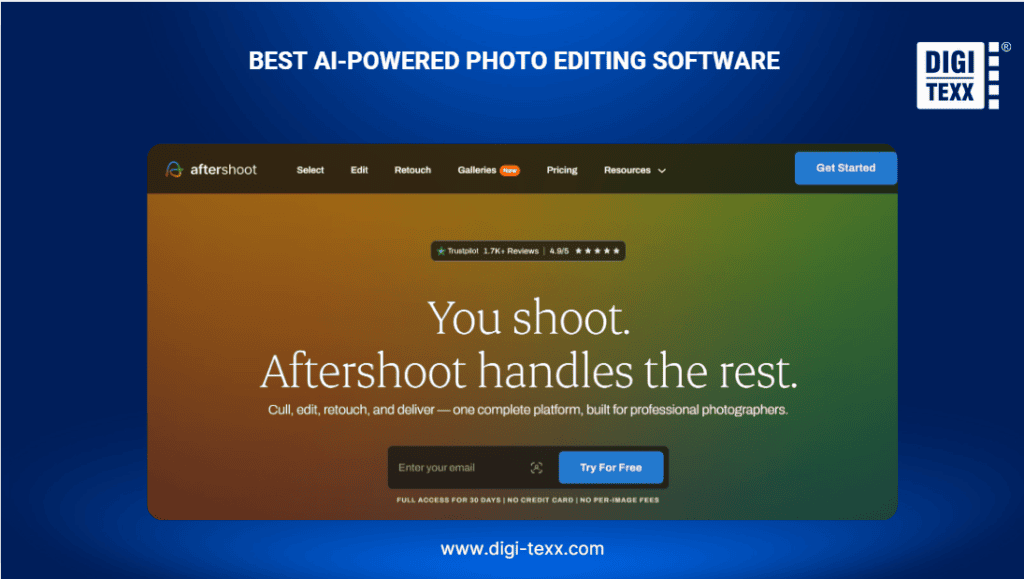
Aftershoot is designed around the workflow problems professional photographers face after a shoot: thousands of images, repetitive selection, and time-consuming editing.
Rather than functioning primarily as a creative image generator, Aftershoot focuses on AI culling, editing, and retouching.
The software works on Windows and macOS and can process images locally, allowing photographers to work offline and keep image files on their machines.
Pros and features
- AI photo culling
- AI editing
- AI retouching
- Batch processing
- RAW image support
- AI profiles and styles
- Crop, straighten, and masking
- Offline processing
- Unlimited image processing on applicable plans
The offline workflow is an important differentiator for professional photographers handling client images under privacy restrictions or working in locations with unreliable internet access.
Best for
- Wedding photographers
- Event photographers
- Professional photography studios
- High-volume photographers
- Teams with large RAW image libraries
Pricing
Aftershoot’s current modular pricing starts at:
- AI Culling: $10/month when billed annually
- AI Editing: $30/month
- AI Retouching: $20/month
- Complete: $45/month
The company also offers a 30-day free trial without requiring a credit card.
8. Picsart – Best For Creative And Social Media Editing
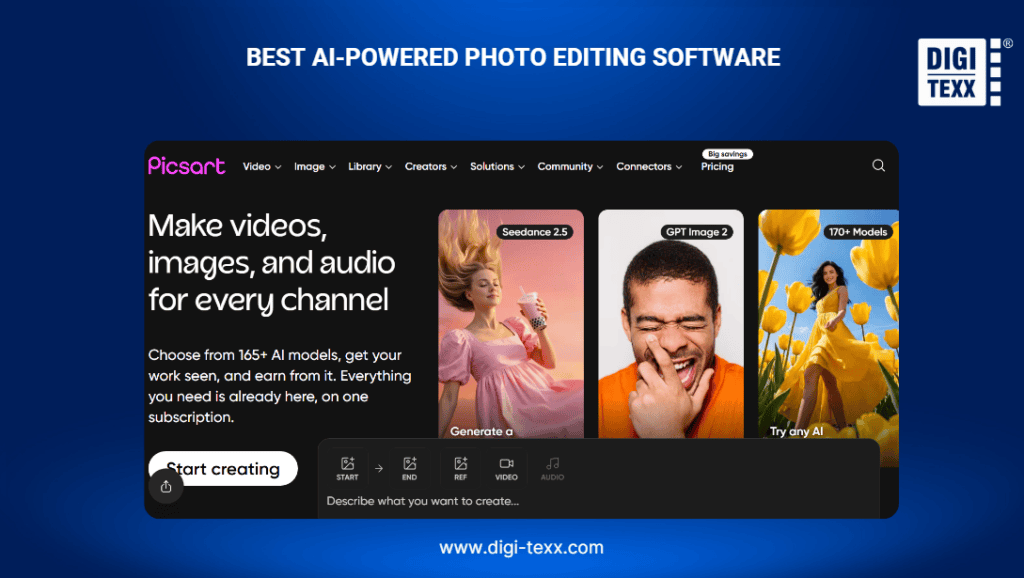
Picsart combines AI image editing with creative design and content creation. Its AI photo editor can be used for tasks such as background editing, image generation, object manipulation, and creative transformations.
The platform also supports business-oriented workflows, including bulk editing and APIs for organizations that want to integrate creative capabilities into their own products or processes.
Pros and features
- AI photo editing
- AI image generation
- Background removal
- Object manipulation
- Creative effects
- Templates and design tools
- Bulk editing
- Brand kits
- API capabilities
- Mobile and web workflows
Picsart is particularly useful when the objective is visual experimentation rather than traditional professional retouching.
Best for
- Social media teams
- Content creators
- Marketing departments
- Small businesses
- Creative agencies
- Users creating high-volume social content
Pricing
Picsart provides free access with paid plans for users who need more AI capabilities. Its current business-oriented tiers include higher-volume AI features, bulk editing, cloud storage, and enterprise options with custom pricing.
>>> See more:
- How To Restore Damaged Photographs: Best AI Tools, Software & Professional Services
- 7+ Best Photo Editing Apps For Android And iPhone (2026 Guide)
- Car Photo Editing Guide: Professional Results With Free Online Apps
9. Phot.AI – Best For Quick AI Photo Editing And Cleanup
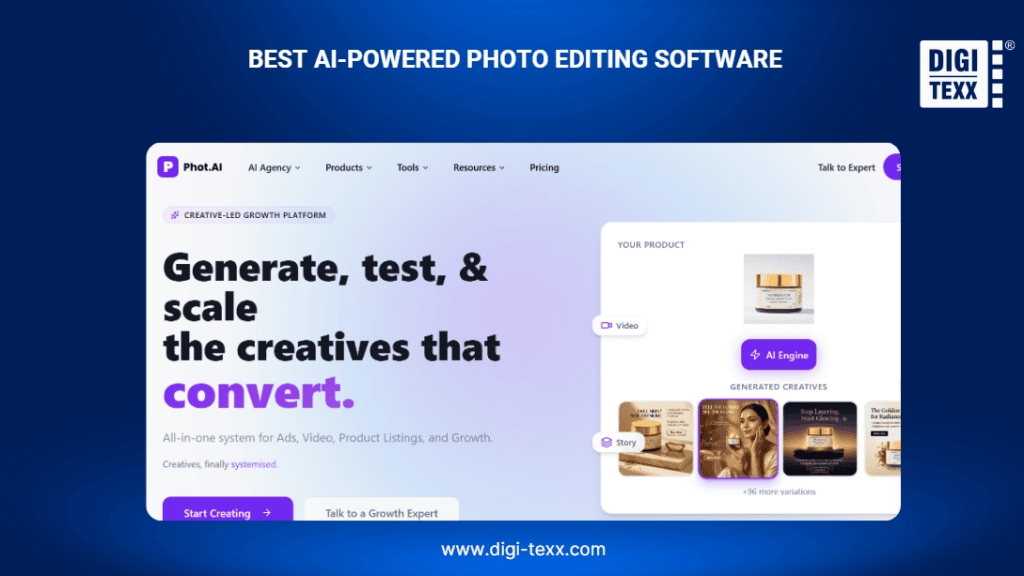
Phot.AI takes an AI-first approach to image editing, with a particular emphasis on commercial and e-commerce visuals.
Its platform provides tools for product image editing, AI-generated visuals, image cleanup, marketplace-ready content, and other automated workflows.
Pros and features
- AI photo editing
- Background removal and replacement
- Product image generation
- AI image enhancement
- Object removal
- E-commerce image creation
- Marketplace-ready outputs
- AI image models
- Brand kits
Phot.AI is particularly relevant to online sellers because product images often need to meet specific marketplace requirements while remaining visually consistent.
Best for
- E-commerce sellers
- D2C brands
- Marketplace sellers
- Product marketers
- Small retail teams
Pricing
Phot.AI currently offers a Starter tier aimed at solo sellers with monthly credits, listing capabilities, cloud storage, AI editing tools, and HD exports. Higher plans are designed for growing brands and marketing teams.
10. AIEnhance.io – Best For AI Image Enhancement
AIEnhance.io focuses primarily on improving image quality rather than replacing a full professional editing suite.
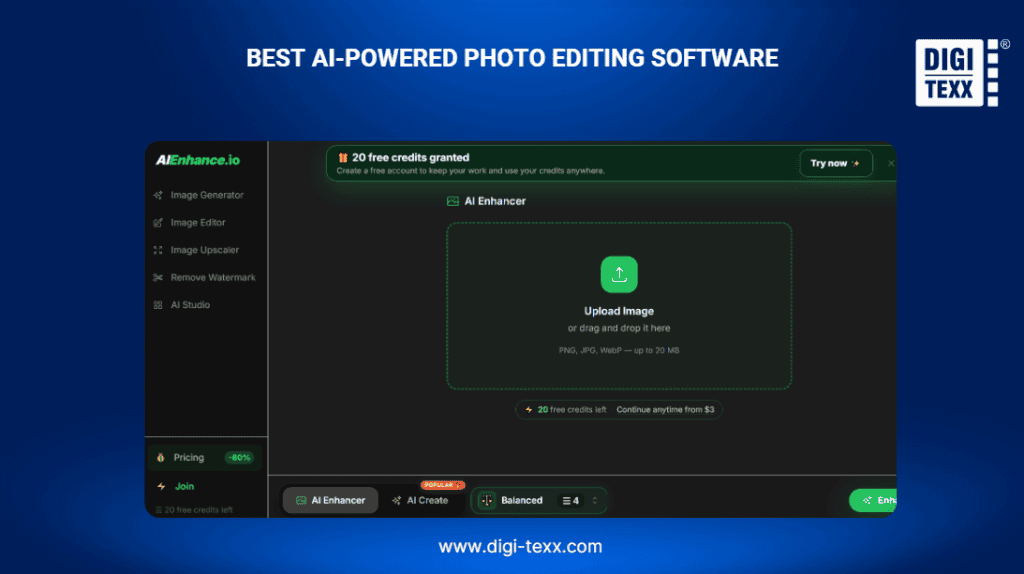
Its AI enhancement workflow is designed to sharpen, upscale, denoise, restore, and improve images. The platform currently supports PNG, JPG, and WebP files up to 20 MB and provides free credits for new users.
Pros and features
- AI upscaling
- Image sharpening
- Noise reduction
- Photo restoration
- Color correction
- AI image cleanup
- AI-generated image correction
- Browser-based workflow
- Free credits
The platform supports several specialized enhancement modes rather than treating every image as the same type of problem.
Best for
- Low-resolution image enhancement
- Old photo restoration
- Product image improvement
- AI-generated image cleanup
- Preparing images for digital publishing
Pricing
AIEnhance.io currently offers 20 free credits for new users. The platform promotes browser-based processing without watermarks.
>>> See more:
- Top 7 Ecommerce Product Photo Retouching Services Compare
- Birthday Editing Online Free: Tools, Frames & Creative Ideas
- 15 Best Document Scanning Software: Features, Pricing & Reviews 2026
11. Magic Hour AI – Best For Creative AI Styling And Transformations
Magic Hour AI is designed for prompt-based image and media generation. Its AI Image Editor allows users to modify an existing image by describing the desired change rather than manually manipulating individual elements.
For example, a user can upload an image and provide a prompt to change clothing, add an object, alter the visual style, or transform the scene.
Magic Hour provides both browser-based tools and APIs for businesses that want to integrate AI media generation into their applications.
Pros and features
- Prompt-based image editing
- AI image generation
- Creative transformations
- Style changes
- API access
- Python, Node.js, Go, and Rust SDKs
- Free browser-based editing
- Commercial-use plans
The browser editor provides three free edits per day without requiring an account, according to Magic Hour’s current product page.
Best for
- Creative experimentation
- Marketing content
- Concept development
- AI-generated visuals
- Developers building AI image workflows
Pricing
Magic Hour provides a free tier and paid Creator, Pro, and Business plans. Current annual pricing is listed at approximately $12/month equivalent for Creator, $25/month for Pro, and $66/month for Business, when billed annually.

12. Fiverr – Best For Professional Photo Editing Services
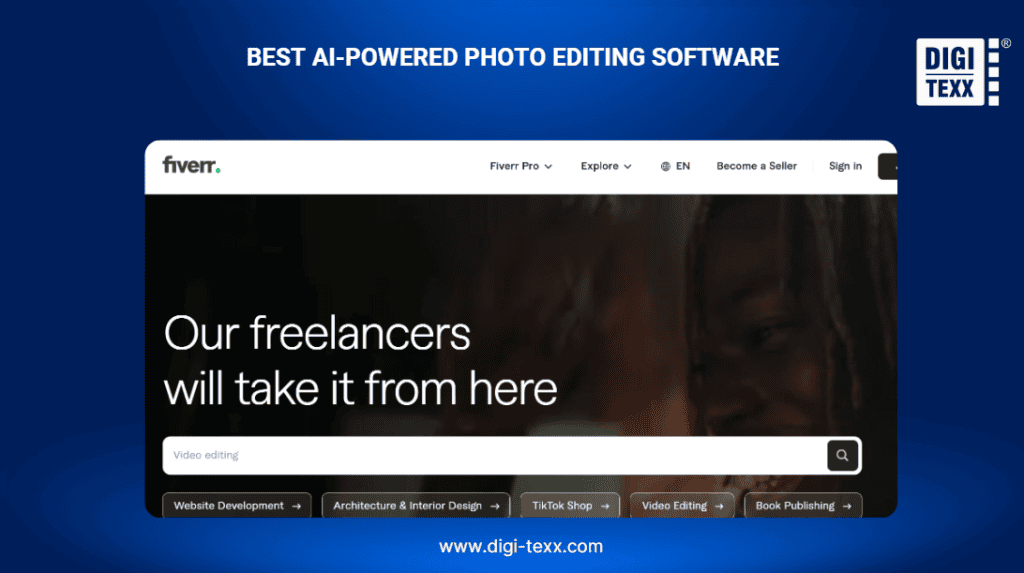
Fiverr is different from the other tools on this list. It is not primarily AI powered photo editing software; it is a marketplace where businesses can hire human freelancers for photo editing, retouching, image manipulation, restoration, and related services.
That distinction matters when comparing AI software with outsourced photo editing.
Fiverr’s image editing marketplace currently includes services for product image editing, portrait retouching, photo restoration, image manipulation, mockups, and other editing tasks.
Pros and features
- Human photo editing
- Product photo editing
- Portrait retouching
- Image manipulation
- Photo restoration
- Background removal
- Real estate photo editing
- Photoshop editing
- Flexible freelancer selection
- Project-based pricing
The main advantage is flexibility. A skilled editor can interpret requirements, make subjective creative decisions, and handle unusual images that automated tools may struggle with.
The trade-off is scalability and consistency. Quality varies by freelancer, and processing large volumes can require additional project management.
Best for
- Businesses that need human judgment
- Complex photo retouching
- Specialized image manipulation
- One-off projects
- Businesses without an in-house photo editor
Pricing
Fiverr does not have a single software subscription price. Individual sellers set their own rates and packages. Current image-editing listings include services starting from around $15, although actual pricing depends on complexity, volume, turnaround time, and the freelancer’s expertise.
>>> See more:
- What Is Multiple Clipping Path Service? A Complete Guide
- How To Master Portraits Photo Editing: 10 Best Tools, Tips & Step-By-Step Guide
- Top 10 Free Photo Retouch Tools Online In 2026
FAQs About AI-powered Photo Editing Software
What Is The Best AI-powered App For Photo Editing?
There is no single best AI-powered photo editing app for every workflow. The right choice depends on the type of editing, image volume, platform, and level of creative control required. The 12 options covered in this guide include:
- Adobe Photoshop: Best for professional AI photo editing and advanced creative control.
- Fotor: Best for all-in-one AI photo editing.
- Canva: Best for AI photo editing and graphic design.
- Pixlr: Best for browser-based AI photo editing.
- Claid AI: Best for product photography and e-commerce images.
- Evoto AI: Best for AI portrait retouching.
- Aftershoot: Best for AI culling and batch photo editing.
- Picsart: Best for creative and social media editing.
- Phot.AI: Best for quick AI photo editing and e-commerce content.
- AIEnhance.io: Best for AI image enhancement and restoration.
- Magic Hour AI: Best for prompt-based creative editing and transformations.
- Fiverr: Best when professional human photo editing services are preferred over software.
Which AI Photo Editor Is Totally Free?
Several AI photo editors offer free features, including:
- Pixlr: Best for browser-based AI editing and retouching.
- Canva: Best for AI editing combined with graphic design.
- Fotor: Best for quick AI enhancements and portrait retouching.
Can ChatGPT Edit Photos For Free?
The answer is yes. ChatGPT lets users edit photos for free, making it possible to make basic changes without paying for a subscription. However, free accounts may have daily usage limits or restrictions on certain photo-editing features, so access can vary depending on the account and current usage.
The right AI-powered photo editing software depends on your editing needs, workflow, and budget. Whether you need professional retouching, faster batch processing, creative edits, or a free AI app for photo editing, comparing features, ease of use, pricing, and scalability can help you choose the right solution.
For businesses handling large volumes of visual content, it is also important to consider workflow efficiency, output consistency, data privacy, and integration capabilities—not just the number of AI features available.
With this guide, DIGI-TEXX helps you compare the leading options and find an AI-powered photo editing software free or paid solution that best fits your specific requirements.
DIGI-TEXX Contact Information:
🌐 Website: https://digi-texx.com/
📞 Hotline: +84 28 3715 5325
✉️ Email: [email protected]
🏢 Address:
- Headquarters: Anna Building, QTSC, Trung My Tay Ward
- Office 1: German House, 33 Le Duan, Saigon Ward
- Office 2: DIGI-TEXX Building, 477-479 An Duong Vuong, Binh Phu Ward
- Office 3: Innovation Solution Center, ISC Hau Giang, 198 19 Thang 8 street, Vi Tan Ward
Reference:
- Chandra, B., Dunietz, J., Roberts, K., Lee, Y., Fontana, P., & Awad, G. (2024). Reducing risks posed by synthetic content: An overview of technical approaches to digital content transparency (NIST AI 100-4). National Institute of Standards and Technology. https://doi.org/10.6028/NIST.AI.100-4
- Huang, Y., Huang, J., Liu, Y., Yan, M., Lv, J., Liu, J., Xiong, W., Zhang, H., Chen, S., & Cao, L. (2024). Diffusion model-based image editing: A survey. arXiv. https://arxiv.org/abs/2402.17525