A professional clipping path service involves outsourcing bulk image background removal using precise hand-drawn vector paths in Adobe Photoshop. As a foundational element of high-volume e-commerce photo editing services, it guarantees pixel-perfect product isolation.
By partnering with an enterprise BPO provider like DIGI-TEXX, brands achieve scalable, lightning-fast turnaround times and massive cost reductions compared to standard photo editing services online, completely eliminating the overhead of an in-house retouching team.
What Is A Clipping Path Service?
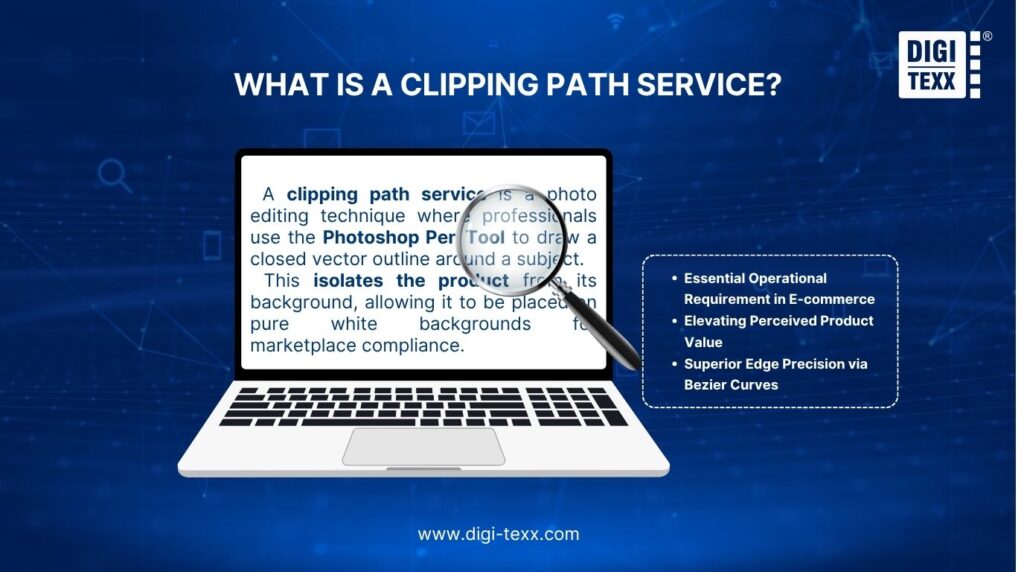
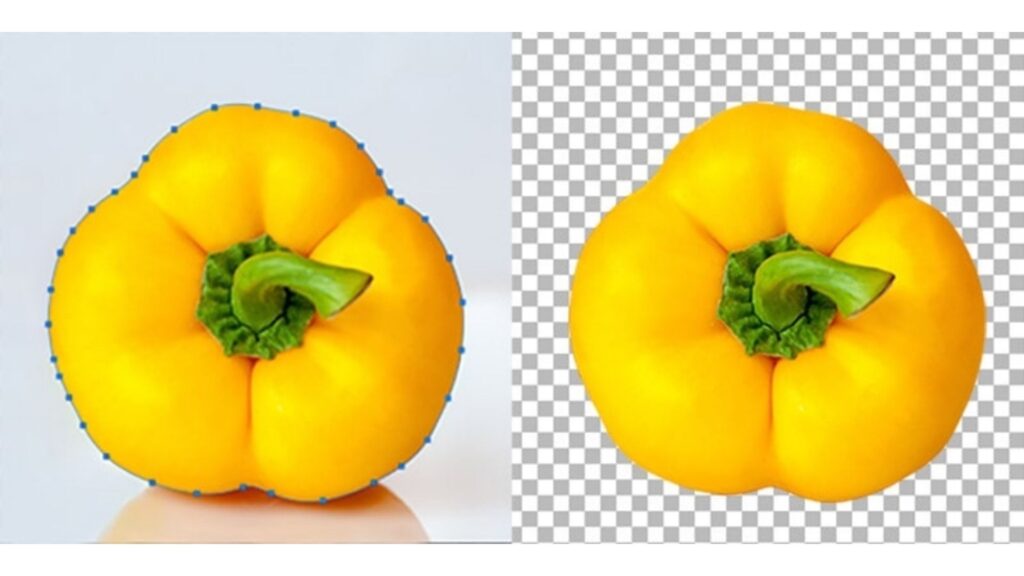
A clipping path service is a photo editing technique where professionals use the Photoshop Pen Tool to draw a closed vector outline around a subject. This isolates the product from its background, allowing it to be placed on pure white backgrounds for marketplace compliance.
In the highly competitive world of digital retail, an online clipping path service is not just a luxury; it is a fundamental operational requirement. Major marketplaces like Amazon, eBay, and Google Shopping enforce strict image guidelines, primarily mandating pure white backgrounds (RGB 255,255,255) for all main product listings.
A Photoshop clipping path service guarantees full compliance with these marketplace standards while elevating the perceived value of the merchandise. By utilizing mathematical Bezier curves rather than pixel-based magic wands, editors ensure that the extraction remains infinitely scalable and flawlessly smooth. No matter how closely a customer zooms in on your product photo, the edges remain razor-sharp.
>>> See more:
- Top 10 Best Free AI Photo Retouching Tools Online In 2026
- How To Make A Clipping Path In Illustrator (Step-By-Step)?
- 25 Popular Photo Editing Styles In Photography For Stunning Images
Clipping Path Vs Image Masking Vs Background Removal
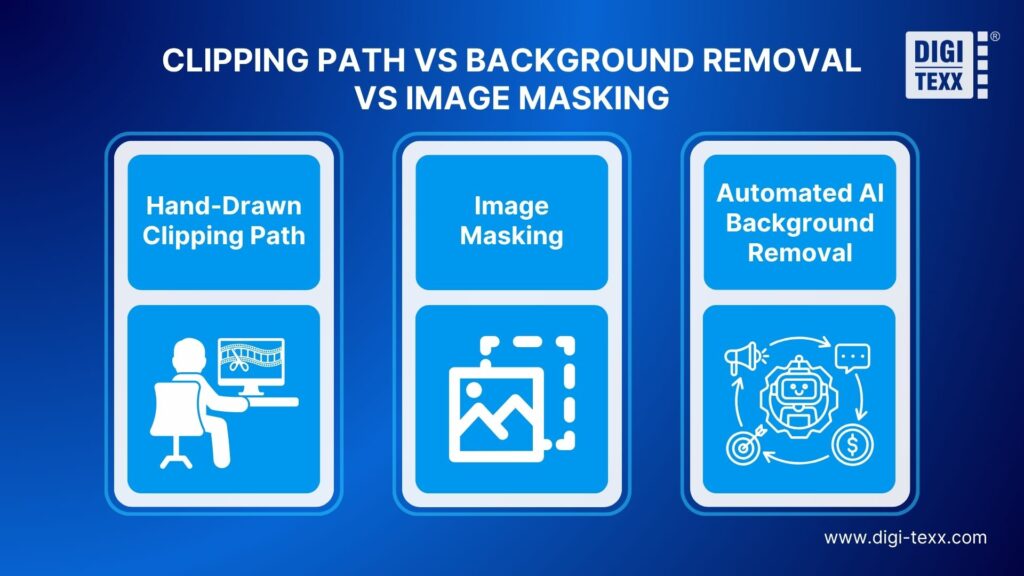
A hand-drawn clipping path uses vector lines for hard-edged products, while image masking employs Alpha Channels for soft subjects like hair or fur. Conversely, automated AI background removal utilizes machine learning algorithms for instant extraction but often lacks the precision required for commercial e-commerce photography.
Understanding the technical distinction between manual execution and automation is crucial for achieving optimal commercial-grade photography. Here is how these three distinct photo editing techniques compare:
- Hand-Drawn Clipping Path (Hard Edges): This manual method relies on human editors utilizing the Photoshop Pen Tool. It traces exact product silhouettes using mathematical Bezier curves. By eliminating unnatural cuts, it is ideal for isolating products with solid, defined boundaries like smartphones, jewelry, and hard plastics.
- Image Masking (Soft Edges): When subjects possess intricate, fuzzy, or translucent details (such as human hair, animal fur, or sheer fabrics), vector paths look unnatural, resembling objects cut with scissors. Image masking utilizes Alpha Channels, Background Erasers, and advanced color separation to seamlessly isolate complex subjects without destroying fine details.
- Automated AI Background Removal: Modern AI tools operate on machine learning algorithms that estimate edge pixels. While incredibly fast and cost-effective, AI frequently misinterprets low-contrast boundaries (e.g., a white shoe on a gray backdrop). It struggles immensely with negative space like bicycle spokes and often leaves jagged edges, making it suitable for quick mockups rather than high-end retail.
Comprehensive Comparison Matrix
| Feature | Hand-Drawn Clipping Path | Image Masking | Automated AI Background Removal |
| Edge Quality | Flawless, smooth vector curves. | Seamless integration of fine details. | Often jagged, pixelated, or unnatural. |
| Subject Type | Hard, solid boundaries (shoes, furniture). | Soft, fuzzy, or translucent (hair, fur, mesh). | Simple shapes with high contrast. |
| Technology Used | Photoshop Pen Tool (Manual execution). | Alpha Channels & Color Separation (Manual). | Machine Learning Algorithms (Automated). |
| Primary Weakness | Ineffective for strands of hair or fur. | Unnecessary overhead for simple geometric items. | Fails on negative space and reflective surfaces. |
| Best Use Case | Commercial E-commerce, B2B Catalogs. | Fashion Photography, Model Retouching. | Social Media Drafts, Quick Internal Mockups. |
>>> See more:
- Best Product Photo Editing Services For eCommerce: Top Providers Compared
- Photo Editing Price Guide 2026: Rates, Costs & Examples
- How to Retouch Photos on iPhone – Best Free Apps for iOS
Why Outsource To A Clipping Path Provider?
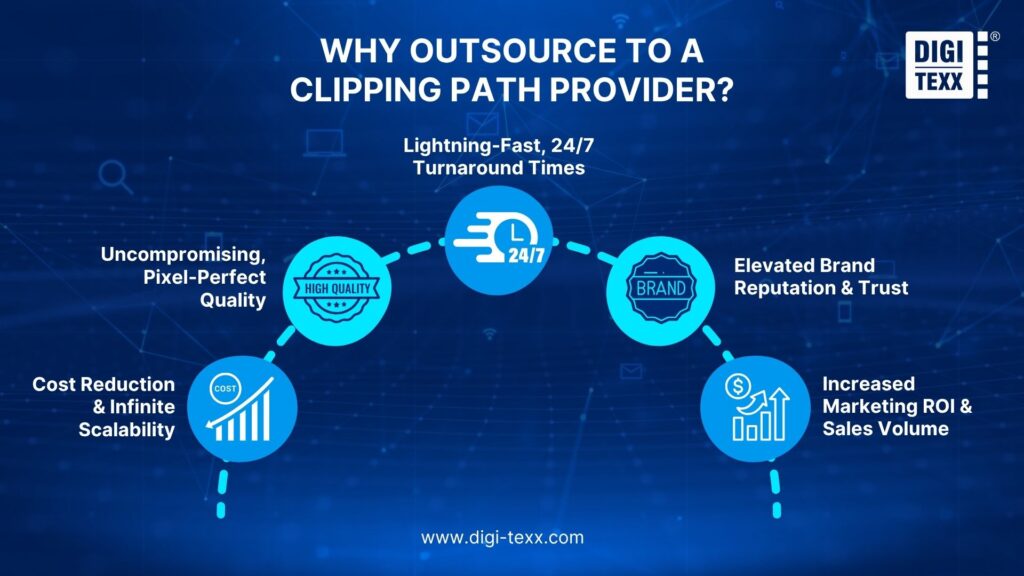
Outsourcing to a professional clipping path provider allows e-commerce businesses to instantly scale post-production workflows. It converts fixed overhead into variable costs, ensures 24/7 production cycles, and guarantees pixel-perfect image quality through expert manual editing, ultimately boosting brand trust and online sales conversion rates.
Partnering with a dedicated BPO agency delivers massive ROI. Instead of struggling with workflow bottlenecks, creative studios and e-commerce platforms gain immediate access to a vast talent pool of skilled Photoshop editors.
Here are the top five strategic benefits of shifting from an in-house retouching team to a reliable online clipping path service:
- Cost Reduction & Infinite Scalability: Converts fixed expenses (full-time salaries, hardware upgrades, premium Adobe licenses) into pay-as-you-go variable costs. You can instantly scale operations to handle massive volume spikes during peak Q4 holiday rushes without the burden of hiring temporary staff.
- Uncompromising, Pixel-Perfect Quality: Guarantees accuracy through a strict “Maker-Checker” Quality Assurance protocol. Senior QA specialists meticulously inspect manual hand-drawn vector paths at 300% magnification, ensuring the geometric shape strictly conforms to Amazon, eBay, and Shopify image guidelines.
- Lightning-Fast, 24/7 Turnaround Times: Leverages advantageous global time zones to create a seamless, non-stop production cycle. Commercial photographers can upload RAW files at the end of their workday and receive fully edited, commercial-ready images by the very next morning.
- Elevated Brand Reputation & Trust: Delivers high-resolution, flawlessly clipped product photos that immediately build consumer trust. A sophisticated, distraction-free digital storefront demonstrates professionalism, keeps customers engaged, and fosters long-term brand loyalty.
- Increased Marketing ROI & Sales Volume: Transforms standard photos into compelling promotional assets. By isolating the product from distracting backgrounds, you focus the buyer’s complete attention on the item, which directly boosts click-through rates, e-commerce conversions, and overall marketing ROI.
“In the digital storefront, visual presentation is your ultimate sales pitch. Over 90% of online shoppers consider visual appearance to be the key deciding factor in a purchasing decision.” – E-commerce consumer research
In-House Team vs. Outsourced Provider Comparison
| Feature | In-House Editing Team | Outsourced Clipping Path Provider |
| Cost Structure | High fixed overhead (Salaries, Adobe Software) | Variable cost (Pay per image only) |
| Scalability | Rigid (Struggles to scale during Q4 rushes) | Infinite (Easily processes 10,000+ images daily) |
| Turnaround | Limited by standard 8-hour workdays | 24/7 continuous global production cycles |
>>> See more:
- 13 Street Style Photo Editing Steps In Lightroom For Professional Results
- Birthday Editing Online Free: Tools, Frames & Creative Ideas
- 15 Best Document Scanning Software: Features, Pricing & Reviews 2026
Clipping Path Complexity Levels
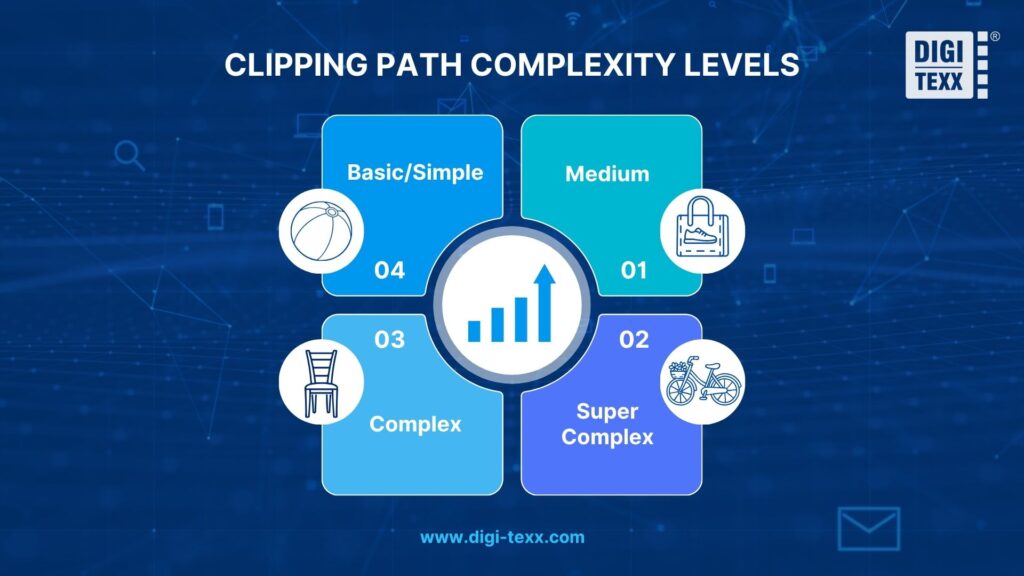
Image extraction pricing and turnaround times are dictated by the physical complexity of the object being traced. Simpler shapes require fewer anchor points, while intricate items demand significant time and precision.
Here is a breakdown of how image clipping services categorize project complexity:
| Complexity Level | Description & Path Characteristics | Typical Product Examples | Estimated Editing Time |
| Basic/Simple | Straight edges, simple curves, maximum of 1-2 closed loops (holes). | Books, smartphones, simple boxes, balls, basic apparel. | 1-2 minutes per image |
| Medium | Multiple curves, varied anchor points, several interior cutouts. | Shoes, simple bags, watches, basic electronics. | 3-5 minutes per image |
| Complex | Highly detailed geometry, numerous jagged edges, and complex interior paths. | Furniture (chairs with spindles), machinery, basic jewelry. | 10+ minutes per image |
| Super Complex | Intricate micro-details, hundreds of interior cutouts, wire mesh, chain links. | Bicycles, heavy chain necklaces, complex chandeliers. | 30+ minutes per image |
Key Uses Of Clipping Path Services
Clipping path services have a wide range of uses, making them essential for various photo editing needs. Here are some of the most common applications:
Background Removal For Product Photos
Background removal is one of the primary uses of clipping paths. By isolating the product from its background, the image becomes more visually appealing and professional. This is particularly important in e-commerce product photo editing services, where products often need to be showcased against a clean, neutral backdrop.

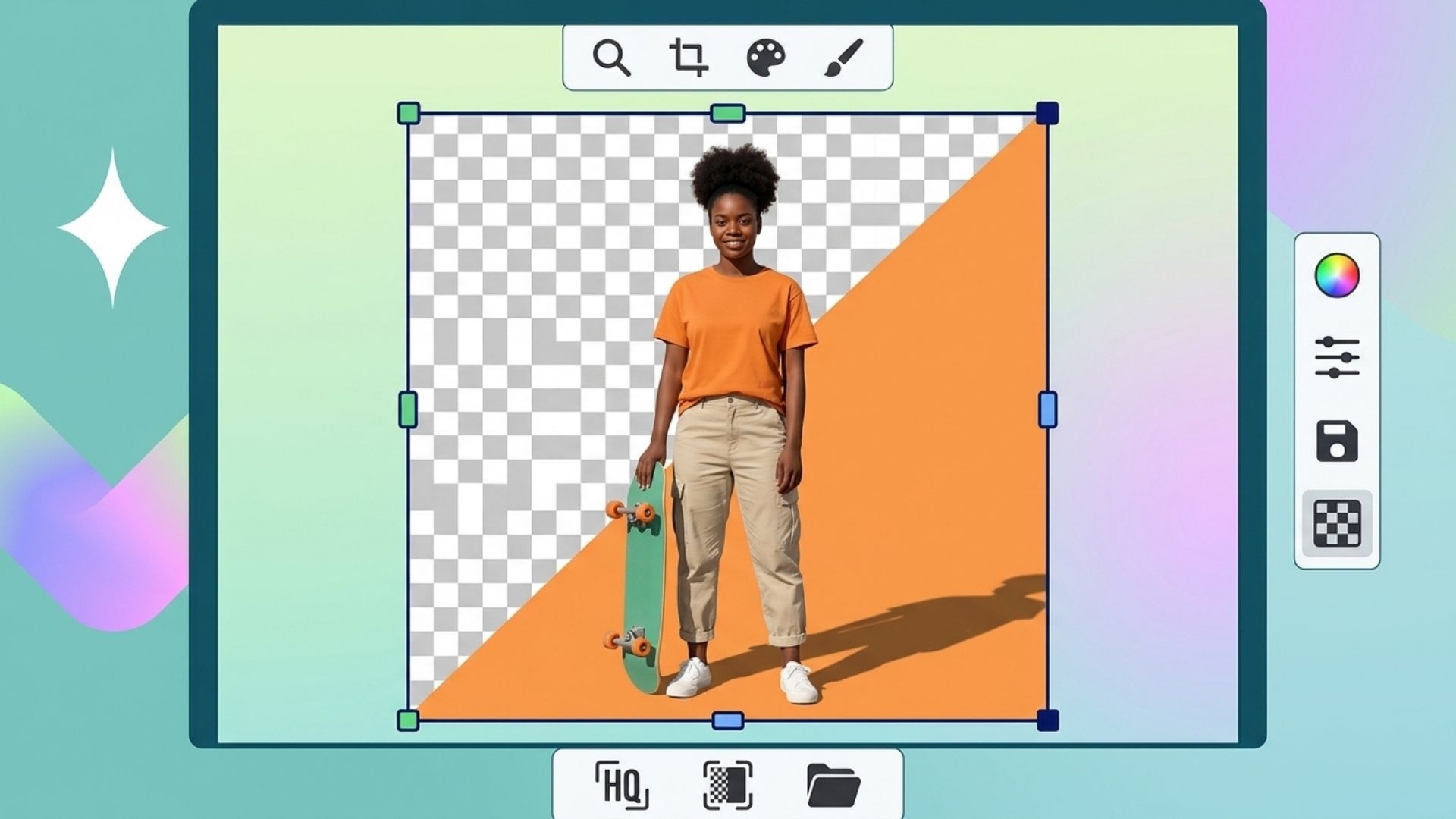
Creating Transparent Backgrounds
Clipping paths can be used to create transparent backgrounds for logos, icons, or other graphical elements. Transparent backgrounds are especially useful in digital design and web development, where the graphic needs to be placed over various backgrounds without showing any edges or borders.
Isolating Specific Image Elements
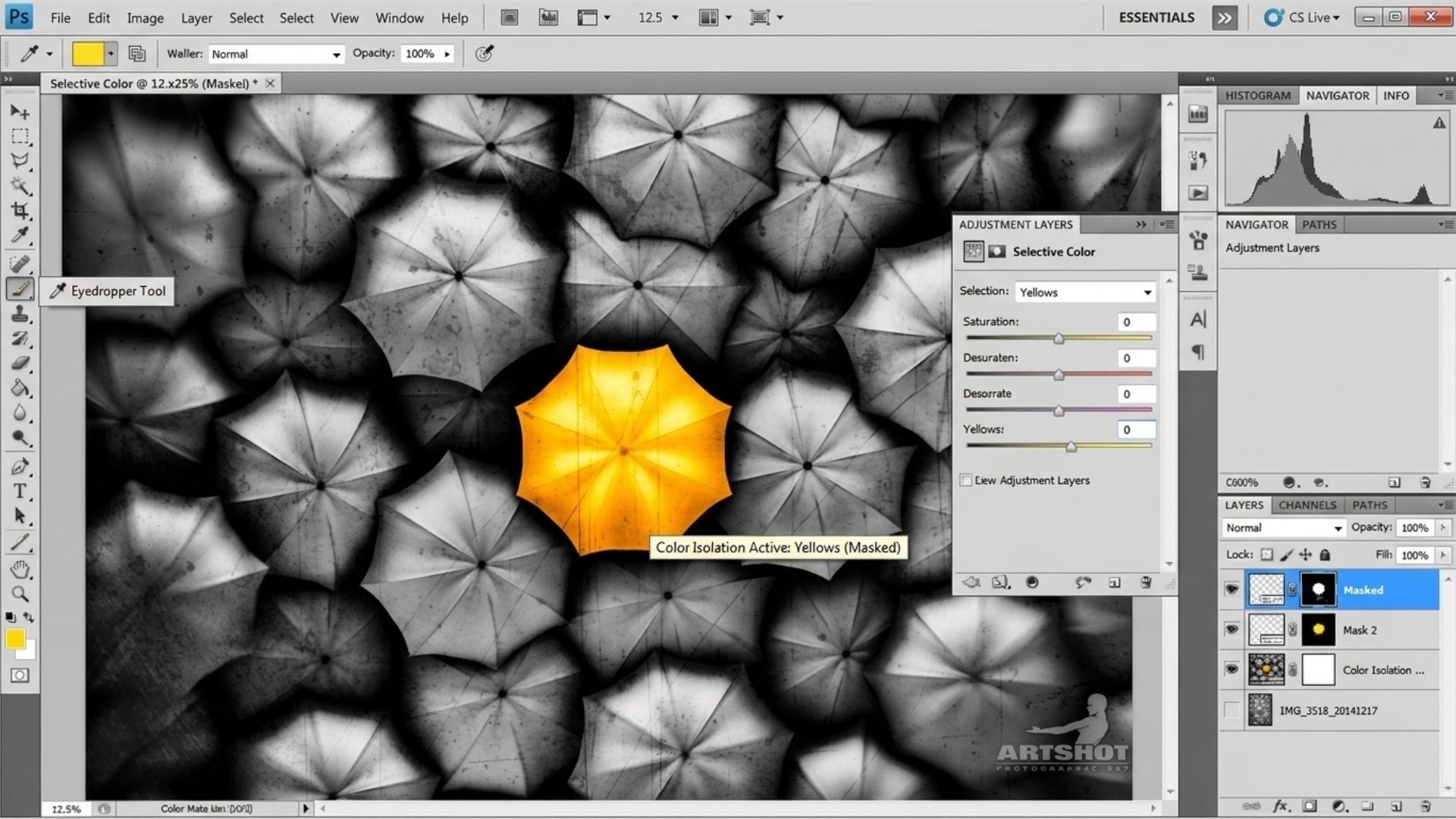
Clipping paths allow for precise isolation of specific parts of an image, which is often necessary in design and creative work. For example, in product photography, the main subject can be isolated from the background, allowing it to be edited or combined with other images for creative compositions.
Retouching And Color Correction
Once an image is clipped, editors providing photo retouching services can perform further edits, such as retouching or color correction, on the isolated subject without affecting the rest of the image. This helps improve the visual quality of the image, making it look polished and professional.
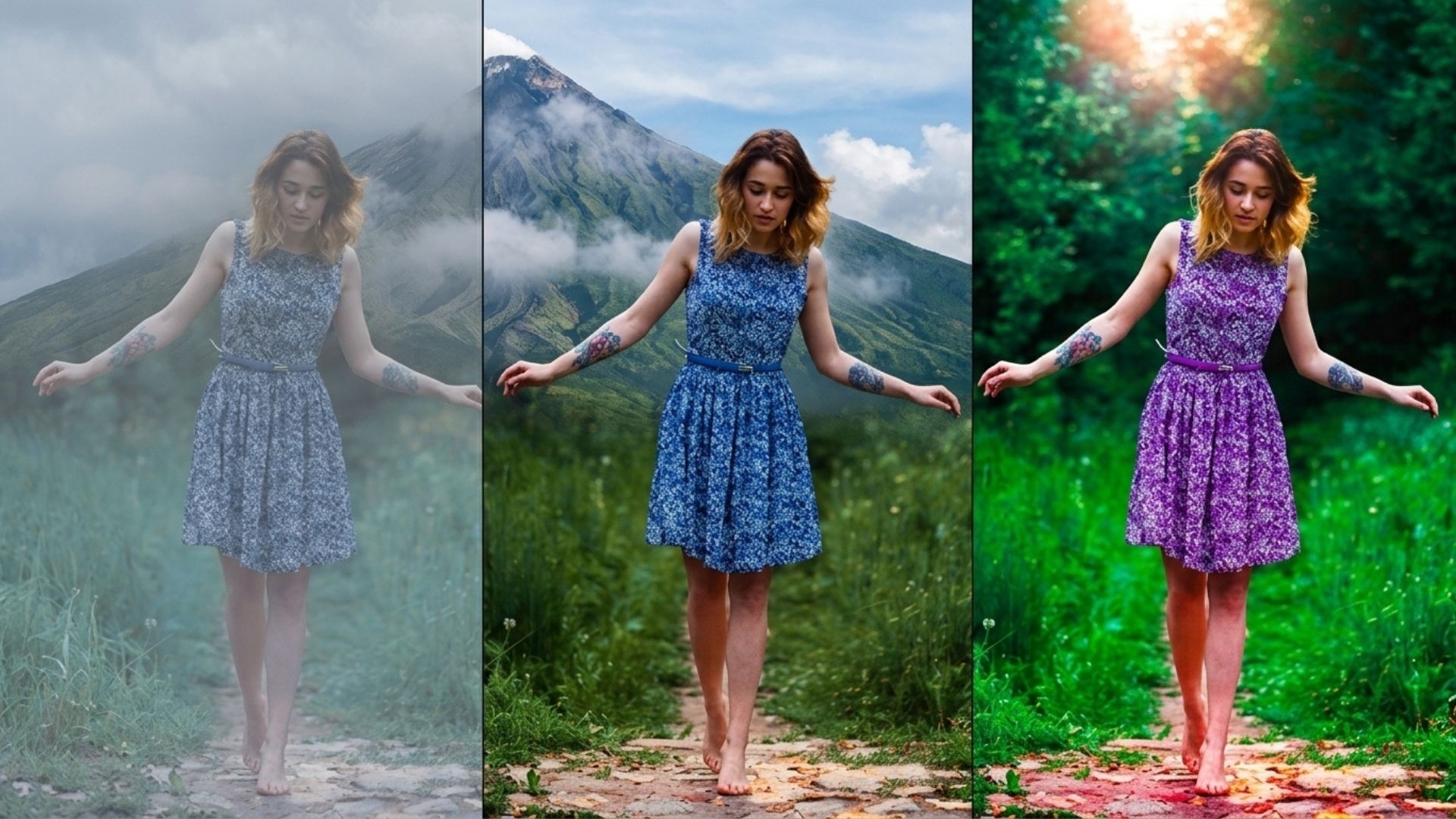
Image Manipulation With Photo Clipping
Clipping paths are also used in complex image manipulations, such as combining multiple images or changing the background entirely. Photo clipping allows editors to create entirely new compositions by seamlessly integrating different image elements.
>>> See more:
- How To Restore Damaged Photographs: Best AI Tools, Software & Professional Services
- 7+ Best Photo Editing Apps For Android And iPhone (2026 Guide)
- Car Photo Editing Guide: Professional Results With Free Online Apps
How Does The Clipping Path Process Work?
The clipping path process relies on professional image editing software like Adobe Photoshop to isolate subjects from their backgrounds. Using the Pen Tool, photo editors manually draw closed vector paths around an object’s edges. Once closed, the path creates a precise vector mask, allowing clean background removal, transparency, or placement onto new backgrounds without loss of image quality.
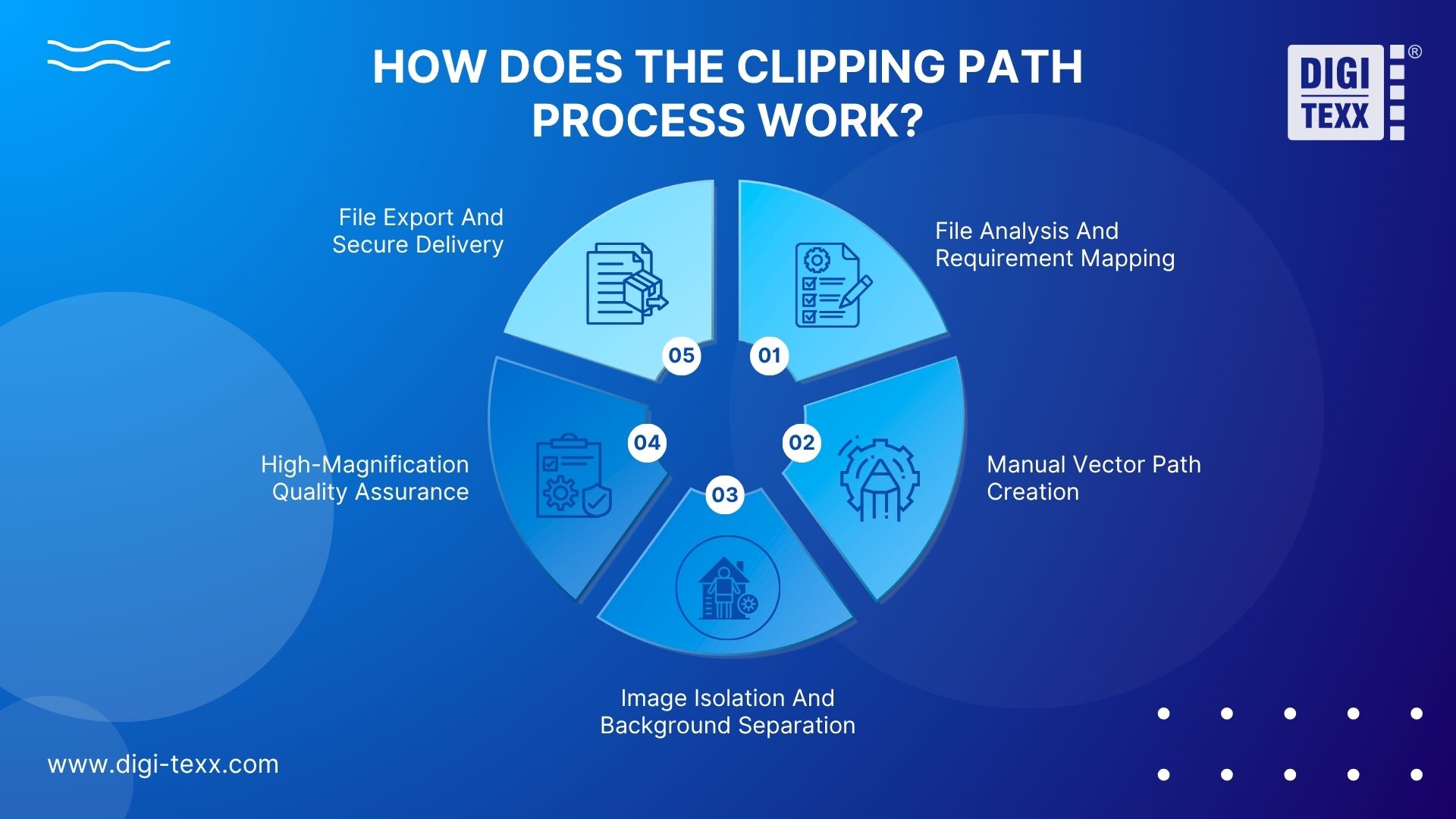
The workflow of a professional clipping path service transforms raw product photography into studio-ready e-commerce assets. Executing precise vector paths requires technical accuracy to ensure seamless integration across online catalogs and marketing channels.
Phase 1: File Analysis And Requirement Mapping
Before editing begins, images undergo thorough inspection to identify subject complexity and client specifications.
- Guideline Alignment: Editors review padding rules, margin proportions, shadow requirements, and specific hex-code background targets.
- Complexity Classification: Images are categorized into basic, medium, complex, or super-complex paths based on edge detail, transparency needs, and internal cutouts.
- Naming Conventions: File structures are mapped to match automated e-commerce inventory databases and content management systems.
Phase 2: Manual Vector Path Creation
At the core of a high-quality clipping path service is manual vector drawing using the Adobe Photoshop Pen Tool.
- Anchor Point Placement: Editors manually set vector anchor points along the natural perimeter of the subject.
- Bezier Curve Control: Smooth handles are adjusted to follow curved contours without creating jagged or pixelated edges.
- Inside-Hole Cutouts (Hollow Paths): Negative spaces, such as bag handles, chair legs, or jewelry loops, are clipped out with secondary paths to ensure total background isolation.
Phase 3: Image Isolation And Background Separation
Once the vector path is closed, it acts as a non-destructive mask over the image raster data.
- Path to Selection: Editors convert vector paths into active selections with zero-feathering to retain sharp, crisp edges.
- Background Removal: The original background is removed or replaced with pure white (#FFFFFF), transparent alpha channels, or custom brand backdrops.
- Layer Preservation: Master assets are preserved in multi-layer files, allowing future retouching teams to adjust background elements independently.
Phase 4: High-Magnification Quality Assurance (QA)
Rigorous quality control prevents edge bleed, clipping errors, and inconsistent product framing.
- High Zoom Inspection: QA specialists inspect paths at 200% to 500% magnification to verify curve accuracy and smooth transitions.
- Halation and Bleed Check: Editors ensure no remnants of the original studio background or lighting halo remain along the product border.
- Consistency Audit: Dimensions, cropping aspect ratios, and color profiles are cross-checked across the entire image batch.
Phase 5: File Export And Secure Delivery
Finalized graphics are converted into production-ready file formats suited for web, print, or marketplace integration.
- Multi-Format Output: Files are exported as flattened JPEGs, transparent PNGs, uncompressed TIFFs, or fully layered PSDs containing the editable vector path.
- Secure Transfer: Delivery takes place via encrypted FTP channels, API endpoints, or secure cloud storage platforms to meet strict project Service Level Agreements (SLAs).
Top 5 Clipping Path Service Providers In 2026
Evaluating the top image clipping path services requires analyzing pricing models, turnaround options, and primary target industries.
| Provider | Primary Target Audience | Starting Price | Turnaround Time | Best Feature |
| PathEdits | Small E-commerce Store Owners | ~$0.39 / image | 6 to 24 hours | Self-service client portal |
| RetouchUp | Professional Photographers | $1.50 / image | 24 hours | Flat-rate studio pricing |
| Pixelz | High-End Fashion Brands | ~$0.70–$1.25 / image | 3 to 24 hours | S.A.W. AI-hybrid workflow |
| Clipping Path Service | Studios & Growing E-commerce | ~$0.49 / image | 12 to 24 hours | Budget-friendly manual editing |
| DIGI-TEXX | Enterprise B2B & High-Volume BPO | Custom Volume SLA | 6 to 12 hours | ISO 27001 certified data security |
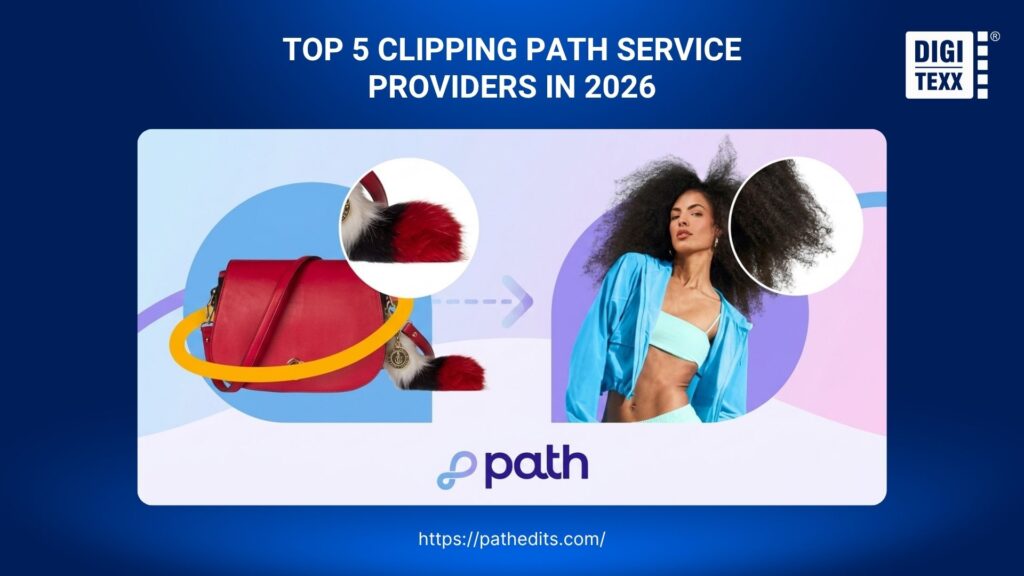
1. PathEdits
PathEdits offers an automated platform designed for small-to-medium e-commerce sellers who need fast background removal without extensive custom management.
- Starting Price: Starts at roughly $0.39 per image for basic path isolation.
- Turnaround Time: Standard delivery in 24 hours, with rush options as fast as 6 hours.
- Best Feature: Highly intuitive, self-service web dashboard that allows users to drag-and-drop images, select turnaround options, and track progress directly online.
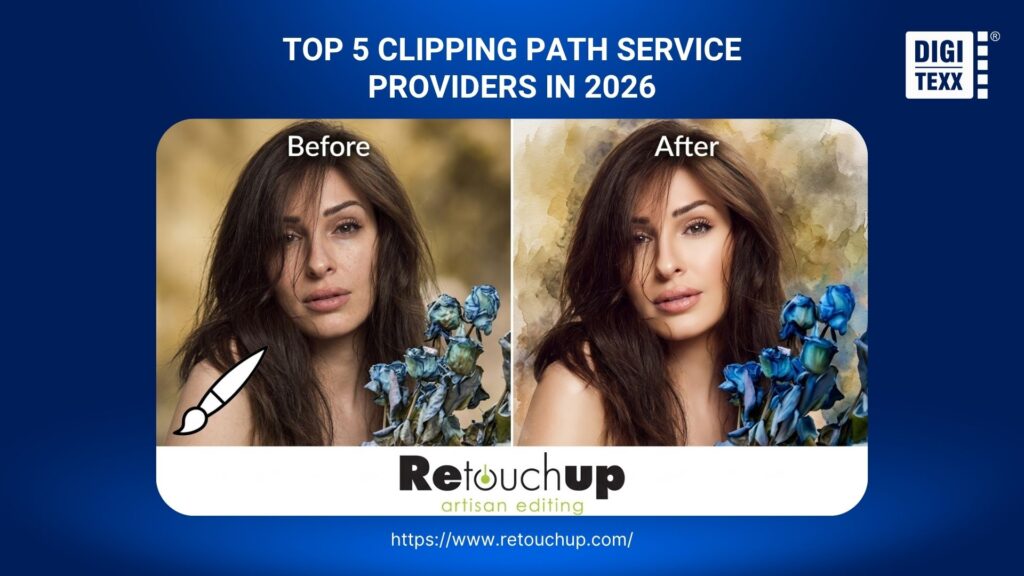
2. RetouchUp
RetouchUp focuses specifically on portrait, wedding, and studio photographers who require flat-rate pricing for studio extractions.
- Starting Price: Flat rate of $1.50 per image for standard extractions containing 1–2 subjects.
- Turnaround Time: Standard 24-hour delivery window.
- Best Feature: Straightforward flat-rate pricing structure tailored specifically for commercial studio workflows rather than complex, bulk e-commerce catalogs.
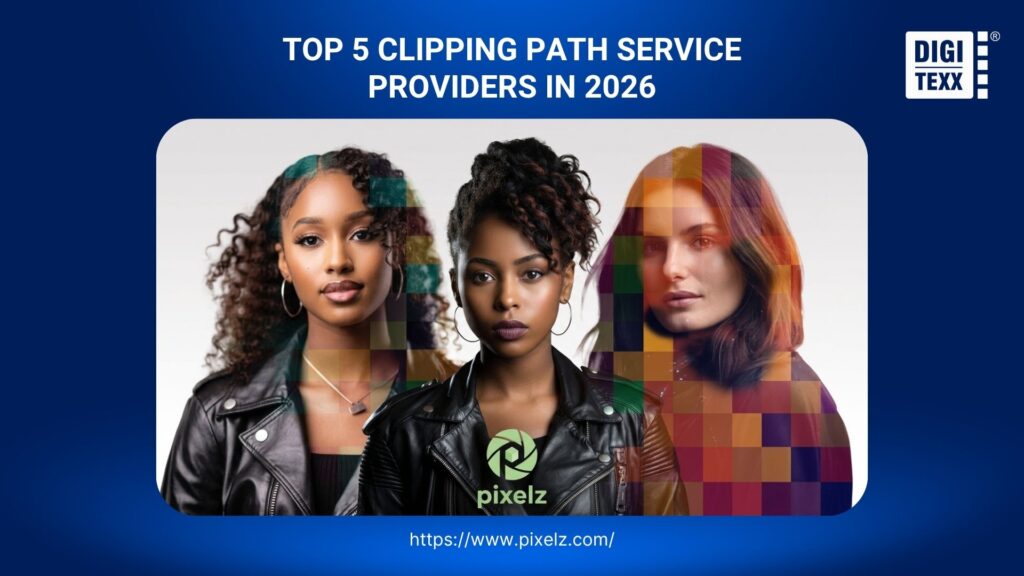
3. Pixelz
Pixelz caters to global fashion houses, apparel brands, and large retail enterprises that require consistent ghost mannequin and garment editing.
- Starting Price: Subscription-based model ranging from $0.70 to $1.25 per image, depending on volume tier and selected features.
- Turnaround Time: 24 hours standard, with expedited options down to 3 hours for enterprise subscribers.
- Best Feature: Proprietary S.A.W. (Specialist Assisted Workflow), which combines AI pre-processing with human retouching to streamline apparel catalog production.
>>> See more:
- How To Master Portraits Photo Editing: 10 Best Tools, Tips & Step-By-Step Guide
- Top 10 Free Photo Retouch Tools Online In 2026
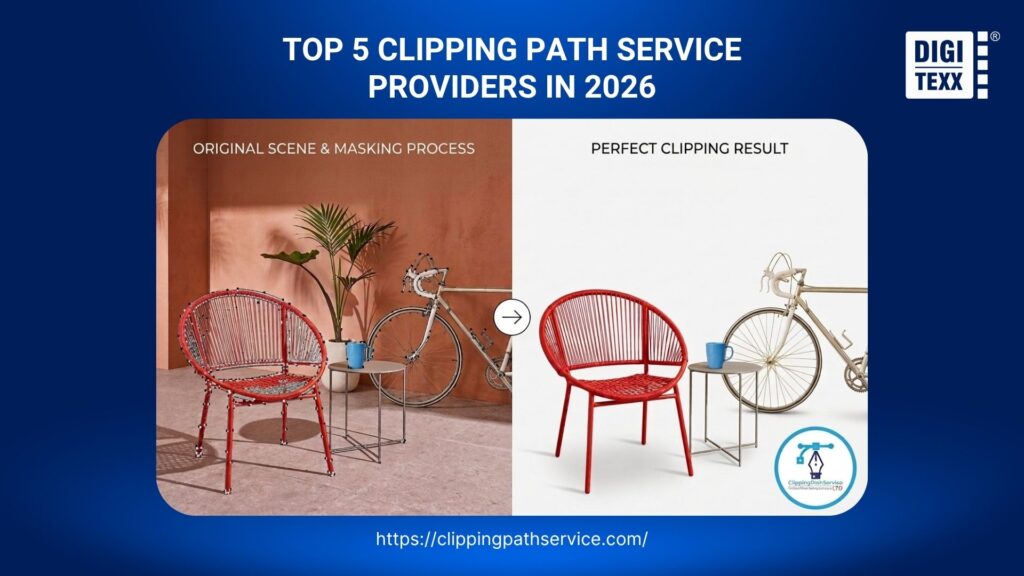
4. Clipping Path Service
Clipping Path Service is a web-based agency providing budget-friendly manual photo extraction for e-commerce stores, design agencies, and photographers.
- Starting Price: Starts at $0.49 per image for basic clipping path orders.
- Turnaround Time: Standard delivery within 12 to 24 hours, with express rush services available upon request.
- Best Feature: 24/7 dedicated customer support paired with a simple 100% hand-drawn guarantee and a no-obligation free trial for up to 3 test images.
5. DIGI-TEXX
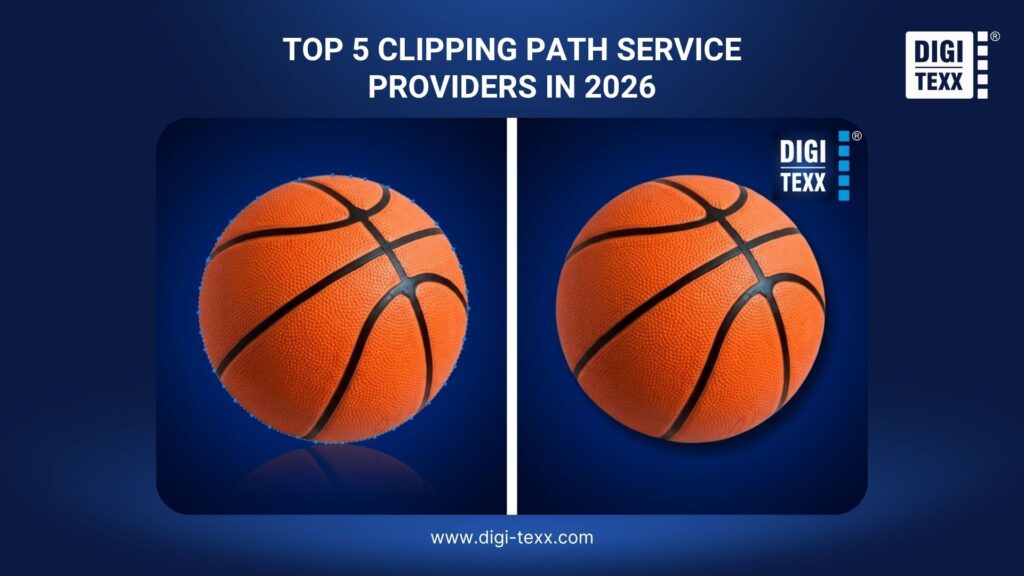
DIGI-TEXX is an international Business Process Outsourcing (BPO) company with over two decades of experience, serving enterprise e-commerce platforms, global advertising agencies, and corporate photo studios.
- Starting Price: Custom volume pricing structured under dedicated Service Level Agreements (SLAs), offering cost efficiency for large-scale production.
- Turnaround Time: Flexible SLAs offering 6 to 12-hour overnight turnarounds, enabled by 24/7 BPO shift operations.
- Best Feature: Enterprise-grade security backed by ISO 27001 certification and strict NDAs, combined with a two-tier Maker-Checker QA framework that delivers 100% hand-drawn vector precision for high-volume catalogs.
>>> See more:
- Professional Skin Retouching In Photoshop For Natural Results
- How To Edit Photos In Lightroom To Look Professional?
- How To Make Photos Look Like Film: A Complete Beginner’s Guide
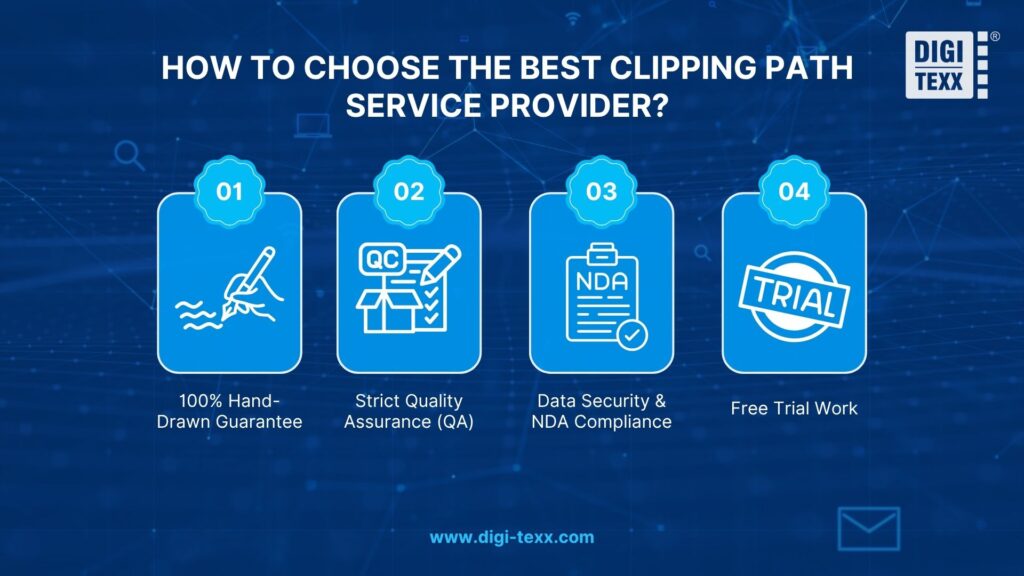
How To Choose The Best Clipping Path Service Provider?
Selecting the right partner for your photo clipping path service needs requires evaluating their technical capabilities, security infrastructure, and workflow efficiency. Look for providers that guarantee manual editing and offer secure, scalable solutions.
When evaluating an online clipping path service, utilize this buyer’s checklist to ensure a reliable partnership:
- 100% Hand-Drawn Guarantee: Ensure the contract explicitly states they use the Photoshop Pen Tool manually, rejecting automated auto-selection scripts that compromise quality.
- Strict Quality Assurance (QA): Inquire about their internal QC hierarchy. Do they have dedicated QA managers reviewing the final output before delivery?
- Data Security & NDA Compliance: Pre-release product images are highly confidential. The provider must operate under strict data security frameworks (like ISO 27001), use secure FTP/Cloud transfers, and sign Non-Disclosure Agreements.
- Free Trial Work: A reputable clipping path service will always offer to process 2 to 5 images for free. This allows you to audit their quality, communication, and turnaround time before committing to a bulk volume contract.
FAQs About Clipping Path Services
What Does Clipping Path Mean?
A clipping path means a closed vector shape or outline created within image editing software like Adobe Photoshop. Functioning like a precise digital cookie cutter, everything inside the drawn path remains visible, while everything outside the path is omitted or rendered transparent. It relies on mathematical Bezier curves to ensure edges remain infinitely scalable and perfectly smooth.
Can I Pay Someone To Photoshop Something For Me?
Yes, you can easily pay professional photo editing agencies or freelance graphic designers to Photoshop images for you. For bulk e-commerce needs like background removal, color correction, or ghost mannequin effects, outsourcing to a dedicated Business Process Outsourcing (BPO) agency is highly cost-effective. Prices typically range from $0.25 to $3.00 per image depending on the project’s complexity.
How To Remove Clipping Path?
To remove a clipping path in Adobe Photoshop, open your image and navigate to the “Paths” panel by clicking Window > Paths. Locate and select the active path layer containing your clipping path. Right-click the path name and choose Delete Path, or simply click and drag the path layer down to the trash can icon at the bottom of the panel.
How Much Does A Professional Clipping Path Service Cost?
The pricing for a professional clipping path service typically ranges from $0.30 to $3.00 per image. The exact cost is dictated by the object’s physical complexity, the required turnaround time, and your total order volume. While basic geometric items cost significantly less, intricate subjects like bicycles or mesh require more manual editing time. Outsourcing bulk catalogs to a BPO provider often secures highly discounted, custom Service Level Agreement (SLA) pricing.
When Do You Need A Clipping Path Service?
You need a clipping path service when updating bulk e-commerce catalogs, meeting marketplace image standards (like Amazon or eBay), preparing high-res print materials, or needing pixel-perfect background removal and multi-path color correction.
Ultimately, a professional clipping path service is far more than a standard photo editing technique; it is a core competitive advantage within the e-commerce industry. Despite the rapid advancement of AI, manual hand-drawn vector paths executed by reputable BPO partners remain the definitive gold standard for guaranteeing pixel-perfect quality.
Strategically outsourcing this workflow empowers businesses to scale operations seamlessly, optimize overhead costs, and significantly accelerate revenue growth. Choose the right service provider today to elevate your product imagery and maximize your digital storefront’s potential.
DIGI-TEXX Contact Information:
🌐 Website: https://digi-texx.com/
📞 Hotline: +84 28 3715 5325
✉️ Email: [email protected]
🏢 Address:
- Headquarters: Anna Building, QTSC, Trung My Tay Ward
- Office 1: German House, 33 Le Duan, Saigon Ward
- Office 2: DIGI-TEXX Building, 477-479 An Duong Vuong, Binh Phu Ward
- Office 3: Innovation Solution Center, ISC Hau Giang, 198 19 Thang 8 street, Vi Tan Ward
References
- Amazon Seller Central. (2026). Product image requirements. Amazon Seller Central Help. https://sellercentral.amazon.com/gp/help/external/1881
- Adobe. (2026). Draw with the Pen tools for pixel-perfect selections. Adobe Photoshop User Guide. https://helpx.adobe.com/photoshop/using/drawing-pen-tools.html